Second Hand Treasures: How QR Codes Can Be Used at Garage Sales

Key Takeaways
- Payment QR codes are some of the most common
- QR code payment allow for garage sale transitions to be done without cash
- Most digital payment services offer QR code based fund transfers
Garage and yard sales can be a great way for ordinary folks to declutter their living spaces and make some extra cash, all while allowing others to hunt for treasures and get deals on items they’ve been looking for, without having to worry about scalpers or shipping for online products.
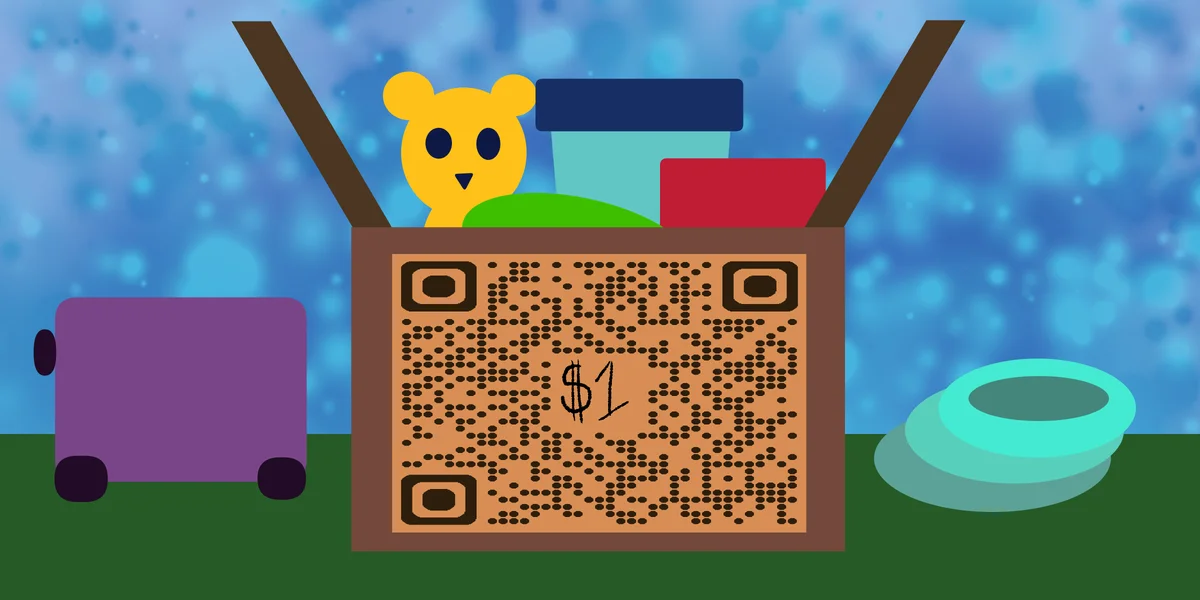
However, in recent years, many garage sales have faced the same problem. That being the simple fact that less people are using physical cash in favor of bank cards and digital transactions. Even if someone comes across an item at a garage sale they’re interested in and have the money for, they may not be able to buy it right away, having to go to an ATM or find the cash another way.
That precious toy, clothing item, or rare video game could be gone by the time they get back. Fortunately, there’s a way for garage sale patrons and operators to easily transfer funds digitally between each other, and that’s through QR codes!
In this piece I will take you through how QR codes can be used for garage sale payments, as well as which services to look into to make your own.
So let’s dive right in!
What is a QR code?
A QR code is a type of encoded image containing data within a square, usually monochrome design. It’s possible to scan these codes with a smart device, like a phone or a tablet, in order to access a variety of digital content, like images, websites, and social media pages, as well as easily conduct certain tasks, like signing into Wi Fi networks, or in this case, exchange currency for goods and services.
These codes are extremely common and can be found just about anywhere you can display a simple 2D image, like on stickers, posters, and fliers. Additionally, QR codes are easy to make through a service like QR Code Developer, can be customized visually to fit your needs, and can still function with significant damage to the code.
How can QR codes be used for garage sale payment?
As stated above, less people are carrying around cash than ever right now, which can make purchasing items at yard and garage sales difficult for both the buyer and the seller. Fortunately, QR codes can be set up to allow for digital payment to be conducted between individuals just by using their smart phones.
I’ll take you through the process here
Before the sale, the seller would set up a payment QR code through the service or services of their choice. If they already have an account or the app on their device, then there’s likely a QR code already set and ready to go.
Then, when a buyer is interested in buying a product, the seller would then simply pull up the payment QR code, either on their own device or printed on a card, sticker, or flier. The buyer would then scan the code and be taken to a page where they can send over the necessary funds to buy the product.
The money would then be transferred to the seller’s account, and the buyer would receive a digital receipt. Then the buyer can leave with their product. Easy as that!
This practice can be used at garage and yard sales as well as flea market stands, craft fairs, special events, or just between individuals. Additionally, this can be used to pay for goods as well as services.
Services that allow for QR code payment
Below are just a few of the many different services that allow you to easily set up a QR code for payment, as well as links to previous blogs we’ve written about each one. Here you can learn more about each service, how they use QR codes, and how you can use them to set up your own codes.
General tips
Know your audience: If you’re certain that most of your intended audience doesn’t know how to use QR codes or just don’t like them, then don’t use them.
Keep instructions clear: Provide clear instructions on how to use and scan QR codes as well as where the codes will redirect to.
Place codes on a flat surface: To make sure that codes are still scannable, only put them on flat surfaces, like walls, tables, posters, or fliers.
Use high contrast: If using custom colors on a code, make sure that the colors are distinct enough from each other to be read as a QR code.
Make sure codes are visible: Don’t place codes where patrons are unlikely to see them.
Only use codes when necessary: If an alternative exists that’s easier for all parties involved, use that.
Test on multiple devices: Make sure your codes work whether scanned on an Android device, iPhone, tablet, or other device.
Frequently Asked Questions
Q: Can QR codes be used for payments at garage sales?
A: Yes. QR codes can be easily set up to accept digital payments for things like garage sales, yard sales, craft fairies, flea markets, and more.
Q: What services allow for QR code based currency exchange?
A: Stripe, Square, Cashapp, Venmo, PayPal, Zelle, and WePay all allow for payments via QR code.
Q: Do I need to hire someone to make my QR codes?
A: No. QR codes can be made by yourself for free through a service like QR Code Developer.
Q: Do I need to download anything to scan QR codes?
A: While QR scanner apps are available for mobile devices, they are not necessary. Most modern smart devices are perfectly capable of scanning codes right from the built-in camera app.
Q: What devices can scan QR codes?
A: Most modern smart devices with both a built-in camera and an internet connection can scan QR codes and access the content within. This includes smart phones, tablets, and even some handheld gaming consoles.
Q: Are QR codes safe?
A: While there are some risks in using QR codes, they are relatively safe.
Ready to create your QR code?
Generate custom QR codes in seconds - free and easy to use.
Create Free QR Code →