Zelle payment QR codes for secure digital transactions

Share your Zelle payment details instantly through scannable codes that connect people to your payment profile without typing phone numbers or email addresses.
How QR codes work with Zelle payments
In 2024, Zelle processed over $1 trillion in transactions. This payment service has quickly become one of the top payment services, right up there with Cashapp and Venmo. However, sharing payment information with others can be a hassle. However, it doesn't have to be if you make clever sue of QR codes!
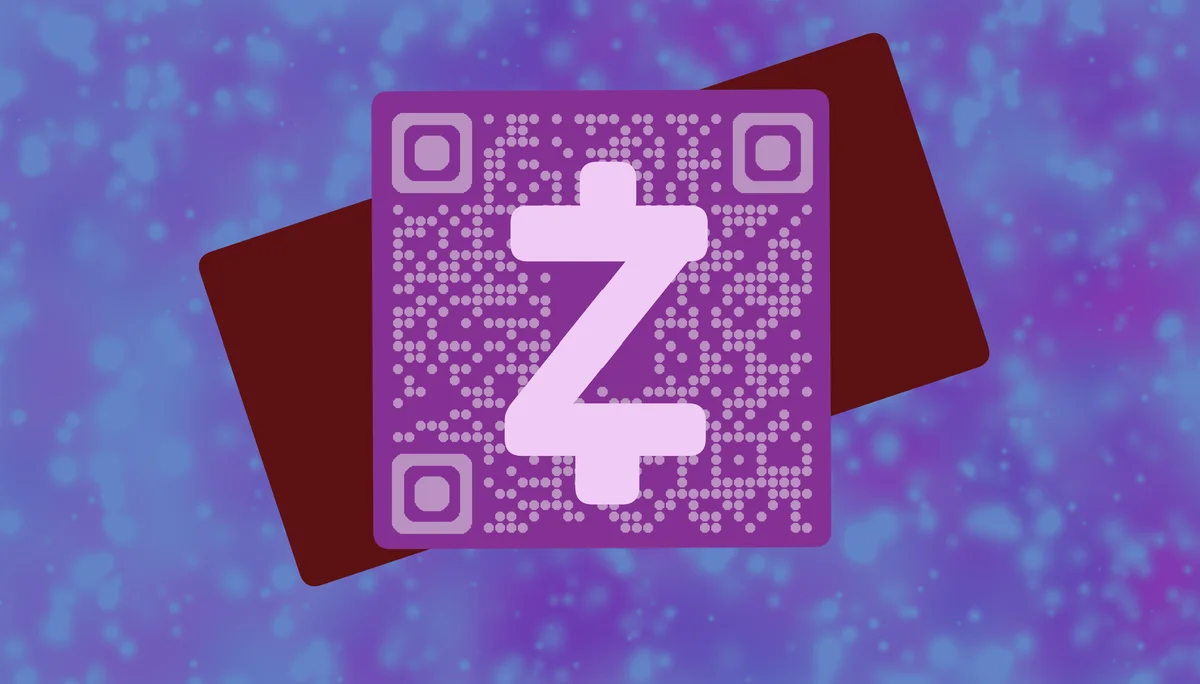
A Zelle payment QR code contains your payment information - typically the phone number or email address associated with your Zelle account. When someone scans the code, it opens their banking app or Zelle interface with your payment details pre-filled, eliminating the need to manually enter contact information that could contain typos or errors.
Setting up payment QR codes has become essential for both businesses and individuals that regularly receive money through digital platforms. Throughout this guide I'll walk you through creating codes that make it simple for others to send you payments while maintaining the security standards that make Zelle a preferred choice among business professionals and individuals alike. So let's get started!
Where Zelle payment QR codes make transactions easier
Payment QR codes eliminate the friction of sharing contact details for money transfers. Whether you're splitting bills, accepting payments for services, or collecting funds for group activities, these codes make the process instant and error-free. Contact QR codes work similarly by sharing information without manual entry.
Small business transactions
Service providers like tutors, personal trainers, or freelancers can display QR codes for clients to pay immediately after sessions without exchanging personal phone numbers. These codes work similarly to QR code business cards but focus specifically on payment information.
Event and group payments
Event organizers collecting money for group dinners, trips, or activities can share a single QR code that everyone scans to send their portion directly. This approach is particularly useful when combined with event QR codes for comprehensive event management.
Marketplace and classified sales
When selling items online or at markets, buyers can scan your payment code to send money instantly upon pickup or delivery confirmation.
Rental and service deposits
Property managers or service providers can include payment QR codes in agreements, making it simple for tenants or clients to submit deposits and payments on time.
Setting up your Zelle payment QR code
Creating a payment QR code involves generating a link or text that contains your Zelle payment information, then converting that into a scannable format.
Access QR code generation tools
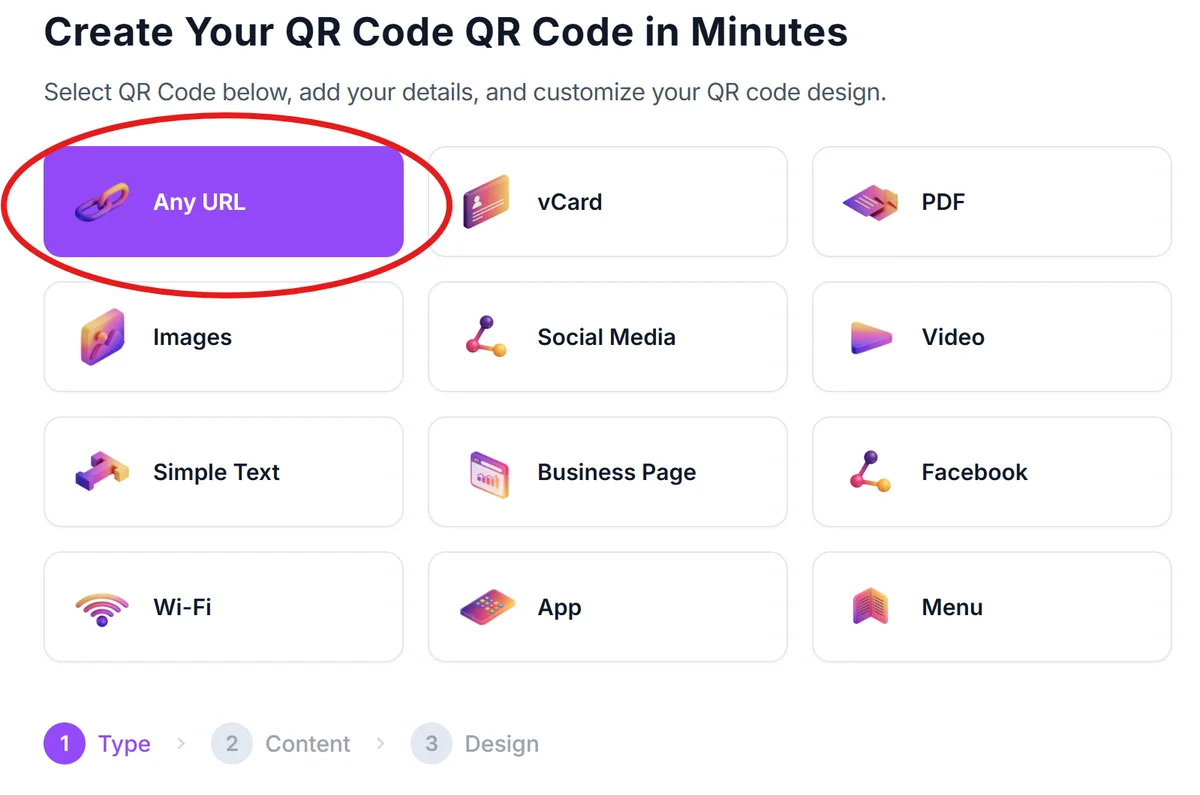
Visit qrcodeveloper.com and select the text or URL QR code option depending on how you want to structure your payment information.
Format your Zelle payment details
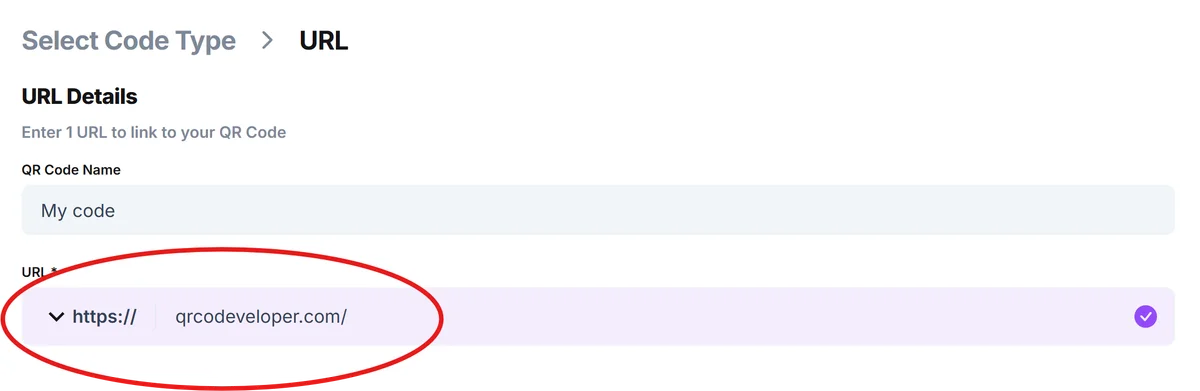
Enter your Zelle-registered phone number or email address in a clear format. Some users include a brief message like 'Pay John Smith: (555) 123-4567' to provide context.
Customize for recognition and trust
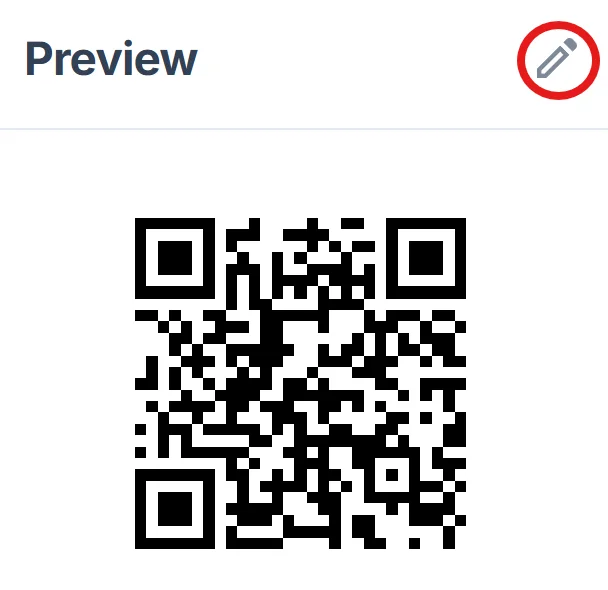
Add your name or business logo to the QR code design so recipients can easily identify whose payment information they're accessing before scanning. Consider following QR code design best practices to ensure your code remains scannable while looking professional.
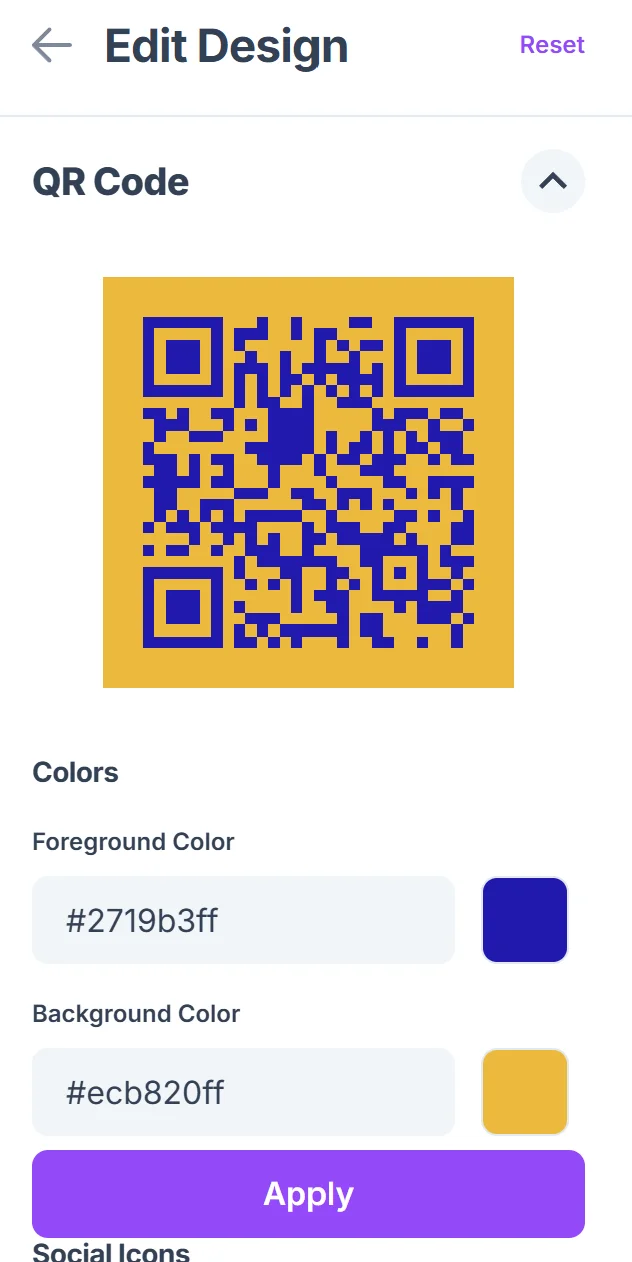
Test the scanning experience
Scan your QR code with different devices to ensure it displays your payment information correctly and doesn't contain any formatting errors that could cause payment delays.
Share strategically and securely
Display your payment QR code only in contexts where you want to receive payments, and consider creating different codes for different purposes to track payment sources.
Best practices for secure payment QR codes
Payment QR codes require extra attention to security and clarity since they involve financial transactions and personal contact information. Before sharing any payment codes, it's important to understand how to check if a QR code is safe and follow security best practices.
Include your name in the QR code content so recipients can verify they're paying the right person before completing transactions
Use high contrast colors and adequate sizing to ensure the code scans reliably in various lighting conditions and from reasonable distances
Monitor where you share payment codes and consider creating separate codes for different contexts like business vs. personal use
Regularly verify that your QR code links to current, active payment information and update codes if you change phone numbers or email addresses
Frequently Asked Questions
Can I create a QR code that automatically opens the Zelle app?
QR codes can contain your payment information, but they typically open in the device's default QR scanner or camera app. Recipients then copy your information to paste into their banking app or Zelle interface.
Is it safe to share my Zelle information through QR codes?
Sharing your Zelle-registered phone number or email through QR codes carries the same security considerations as sharing that information verbally or in writing. Only share payment codes in trusted contexts.
Do I need a special app to create Zelle payment QR codes?
No, you can use any QR code generator to create codes containing your payment information. The key is formatting your Zelle details clearly within the code content.
Will my QR code work with all banking apps that support Zelle?
Your QR code will display your contact information universally, but recipients will need to manually enter that information into their specific banking app or Zelle interface to send payments.
Can I track who scans my payment QR codes?
Basic QR codes don't provide scanning analytics, but you can create dynamic codes through some generators that offer tracking features to monitor scan frequency and locations.
Related Guides
Ready to create your QR code?
Generate custom QR codes in seconds - free and easy to use.
Create Free QR Code →