Giving Out Contact Info through QR Codes

How about a QR code? With a QR code, you can allow your circle to easily access your contact information in a way that’s easy to use, make, and can be printed just about anywhere. This way, you don’t have to worry about a card getting misplaced or an issue with printing.
In this piece I will go over how contact information can be distributed via QR code, who can use it, how they can use it, as well as a step-by-step guide on how to create your own QR code for contact information. Hope you’re ready because the piece starts now!
What are QR codes?
QR codes are images that have been encoded with data that can be scanned by a mobile phone or other device in order to access a variety of media and information. This can include website URLs, images, videos, social media links, event registration, and more.
The technology was originally invented in the 90s by Japanese company Denso Wave in order to better track auto part shipments being transported around the world. The codes ended up becoming so versatile and easy to use that they were adopted into most aspects of modern life. It’s incredibly likely that you have encountered a QR code today somewhere.
How can QR codes be used for contact information?
QR codes can be used to distribute contact information in a few different ways. The best and most common method would be by printing the code on a business card or resume. This way, anyone who needs to contact you can easily copy your information to their phone without you having to send an email or speak out the details.
As for what kind of QR code to use for contact information, you have a few different options. Since QR codes can be used to distribute simple text, this is one of the best ways you can go about it. This is the method I will be covering in the next section.
Additionally, you can have a QR code link to a web page containing all your contact info, like a portfolio or a Linktree page, and make it even easier for people to get in contact with you.
Who can use contact info QR codes?
QR codes containing contact information can be used by all sorts of people in a variety of social and employment related situations, including:
- Business professionals looking to network.
- Teachers wanting to stay in touch with students and parents.
- Managers wanting an easy way for employees to contact them.
- Artists looking for work or to share their portfolio.
- Actors looking for roles.
And more!
How to create a contact info QR code (text method)
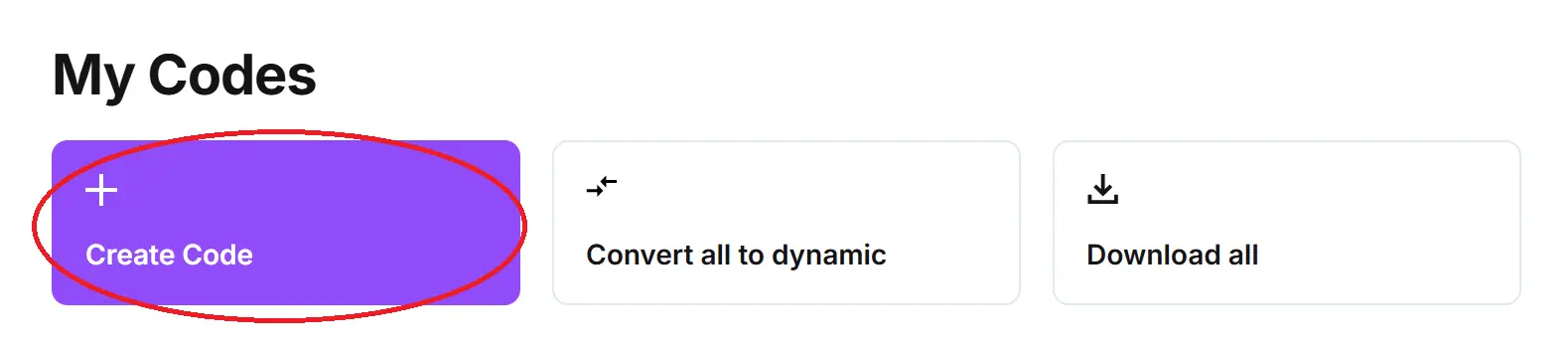
Step 1: In QR Code Developer, click on create code.
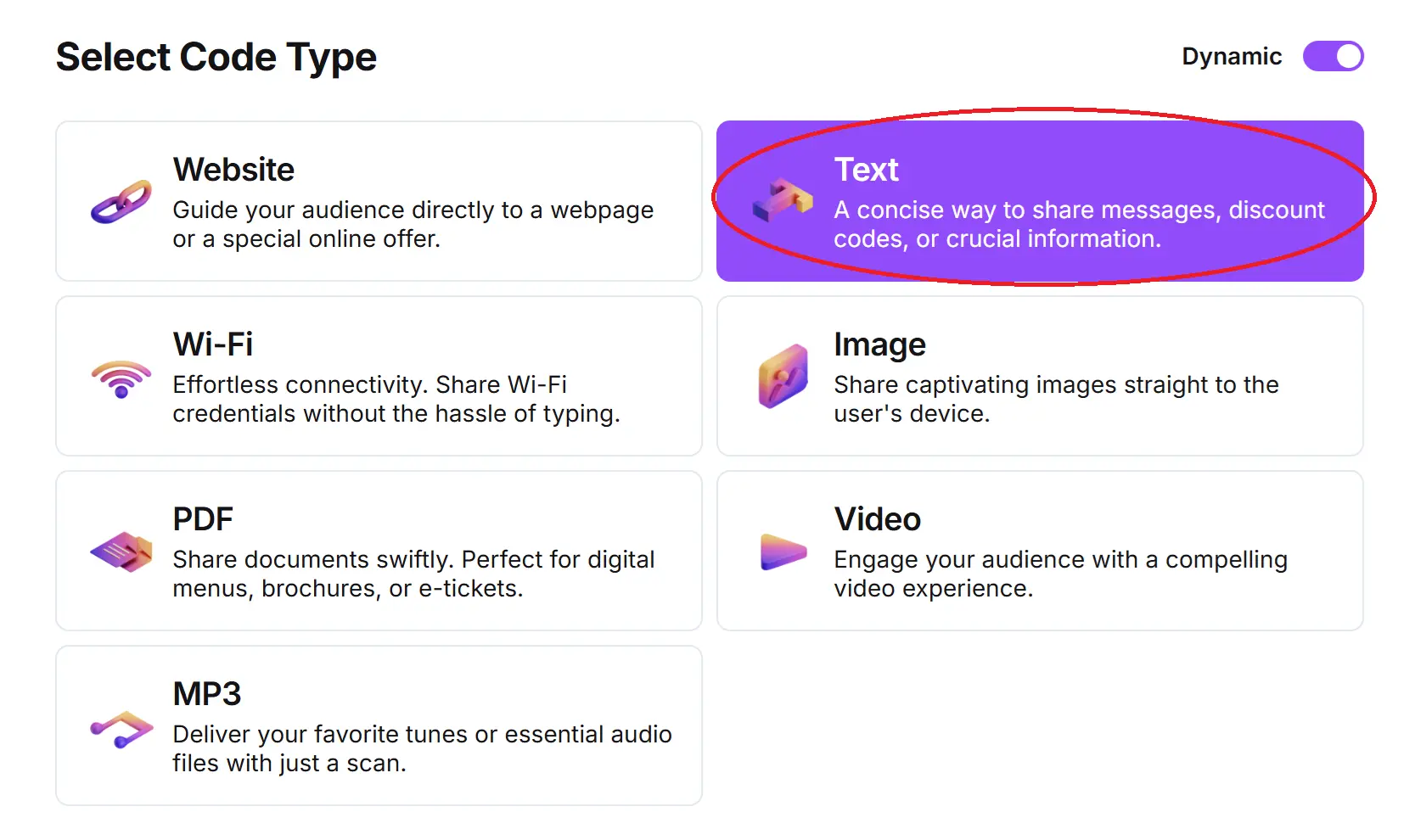
Step 2: Select the Text option.
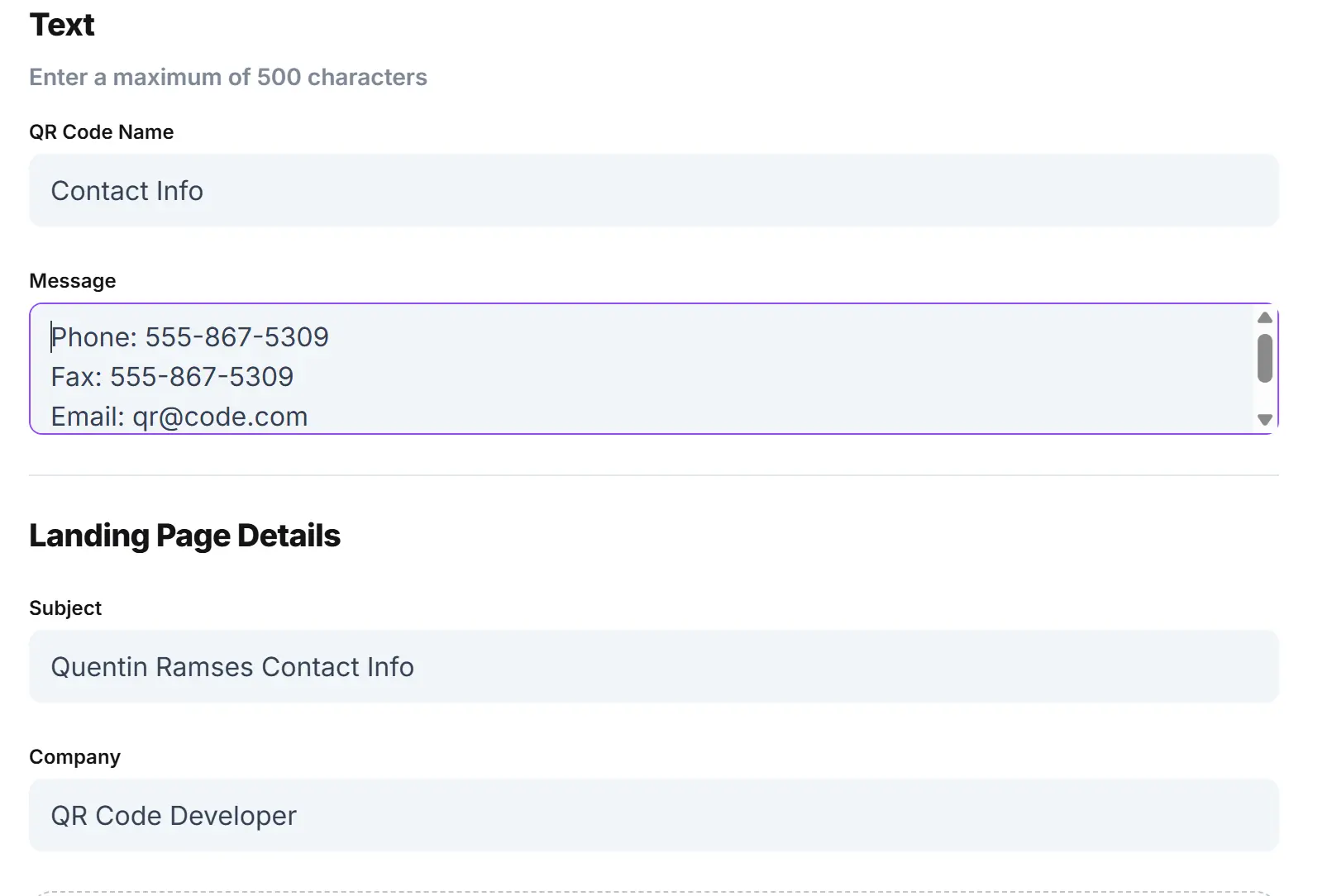
Step 3: Type in your contact information and landing page information.
Optional: Click on the pencil icon to further customize the look of your code.
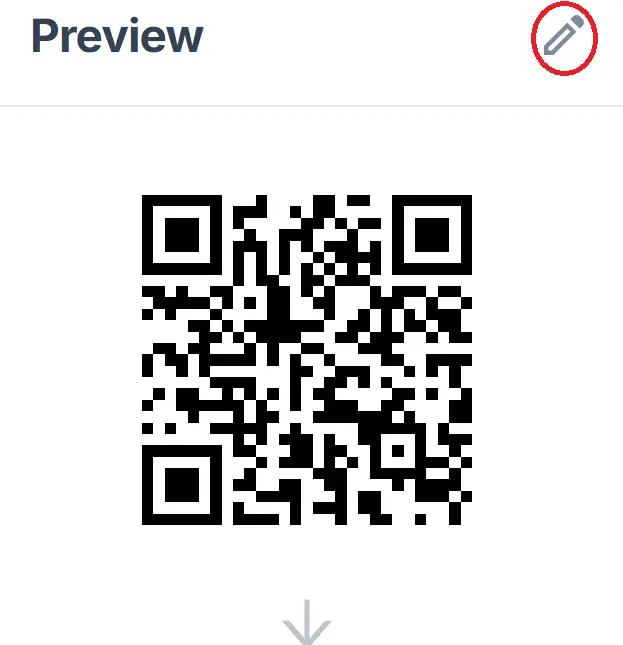
Step 4: Click Generate.

Step 5: Test on multiple devices.
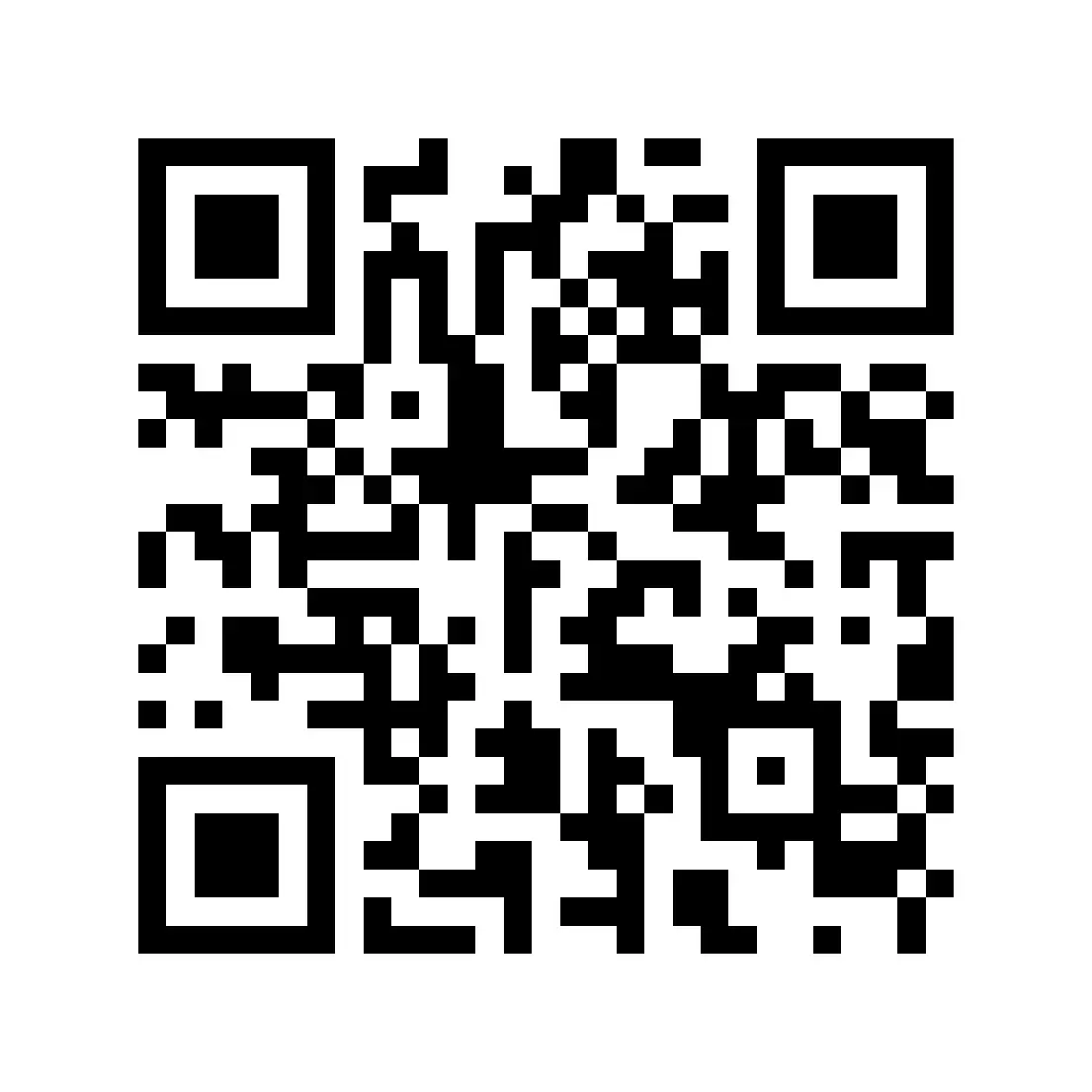
Monitoring code usage
With the tools available on QR Code Developer, as well as other code generators, you can monitor the usage of any code you create. This can include how many times a code has been scanned, where it has been scanned, on what device, using what browser, and more. With these tools, you can figure out which codes are reaching the most people and where to focus any advertising efforts.
With QRCodeveloper you can monitor:
- Number of scans
- Number of scans by operating system
- Scans by browser
- Scans by country
- Scans by city
- Scans by language
- Unique scans
FAQs
Q: Is contact information the only thing I can use QR codes for?
A: No. QR codes can be used for a variety of things, like website links, images, videos, and social media pages.
Q: Where should I put my contact info QR code?
A: The best place to put a code for this purpose would be on a professional item like a resume or business card. Make sure it’s placed on a flat surface and can be scanned by multiple devices.
Q: Do I need to hire someone to make my contact info QR code?
A: No. You can create your own QR codes for free through a service like QR Code Developer.
Q: Can I see who scans my code?
A: With the monitoring tools available from QR Code Developer, you can track information such as how many people scan your code, where it’s been scanned, and on what device.
Q: Do QR codes pose a security risk?
A: QR codes are relatively safe and can only be harmful if a nefarious party tampers with them.
Q: How can I be sure my code gets scanned?
A: Make sure your code is large enough to be seen and test it on multiple devices.
Q: What devices can scan QR codes?
A: Most modern devices with both a camera and internet access, such as mobile phones and tablets, can scan QR codes.
General tips
- Know your audience: If you’re certain that most of your intended audience doesn’t know how to use QR codes or just don’t like them, then don’t use them.
- Keep instructions clear: Provide clear instructions on how to use and scan QR codes as well as where the codes will redirect to.
- Place codes on a flat surface: To make sure that codes are still scannable, only put them on flat surfaces, like walls, tables, posters, or fliers.
- Use high contrast: If using custom colors on a code, make sure that the colors are distinct enough from each other to be read as a QR code.
- Make sure codes are visible: Don’t place codes where patrons are unlikely to see them.
- Only use codes when necessary: If an alternative exists that’s easier for all parties involved, use that.
- Test on multiple devices: Make sure your codes work whether scanned on an Android device, iPhone, tablet, or other device.
Conclusion
Including a QR code with your contact information on a business card or resume is a great way to show potential employers, clients, and collaborators that you know how to use modern technology while giving them an easy way to get in touch with you. Making a code for this purpose couldn’t be easier, all you need is your contact info and a good code generator, like QR Code Developer.
With QR Code Developer you can easily create both static and dynamic QR codes with ease. The service is free to use, so get started today and unlock your QR code making potential!
Ready to create your QR code?
Generate custom QR codes in seconds - free and easy to use.
Create Free QR Code →