Cash App QR codes for instant mobile payments

Cash App QR codes eliminate the hassle of typing usernames or phone numbers, letting customers pay you instantly by scanning a code that connects directly to your $cashtag.
How Cash App QR codes simplify mobile payments
Cash App processes over $70 billion in annual payments, making it one of America's most popular peer-to-peer payment platforms. Yet many users still struggle when requesting payments - typing out $cashtags, sharing phone numbers, or explaining how to find someone in the app. It can be a lot for less tech savvy users.
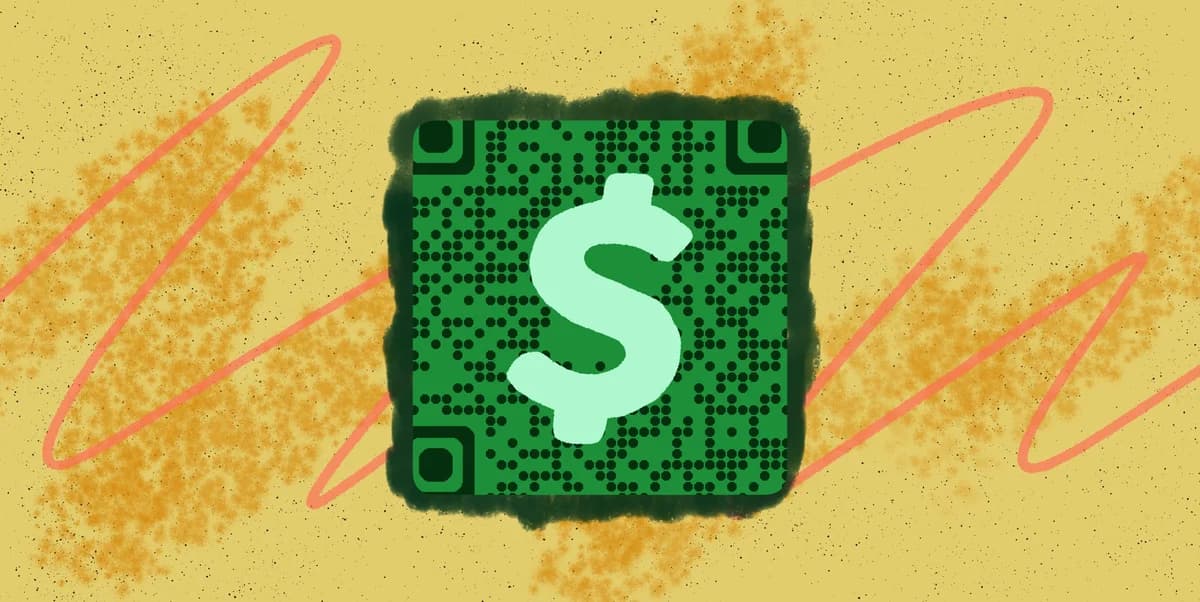
Luckily, s Cash App QR code can help by encoding your $cashtag or a payment request into a scannable code. When someone scans it, they're taken directly to Cash App with your information pre-filled, ready to send money or complete a transaction. This eliminates typing errors and reduces the steps between intent and payment.
Whether you're a small business owner, freelancer, or someone who frequently splits bills, Cash App QR codes make collecting payments as simple as showing your phone screen. I'll show you how to create these codes and use them effectively with QR Code Developer to accept payments anywhere.
Smart ways to use Cash App QR codes for business
Cash App QR codes work particularly well for businesses and individuals who need quick, casual payment collection. Unlike traditional payment processors, they don't require special hardware or merchant accounts. Here are the most effective applications I've seen, and you can explore more payment solutions in our types of QR codes guide.
Food trucks and pop-up vendors
Display QR codes on order windows or tables so customers can pay immediately after ordering, reducing wait times and eliminating cash handling.
Freelancers and service providers
Add QR codes to invoices, business cards, or email signatures to let clients pay instantly without logging into payment portals or writing checks.
Event organizers and fundraisers
Print QR codes on tickets, programs, or donation displays to collect payments, tips, or contributions during live events.
Garage sales and marketplace sellers
Post QR codes next to items or include them in online listings so buyers can pay immediately, even for small amounts where card fees don't make sense.
Creating your Cash App payment QR code
Building a Cash App QR code takes just a few minutes and works with any QR code generator that supports custom URLs.
Open the QR code generator
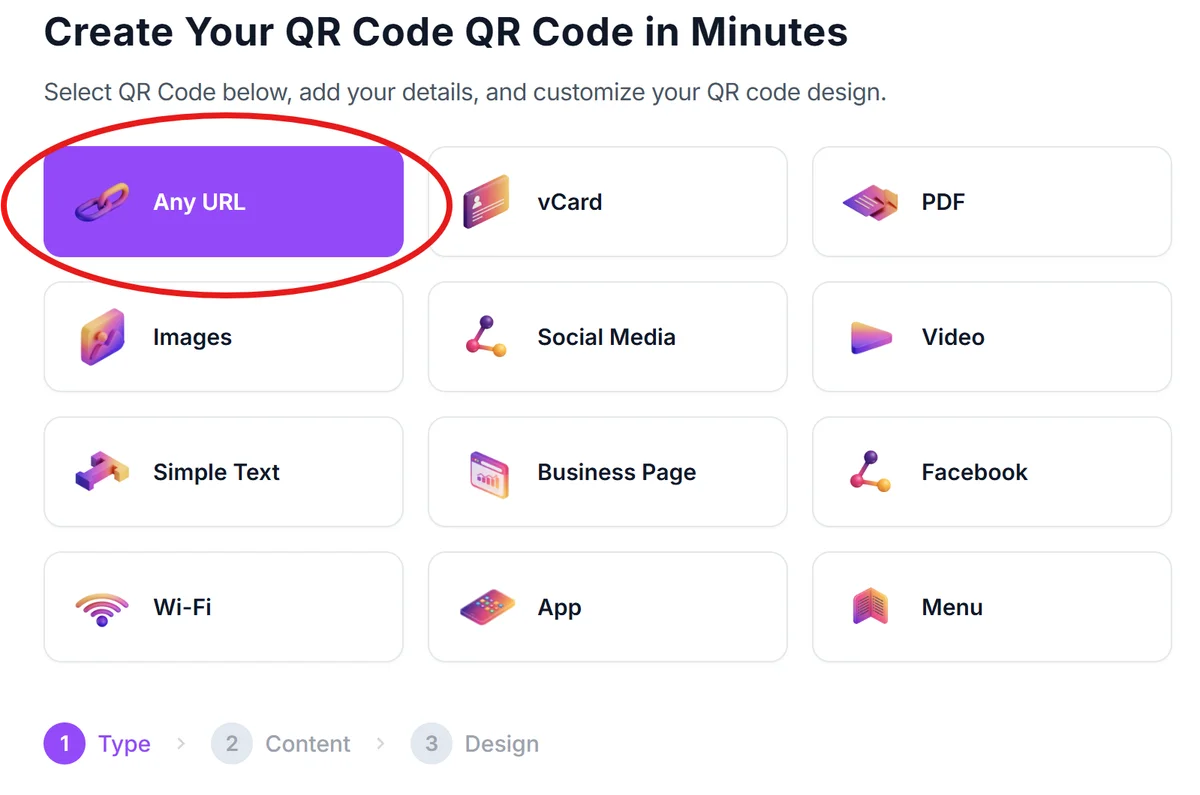
Visit qrcodeveloper.com and select the URL option to create a link-based QR code that will work with Cash App's payment system.
Build your Cash App payment URL
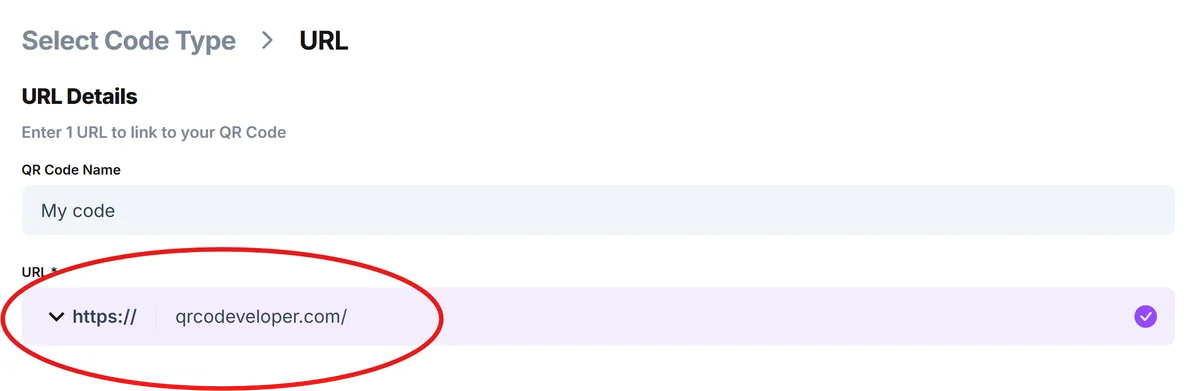
Create a URL using this format: https://cash.app/$yourusername (replace 'yourusername' with your actual $cashtag). For payment requests, add the amount: https://cash.app/$yourusername/25 for a $25 request.
Customize your QR code appearance
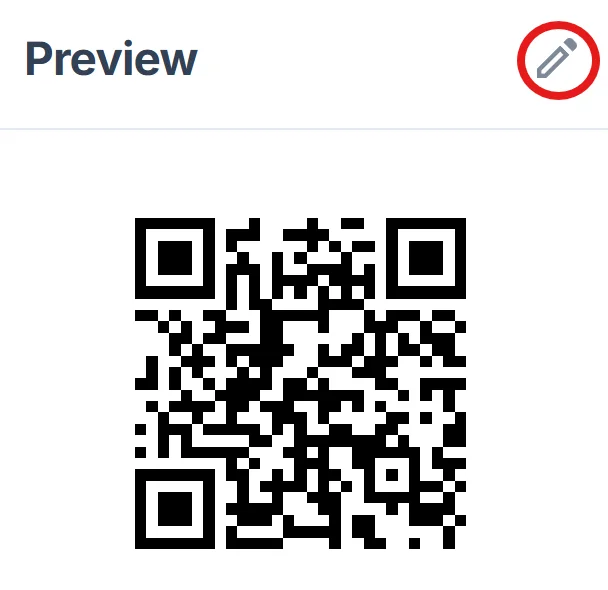
Choose colors that match your brand or make the code easy to spot. Green works well since it matches Cash App's branding, but ensure there's enough contrast for reliable scanning. Learn more about effective QR code design tips.
Test the payment flow
Scan your QR code with a different phone to verify it opens Cash App correctly and pre-fills your information. Test both with and without specific amounts.
Deploy across your payment touchpoints
Save the QR code image and add it to invoices, business cards, storefront displays, or anywhere customers need to pay you quickly.
Best practices for Cash App QR code payments
These strategies help ensure smooth transactions and better customer experience with your Cash App QR codes.
Include clear payment instructions near your QR code, like 'Scan to pay with Cash App' or 'Send payment to $yourname.' Not everyone knows what QR codes do or which app to use. For more background, check our understanding QR codes guide.
Create separate QR codes for different amounts if you have standard pricing. A coffee shop might have one code for $5 drinks and another for $12 specialty items, reducing customer confusion.
Position QR codes at eye level and ensure good lighting where you display them. Customers shouldn't have to bend down or use phone flashlights to scan payment codes.
Keep backup payment methods available since not all customers use Cash App. Having Venmo, Zelle, or card options prevents lost sales when QR codes aren't compatible.
Frequently Asked Questions
Do customers need Cash App installed to pay through QR codes?
Yes, customers must have the Cash App installed and set up to complete payments. The QR code will prompt them to download the app if they don't have it.
Can I create QR codes for specific payment amounts?
Absolutely. Add the amount to your Cash App URL like this: https://cash.app/$yourusername/25 for a $25 payment request. This pre-fills the amount when customers scan.
Are there fees for receiving payments through Cash App QR codes?
Personal Cash App accounts don't charge fees for receiving money from friends or family. Business accounts may have different fee structures for commercial transactions.
What happens if someone scans my QR code but doesn't have Cash App?
They'll be directed to download Cash App from their device's app store. Once installed and set up, they can return to complete the payment.
Can I track payments that come through my QR codes?
Cash App shows all incoming payments in your transaction history, but it won't specifically identify which ones came from QR code scans versus other methods.
Related Guides
Ready to create your QR code?
Generate custom QR codes in seconds - free and easy to use.
Create Free QR Code →