WeChat QR code generator for instant connections

Share your WeChat profile, business page, or Mini Program through scannable codes that work across all devices.
How WeChat QR codes bridge digital connections
Exchanging WeChat contacts can be frustrating and involve exchanging usernames, searching through contacts, or searching through endless friend suggestions. However, it's possible to simply scan a QR code and connect instantly, whether they're networking at a conference or sharing their business profile with potential customers.
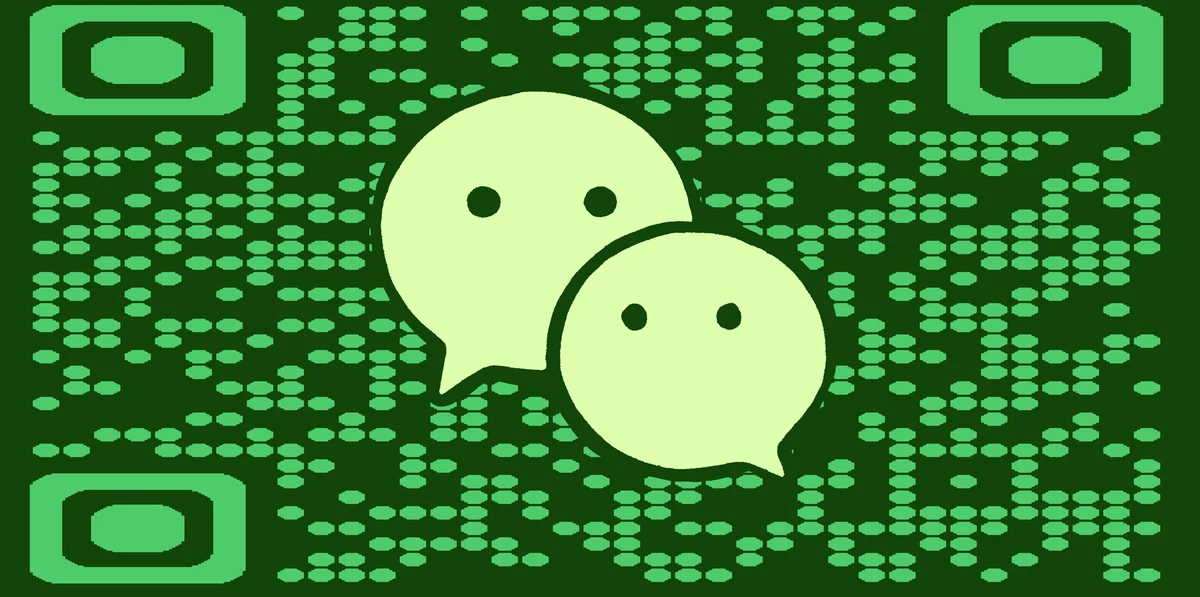
WeChat QR codes work as direct links to your WeChat profile, business account, or Mini Program. When someone scans your code, they can immediately add you as a contact, follow your business account, or access your services without typing anything. This makes networking and customer acquisition much more efficient than traditional methods.
Throughout this guide I will walk you through creating WeChat QR codes that work for both personal networking and business growth. I'll also go over how to generate codes using QR Code Developer and discover practical ways to share your WeChat presence across different platforms and situations. So let's dive right in!
Business and personal applications for WeChat QR codes
WeChat QR codes solve the friction of connecting with new contacts and customers. Whether you're building professional relationships or growing your business presence, these codes make sharing your WeChat information effortless. Learn more about different types of QR codes for various platforms.
Business networking events
Add your WeChat QR code to business cards or name badges so attendees can connect with you instantly instead of manually typing contact information.
Retail store customer engagement
Display WeChat QR codes at checkout counters or product displays to let customers follow your business account for updates, promotions, and customer service. Similar to how restaurants use QR code menus, this creates seamless customer interactions.
Restaurant and hospitality services
Print WeChat QR codes on receipts, table tents, or menus so customers can easily contact you for reservations, feedback, or special offers through WeChat.
Professional service providers
Include WeChat QR codes in email signatures, websites, or marketing materials to give clients an easy way to reach you through their preferred messaging platform.
Building your WeChat QR code step by step
Creating a WeChat QR code requires your specific WeChat profile URL or ID. The process connects your existing WeChat account to a scannable code that others can use.
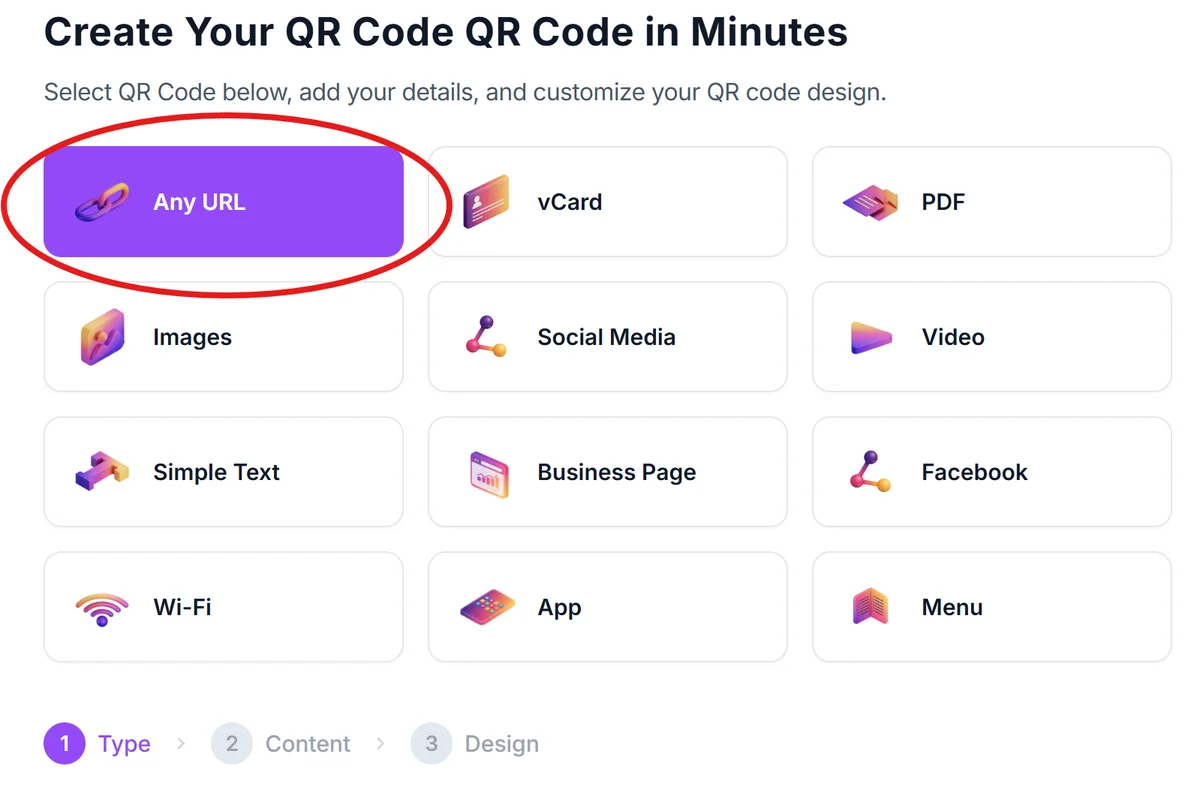
Open your QR code generator
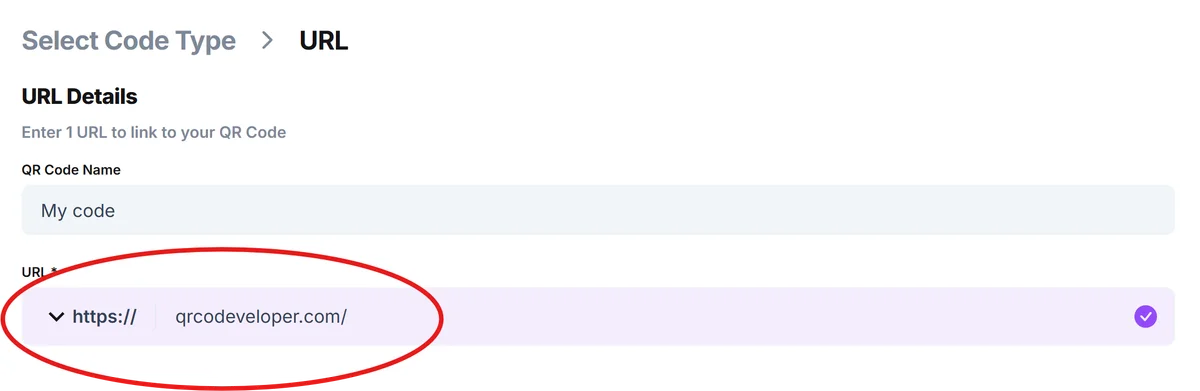
Go to qrcodeveloper.com and select the URL option since WeChat profiles work through specific web links.
Get your WeChat profile link
Open WeChat, go to your profile, tap the QR code icon, and look for the 'Share' option to get your profile URL. Alternatively, use your WeChat ID in the format 'weixin://dl/profile/[your-wechat-id]'.
Customize your code appearance
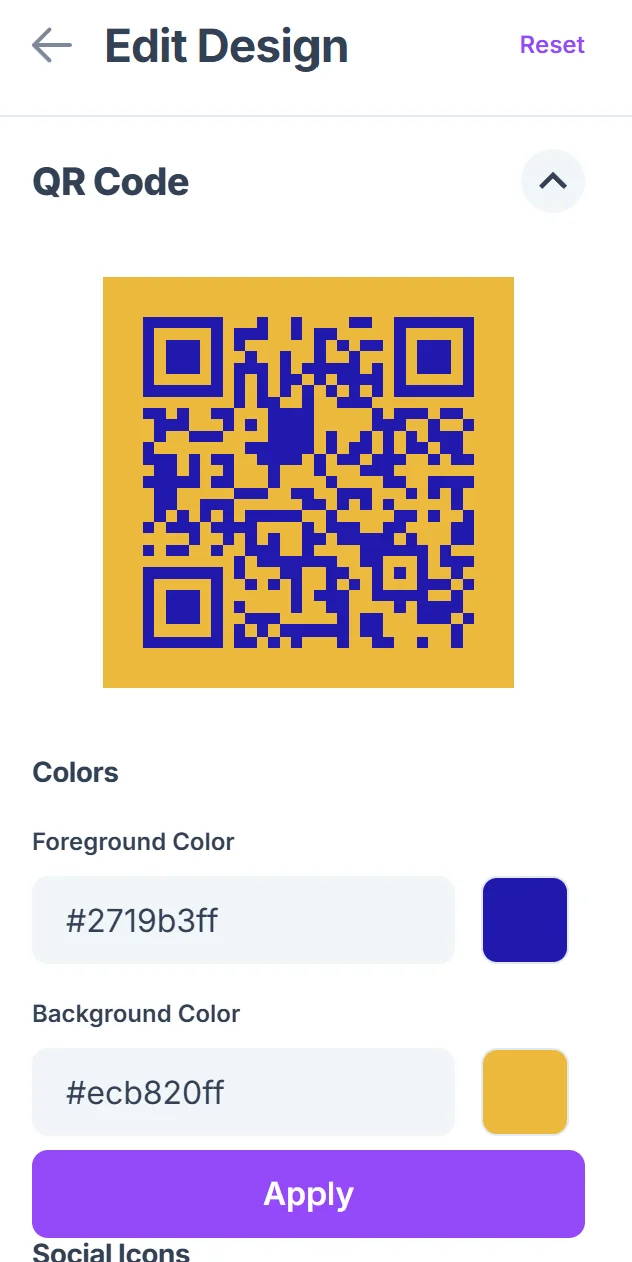
Choose colors that match your brand or personal style. For business use, consider adding your logo to make the code more recognizable and trustworthy. Learn more about effective QR code design tips for better results.

Test across different devices
Download your QR code and test it on both Android and iOS devices to ensure it properly opens WeChat and displays your profile correctly.
Deploy in your marketing materials
Add the QR code to business cards, flyers, websites, or social media profiles where people might want to connect with you on WeChat.
Best practices for WeChat QR code success
WeChat QR codes work best when they're easy to scan and clearly explain their purpose. These tips help ensure your codes connect you with the right people effectively.
Include clear instructions like 'Scan to add me on WeChat' or 'Follow our WeChat for updates' so people understand what happens when they scan your code
Size your QR codes appropriately for the medium - business cards need smaller codes while posters or banners can use larger, more prominent codes. You can also create QR code stickers for versatile placement options.
Keep your WeChat profile updated with current information and a professional photo since that's what people see when they scan your code
Consider using dynamic QR codes if you manage multiple WeChat accounts or might need to update the linked profile in the future
Frequently Asked Questions
Do WeChat QR codes work for people who don't have WeChat installed?
No, users need WeChat installed to scan and connect through WeChat QR codes. The code will prompt them to download the app if they don't have it.
Can I create QR codes for WeChat Mini Programs?
Yes, you can create QR codes that link directly to WeChat Mini Programs using the Mini Program's specific URL or deep link format.
How do I track who scans my WeChat QR code?
WeChat provides analytics for business accounts that show follower growth, but individual QR code scans aren't tracked. You can monitor new connections or followers after sharing your code.
Can I customize the design of my WeChat QR code?
Yes, you can change colors, add logos, and adjust the design while maintaining scannability. Just ensure there's enough contrast for reliable scanning.
Are there any costs associated with creating WeChat QR codes?
Creating basic QR codes is free. WeChat itself is free to use, though some advanced business features or Mini Program development may have associated costs.
Related Guides
Ready to create your QR code?
Generate custom QR codes in seconds - free and easy to use.
Create Free QR Code →