Venmo QR code generator for instant mobile payments

Generate scannable codes that instantly connect customers to your Venmo profile for quick peer-to-peer payments.
How Venmo QR codes simplify mobile payments
Over 83 million Americans used Venmo in 2023, making it one of the most popular peer-to-peer payment platforms, according to Business of Apps. This massive user base creates opportunities for businesses and individuals to accept payments more efficiently than traditional cash or card transactions.
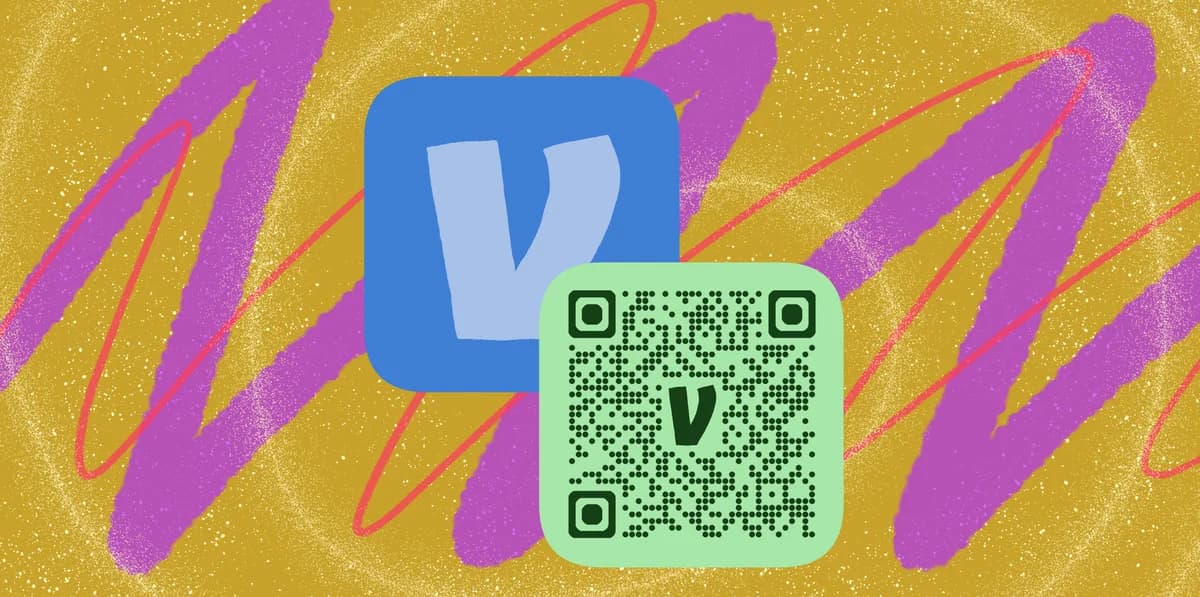
A Venmo QR code connects directly to a Venmo profile, allowing anyone to scan and send you payments instantly. When someone scans your code, it opens the Venmo app with your username pre-filled in the payment screen, eliminating the need to search for your profile or remember your exact username.
Small businesses, freelancers, and service providers are finding these codes particularly useful for accepting payments at farmers markets, craft fairs, and other in-person events. Similar to how event QR codes streamline event management, Venmo QR codes simplify payment collection. In this guide I'll walk you through creating your own Venmo QR code and share practical tips for using it effectively in different payment scenarios. So let's dive right in!
Real-world applications for Venmo payment codes
Venmo QR codes work best in situations where you need to collect payments quickly from people who already use the platform. These codes bridge the gap between digital payments and physical interactions, similar to how QR code business cards connect offline networking with online profiles.
Small business transactions
Coffee shops, food trucks, and retail vendors use Venmo QR codes to accept payments without expensive card processing equipment.
Service provider payments
Personal trainers, tutors, and freelancers display QR codes to receive payments immediately after completing services.
Event and activity fees
Organizers of group activities, workshops, or social events collect payments by sharing QR codes via text or social media.
Rental and shared expenses
Roommates, vacation groups, and shared workspace members use QR codes to split bills and collect recurring payments like utilities or supplies.
Building your Venmo QR code in minutes
Creating a Venmo QR code requires your exact Venmo username and a reliable QR code generator that handles profile links correctly.
Access a QR code generator
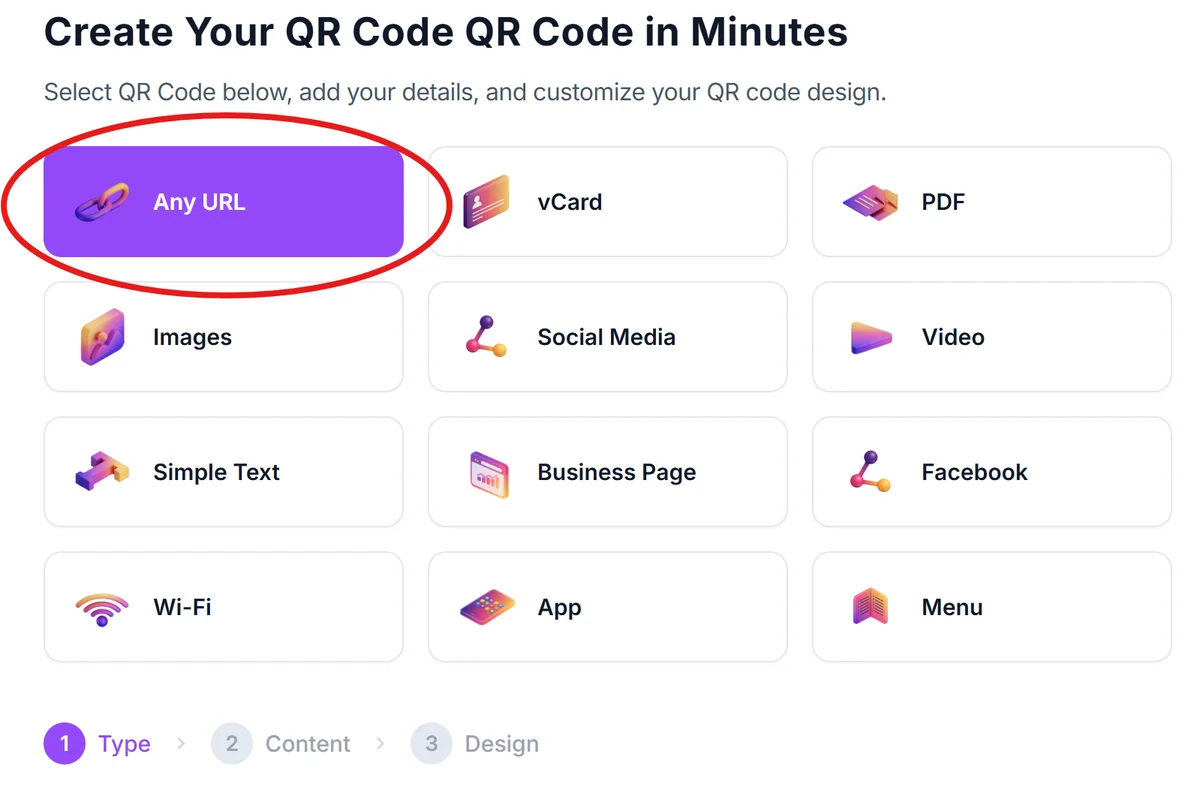
Visit qrcodeveloper.com and select the URL QR code option to create a link-based code for your Venmo profile.
Format your Venmo profile URL
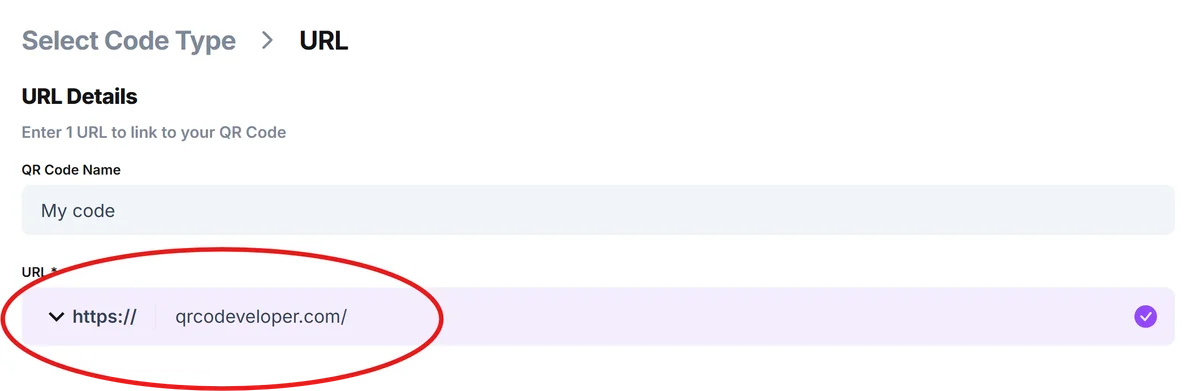
Enter your Venmo profile link in this format: venmo.com/[your-username]. Replace [your-username] with your exact Venmo handle, including any numbers or special characters.
Customize for visibility
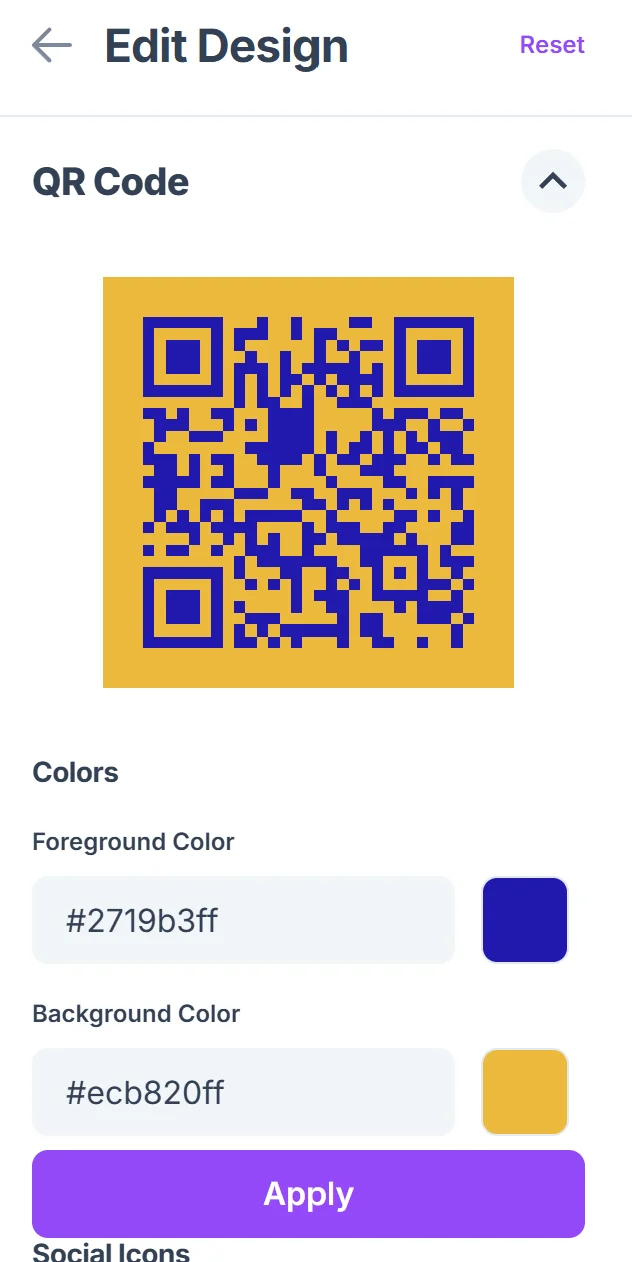
Choose high-contrast colors and add your business name or logo to help people identify your payment code among others they might have saved.

Test the payment flow
Scan your QR code with your phone to verify it opens Venmo correctly and displays your profile information accurately before sharing with customers.
Display strategically
Print your code on table tents, QR code stickers, or business cards, or save it digitally to share via text message or social media when needed.
Best practices for payment QR codes
Successful Venmo QR code implementation depends on making the payment process as smooth as possible for your customers while protecting your business interests. Understanding QR code security is essential for safe payment processing.
Include clear payment instructions next to your QR code, such as 'Scan to pay via Venmo' and your business name, so customers know exactly what they're paying for
Set up payment notifications on your phone so you can confirm receipt immediately and provide receipts or confirmation when needed
Keep a backup payment method available since not all customers use Venmo, especially older demographics who may prefer cash or card payments
Monitor your payment descriptions to ensure customers include relevant details like order numbers or services provided for your record-keeping
Frequently Asked Questions
Can I create a Venmo QR code that includes a specific payment amount?
Venmo QR codes typically link to your profile, allowing customers to enter their own payment amount. For specific amounts, you'll need to communicate the price separately or use Venmo's built-in QR code feature within the app.
Do customers need to have Venmo installed to use my QR code?
Yes, customers need the Venmo app installed on their phone to complete payments. The QR code will direct them to download the app if they don't have it, but this adds friction to the payment process.
How do I track payments received through QR codes?
Venmo automatically records all transactions in your payment history. You can ask customers to include specific references in their payment notes to help you track QR code transactions versus other payment methods.
Are there fees for receiving payments through Venmo QR codes?
Personal Venmo accounts don't charge fees for receiving payments from friends and family. Business accounts may have different fee structures, so check Venmo's current business pricing for commercial use.
Can I use the same QR code for multiple payment scenarios?
Yes, your Venmo QR code links to your profile regardless of the payment context. However, you'll want to provide clear instructions about what customers are paying for in each situation to avoid confusion.
Related Guides
Ready to create your QR code?
Generate custom QR codes in seconds - free and easy to use.
Create Free QR Code →