What is the QR Code on this Vending Machine For?

Key Takeaways
- There are many ways QR codes can be used on vending machines
- Most vending machine customers are familiar with QR codes and know how to use them
- QR codes can be used to take payment as well as provide additional information on vending machine items
If you do a lot of shopping in malls, outdoor commerce centers, or are just out and about in general, then you’re likely familiar with vending machines. These are those technological monoliths often filled with snacks, drinks, and sometimes other goodies like toys and makeup. I’ve even found an entire ARG in one myself.
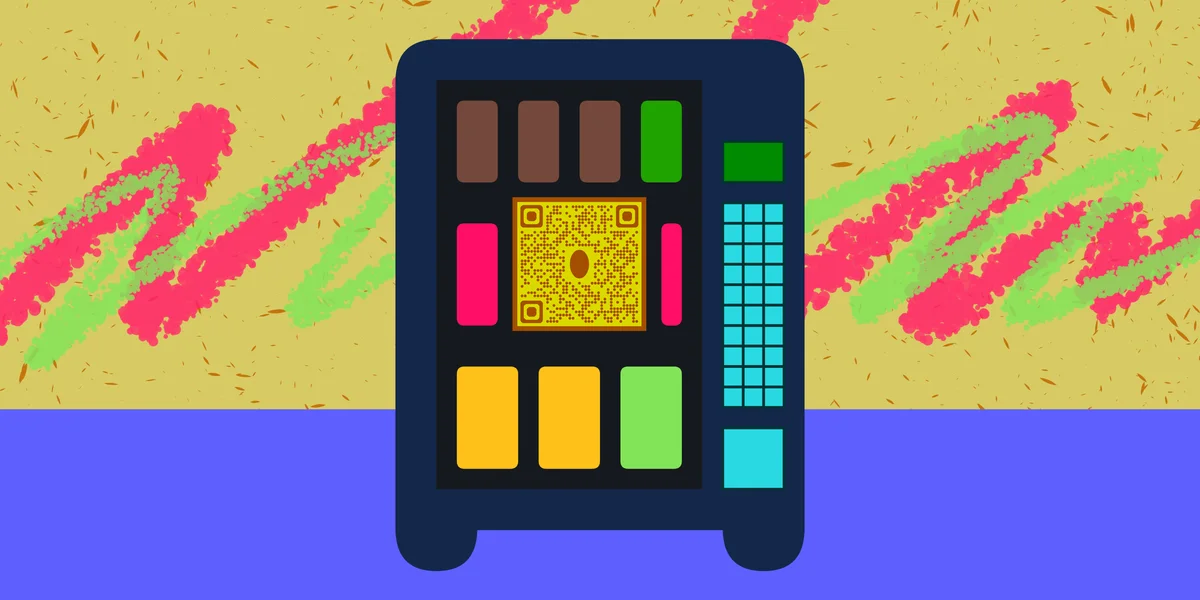
These machines provide a convenient way to receive physical goods without needing to go to a register or track down an attendant. In many ways they’re similar to QR codes, providing instant and quick access to a variety of products and services.
In fact, you may encounter a QR code on a vending machine and wonder ‘what is this for?’ Well that’s what I’m here for!
In this piece I will go over how QR codes are most commonly used with vending machines and what you can gain by scanning one. I’ll also go over some frequently asked questions on this particular topic.
So let’s dive right in!
What is a QR code?
A QR code is a type of encoded image containing data within a usually square and monochrome design. Scanning these codes with a smart device, like a phone or tablet, can allow you to easily conduct certain tasks, like signing into WiFi networks and checking into events, or access a variety of digital content, like websites, social media pages, images, and more.
These codes have become extremely common in the modern age and can be found just about everywhere, like in commercials, doctors offices, theaters, and gyms. QR codes are easy to make through a service like QR Code Developer, can be customized to fit your needs, and placed on just about any surface that can display a 2D image, like on stickers, posters, fliers, and more.
How are QR codes used on vending machines?
When you encounter a QR code on a vending machine, there’s a few different things it can be used for. Here’s just a few examples:
Payment
This is perhaps the most common type of QR code you can find on a vending machine, and with good reason. Less people are carrying physical cash than ever right now in favor of digital payment methods, though the demand for vending machine products has not gone down at all.
For this reason, most vending machines you can encounter today include a card reader, but it’s also possible to conduct payments entirely with your mobile device via QR code. All you need to do is scan the code and you will be taken to a secure page where you can pay for your goods.
No need to fumble with coins or try to flatten out a dollar bill. Just scan and go to avoid scenarios like this.
Instructions
While most of us are familiar with the concept of a vending machine, some less tech savvy individuals, namely older folks or travelers from regions where vending machines are rare or non-existent, may need some extra help understanding the concept and how the machine works.
Additionally, if a vending machine is newer and has something like a card reader or even a QR based payment method, as discussed above, regular customers may still need to be walked through the process.
A QR code on the machine can take you to a web page, text file, or even a video instructing you on how the machine works and how to interact with it, without needing to ask for an attendant or simply giving up on your snacks.
Promotions
Special promotions and rewards programs can also be given to you via the QR code on a vending machine, so it would be wise to scan it if you see one. These codes can even be changed or modified by the store, manufacturer, or product distributor, so you may want to scan the code again each time you use the machine, even if you’ve used the promotion before.
Product information
Additional information on the machine itself, as well as the products within, can be accessed by scanning provided QR codes. This is similar to how QR codes are used on individual packaged drink products to provide the most information possible to you before buying.
This can be especially useful on vending machines, since you typically can’t see the nutritional information on each product before buying it. Scanning the QR code can give you access to the information you need for each product inside.
Report issues
Anyone who regularly interacts with vending machines has probably experienced issues with at least one. The phrase “the machine ate my dollar” has become common when payment is taken at a machine but no item is dispensed.
Luckily, if there’s a QR code on the machine, you can easily report the issue to the store or manufacturer and either get your money back or the product you already paid for. No need to call a number somewhere on the back of the machine or try to track down a member of staff.
General tips
Know your audience: If you’re certain that most of your intended audience doesn’t know how to use QR codes or just don’t like them, then don’t use them.
Keep instructions clear: Provide clear instructions on how to use and scan QR codes as well as where the codes will redirect to.
Place codes on a flat surface: To make sure that codes are still scannable, only put them on flat surfaces, like walls, tables, posters, or fliers.
Use high contrast: If using custom colors on a code, make sure that the colors are distinct enough from each other to be read as a QR code.
Make sure codes are visible: Don’t place codes where patrons are unlikely to see them.
Only use codes when necessary: If an alternative exists that’s easier for all parties involved, use that.
Test on multiple devices: Make sure your codes work whether scanned on an Android device, iPhone, tablet, or other device.
Frequently Asked Questions
Q: Can QR codes be used for vending machines?
A: Yes. QR codes can be placed on vending machines which allow customers to pay for their products, access promotions, view nutritional facts before buying, contact staff, and more.
Q: Do I need to hire someone to make my QR codes?
A: No. QR codes can be made by yourself for free through a service like QR Code Developer.
Q: Do I need to download anything to scan QR codes?
A: While QR scanner apps are available for mobile devices, they are not necessary. Most modern smart devices are perfectly capable of scanning codes right from the built-in camera app.
Q: What devices can scan QR codes?
A: Most modern smart devices with both a built-in camera and an internet connection can scan QR codes and access the content within. This includes smart phones, tablets, and even some handheld gaming consoles.
Q: Are QR codes safe?
A: While there are some risks in using QR codes, they are relatively safe.
Ready to create your QR code?
Generate custom QR codes in seconds - free and easy to use.
Create Free QR Code →