Enter QR Codes, Stage Right: How QR Codes Can Be Used in Local Theater

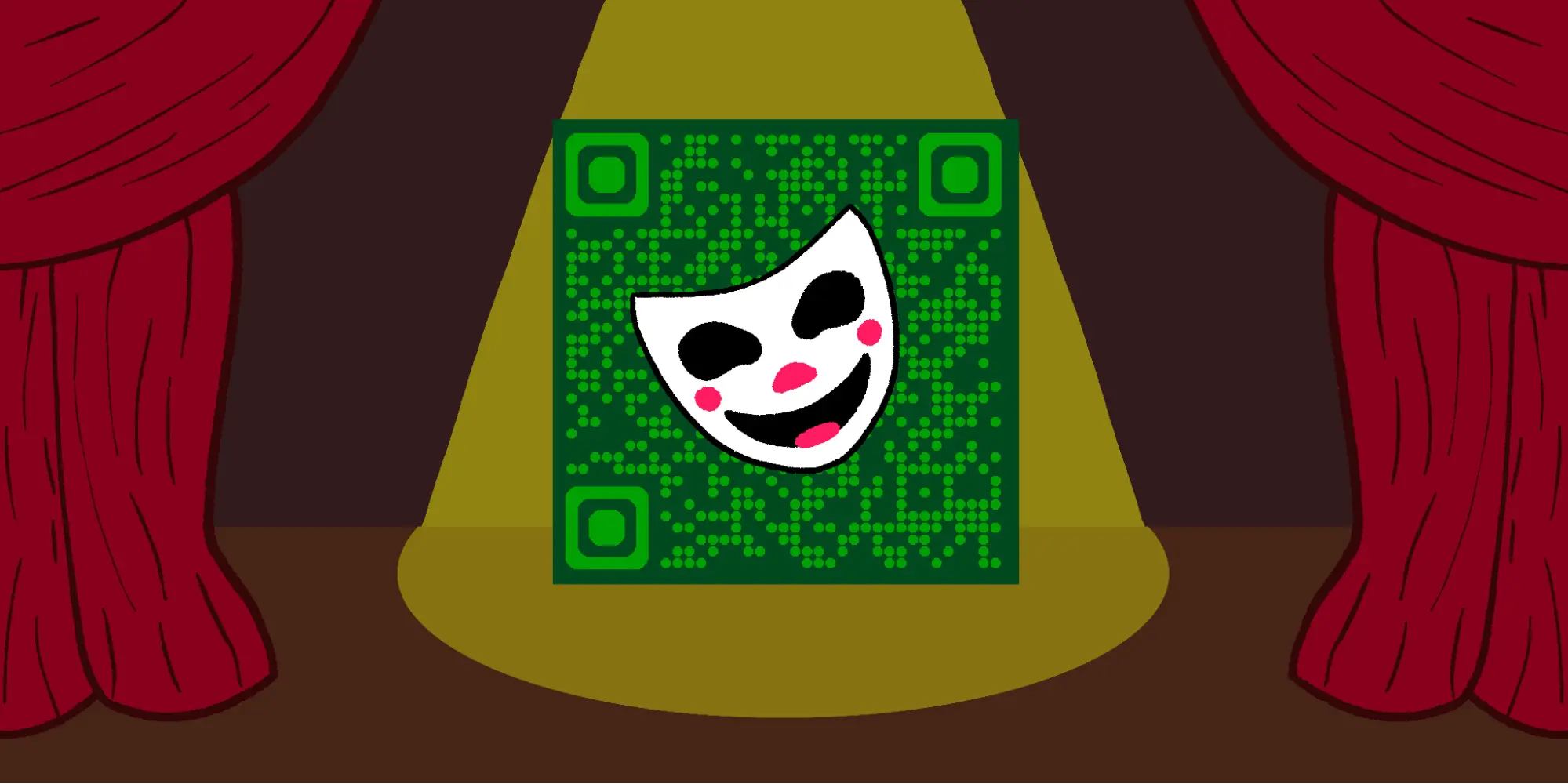
In many cases, local theaters are pillars of the communities they reside in. Theaters provide not only live entertainment that you can’t get anywhere else, but oftentimes acting and art classes, local events, and gallery space for local artists.
But running a local theater can be a Shakespearean task. There’s a lot of moving parts, including ticket sales, concessions, dealing with staff and actors, donations, volunteers, and a number of other things.
Luckily, you can use QR codes to help streamline the experience for both you and your guests! In this piece I’ll go over some of the different ways you can use QR codes in a local theater setting, as well as some general tips, and a step by step guide on creating a code for a virtual playbill! So let’s get that curtain up and start the show!
What are QR codes?
QR codes are special, encoded images that can be scanned by a variety of devices, like a smartphone or a tablet, in order to view and receive a variety of media and information. They work similarly to a traditional bar code and can be used as an easy way to access websites, files, contact information, images, and so much more!
The technology was originally developed in the 90s as a way to track car parts being shipped overseas, but have since then grown to be used in just about every industry all over the world. QR codes can be found on posters, fliers, business cards, stickers, and even in some TV shows, movies, and video games.How can QR codes be used in local theater?
QR codes are highly versatile and can be used in all sorts of ways in the context of public theater. Attaching the URL link for your theater’s official website to a QR code is a great way to ensure that patrons and potential patrons know about your location and your online presence.
Codes can also be used as an easy way to receive donations from patrons. While a traditional donation box for cash is great, it’s becoming more common nowadays for people to not carry any cash on them whatsoever.
By allowing patrons to donate using a QR code, you can increase the number of donations by catering to those that prefer to use cards or digital payments.
While most patrons of local theater prefer physical paper playbills, sometimes it’s impossible to accommodate everyone. Sometimes you run low, sometimes your printer is broken. Whatever the reason, having a virtual playbill option that can be scanned via a QR code is an excellent idea!
Local theaters can also use QR codes for:
- Tickets
- Upcoming shows
- Building information
- Audition sign ups
- Contact information for faculty
- Volunteer sign ups
- Event registry
- Event sign in
How to create a code for a virtual playbill
Step 1: Copy the URL to the virtual playbill (this can also be done via a PDF).
Step 2: In QR Code Developer, click on Create Code.

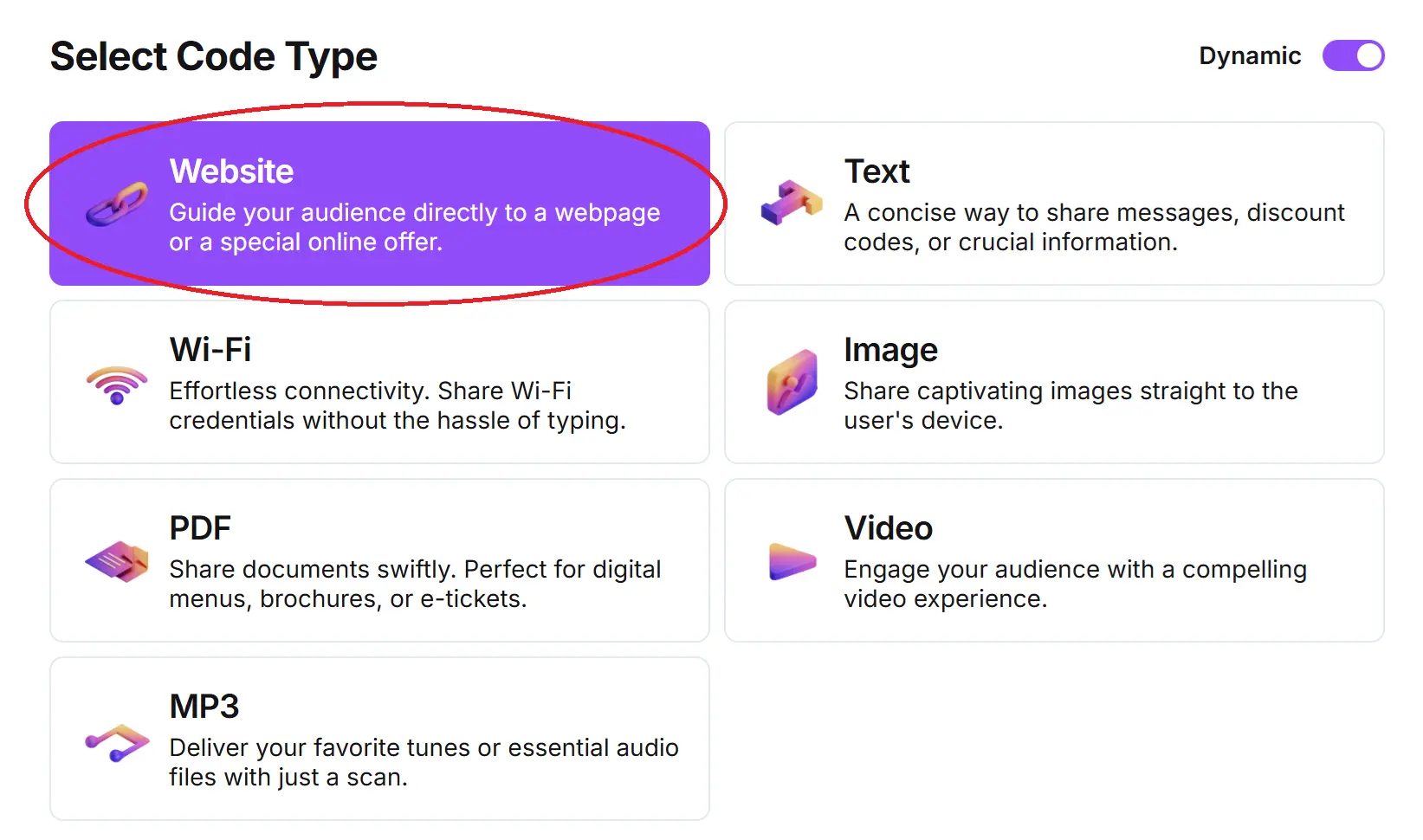
Step 3: Select the Website (or PDF) option.
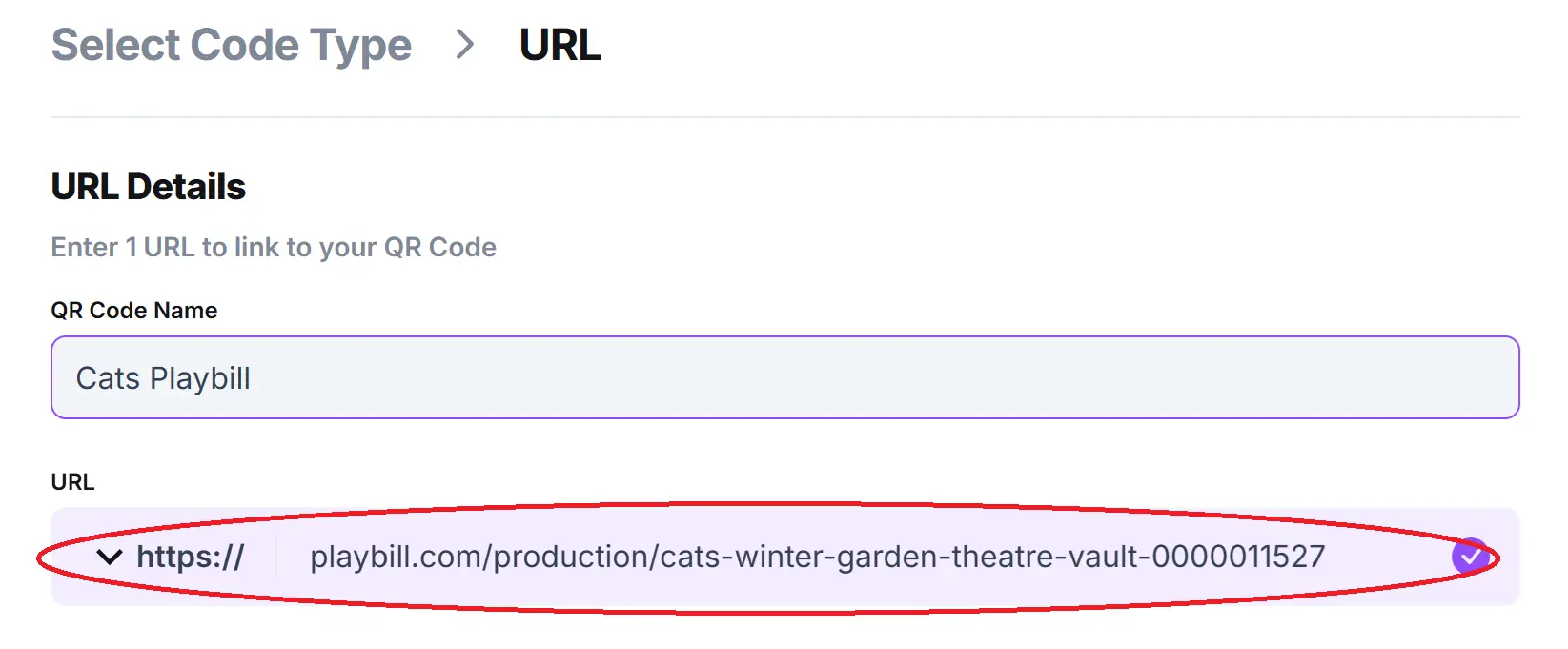
Step 4: Name your code and paste the URL into the bar.
Optional: To further customize the look of your code, click on the pencil icon in the Preview window.

Step 5: Click Generate and test on multiple devices

Monitoring code usage
With the tools available on QR Code Developer, as well as other code generators, you can monitor the usage of any code you create. This can include how many times a code has been scanned, where it has been scanned, on what device, using what browser, and more. With these tools, you can figure out which codes are reaching the most people and where to focus any advertising efforts.
With QRCodeveloper you can monitor:
- Number of scans
- Number of scans by operating system
- Scans by browser
- Scans by country
- Scans by city
- Scans by language
- Unique scans
General tips
- Know your audience: If you’re certain that most of your patrons don’t know how to use QR codes or just don’t like them, then don’t use them.
- Keep instructions clear: Provide clear instructions on how to use and scan QR codes as well as where the codes will redirect to.
- Place codes on a flat surface: To make sure that codes are still scannable, only put them on flat surfaces, like walls, tables, posters, or fliers.
- Use high contrast: If using custom colors on a code, make sure that the colors are distinct enough from each other to be read as a QR code.
- Make sure codes are visible: Don’t place codes where patrons are unlikely to see them.
- Only use codes when necessary: If an alternative exists that’s easier for all parties involved, use that.
- Test on multiple devices: Make sure your codes work whether scanned on an Android device, iPhone, tablet, or other device.
Conclusion
Running a local theater can be a tough job, especially if you are trying to manage multiple shows, casts, and other events. Luckily, QR codes can ease some of the burden by offering an easy way for your guests, patrons, and donors to interact with the various operations.
With QR Code Developer, you can easily create bespoke QR codes for whatever you may need! And it’s free to start, so give it a try today and see just how easy creating QR codes can be!
Ready to create your QR code?
Generate custom QR codes in seconds - free and easy to use.
Create Free QR Code →