13 Ways QR Codes can be used at Educational Workshops and Conferences

Key Takeaways
- QR codes can be used in many ways throughout educational workshops and conferences
- QR codes are easy to make and widely understood by the general populous
Educational workshops and conferences can be wonderful experiences where you can pick up new skills, learn more about a particular topic, and communicate with other like minded individuals. But they aren't exempt from many of the frustrations and struggles of holding events in physical space, like parking, networking with others, and accessing essential materials.
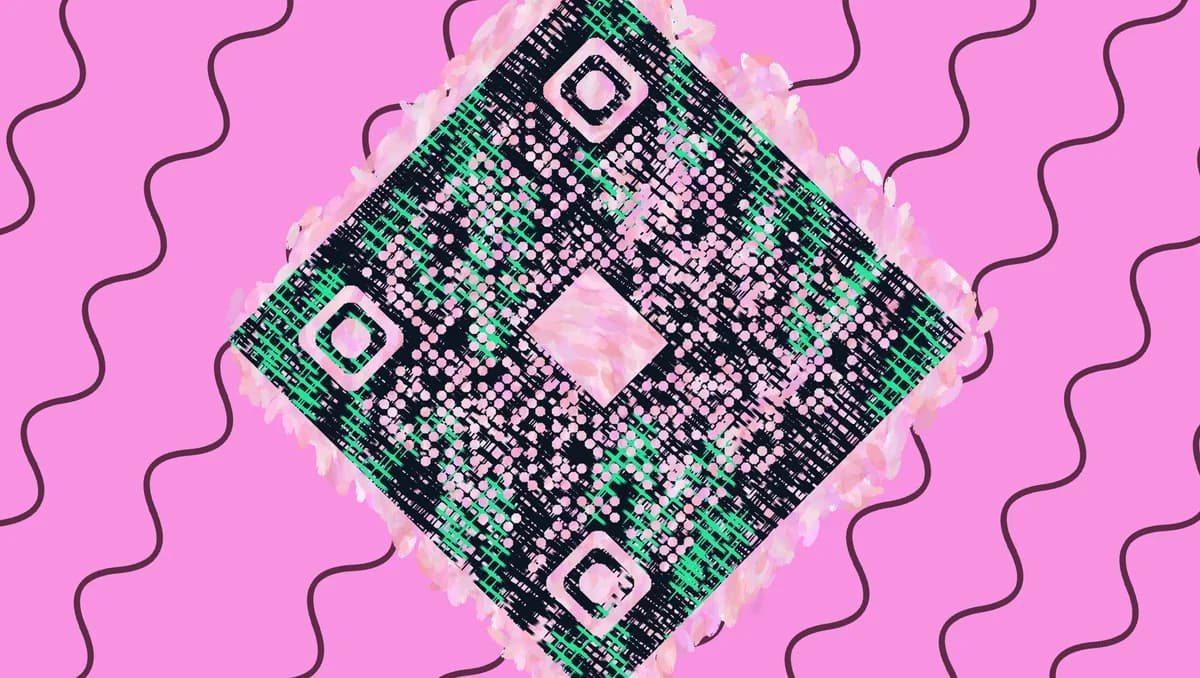
However, clever use of QR codes can help to ease or even eliminate much of these common hassles! In this piece I will share 13 different ways QR codes can be used in an educational workshop or conference setting. I will also go over how to make your own codes for URL links, share some tips, and answer frequently asked questions.
So let's dive right in!
What is a QR code?
A QR code is a type of encoded image containing data that can be scanned by a smart device, like a phone or a tablet, in order to gain access to all sorts of digital content. The technology is similar to that of the UPC barcodes that you might find on products at the super market, but QR codes are able to do much more!
These codes can be used to share and access things like web addresses, social media pages, payment services, shared files, restaurant menus, videos, professional presentations, and much much more. These codes are easy to make, through a service like QR Code Developer, widely understood by the general public, and can be affixed to any surface that can display a 2D picture, like stickers, posters, flyers, signs, and cards.
How can QR codes be used at educational workshops and conferences?
Educational workshops and conferences can make clever use of QR codes in many different ways. Most notably, QR codes can be an easy gateway for attendees and staff to access digital services and content.
Examples include:
• Wi Fi logins
• Payment for various services
• Personal access to presentations
• Shared file services (like Google Drive and Office 365)
• Virtual instructions (video or text)
• Parking
• Interactive games and quizzes
And much more!
How to make a QR code for a URL address
• In QR Code Developer, click on Create Code.
• Select the Website option as your code type.
• Name your code and paste the link into the URL bar.
• Click on the pencil icon in the Preview window to further customize the look of your code.
• Click Generate.
• Test your code on multiple devices.
Benefits of using QR codes
Ease of use
QR codes are both easy to use and easy to make through something like QR Code Developer. Just about every smart phone on the market has a QR code scanner built right in. All you need to do is point the camera at the code and tap the link when it pops up. QR codes can also be scanned from almost any angle and even when visible damage has been done to the code.
Widely understood
By now, most people with smart phones are at least familiar with QR codes and know how to use them. In many regions, QR code payment is more popular than cash or cards.
Customizable
QR codes can be heavily customized, with unique colors and appearances to fit your needs or branding.
Hands free communication
The usage of QR codes surged during the COVID 19 pandemic since it allowed for people to communicate with each other, access content, and share resources, all without needing to touch each other or even be in the same space.
Trackable
If you use something like QR Code Developer to make your codes, then it's possible to monitor how your codes are used. This can include information like how many scans your code got, where they were scanned, and even on what device they were scanned.
Monitoring code usage
With the tools available on QRCode developer, as well as other code generators, you can monitor the usage of any code you create. This can include how many times a code has been scanned, where it has been scanned, on what device, using what browser, and more. With these tools, you can figure out which codes are reaching the most people and where to focus any advertising efforts.
With QRCodeveloper you can monitor:
• Number of scans
• Number of scans by operating system
• Scans by browser
• Scans by country
• Scans by city
• Scans by language
• Unique scans
General tips
Know your audience: If you're certain that most of your intended audience doesn't know how to use QR codes or just don't like them, then don't use them.
Keep instructions clear: Provide clear instructions on how to use and scan QR codes as well as where the codes will redirect to.
Place codes on a flat surface: To make sure that codes are still scannable, only put them on flat surfaces, like walls, tables, posters, or fliers.
Use high contrast: If using custom colors on a code, make sure that the colors are distinct enough from each other to be read as a QR code.
Make sure codes are visible: Don't place codes where patrons are unlikely to see them.
Only use codes when necessary: If an alternative exists that's easier for all parties involved, use that.
Test on multiple devices: Make sure your codes work whether scanned on an Android device, iPhone, tablet, or other device.
Frequently Asked Questions
Q: Do I need to hire someone to make my QR codes?
A: No. QR codes can be made by yourself for free through a service like QR Code Developer.
Q: Do I need to download anything to scan QR codes?
A: While QR scanner apps are available for mobile devices, they are not necessary. Most modern smart devices are perfectly capable of scanning codes right from the built-in camera app.
Q: What devices can scan QR codes?
A: Most modern smart devices with both a built-in camera and an internet connection can scan QR codes and access the content within. This includes smart phones, tablets, and even some handheld gaming consoles.
Q: Are QR codes safe?
A: While there are some risks in using QR codes, they are relatively safe.
Ready to create your QR code?
Generate custom QR codes in seconds - free and easy to use.
Create Free QR Code →