QR codes for educational games and quizzes

Transform classroom activities into interactive experiences with scannable codes that connect students directly to educational games and quizzes.
Making classroom games scannable and accessible
Distributing quiz and education game links often means typing long URLs on whiteboards or sending emails that students might misspell. But there's a much better way! Now teachers create QR codes that students scan with their phones to instantly access educational games, quizzes, and interactive activities without any typing or searching.
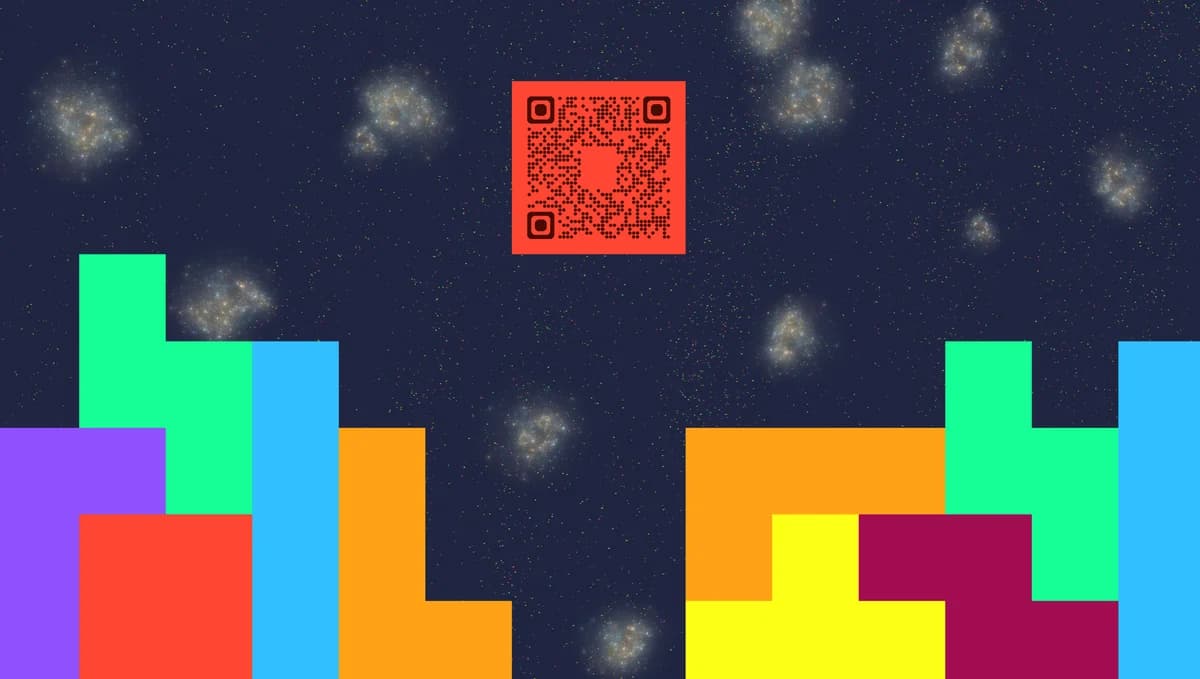
Educational QR codes connect students to digital learning content through a simple scan. Teachers can link to Kahoot quizzes, Google Forms assessments, educational games, virtual scavenger hunts, or any web-based learning activity. Students scan the code and immediately participate without needing to remember URLs or navigate complex platforms, similar to how QR codes simplify access to online surveys.
Throughout this guide I'll show you how to create QR codes that make educational activities more accessible and engaging. You can generate codes for any educational platform using QR Code Developer, then place them on worksheets, classroom displays, or share them digitally for remote learning scenarios. So let's get class started!
Educational scenarios for quiz QR codes
Educational QR codes solve the common problem of students struggling to access digital activities quickly. Teachers use them to reduce setup time and increase participation rates. These codes work particularly well for interactive content types that require immediate student engagement.
Kahoot and quiz platform access
Teachers place QR codes on slides or handouts that take students directly to Kahoot games, Quizizz activities, or Mentimeter polls without requiring game codes or lengthy URLs.
Homework and assessment forms
Students scan codes on assignment sheets to access Google Forms, Microsoft Forms, or other assessment platforms, making submission faster and reducing lost assignment links.
Educational game stations
Classroom learning stations feature QR codes that rotate students through different educational games, simulations, or interactive websites based on the lesson topic. This approach works particularly well in environments like museums that use QR codes for interactive learning.
Remote learning activities
Distance learning teachers share QR codes in video calls or digital materials that connect students to breakout activities, collaborative tools, or supplementary learning resources.
Building QR codes for educational activities
Creating educational QR codes takes just a few minutes and works with any web-based learning platform or activity.
Access the QR code generator
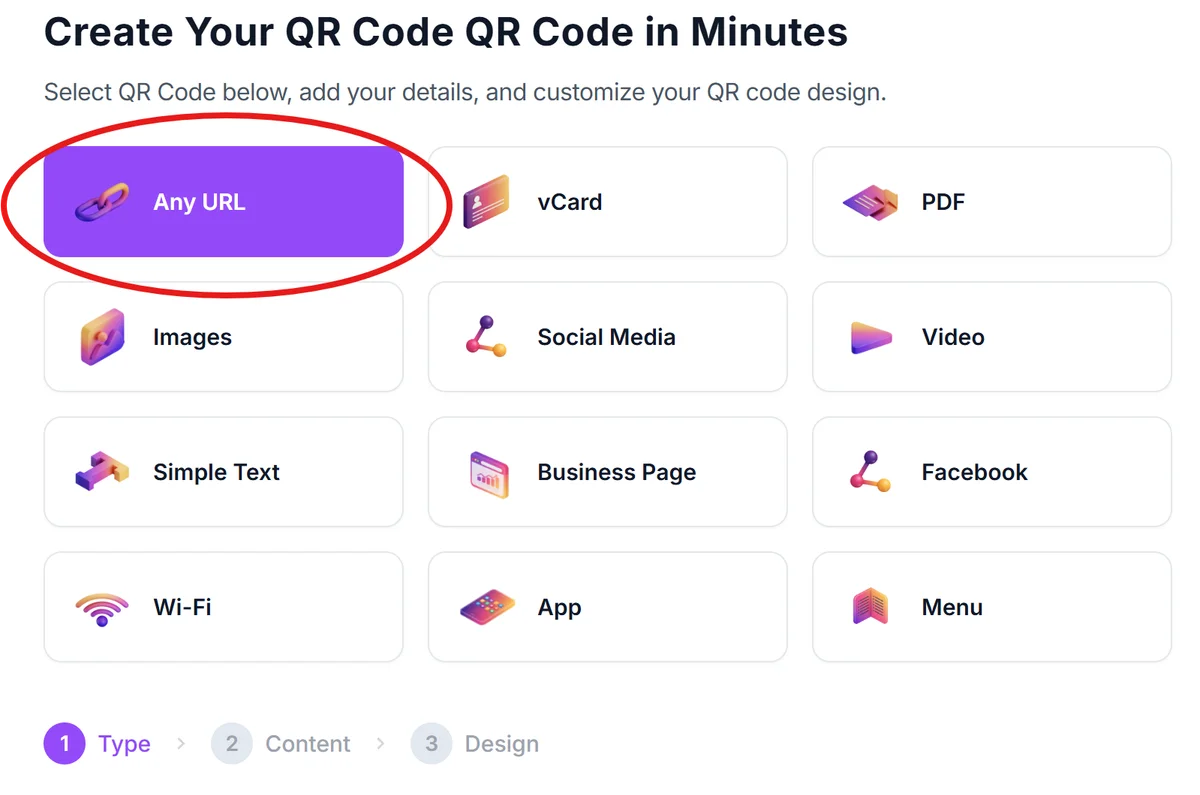
Visit qrcodeveloper.com and select the URL option to create a link-based QR code for your educational content.
Copy your educational activity link
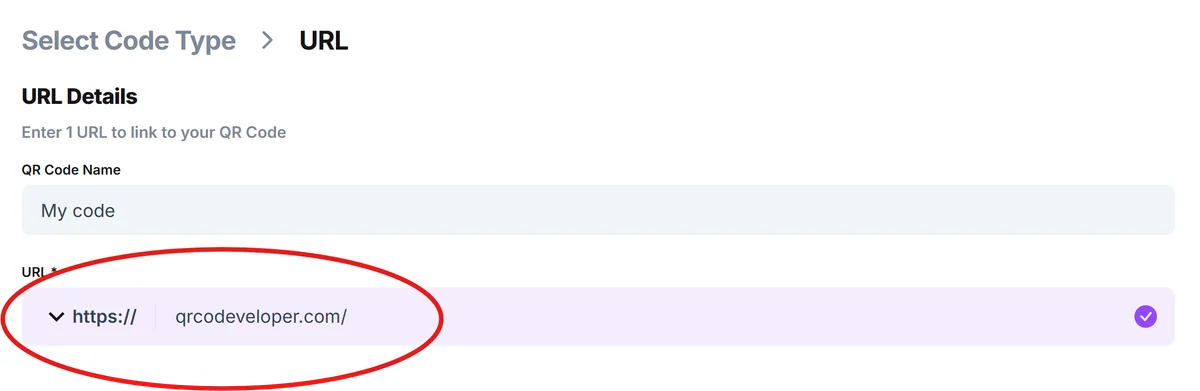
Get the direct link to your quiz, game, or activity. For Kahoot, use the join link. For Google Forms, copy the sharing URL. For educational websites, copy the specific page URL you want students to access.
Customize for classroom use
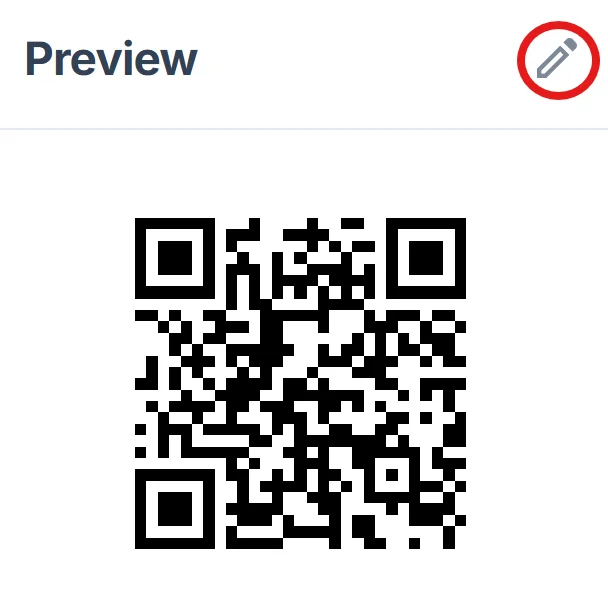
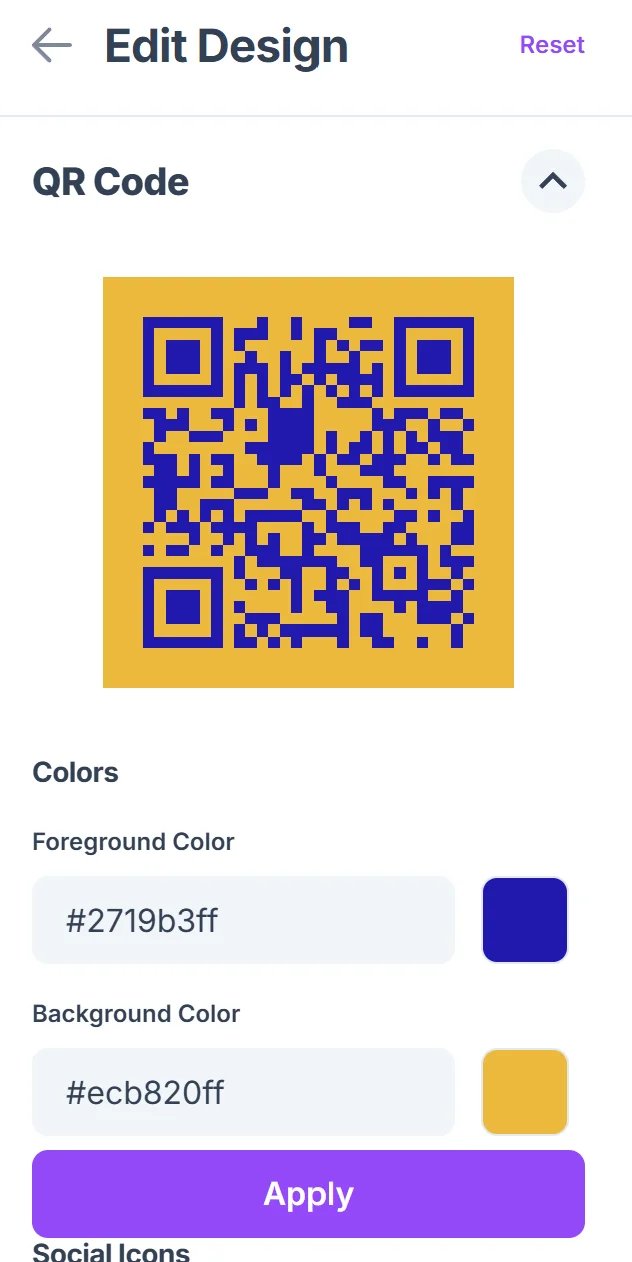
Click on the pencil icon in the Preview window to further customize your code. Add a descriptive title like 'Science Quiz' or 'Math Game' and choose colors that match your classroom theme or subject area. Consider adding your class name or period for organization. For design inspiration, check out these QR code design tips.
Test with student devices
Scan the QR code with different types of phones and tablets that your students typically use to ensure compatibility across iOS and Android devices.
Distribute through multiple channels
Print codes on worksheets, display them on classroom screens, include them in digital lesson materials, or share them in your learning management system for flexible access. You can also create QR code stickers for reusable classroom materials.
Best practices for educational QR codes
These strategies help ensure your educational QR codes work smoothly for all students and enhance rather than complicate the learning experience.
Print QR codes large enough for easy scanning - at least 1 inch square on handouts and larger for classroom displays that students scan from their desks
Include clear instructions like 'Scan to join the quiz' or 'Use your phone camera to access the game' since some students may be unfamiliar with QR code scanning
Test codes before class to ensure links work and activities are accessible, especially for time-sensitive activities like live quizzes or collaborative exercises. Understanding how to check if a QR code is safe is also important when sharing codes with students.
Keep backup access methods ready - write the short URL or game code nearby in case students have scanning difficulties or lack smartphone access
Frequently Asked Questions
Do students need special apps to scan educational QR codes?
Most modern smartphones have built-in QR code scanning through the camera app. Students simply open their camera and point it at the code - no additional apps required.
Can I create QR codes for password-protected educational content?
Yes, you can link to any web content including password-protected platforms. Students will scan the code and then enter login credentials as they normally would.
How do I handle students who don't have smartphones?
Always provide alternative access methods like short URLs or game codes. You can also have students pair up or use classroom tablets for scanning activities.
Can I track which students accessed activities through QR codes?
The QR code itself doesn't track users, but the educational platform you're linking to (like Google Forms or Kahoot) will show participation data as usual.
Are educational QR codes free to create?
Yes, you can create unlimited educational QR codes for free. There are no restrictions on classroom use or the number of codes you generate for teaching purposes.
Related Guides
Ready to create your QR code?
Generate custom QR codes in seconds - free and easy to use.
Create Free QR Code →