QR Code Generator for Google Meets - Instant meeting access

Share Google Meet links instantly through scannable codes that eliminate typing errors and connection delays.
Google Meet QR codes for instant video conferencing
QR codes can eliminate the frustration of sharing Google Meet links through endless email chains and buried chat messages. Instead of typing or copying complex meeting URLs, participants can simply scan a code with their phone camera to join instantly. This simple technology transforms how teams connect for virtual meetings, making access truly effortless for everyone involved. Learn more about understanding QR codes and their capabilities.
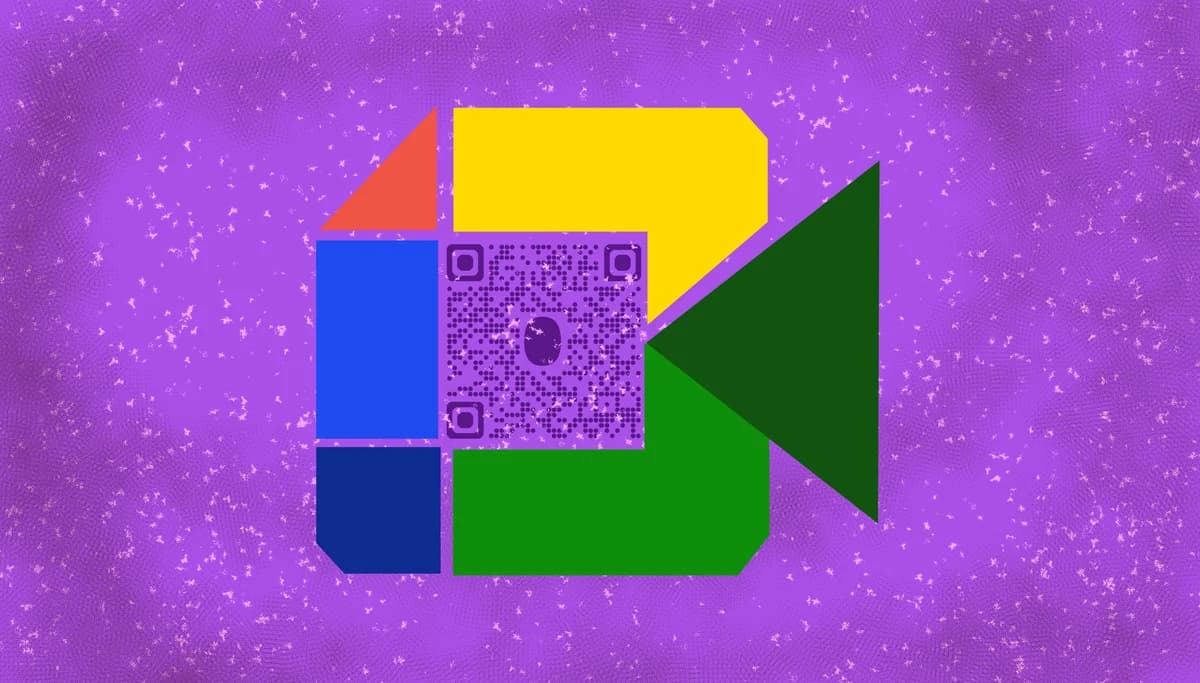
A Google Meet QR code transforms your meeting link into a scannable code that participants can use to join instantly. Instead of copying and pasting long URLs or searching through messages, attendees simply scan the code with their smartphone camera and connect directly to your meeting room. This works with any Google Meet link, whether it's a scheduled meeting, instant meeting, or recurring session.
In this guide I will cover everything you need to know about creating and using Google Meet QR codes effectively. I'll also go over practical applications for different scenarios and learn how QR Code Developer makes the process simple and reliable for any meeting format. So let's get the meeting started!
Practical applications for meeting QR codes
Google Meet QR codes solve connection problems across various professional and educational settings. Whether you're hosting large conferences or intimate team meetings, these codes eliminate the friction that often delays meeting starts. Learn more about event QR code applications for broader context.
Conference and event registration
Display QR codes on name badges, welcome screens, or printed materials so attendees can join breakout sessions or main presentations without manual link sharing.
Classroom and training sessions
Teachers and trainers can post QR codes on whiteboards or handouts, allowing students to join virtual lessons or hybrid sessions quickly from any device.
Business meetings and client calls
Include QR codes in email signatures, business cards, or meeting confirmations to give clients and colleagues multiple ways to access your meeting room.
Recurring team standups
Teams can save time on daily or weekly meetings by posting a permanent QR code in shared spaces like Slack channels or team boards for consistent access.
Creating your Google Meet QR code
Converting your Google Meet link into a QR code takes just a few minutes and works with any meeting format Google offers.
Access the QR code generator
Go to qrcodeveloper.com and select the URL option from the available QR code types.
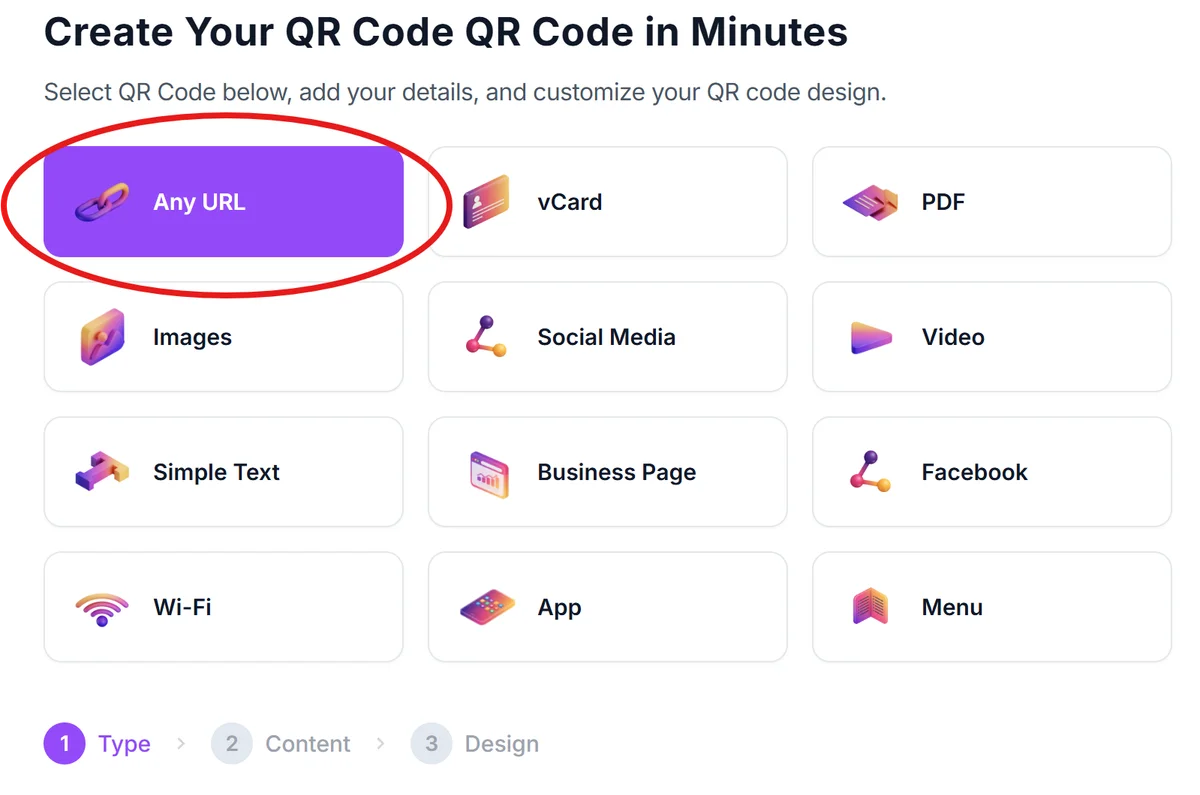
Copy your Google Meet link
From your Google Calendar event or Meet homepage, copy the full meeting URL. This typically starts with 'meet.google.com/xxx-xxxx-xxx' and includes your unique meeting ID.
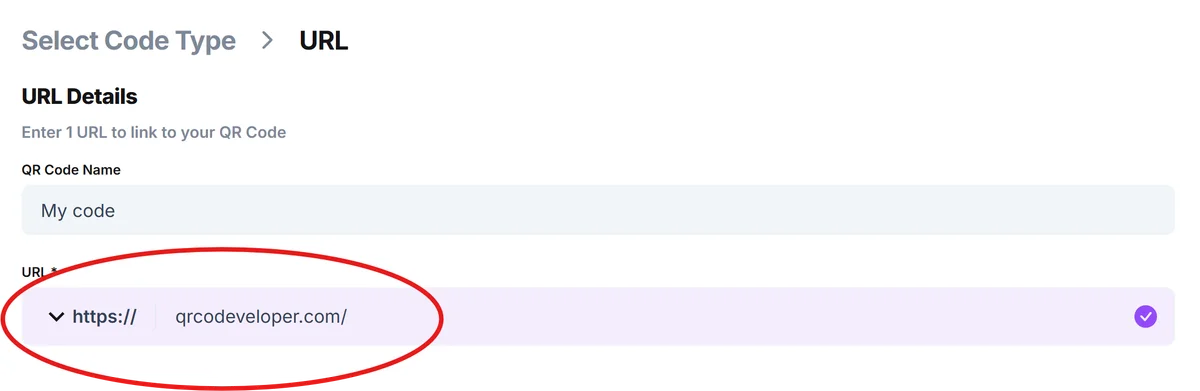
Paste and customize your code
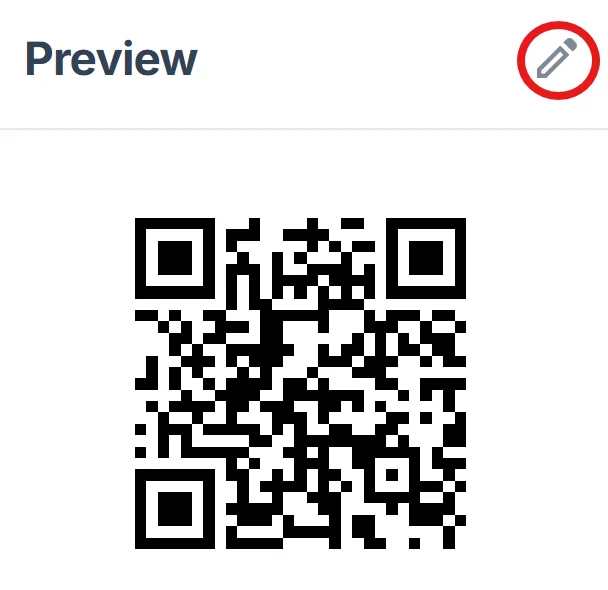
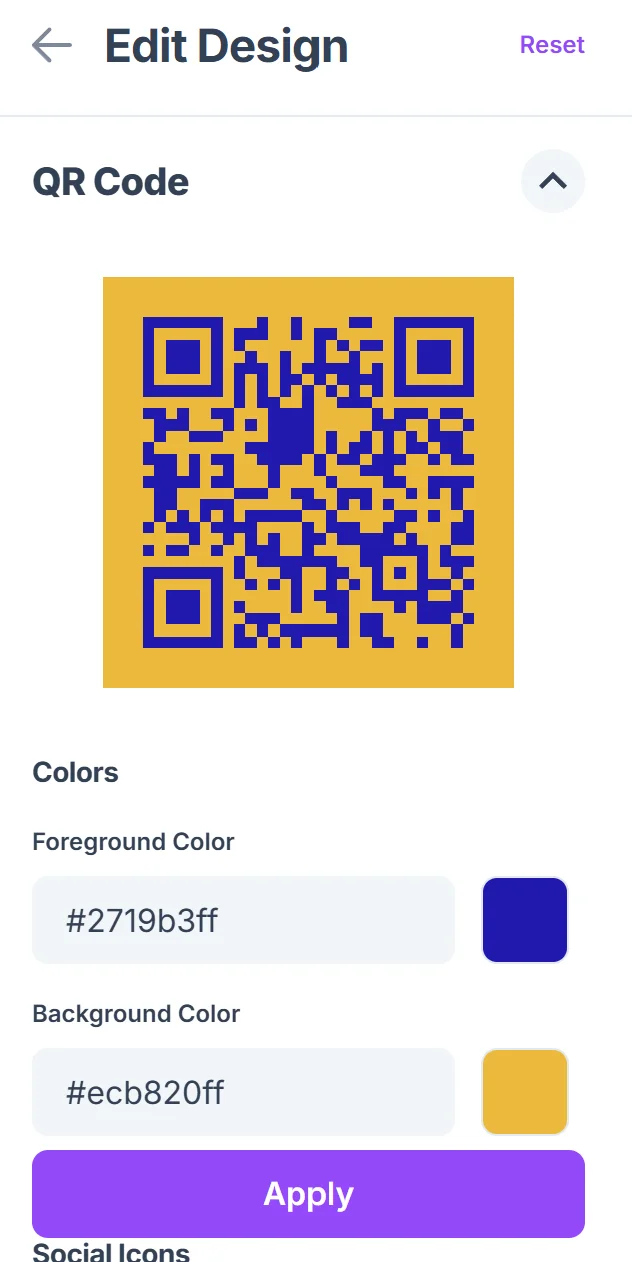
Enter your Google Meet URL in the generator and customize the design with colors that match your brand or event theme. Click on the pencil icon in the Preview window to further customize your code. Consider adding a logo for professional presentations, following QR code design tips for optimal results.
Test before sharing
Download your QR code and test it with multiple devices to ensure it connects properly to your meeting room. Check that it works on both iOS and Android phones.
Deploy across your channels
Share your QR code through email, print it on materials, display it on screens, or add it to flyers and digital presentations depending on your meeting format and audience needs.
Best practices for meeting QR codes
Getting the most from your Google Meet QR codes requires attention to placement, timing, and user experience details that can make or break smooth meeting starts.
Display QR codes prominently with clear instructions like 'Scan to join meeting' rather than assuming people know what to do with the code. For additional security considerations, review our guide on how to check if a QR code is safe.
Create separate QR codes for different meeting rooms or sessions rather than using one generic code, especially for multi-session events or conferences
Include backup connection methods alongside your QR code, such as the meeting ID number, in case participants have scanning difficulties
Test your QR codes with different phone cameras and lighting conditions since meeting rooms often have challenging lighting that affects scan reliability
Frequently Asked Questions
Do Google Meet QR codes work with recurring meetings?
Yes, if you create a recurring meeting in Google Calendar, the same Meet link and QR code will work for all instances of that recurring meeting.
Can I create QR codes for instant Google Meet rooms?
Absolutely. Any Google Meet link, whether scheduled in advance or created instantly from meet.google.com, can be converted into a QR code for easy sharing.
What happens if someone scans the QR code before the meeting starts?
They'll be taken to a waiting room where Google Meet will show them the meeting details and allow them to join once the host starts the meeting or admits them.
Do participants need the Google Meet app to join via QR code?
No, scanning the QR code opens the meeting in their default web browser. However, having the app installed can provide a better experience on mobile devices.
Are QR codes for Google Meet free to create?
Yes, you can create Google Meet QR codes for free using basic URL QR code generators. Premium features like custom branding or analytics may require paid plans.
Related Guides
Ready to create your QR code?
Generate custom QR codes in seconds - free and easy to use.
Create Free QR Code →