How to Make Clever Use of QR Codes in Public Pools

Key Takeaways
- Public pools can make use of QR codes in all sorts of ways
- Codes are easy to make and generally understood by the public
- Codes can be laminated to make them better suited for a pool environment
Now that summer is here it's time for many of us to hit up our public pools! These facilities are great for communities and individuals who otherwise don't have access to a place to cool off, not to mention how the revenue helps to stimulate the local economy.
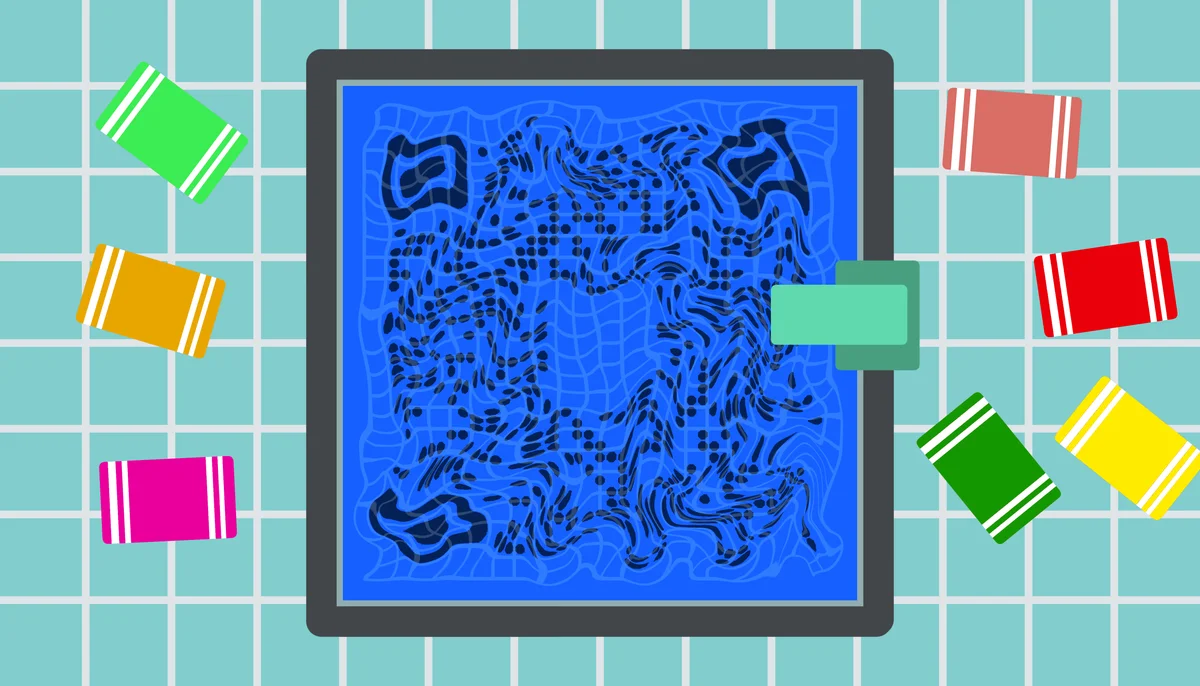
But getting necessary information at a public pool can be an issue, especially if they use paper materials that can be damaged by the environment. Luckily, QR codes can be used in multiple ways to make both the staff and guest experience at the pool much better.
In this piece I will go through all the different ways QR codes can be used in public pools as well as share a step by step guide on how to use QR Code Developer to make your own. I'll also share some tips and extra information on how to get the most out of your codes.
So let's dive right in!
What is a QR code?
A QR code is a special type of image containing data that can be scanned by a smart device, like a phone or a tablet, in order to easily access a variety of online and digital content. You've likely encountered them before, they appear as little squares made of smaller monochrome squares or dots, usually black and white, and can be found on posters, flyers, stickers, cards, and just about any form of visual media.
QR codes are easy to make through a service like QR Code Developer, can be monitored, customized to fit your needs, and can serve as an easy way to share and access things like website addresses, social media pages, contact sheets, videos, text files, and much more.
How can QR codes be used in public pools?
QR codes can be used in public pool facilities, both indoors and outdoors, as an easy way to provide extra information and resources to pool guests and staff. They serve as a much better alternative to traditional paper resources, which can become damaged by the pool environment.
What about the water? You might be thinking how do I make sure my QR codes survive getting wet in a pool setting? Well that's no issue. Simply laminating your codes or printing them on more water resistant materials, like on signs and stickers, can prevent them from taking too much water damage and let them last much longer than paper materials.
For guests
QR codes can be helpful for guests and patrons of public pools in the following ways:
• Pool hours and rules
• Menus for any food services
• Payment
• Reviews
• Surveys
For staff
QR codes can be used by staff of public pools for the following:
• Safety procedures
• Scheduling
How to make a QR code for a URL link
• In QR Code Developer, click on Create Code.
• Select the Website option as your code type.
• Name your code and paste the link into the URL bar.
• Click on the pencil icon in the Preview window to further customize the look of your code.
• Click Generate.
• Test your code on multiple devices.
Benefits of using QR codes in public pools
Ease of use
QR codes are both easy to use and easy to make through something like QR Code Developer. Just about every smart phone on the market has a QR code scanner built right in. All you need to do is point the camera at the code and tap the link when it pops up. QR codes can also be scanned from almost any angle and even when visible damage has been done to the code.
Widely understood
By now, most people with smart phones are at least familiar with QR codes and know how to use them. In many regions, QR code payment is more popular than cash or cards.
Customizable
QR codes can be heavily customized, with unique colors and appearances to fit your needs or branding.
Hands free communication
The usage of QR codes surged during the COVID 19 pandemic since it allowed for people to communicate with each other, access content, and share resources, all without needing to touch each other or even be in the same space.
Trackable
If you use something like QR Code Developer to make your codes, then it's possible to monitor how your codes are used. This can include information like how many scans your code got, where they were scanned, and even on what device they were scanned.
Monitoring code usage
With the tools available on QR Code developer, as well as other code generators, you can monitor the usage of any code you create. This can include how many times a code has been scanned, where it has been scanned, on what device, using what browser, and more. With these tools, you can figure out which codes are reaching the most people and where to focus any advertising efforts.
With QRCode developer you can monitor:
• Number of scans
• Number of scans by operating system
• Scans by browser
• Scans by country
• Scans by city
• Scans by language
• Unique scans
General tips
Know your audience: If you're certain that most of your intended audience doesn't know how to use QR codes or just don't like them, then don't use them.
Keep instructions clear: Provide clear instructions on how to use and scan QR codes as well as where the codes will redirect to.
Place codes on a flat surface: To make sure that codes are still scannable, only put them on flat surfaces, like walls, tables, posters, or fliers.
Use high contrast: If using custom colors on a code, make sure that the colors are distinct enough from each other to be read as a QR code.
Make sure codes are visible: Don't place codes where patrons are unlikely to see them.
Only use codes when necessary: If an alternative exists that's easier for all parties involved, use that.
Test on multiple devices: Make sure your codes work whether scanned on an Android device, iPhone, tablet, or other device.
Frequently Asked Questions
Q: Can QR code be used for public pools?
A: Yes, QR codes can be used in public pools to distribute various pieces of content and information.
Q: Can QR codes be made water proof?
A: QR codes can be made water proof by either laminating the paper they're printed on or printing them on more water resistant material, like a metal or plastic sign.
Q: Do I need to hire someone to make my QR codes?
A: No. QR codes can be made by yourself for free through a service like QR Code Developer.
Q: Do I need to download anything to scan QR codes?
A: While QR scanner apps are available for mobile devices, they are not necessary. Most modern smart devices are perfectly capable of scanning codes right from the built-in camera app.
Q: What devices can scan QR codes?
A: Most modern smart devices with both a built-in camera and an internet connection can scan QR codes and access the content within. This includes smart phones, tablets, and even some handheld gaming consoles.
Q: Are QR codes safe?
A: While there are some risks in using QR codes, they are relatively safe.
Ready to create your QR code?
Generate custom QR codes in seconds - free and easy to use.
Create Free QR Code →