QR codes for advertising campaigns and marketing promotions

Bridge print advertising with digital experiences using trackable QR codes that connect customers from any offline ad to your online content.
How QR codes transform print advertising into interactive experiences
Over 88% of smartphone users have scanned a QR code, yet most print advertisements still rely on URLs that people can struggle to type manually. Recent studies show that QR codes on advertisements increase engagement rates by up to 300% compared to traditional call-to-action methods.
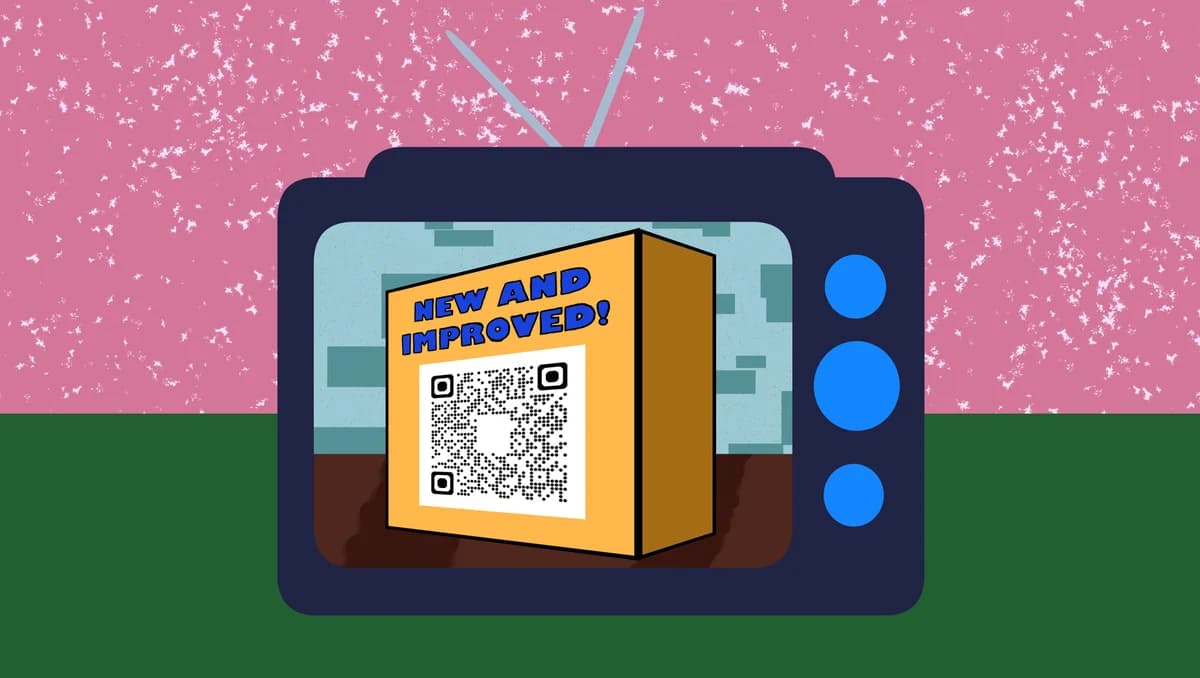
Advertisement QR codes serve as instant bridges between your physical marketing materials and digital content. Instead of asking customers to remember a website URL or search for your brand later, they can scan your code and land directly on product pages, promotional videos, discount offers, or dedicated landing pages within seconds.
Throughout this guide I'll walk you through creating advertisement QR codes that actually convert, from choosing the right destination content to tracking which campaigns perform best. I'll also go over how major brands use QR codes on flyers and other marketing materials to measurably improve their advertising ROI. So let's dive right in!
Smart ways advertisers use QR codes to boost campaign performance
Advertisement QR codes solve the fundamental problem of disconnected marketing touchpoints. Instead of hoping customers will remember your message later, you can capture their attention immediately and guide them to take action. These codes work particularly well with business card QR codes for comprehensive marketing strategies.
Product launch campaigns
Direct customers from magazine ads, billboards, or brochures straight to product demonstration videos or pre-order pages.
Event promotion and ticket sales
Connect poster advertisements to event registration forms, ticket purchasing pages, or exclusive preview content.
Retail store promotions
Link newspaper ads or direct mail pieces to digital coupons, loyalty program sign-ups, or store location finders.
Brand awareness campaigns
Guide viewers from outdoor advertising to brand story videos, social media profiles, or interactive brand experiences.
Building advertisement QR codes that drive results
Creating effective advertisement QR codes requires strategic thinking about your customer journey and clear destination planning.
Access the advertisement QR generator
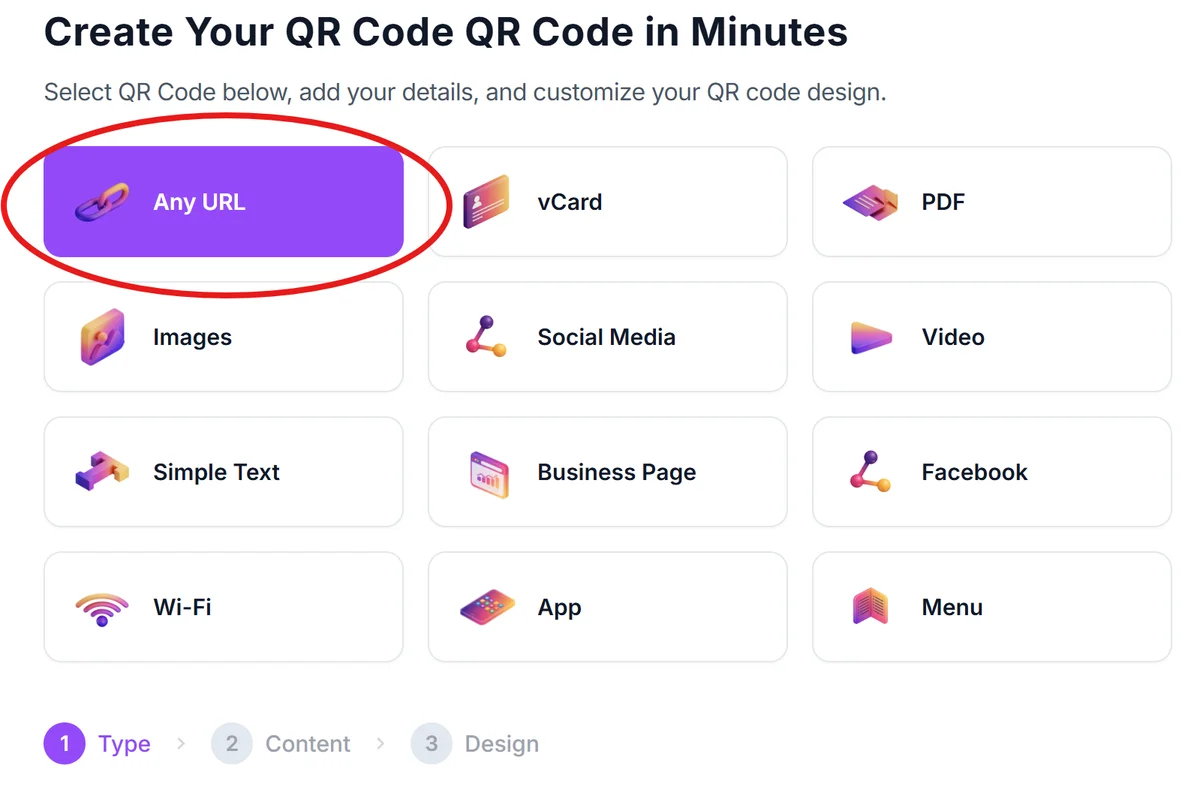
Visit qrcodeveloper.com and select the URL option to create your advertisement QR code.
Define your campaign destination URL
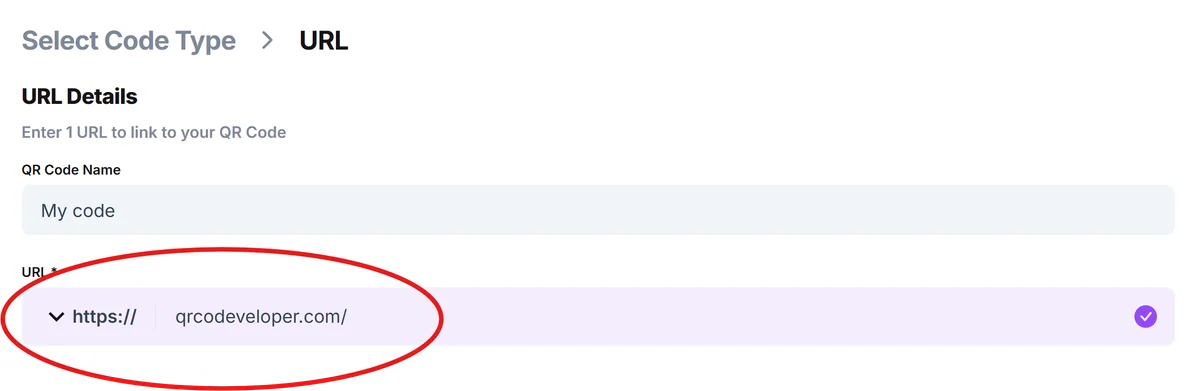
Enter the specific landing page URL where you want advertisement viewers to land. This could be a product page, promotional offer, video content, or sign-up form.
Design for your advertisement medium
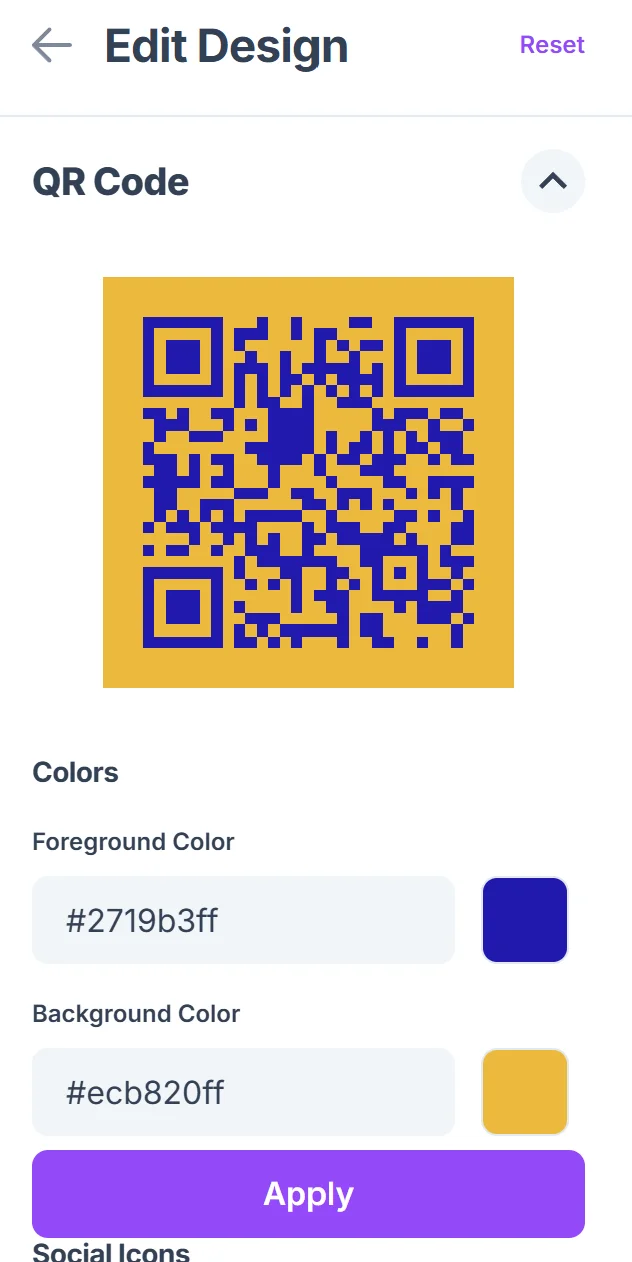
Click on the pencil icon in the Preview window to further customize your code. Customize your QR code colors and style to match your advertisement design. Consider contrast requirements for print media and ensure the code remains scannable at your intended size, following proper QR code design principles.

Set up campaign tracking parameters
Add UTM parameters to your destination URL to track which advertisements generate the most scans and conversions in your analytics. Consider using dynamic QR codes for better tracking capabilities.
Test across advertisement contexts
Verify your QR code scans correctly from the actual distance and lighting conditions where your advertisement will appear, whether that's a billboard, magazine page, or storefront window.
Advertisement QR code best practices for maximum engagement
Successful advertisement QR codes require careful attention to placement, sizing, and user experience to maximize scan rates and conversions.
Size your QR code appropriately for viewing distance - use at least 1 inch square for close-up materials like brochures, and scale up proportionally for billboards or posters viewed from farther away.
Include clear scanning instructions like 'Scan to learn more' or 'Scan for exclusive offer' to guide users who might be unfamiliar with QR code functionality.
Ensure your destination page loads quickly on mobile devices and provides immediate value - whether that's a discount code, product information, or engaging content that matches your advertisement's promise.
Test your advertisement QR codes in the actual conditions where they'll be used, including different lighting situations and smartphone camera capabilities, to avoid scanning failures that frustrate potential customers.
Frequently Asked Questions
What type of content works best for advertisement QR code destinations?
Mobile-optimized landing pages with clear value propositions work best. This includes product demos, exclusive offers, sign-up forms, or content that directly relates to your advertisement's message.
How can I track the performance of my advertisement QR codes?
Add UTM parameters to your destination URLs and use Google Analytics or similar tools to track scans, conversions, and user behavior from each advertisement placement.
What size should my advertisement QR code be for different media?
For print ads and flyers, use at least 1x1 inch. For posters, scale to 2-3 inches. For billboards, calculate based on viewing distance - roughly 1 inch per 3 feet of viewing distance.
Do advertisement QR codes work well in all lighting conditions?
QR codes scan best with good contrast and adequate lighting. For outdoor advertisements, consider how different times of day and weather conditions might affect scanning success.
Can I use the same QR code across multiple advertisement placements?
You can, but using unique QR codes or UTM parameters for each placement gives you better data on which advertisements perform best and helps you optimize your marketing spend.
Related Guides
Ready to create your QR code?
Generate custom QR codes in seconds - free and easy to use.
Create Free QR Code →