QR codes for sales processing: Complete guide to faster transactions

Sales transactions that once required multiple steps and manual entry now complete in seconds through QR code scanning technology.
Key Takeaways
- QR payment codes reduce transaction time by eliminating manual card processing and cash handling
- Product identification QR codes prevent pricing errors and automatically update inventory systems
- Customer information QR codes enable instant lead capture and follow-up automation
- Integration with existing POS systems maximizes QR code effectiveness without disrupting current workflows
Cashiers often have to manually enter product codes while customers wait in growing lines. But they don't have to. Now retail environments process transactions through simple QR code scans that instantly capture product details, pricing, and inventory updates in real-time.
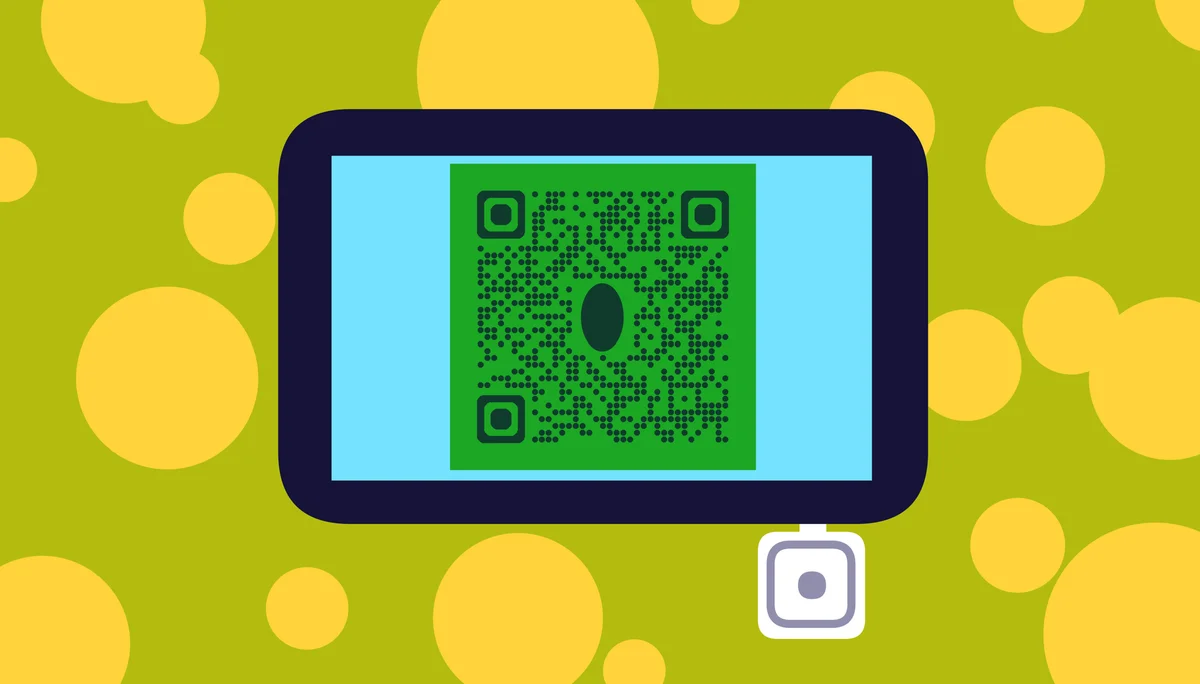
QR codes have transformed sales processing from a multi-step manual procedure into an automated system that reduces errors, speeds up transactions, and provides detailed analytics. Businesses report up to 40% faster checkout times when implementing QR-based payment and product identification systems.
In this guide I will cover everything from basic QR payment setup to advanced inventory integration. I'll also go over how to implement contact information QR codes for sales follow-ups and connect your QR system with existing business tools for maximum efficiency. So let's get started!
Setting up QR payment systems
QR payment processing begins with choosing the right payment processor that supports QR transactions. Most modern payment systems integrate QR functionality directly into their existing terminals and mobile apps, similar to how businesses implement QR code menus for streamlined customer interactions.
The setup process involves configuring your payment gateway to generate unique QR codes for each transaction amount. These codes contain encrypted payment information that customers can scan with their banking apps or digital wallets, ensuring QR code safety throughout the transaction process.
Choose your payment processor
Select a payment processor that offers QR code generation APIs and supports your preferred payment methods. Popular options include Square, Stripe, and PayPal, each offering different QR integration capabilities and fee structures.
Configure transaction QR generation
Set up your system to automatically generate QR codes containing transaction amounts, merchant information, and unique transaction IDs. This ensures each payment request is secure and traceable through your accounting system.
Test payment flow completion
Verify that customers can successfully scan codes, complete payments, and receive confirmation receipts. Test with multiple devices and payment apps to ensure broad compatibility across your customer base.
Integrating codes with existing workflows
Successful QR sales integration requires connecting your QR system with current business processes rather than replacing them entirely. This approach minimizes disruption while maximizing the benefits of automated processing.
Your integration should connect QR scans with inventory management, customer relationship systems, and sales reporting tools. This creates a unified data flow that improves accuracy and provides comprehensive business insights, much like how dynamic QR codes offer real-time data updates for enhanced functionality.
Connect inventory management systems
Link QR product codes directly to your inventory database so scans automatically update stock levels, trigger reorder alerts, and track product movement patterns. This eliminates manual inventory counting and reduces stockout situations.
Sync customer data collection
Use QR Code Developer to create customer information codes that capture contact details, preferences, and purchase history. This data feeds directly into your CRM system for automated follow-up campaigns and personalized marketing.
Automate sales reporting workflows
Configure your QR system to automatically generate sales reports, track performance metrics, and identify trends. This real-time data helps you make informed decisions about pricing, promotions, and inventory management.
Advanced sales automation features
Beyond basic payment processing, QR codes enable sophisticated sales automation that can transform your entire customer experience. These advanced features include dynamic pricing, personalized offers, and automated upselling, leveraging the versatility of different QR code types to meet specific business needs.
Advanced QR implementations can trigger complex workflows based on customer behavior, purchase history, and real-time inventory levels. This creates a responsive sales environment that adapts to each customer interaction.
Implement dynamic pricing codes
Create QR codes that display different prices based on customer segments, time of day, or inventory levels. This allows for flexible pricing strategies without manually updating price tags or training staff on complex pricing rules.
Deploy personalized offer systems
Generate unique QR codes for each customer that unlock personalized discounts, product recommendations, or exclusive access. These codes can be distributed through QR code business cards or email campaigns for targeted marketing.
Activate automated upselling triggers
Program QR codes to suggest complementary products, service upgrades, or extended warranties based on the scanned item. This increases average transaction value without requiring additional sales training or manual intervention.
Professional implementation strategies
Successful QR sales processing requires careful planning and attention to user experience details that can make or break customer adoption.
Place QR payment codes at eye level and ensure adequate lighting for easy scanning in all store conditions
Train staff to assist customers with QR scanning while maintaining backup payment methods for technical issues
Test QR code scanning speed across different smartphone models and apps to identify compatibility problems
Monitor QR transaction analytics to identify peak usage times and optimize staffing accordingly
Create clear signage explaining QR payment benefits to encourage customer adoption and reduce confusion
Frequently Asked Questions
How secure are QR codes for sales processing?
QR codes for sales processing use the same encryption standards as traditional card payments. The codes contain tokenized payment information rather than actual account details, making them as secure as chip card transactions when properly implemented.
Can QR sales systems work without internet connectivity?
Most QR payment systems require internet connectivity to process transactions and verify payment information. However, some systems can store transaction data locally and sync when connectivity returns, though this may limit real-time fraud protection.
What happens if a customer's phone can't scan QR codes?
Always maintain traditional payment methods as backup options. Train staff to quickly switch to card readers, cash processing, or manual entry systems when customers experience QR scanning difficulties or prefer alternative payment methods.
How do I track QR code sales performance?
Most QR payment processors provide detailed analytics showing scan rates, successful transactions, peak usage times, and customer demographics. This data integrates with your existing sales reporting tools for comprehensive performance tracking.
Can I customize QR codes for my brand?
Yes, you can customize QR code appearance with your brand colors, logos, and design elements while maintaining scannability. However, avoid excessive modifications that might interfere with scanning reliability across different devices and lighting conditions.
Related Guides
Ready to create your QR code?
Generate custom QR codes in seconds - free and easy to use.
Create Free QR Code →