5 Reasons Why You Should be Customizing Your QR Codes

Key Takeaways
- QR codes can be easily customized through your chosen code generator
- Customizing the colors and appearance of your codes can insure functionality
- Unique codes also stand out more among basic black and white codes
When you think of a QR code, you will likely picture a black and white square made up of smaller, similar squares. This is the most common QR code people will think of, but if you’re creating your own codes for your own purposes, then it’s possible to greatly change how your codes look, making them more unique.
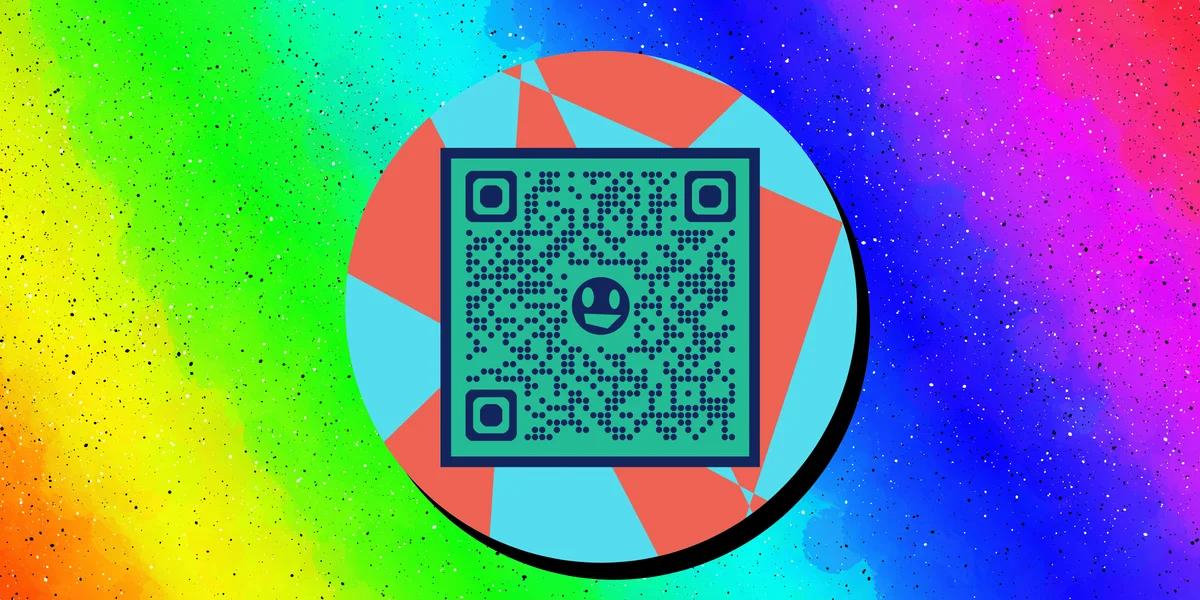
But why go to all this effort? Well, I’m here to tell you! In this piece I will go over 5 reasons why you should be customizing your QR codes. I’ll also share some helpful tips and answer frequently asked questions on this topic.
So let’s get to designing!
What is a QR code?
A QR code is a type of image where data has been stored within a monochrome design, usually in a square resembling a jumbled up chess board. This data can be accessed by scanning it with the camera on a smart device, like a phone or a tablet.
Scanning these codes can allow you to view all sorts of digital content, like websites, social media pages, images, and videos, or easily conduct certain tasks, like checking into events or paying for parking.
These codes are easy to make, even easier to use, and can be found on just about any surface that can display a 2D image, like on business cards, flyers, signs, in museums, shopping centers, local shops, and much more.
What can you customize on a QR code?
With QR Code Developer you can customize the following aspects of your codes:
• Colors
• Logos or images in the center
• Whether your code uses squares or dots
• Frames
• Text
Why customize my QR codes?
There are many reasons I could give as to why you should customize your QR codes, but I’ve narrowed down the most important to the following:
Visibility
A QR code has pretty much no value if no one can even see it. If you don’t properly customize your code, then it could blend in with its surroundings, and passersby could glance at your poster or flyer without even knowing that a QR code is even there.
Additionally, certain codes need to be extra visible to even be scannable in certain environments, like in warehouses or construction sites. If now one can see your code, then you might as well not have one.
Indication
By adding certain visual elements to your code, you can better convey what your code is for and what it will do if scanned. For example, if someone sees a QR code that is colored in the same shade of blue as the Facebook logo, as well as contains the logo in the center, then it’s reasonable to assume that scanning the code will take you to a Facebook Page.
Text can also be added with a quick call to action or an indication on where the code will redirect to. Something like “Check out our Instagram" or “See us on YouTube” will let your audience know what each of your codes are for.
Printing cost
If you’re planning on printing your codes en masse on flyers, cards, or posters, then printing costs are something you have to keep in mind. Generally, the more colors something uses, the more expensive it will be, so a smart tactic is to use as few colors as possible while still getting your message across.
For instance, if your business card uses a large amount of a particular shade of purple, then printing your QR code in that same shade will likely save you on some printing costs.
Safety
This may sound like a strange one, but a potential audience is more likely to believe that a code is safe and legit if the time is taken to customize the colors or add a small bit of text. Basic black and white QR codes are the easiest to make, and therefore the most common to be used in a scam or data hacking attempt.
Customizing your code lets your audience know that care has been taken into its creation, and that it will do exactly what they expect it to do.
Uniqueness and brand recognition
Perhaps the most important reason to customize your codes is that it helps to establish your brand and keep your codes looking unique against the competition. There’s plenty of basic black and white codes out there, but by changing up the colors, style, and adding certain imagery, you can make yours distinct.
Oftentimes, if a brand has a unique or recognizable color scheme, they will try to use it everywhere they can, including on their QR codes. Barbie pink and Home Depot orange are prime examples, and you can see it on their QR codes.
General tips
Know your audience: If you’re certain that most of your intended audience doesn’t know how to use QR codes or just don’t like them, then don’t use them.
Keep instructions clear: Provide clear instructions on how to use and scan QR codes as well as where the codes will redirect to.
Place codes on a flat surface: To make sure that codes are still scannable, only put them on flat surfaces, like walls, tables, posters, or fliers.
Use high contrast: If using custom colors on a code, make sure that the colors are distinct enough from each other to be read as a QR code.
Make sure codes are visible: Don’t place codes where patrons are unlikely to see them.
Only use codes when necessary: If an alternative exists that’s easier for all parties involved, use that.
Test on multiple devices: Make sure your codes work whether scanned on an Android device, iPhone, tablet, or other device.
Frequently Asked Questions
Q: Can you customize the look of a QR code?
A: Yes. If you use a code generator like QR Code Developer, then you can change how a QR code looks.
Q: What aspects of a QR code can you customize?
A: You can change the colors, frame, and shape of a QR code, as well as add a logo or image to the center and text below or around the code.
Q: Will customizing my code make it unreadable?
A: If you’re smart about how you customize your code, choosing contrasting colors and making it appealing to the eye, then your QR code should remain perfectly scannable. Still, it’s always a good idea to test your codes before making them public.
Q: Do I need to hire someone to make my QR codes?
A: No. QR codes can be made by yourself for free through a service like QR Code Developer.
Q: Do I need to download anything to scan QR codes?
A: While QR scanner apps are available for mobile devices, they are not necessary. Most modern smart devices are perfectly capable of scanning codes right from the built-in camera app.
Q: What devices can scan QR codes?
A: Most modern smart devices with both a built-in camera and an internet connection can scan QR codes and access the content within. This includes smart phones, tablets, and even some handheld gaming consoles.
Q: Are QR codes safe?
A: While there are some risks in using QR codes, they are relatively safe.
Ready to create your QR code?
Generate custom QR codes in seconds - free and easy to use.
Create Free QR Code →