QR Codes for Community Noticeboards

A pinned flyer only holds so many words. Paired with a scannable code, a noticeboard post can link neighbors to sign-up forms, meeting agendas, or full event details without cluttering the corkboard.
Key Takeaways
- A single QR code can replace paragraphs of small print on a flyer, keeping the printed notice readable from a few feet away.
- Static boards benefit most from a dynamic QR code, since you can change the destination link after the flyer is already pinned up.
- Placement and contrast matter more on a crowded noticeboard than they do almost anywhere else — a code buried under other flyers gets zero scans.
A 2024 survey found that 68% of US adults had scanned a QR code in the past year, with usage climbing to 83% among Gen Z and 81% among millennials, according to TEAM LEWIS via QR Code Chimp. Community boards sit in laundromats, libraries, coffee shops, apartment lobbies, and much more. These are the exact locations Gen Z and Millennials visit the most.
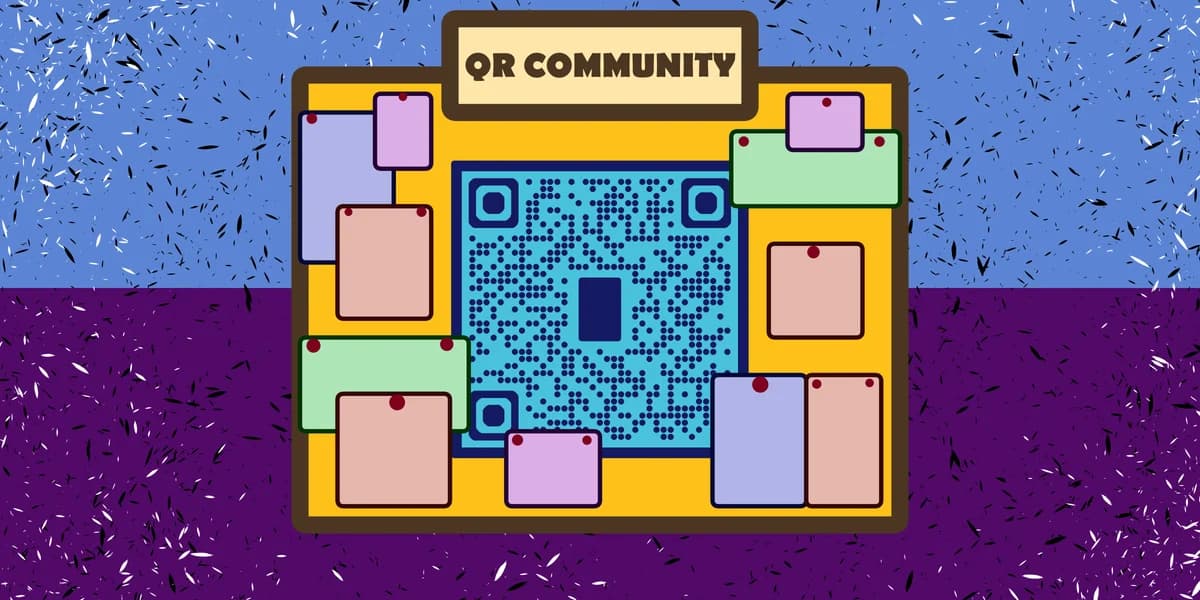
Paper notices have a fixed amount of space, and often, nobody stops to read it. A QR code lets you keep the flyer short — event name, date, one photo — and route anyone interested to the full story: a signup form, a PDF of meeting minutes, a map, or a fundraiser page. It also means you can update the linked content without reprinting a single sheet.
Local groups running block parties, HOA meetings, lost-pet alerts, or volunteer drives are increasingly adding a code in the corner of their flyer. It costs nothing extra, takes a few minutes to set up, and works with the phone camera almost everyone already carries.
How to add a QR code to your noticeboard posting
Setting one up doesn't require design software or a developer, though tools like Canva can help with design if you want a polished look. Here's the process from start to pinned-up flyer.
Step 1: Decide what the code should open
Pick one clear destination — a Google Form for volunteer signups, a shared calendar invite, a page with meeting minutes, or a fundraiser link. Avoid sending people to a generic homepage where they have to hunt for the relevant info; the whole point is to save them steps.
Step 2: Generate the code
Head to the free QR code generator and paste in your URL. If you're linking to a document rather than a webpage, you can also turn a PDF into a QR code so people land straight on the flyer, agenda, or newsletter instead of a download prompt.
Step 3: Choose dynamic over static
A static code is locked to one link forever. A dynamic code lets you swap the destination later without printing a new flyer — useful if a meeting location changes or a signup form fills up and you want to redirect latecomers to a waitlist. Read the difference in this static vs dynamic QR codes guide before you pick.
Step 4: Design the flyer around the code
Leave the code at least an inch square and place it away from staples, tape, or the edge where boards overlap. Add a short line of instruction like "Scan for the full schedule" so people know what they're getting before they pull out their phone. If you want general layout pointers, this guide to adding a QR code to a flyer covers spacing and sizing in more detail.
Step 5: Print, laminate, and test
Print at a resolution that holds up when the flyer is viewed from a couple of feet away — noticeboards aren't read up close. Laminating protects the code from rain, coffee spills, and rip damage, all common noticeboard hazards. Before pinning it up, scan it yourself with two different phones to confirm it opens correctly.
Tips for noticeboard QR codes that actually get scanned
A code that works technically isn't the same as one people actually stop to use. These details make the difference on a busy board.
Print the code at 1.5 inches or larger — noticeboards are often mounted higher than eye level, and small codes get skipped.
Use a short, human sentence next to the code, like "Scan to RSVP" or "Scan for parking map," instead of assuming people will guess the purpose.
Pin the flyer where nothing else can be layered over the code later; boards get crowded fast and codes are the first thing covered.
Check your code's contrast against the paper color — pastel flyer stock can wash out a light print job and make scanning unreliable.
If the notice will stay up for weeks, use a dynamic link so you can redirect it once the event passes, sending late scanners to a "thanks for stopping by" page instead of a dead link.
Frequently Asked Questions
Do I need a special printer for noticeboard QR codes?
No. A standard home or office printer works fine as long as the code prints crisp and isn't blurry or pixelated. Avoid resizing the image awkwardly in a word processor, since stretching a QR code unevenly can make it unreadable.
What should I link to on a lost-pet or garage-sale flyer?
Link to whatever gives the most useful next step — a photo gallery and contact form for a lost pet, or a map with the sale address and item list for a garage sale. Keep the linked page short so people can act on it from their phone in a few seconds.
Will older residents actually scan a QR code?
Adoption has broadened well past early adopters; usage is now mainstream across age groups, per the Market.us QR codes market report, which found 44.6% of global internet users had scanned one. Adding a printed URL as backup text under the code still helps anyone unfamiliar with scanning.
Can I track how many people scanned my noticeboard flyer?
Yes, if you use a dynamic QR code — most generators, including QR Code Developer, log scan counts so you can see whether the flyer placement is actually working before you print more copies.
Is it safe to post a QR code in a public space?
Generally yes, as long as you control the destination link and check it regularly. Public codes can occasionally be covered with a sticker linking elsewhere, so it's worth glancing at your flyer now and then. For more on spotting risks, see this guide to checking if a QR code is safe.
Related Guides
Ready to create your QR code?
Generate custom QR codes in seconds - free and easy to use.
Create Free QR Code →