QR Donation: How QR Codes Can be Used to Collect Donations

Introduction
Let’s say that you run a charity or some kind of organization that relies on donations. That’s great! But how do you collect donations? There’s always the classic man on the street with a bucket method, or a simple plastic box donors can slip bills into.
But as digital payments become more convenient and accessible, less and less people are carrying physical cash with them. I personally only ever have real bills if I’m planning to go to a flea market or garage sale.
So how can you collect funds from these people? The answer is QR codes!
In this piece I will go over the benefits of using QR codes for donations, how you can make your own, as well as some tips on getting the most out of your codes. Hope you’re feeling generous, cuz we’re starting right now!
What is a QR code?
A QR code, or quick response code, is a type of encoded image containing data. This data can be scanned, much like a traditional bar code, to access the content within, often by a mobile phone or other device.
While QR codes were originally used for parcel tracking, they can be used be used to share a variety of content, including text documents, images, contact information, Wi-Fi logins, restaurant menus, educational material, and even web based content, like URL links, Social media pages, group chats, videos, and more!
How can QR codes be used for donations?
QR codes can be used as an easy way to take donations right from a patron’s mobile phone. This allows donors to give right from their bank account without having to pull out cash or swipe a bank card.
All they need to do is scan the code with their phone, select the amount they’d like to donate, and then it will all be done through the app.
This has become especially useful since it has become less common for people to cary around cash bills, opting for the convenience of a bank card or mobile phone payment. Additionally, using a QR code allows you to collect donations without having someone be physically there to take payment.
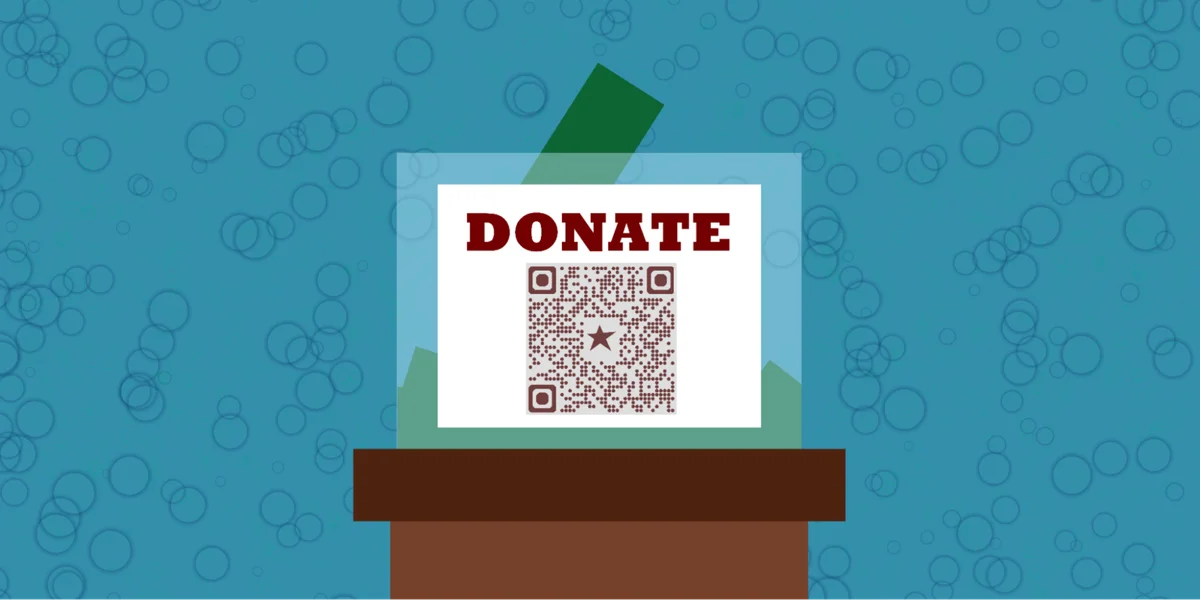
For example, you could set up a traditional cash donation box, but also have a QR code sticker on it that links to the donation page. This way you can receive income from two different sources, all without needing to be there to take any payment.
How to make a QR code for a donation site in QR Code Developer
- In QR Code Developer, click on Create Code.
- Select the Website option as your code type.
- Name your code and paste the link into the URL bar.
- Click on the pencil icon in the Preview window to further customize the look of your code.
- Click Generate.
- Test your code on multiple devices.
FAQ
Q: Where should I put my QR code for donations?
A: You should place your QR code somewhere potential donors are almost guaranteed to see it, like on a sign or flyer for the organization, or next to a preexisting cash donation box. Make sure the code is big and easy to notice.
Q: What organizations would benefit from using QR codes for donations?
A: Any sort of charity or public resource, like local theaters, museums, and libraries can greatly benefit from using QR codes to collect donations. They allow your organization to collect donations without a person physically there to take payment.
Q: Do I need to hire someone to make my QR code?
A: No. You can create your own QR code for free through a service like QR Code Developer.
Q: What service can I use to take payment?
A: You can either set up donations on your own website or allow patrons to send cash via a payment app like CashApp, Venmo, Zelle, or PayPal.
Q: Do I need to download an app to scan QR codes?
A: No. While third party QR scanner apps are available, they are not necessary, and most modern smart phones are capable of scanning QR codes through the built in camera app.
Q: What devices can scan QR codes?
A: Most modern smart devices, like mobile phones, tablets, and even some gaming consoles, can scan QR codes right from the built-in camera app.
General tips
- Know your audience: If you’re certain that most of your intended audience doesn’t know how to use QR codes or just don’t like them, then don’t use them.
- Keep instructions clear: Provide clear instructions on how to use and scan QR codes as well as where the codes will redirect to.
- Place codes on a flat surface: To make sure that codes are still scannable, only put them on flat surfaces, like walls, tables, posters, or fliers.
- Use high contrast: If using custom colors on a code, make sure that the colors are distinct enough from each other to be read as a QR code.
- Make sure codes are visible: Don’t place codes where patrons are unlikely to see them.
- Only use codes when necessary: If an alternative exists that’s easier for all parties involved, use that.
- Test on multiple devices: Make sure your codes work whether scanned on an Android device, iPhone, tablet, or other device.
Ready to create your QR code?
Generate custom QR codes in seconds - free and easy to use.
Create Free QR Code →