QR codes at cafes: Complete guide for coffee shops

Coffee shops struggled with paper menus, slow ordering, and contact sharing challenges. Modern cafes now use QR codes to create touchless experiences that boost efficiency and customer satisfaction.
Key Takeaways
- QR code menus reduce printing costs by 60-80% while allowing instant updates for seasonal items and pricing
- Mobile ordering through QR codes can increase average order value by 15-25% through strategic upselling
- WiFi QR codes eliminate password sharing and reduce staff interruptions about network access
- Social media QR codes boost online engagement when placed strategically near Instagram-worthy moments
Waiting in long lines to see a menu, fumbling with cash payments, and missing out on loyalty rewards can be detrimental to the typical cafe experience. However, today's coffee shop patrons can simply scan QR codes to access digital menus, place orders directly from their phones, and automatically earn rewards - all without touching a single surface or waiting in traditional queues.
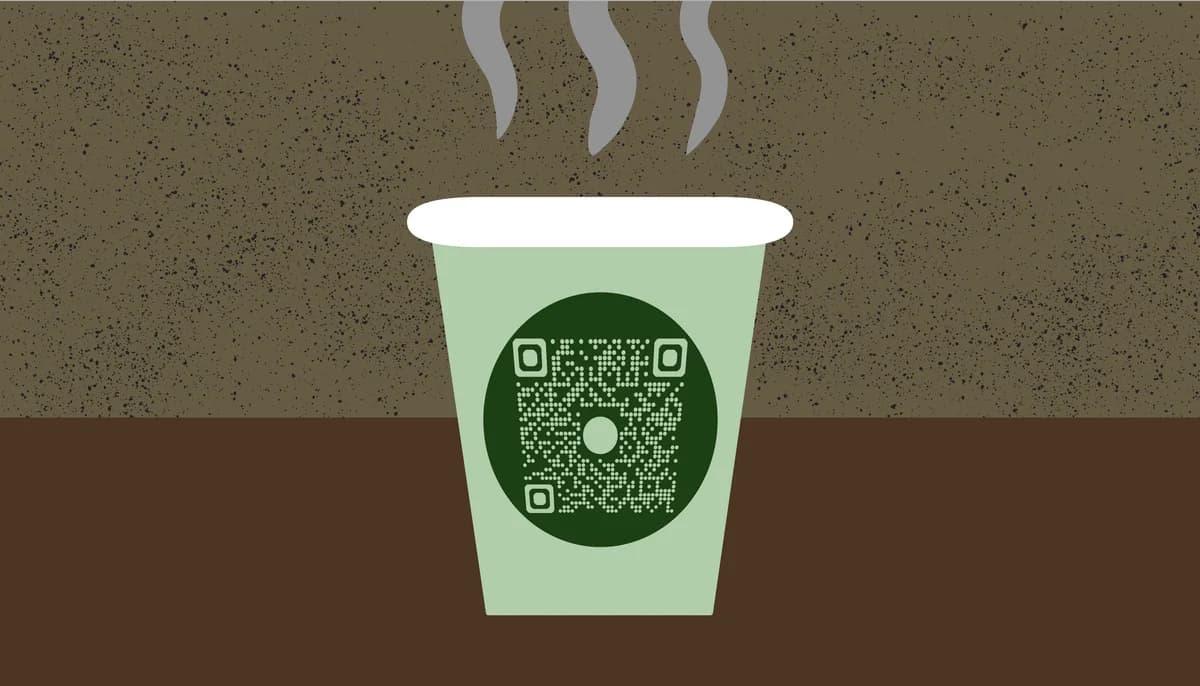
The 2020 COVID-19 pandemic accelerated QR code adoption in cafes worldwide, but the technology's benefits extend far beyond health safety. Coffee shops now use QR codes to reduce operational costs, gather customer insights, and create more personalized experiences that keep customers coming back.
In this guide I will cover everything from basic menu QR codes to advanced customer engagement systems. I'll also show you how successful cafes implement these solutions and share practical tips for choosing the right approach for your coffee shop. Whether you're running a single location or managing multiple cafes, you'll discover how to use QR Code Developer to create professional codes that enhance your customer experience. So let's get brewing!
Building loyalty and social connections
QR codes transform casual cafe visits into ongoing customer relationships. Smart implementation connects physical visits to digital engagement, creating multiple touchpoints for building brand loyalty.
Social media integration through QR codes helps cafes build online communities around their brand. Customers who discover your Instagram or Facebook through QR codes become long-term brand ambassadors and repeat visitors.
Loyalty program integration
Link QR codes directly to your loyalty program signup or point collection system. Place these codes near the register, on receipts, or in takeaway bags. You can also create QR code stickers for takeaway cups and bags to maximize visibility. Successful cafes offer immediate rewards for QR code signups, such as a free pastry or drink upgrade, to encourage adoption.
Social media connection codes
Create dedicated Instagram QR codes that link to your cafe's profile or a specific hashtag. Position these near photogenic spots like latte art stations, cozy seating areas, or signature wall art. Include a call-to-action like 'Scan to share your coffee moment' to encourage engagement.
Review and feedback systems
Use Google Reviews QR codes to gather customer feedback efficiently. Place these on receipts or table cards, timing the request after positive interactions. Responding to feedback collected through QR codes shows customers you value their input and helps improve your online reputation.
Streamlining cafe operations
QR codes reduce operational friction by automating routine customer service tasks. Staff can focus on coffee preparation and customer interaction rather than explaining WiFi passwords or taking basic orders.
The data collected through QR code interactions provides valuable insights into customer preferences, peak hours, and popular items. This information helps cafes make informed decisions about staffing, inventory, and menu optimization.
WiFi access automation
Create WiFi QR codes that automatically connect customers to your network without password sharing. Display these prominently near seating areas and at the counter. This reduces staff interruptions and creates a smoother customer experience, especially during busy periods.
Event and promotion management
Use event QR codes to promote special activities like coffee cupping sessions, live music, or community meetings. Update the linked content regularly to keep information current. QR codes make it easy to track event interest and attendance without complex registration systems.
Staff training and information access
Implement QR codes for staff access to training materials, daily specials information, or operational procedures. This ensures consistent information delivery and reduces training time for new employees. Staff can quickly scan codes to access current promotions or ingredient information when helping customers.
Professional implementation strategies
Successful QR code implementation requires attention to design, placement, and customer education. These expert strategies help ensure high adoption rates and positive customer experiences.
Design QR codes with sufficient contrast and white space - avoid placing them on busy backgrounds or in areas with poor lighting that make scanning difficult
Include clear instructions like 'Scan for Menu' or 'Point camera here' to help customers unfamiliar with QR technology understand the action required
Test all QR codes regularly across different devices and browsers to ensure they work consistently - broken codes create frustration and damage customer trust
Create backup systems for customers without smartphones, such as a simple printed menu available upon request or staff assistance with ordering
Monitor QR code analytics to understand usage patterns and optimize placement - move codes that aren't being scanned to more visible or convenient locations
Frequently Asked Questions
What's the best size for cafe QR codes?
For table displays, use at least 2x2 inches to ensure easy scanning from a comfortable distance. Window or wall displays can be larger (3x3 inches or more) to accommodate scanning from further away. Always test the scanning distance in realistic conditions.
How do I handle customers who don't have smartphones?
Always maintain alternative options like a simple printed menu or staff assistance. Train your team to proactively offer help to customers who seem confused by QR codes. Consider having a tablet available for customers to use if they prefer digital menus but don't have smartphones.
Should I use static or dynamic QR codes for my cafe menu?
Dynamic QR codes are better for menus because you can update the destination URL without reprinting the code. This is essential for cafes that frequently change specials, prices, or seasonal items. Static codes work well for permanent information like WiFi access.
How can I track if customers are using my QR codes?
Use QR code generators that provide analytics, showing scan counts, times, and device types. This data helps you understand usage patterns and optimize placement. You can also track website visits or orders that originate from QR code scans.
What should I do if my QR code stops working?
First, test the code with multiple devices to confirm the issue. Check that your website or linked content is still accessible. If using dynamic codes, verify the destination URL hasn't changed. For static codes, you'll need to generate and print new codes if the destination changes.
Related Guides
Ready to create your QR code?
Generate custom QR codes in seconds - free and easy to use.
Create Free QR Code →