Code Won’t Scan? It Could be the Color Contrast

Key Takeaways
- Good color contrast is essential to keeping QR codes functional
- Contrast can make codes more eye casting as well as ensuring scanability
- Background and foreground colors can be edited by using a generator like QR Code Developer
Have you ever spent all afternoon creating a unique QR code with its own color scheme, only to find that it wasn’t readable? This is a common problem for folks new to making QR codes, and the issue is likely that the code does not have enough contrast between the background and foreground colors.
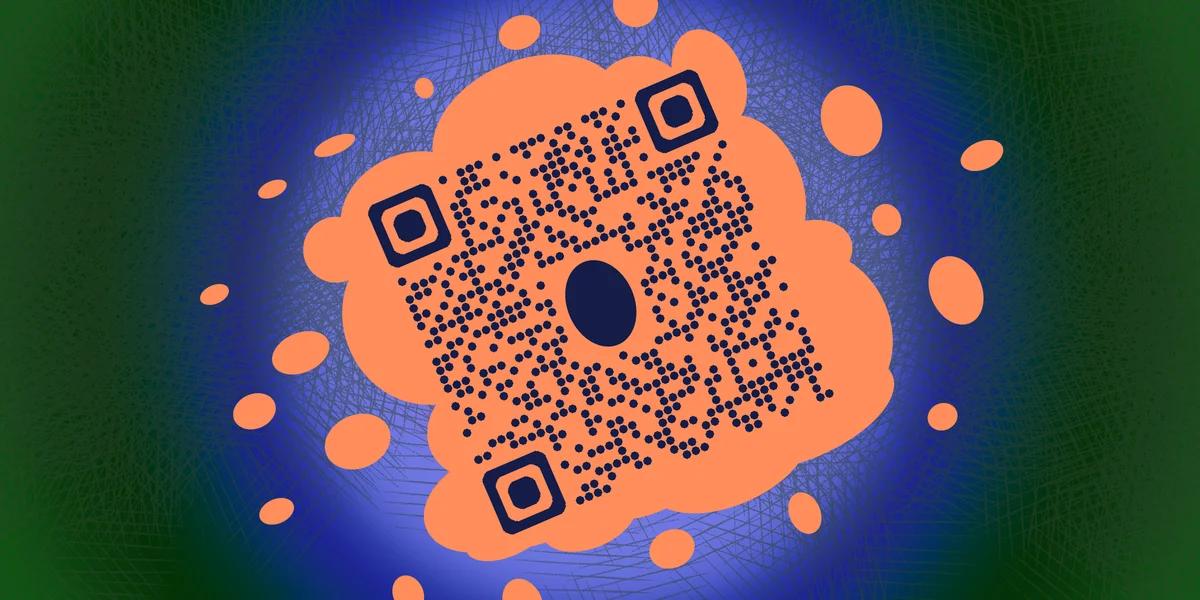
But what is color contrast? And what are background and foreground colors? And why is this so important to QR codes?
If you’re asking these questions, then you’ve come to the right place! I have an art degree and in this piece I will go over what color contrast is, the terms used in the design process, and why smart color choice is so important when making your own QR codes.
So let’s get started!
What is a QR code?
A QR code is a type of encoded image where data is stored within a square, monochrome pattern. They usually appear as black and white, almost like a jumbled up chess board, though as you’ll see in the rest of my piece, they can be heavily customized to fit your needs.
These codes can be scanned by the camera of a smart device, like a phone or a tablet, in order to access the data within. They can be used to view all sorts of digital media, like websites, images, text, and social media pages, or easily conduct tasks, like checking into events, paying for goods, or signing into a WiFi network.
QR codes are growing ever popular in the digital age, since they are easy to make, easy to use, can be customized, and attached to just about every form of physical and visual media, like on cards, flyers, posters, and even in movies and video games.
What is color contrast?
Color contrast refers to the difference in colors between two or more objects in a given image. Low contrast means that the colors are very similar to each other and can blend in. High contrast means that each color stands out and almost pops.
Here's an example
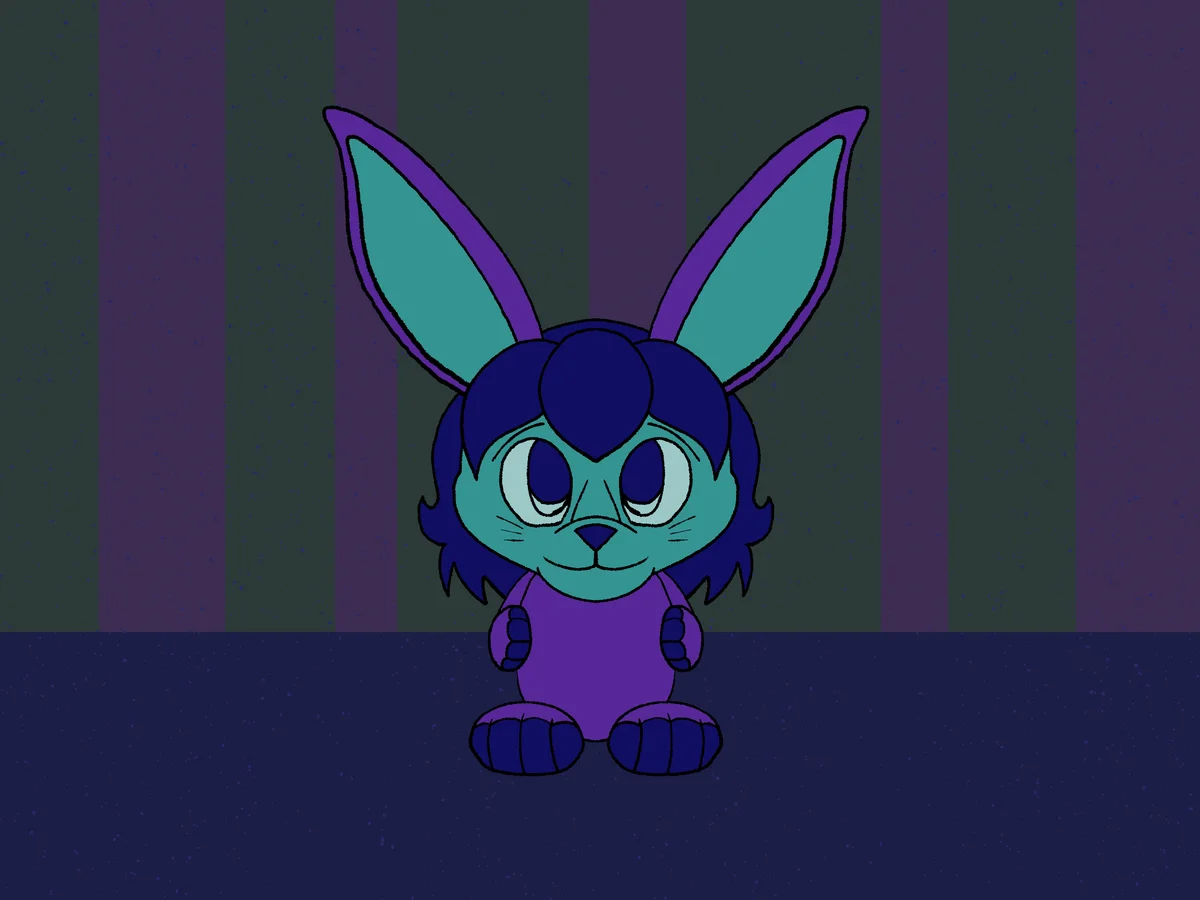
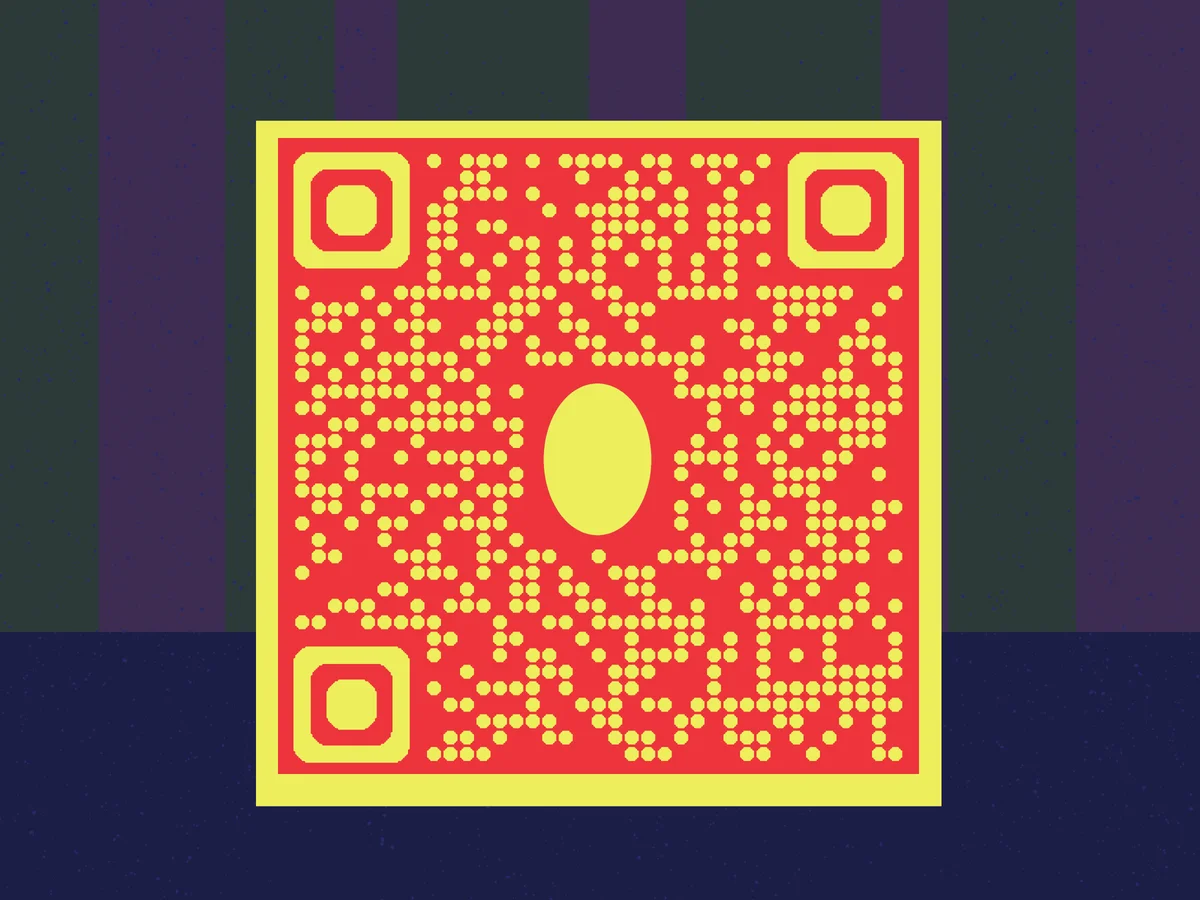
The figure below in image one is made mostly of cool colors (blue, green, and purple) in front of a dark background with similar colors, so it sort of blends into the surroundings.
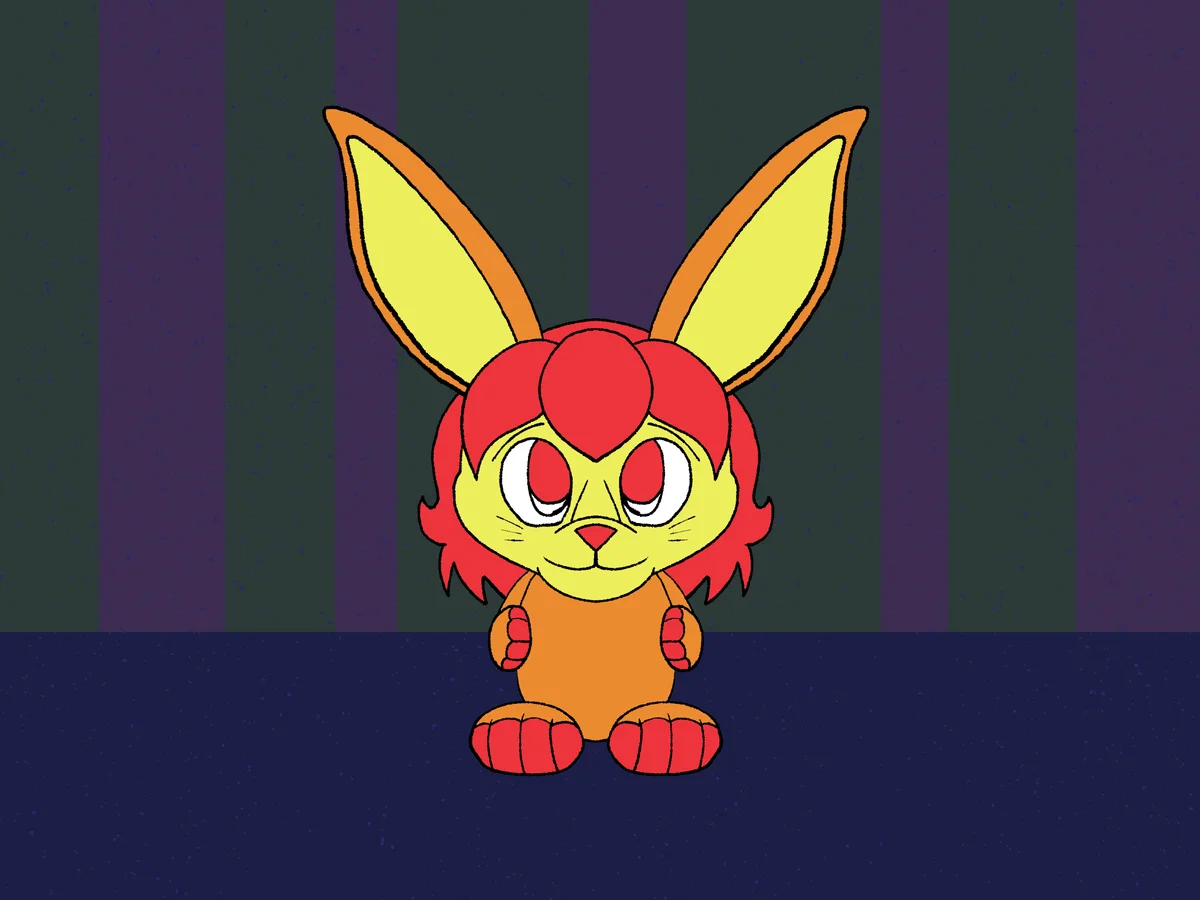
In the second image, however, the figure has been brightened up with warmer colors (red, yellow, and orange), so it stands out much more, just about popping out from the surroundings and making for a more striking image.
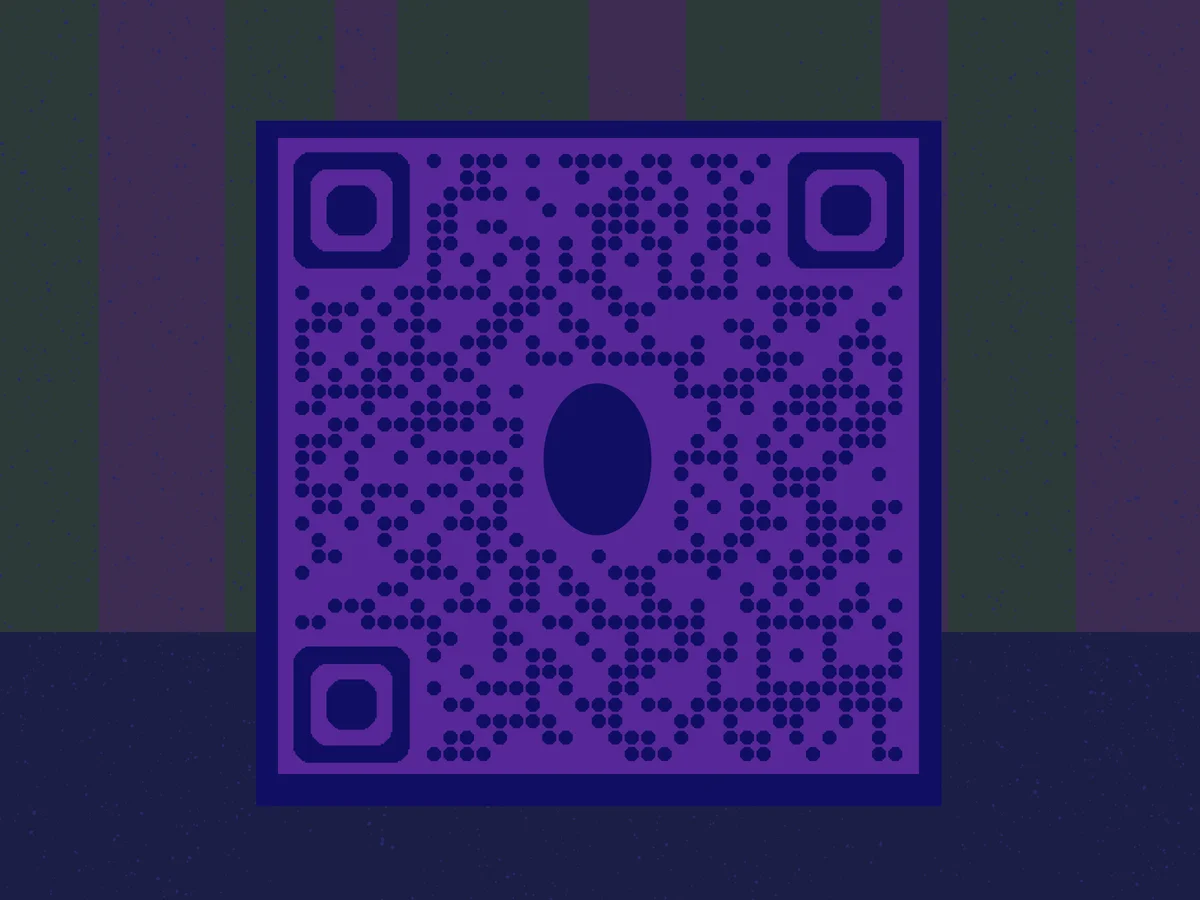
The same idea can be applied to QR codes, as you can see here
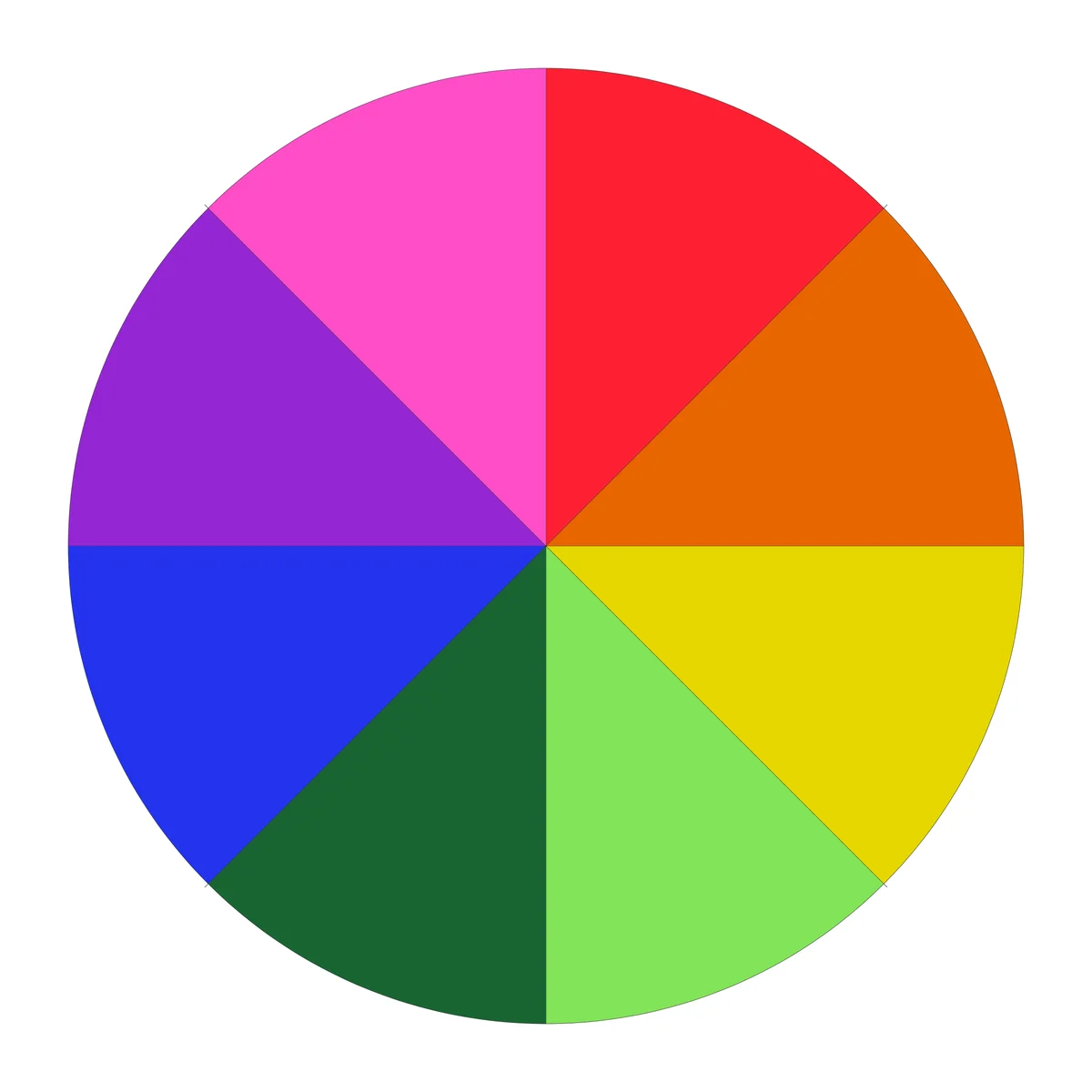
The color wheel
Looking at the color wheel can help you figure out which colors compliment each other the most. Colors on opposing sides of the wheel will make each other pop in a piece of art the most.
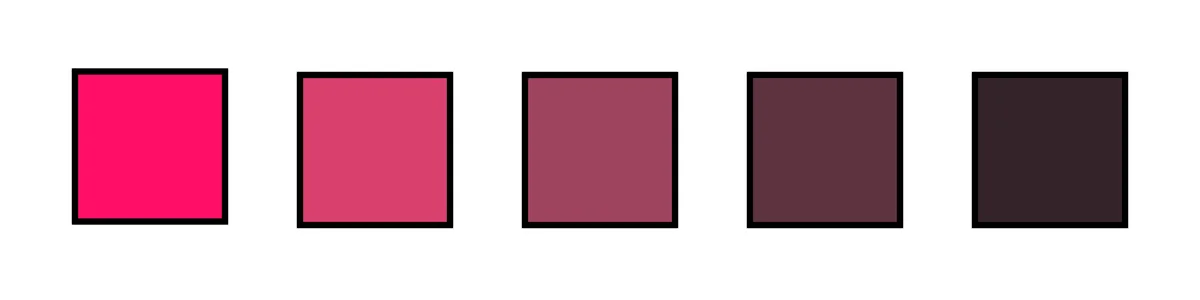
Shade, tone, and tint
There are three different ways colors can be edited to be different from each other, even if a similar hue is used. These are known as shade, tint, and tone, and can be used interchangeably or together to differentiate your colors.
Shade
This is when a color is mixed with black tones and serves to make the color richer or darker.

Tone
This is when a pure color has been mixed with grayer tones, which leads to a more muted and subtle change, without necessarily becoming lighter or darker.
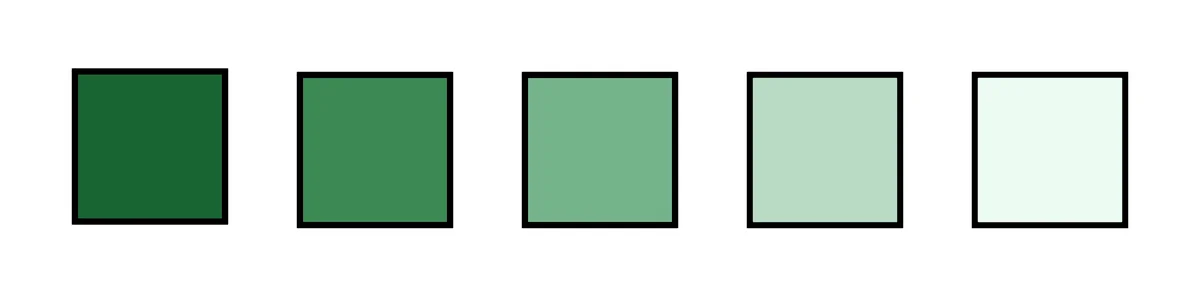
Tint
When a pure color is mixed with white, it’s none as tint. This serves to lighten the color making for a less saturated color.
Why is contrast important to QR codes?
Every QR code is based on a monochrome pattern, meaning that the data is stored usually within two sections, a background and a foreground. The background must be distinct from the foreground, or else the camera will not be able to tell that there is a background and foreground at all and won’t be able to read the code.
High contrast between the background and foreground elements are essential to the code being read and should always be taken into account when designing your own custom codes. If your colors are too similar to each other, the code may not be readable in certain lighting environments, if at all.
This is also why it’s important to test your codes before and after printing, to make sure that you have ample contract across multiple surfaces.
Good examples
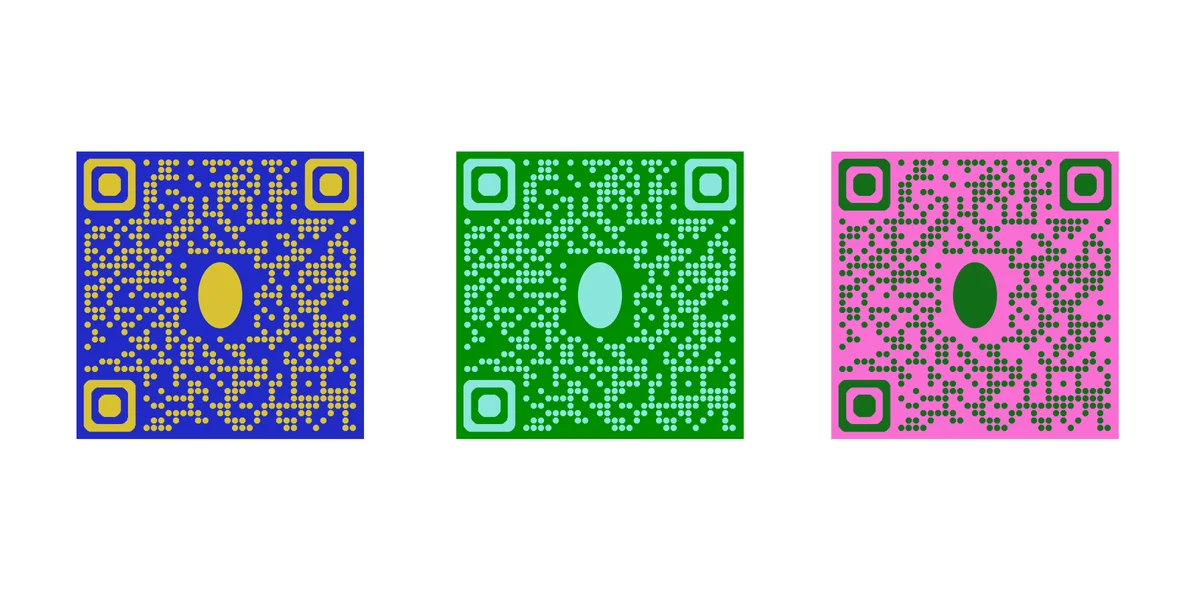
The codes below have high contrast between the background and foreground colors and will likely be perfectly readable in many different environments, even if the elements have similar hues.
Bad examples
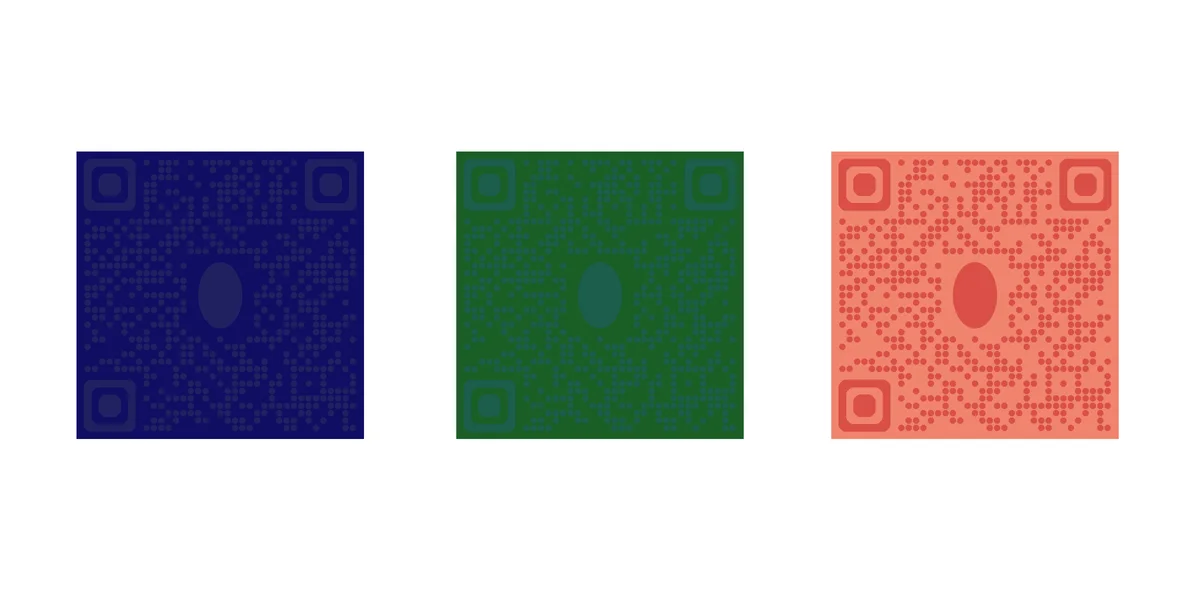
The codes below have poor contrast between background and foreground elements, and will likely be unreadable in most environments, if at all.
Other customization options
By using a generator like QR Code Developer, you can edit and customize more than just the colors of your code. It’s also possible to add the logo of the social media account the code links to, like Facebook, Youtube, Twitter/X, and Instagram, so that your audience knows where they will be taken when they scan.
You can also add a frame to your code as well as a call to action line. Something like a simple “Scan Here!” or “Learn More!” can greatly increase the number of scans your code receives.
Additionally, making a custom and unique code can help to fit in with your brand as well as stand out more among the sea of traditional black and white codes with no additional flair.
General tips
Know your audience: If you’re certain that most of your intended audience doesn’t know how to use QR codes or just don’t like them, then don’t use them.
Keep instructions clear: Provide clear instructions on how to use and scan QR codes as well as where the codes will redirect to.
Place codes on a flat surface: To make sure that codes are still scannable, only put them on flat surfaces, like walls, tables, posters, or fliers.
Use high contrast: If using custom colors on a code, make sure that the colors are distinct enough from each other to be read as a QR code.
Make sure codes are visible: Don’t place codes where patrons are unlikely to see them.
Only use codes when necessary: If an alternative exists that’s easier for all parties involved, use that.
Test on multiple devices: Make sure your codes work whether scanned on an Android device, iPhone, tablet, or other device.
Frequently Asked Questions
Q: Do I need to hire someone to make my QR codes?
A: No. QR codes can be made by yourself for free through a service like QR Code Developer.
Q: Do I need to download anything to scan QR codes?
A: While QR scanner apps are available for mobile devices, they are not necessary. Most modern smart devices are perfectly capable of scanning codes right from the built-in camera app.
Q: What devices can scan QR codes?
A: Most modern smart devices with both a built-in camera and an internet connection can scan QR codes and access the content within. This includes smart phones, tablets, and even some handheld gaming consoles.
Q: Are QR codes safe?
A: While there are some risks in using QR codes, they are relatively safe.
Ready to create your QR code?
Generate custom QR codes in seconds - free and easy to use.
Create Free QR Code →