How QR Codes for Menus and Service Lists Can Help Small Businesses

Key Takeaways
- QR codes can be easily made for menus and service lists
- QR code menus provide customers and patrons with an easy way to access product lists
- Digital menus and product lists can be easier to maintain and edit than traditional paper ones
QR codes are everywhere nowadays, I think I've passed by at least 8 so far today and I haven't even left my apartment. But did you know that just about anyone can make these codes? Not just big businesses.
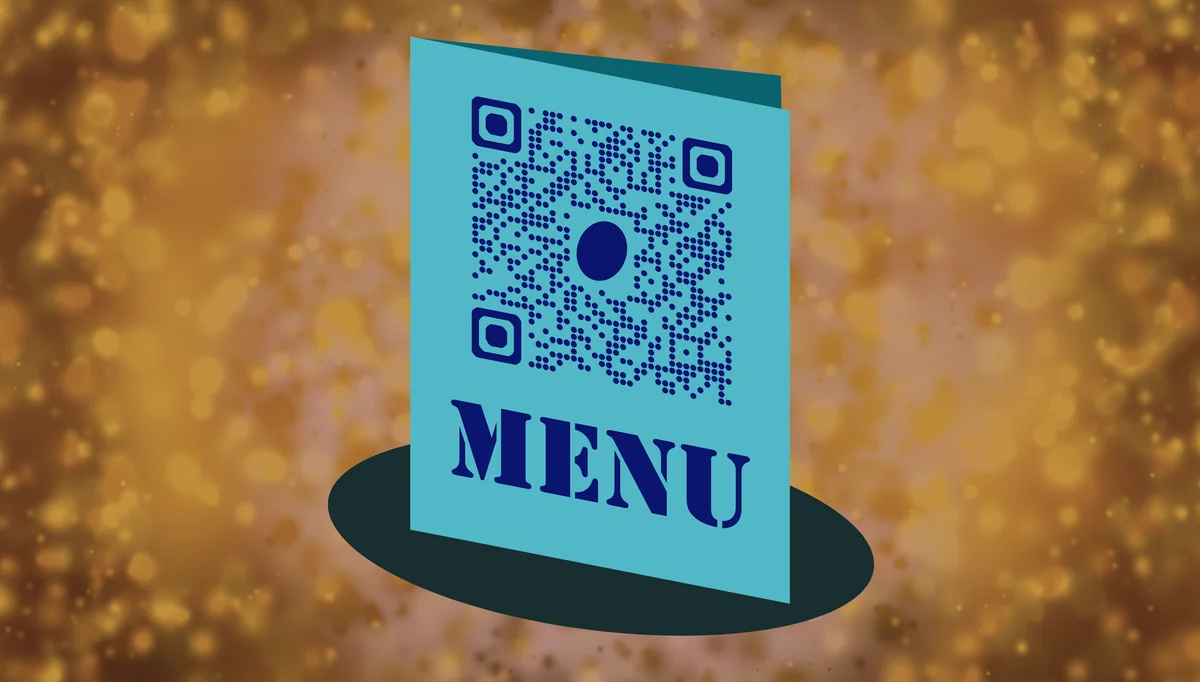
In fact, small and family owned businesses can greatly benefit from clever use of QR codes. One of the ways they can do so is by incorporating them into menus and service lists.
In this piece I will go over just that, how small businesses can use QR codes on lists and menus to make life easier for staff and management as well as the valued customers. I'll also provide a step by step guide on how to use QR Code Developer to make your own codes and offer some helpful tips on getting the most out of your codes.
So let's get to work!
What is a QR code?
A QR code is a type of encoded image that can be scanned by a smart device, like a phone or tablet, in order to access a variety of digital content. They typically appear as small squares made up of even smaller black and white squares or dots, almost like a jumbled up chess board.
These codes can be found on all sorts of physical media, like cards, stickers, posters, and flyers and used as an easy access point for URL addresses, WiFi logins, social media accounts, payment services, file sharing links, videos, and much more.
How can small businesses use QR codes for menus and service lists?
Small businesses can make clever use of QR codes in many different ways, but one of the most common is as a replacement for physical paper menus in a restaurant setting. This works by having a QR code available on each table, in the form of a card, sticker, or table tent, and having it linked to a virtual menu that customers can view and interact with by scanning the code with their own device.
This way customers don't have to fumble around with paper menus, and staff won't have to worry about cleaning them, maintaining them, or editing them when a menu item changes.
This practice isn't exclusive to restaurants either, and can be used for any business with an extensive catalog a patron would want to have easy access to, like a car parts store or a used media shop with a large library.
Services, like cleaning and financial assistance, can also be listed through virtual QR code menus.
But there's more!
Businesses can also attach QR codes onto each item in a physical menu or service booklet. This can allow patrons to view more details on each product or service, like health information, safety instructions, or even a video showing the process of the specific service.
The only real limit to how you can use QR codes for your business is your own imagination…and maybe your printer.
How to make a QR code for a URL link
• In QR Code Developer, click on Create Code.
• Select the Website option as your code type.
• Name your code and paste the link into the URL bar.
• Click on the pencil icon in the Preview window to further customize the look of your code.
• Click Generate.
• Test your code on multiple devices.
Benefits of using QR codes
Ease of use: QR codes are both easy to use and easy to make through something like QR Code Developer. Just about every smart phone on the market has a QR code scanner built right in. All you need to do is point the camera at the code and tap the link when it pops up. QR codes can also be scanned from almost any angle and even when visible damage has been done to the code.
Widely understood: By now, most people with smart phones are at least familiar with QR codes and know how to use them. In many regions, QR code payment is more popular than cash or cards.
Customizable: QR codes can be heavily customized, with unique colors and appearances to fit your needs or branding.
Hands free communication: The usage of QR codes surged during the COVID 19 pandemic since it allowed for people to communicate with each other, access content, and share resources, all without needing to touch each other or even be in the same space.
Trackable: If you use something like QR Code Developer to make your codes, then it's possible to monitor how your codes are used. This can include information like how many scans your code got, where they were scanned, and even on what device they were scanned.
Monitoring code usage
With the tools available on QRCodeveloper, as well as other code generators, you can monitor the usage of any code you create. This can include how many times a code has been scanned, where it has been scanned, on what device, using what browser, and more. With these tools, you can figure out which codes are reaching the most people and where to focus any advertising efforts.
With QRCodeveloper you can monitor:
• Number of scans
• Number of scans by operating system
• Scans by browser
• Scans by country
• Scans by city
• Scans by language
• Unique scans
General tips
Know your audience: If you're certain that most of your intended audience doesn't know how to use QR codes or just don't like them, then don't use them.
Keep instructions clear: Provide clear instructions on how to use and scan QR codes as well as where the codes will redirect to.
Place codes on a flat surface: To make sure that codes are still scannable, only put them on flat surfaces, like walls, tables, posters, or fliers.
Use high contrast: If using custom colors on a code, make sure that the colors are distinct enough from each other to be read as a QR code.
Make sure codes are visible: Don't place codes where patrons are unlikely to see them.
Only use codes when necessary: If an alternative exists that's easier for all parties involved, use that.
Test on multiple devices: Make sure your codes work whether scanned on an Android device, iPhone, tablet, or other device.
Frequently Asked Questions
Can QR codes be used for menus and service lists?
Yes. QR codes can easily be made to link to menus and service lists or be placed on each menu item for more information.
Do I need to hire someone to make my QR codes?
No. QR codes can be made by yourself for free through a service like QR Code Developer.
Do I need to download anything to scan QR codes?
While QR scanner apps are available for mobile devices, they are not necessary. Most modern smart devices are perfectly capable of scanning codes right from the built-in camera app.
What devices can scan QR codes?
Most modern smart devices with both a built-in camera and an internet connection can scan QR codes and access the content within. This includes smart phones, tablets, and even some handheld gaming consoles.
Are QR codes safe?
While there are some risks in using QR codes, they are relatively safe.
Ready to create your QR code?
Generate custom QR codes in seconds - free and easy to use.
Create Free QR Code →