QR codes for class materials and educational resources

Connect students to digital resources instantly by embedding scannable QR codes directly into handouts, worksheets, and classroom materials.
How teachers are modernizing classroom materials with QR codes
Everyday, more and more educators are turning to QR codes as a simple way to connect their printed worksheets and handouts with digital content, creating instant access to videos, audio files, and online resources. This growing shift toward hybrid learning materials allows teachers to expand traditional assignments beyond the limitations of paper while still keeping the tactile experience students are familiar with. Understanding the different types of QR codes can help educators choose the right format for their specific classroom needs.
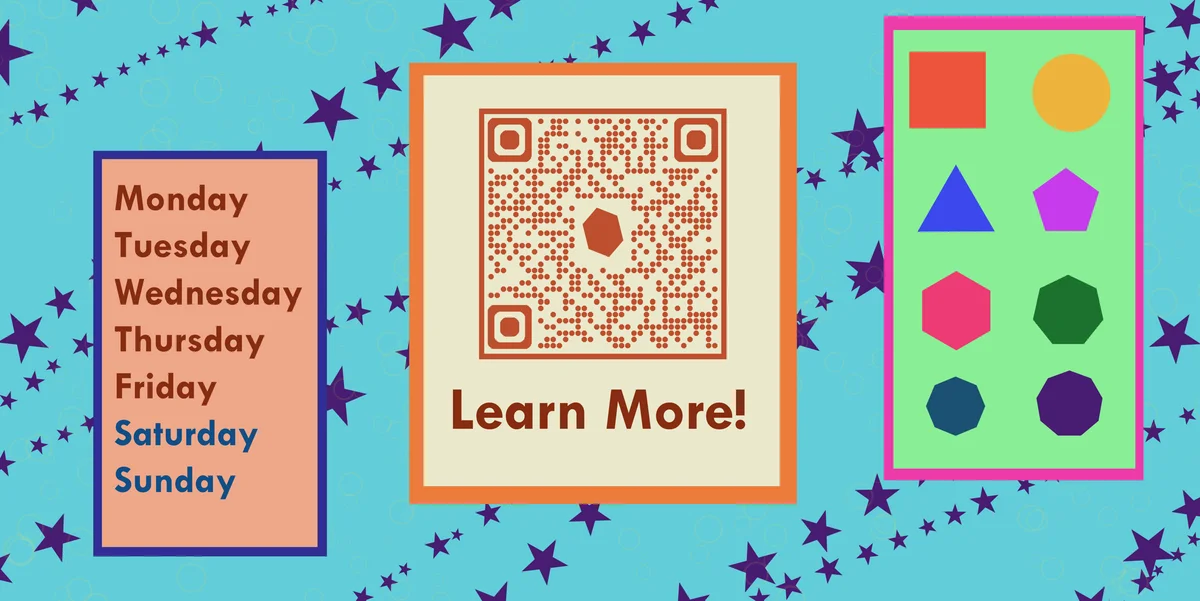
Class material QR codes can allow teachers to embed links to videos, interactive activities, answer keys, or additional resources directly into printed materials. Students simply scan the code with their smartphone to access everything from pronunciation guides for language worksheets to step-by-step solution videos for math problems.
Throughout this guide, I'll show you exactly how to create QR codes that make your teaching materials more interactive and accessible. I'll also cover how QR Code Developer can help you generate professional codes that work reliably across all student devices. The lesson begins now!
Educational applications for class material QR codes
Teachers across different subjects are finding creative ways to enhance their materials with QR codes. These applications solve real classroom challenges like providing differentiated instruction and making resources accessible to all learners. Learn more about converting PDFs to QR codes for digital worksheet distribution.
Homework assignment extensions
Link to video tutorials, practice problems, or additional reading materials that support struggling students or challenge advanced learners.
Language learning audio clips
Provide pronunciation guides, listening exercises, or native speaker recordings that students can access while completing written activities. Language teachers can also create YouTube QR codes to link directly to pronunciation videos or cultural content that supplements their lessons.
Science experiment videos
Connect lab worksheets to demonstration videos, safety reminders, or virtual simulations that reinforce hands-on learning. Science educators can enhance their materials by adding QR codes to flyers and handouts that link to safety protocols or experimental procedures.
Answer key access
Give students immediate feedback by linking to detailed solution explanations or self-checking resources after they complete practice problems.
Creating QR codes for your teaching materials
Building QR codes for class materials takes just a few minutes and can dramatically increase student engagement with your content.
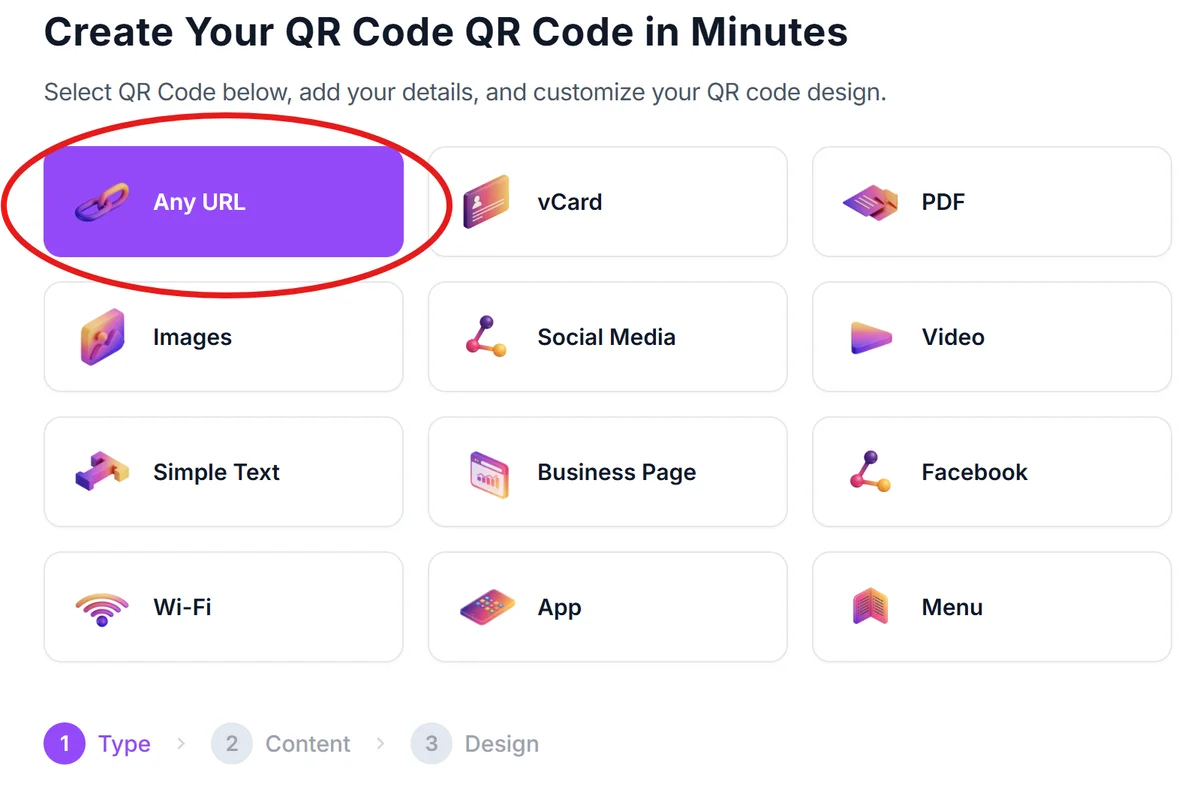
Open the QR code generator
Navigate to qrcodeveloper.com and select the URL option to link to your digital resource.
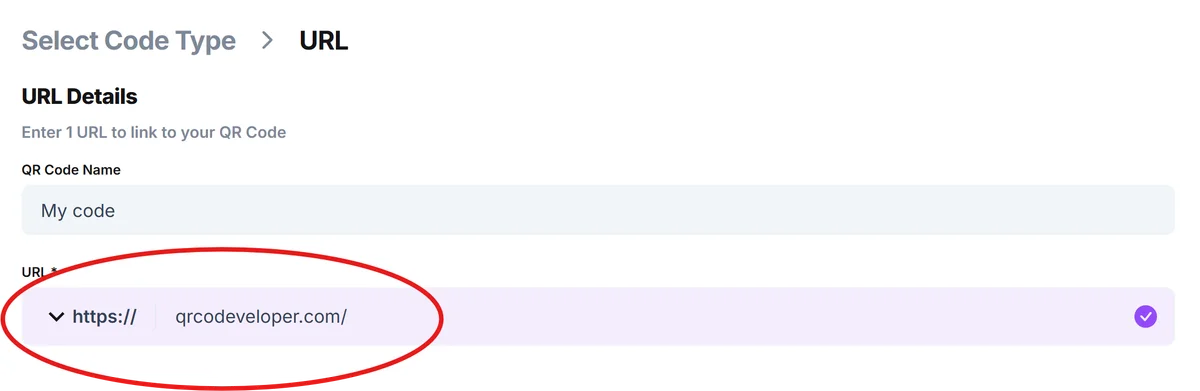
Enter your educational resource link
Paste the URL to your video, PDF, Google Doc, or any online resource you want students to access from the printed material.
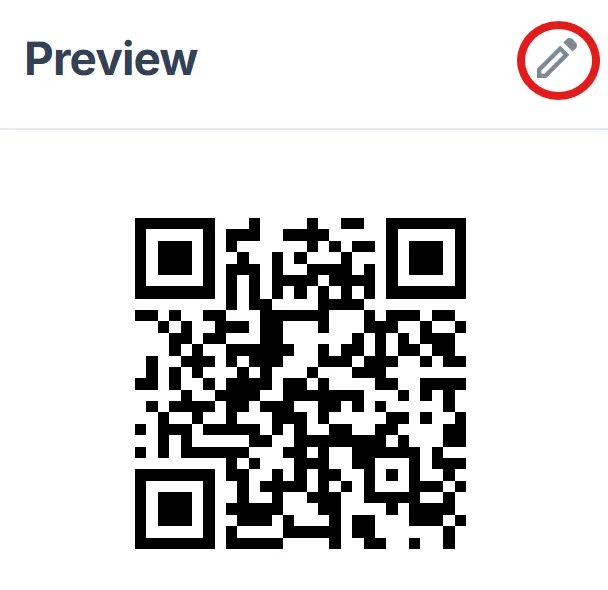
Design for classroom visibility
Choose colors that contrast well with your worksheet background and add a simple frame to make the QR code stand out to students. Follow proven QR code design tips to ensure your codes are both visually appealing and highly scannable in classroom lighting conditions.
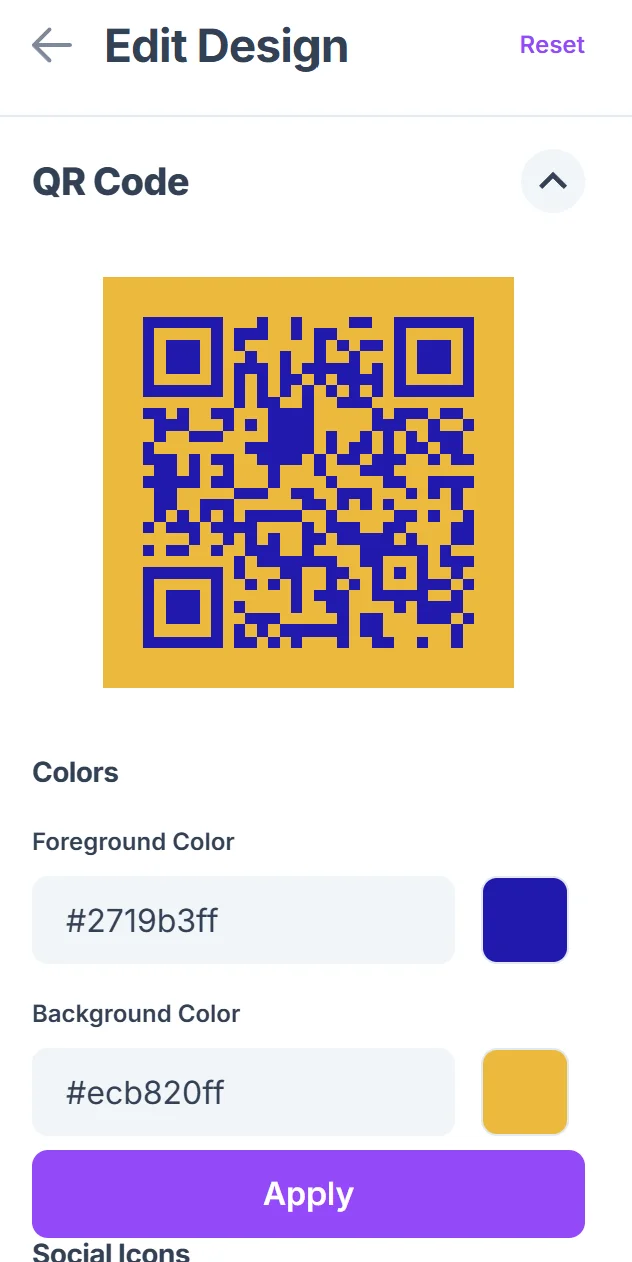
Test with student devices
Print a test copy and scan it with different smartphones to ensure the code works reliably for all your students' devices. Consider recommending secure QR code scanners to students and parents to ensure safe scanning practices in educational environments.
Add clear scanning instructions
Include brief text like 'Scan for video help' or 'Access answer key' so students immediately understand the code's purpose.
Best practices for classroom QR code implementation
These practical strategies will help you integrate QR codes effectively into your teaching materials while avoiding common pitfalls that can frustrate students.
Size QR codes appropriately for your handouts - aim for at least 0.8 inches square to ensure reliable scanning from typical reading distances.
Create a consistent placement system, such as always putting QR codes in the top right corner, so students know where to look for additional resources.
Test your linked content on mobile devices since most students will access it through their phones - ensure videos play properly and documents are mobile-friendly.
Provide alternative access methods like shortened URLs for students without smartphones or when QR codes aren't scanning properly.
Frequently Asked Questions
Can I use QR codes for copyrighted educational materials?
Yes, you can link to materials you have permission to use or that fall under fair use guidelines. Always ensure you have proper rights to share the content you're linking to.
What happens if students don't have smartphones?
Always provide alternative access methods like shortened URLs or make the QR code optional rather than essential for completing the assignment.
How do I track which students are using the QR codes?
Use analytics tools or URL shorteners that provide usage statistics, or create simple surveys asking students about their experience with the linked resources.
Will QR codes work on photocopied materials?
Yes, as long as the photocopy maintains good contrast and clarity. Test a few copies to ensure the codes remain scannable after reproduction.
Are there any costs involved in creating QR codes for my classroom?
Basic QR code generation is free, though you may want to invest in analytics tools or premium features if you're using QR codes extensively across multiple classes.
Related Guides
Ready to create your QR code?
Generate custom QR codes in seconds - free and easy to use.
Create Free QR Code →