5 Ways Influencers use QR codes to Boost Engagement

Key Takeaways
- Influencers and content creators can use QR codes for many things
- Social media pages and other content can be made accessible via QR codes
- QR codes are easy to use and make
So you've become an influencer. Great! Gaining a significant following isn't an easy thing to do, so you're already past the hardest part.
However, your job isn't done yet once you get a high follower count. You want to make sure that your audience can keep engaging with your content while also attracting new fans to sustain your brand.
QR codes can be a major help in this department, and in this piece I will share 5 ways you can make use of QR codes in your content creation. I'll also share some general tips and additional information on QR codes. So let's dive right in!
What is a QR code?
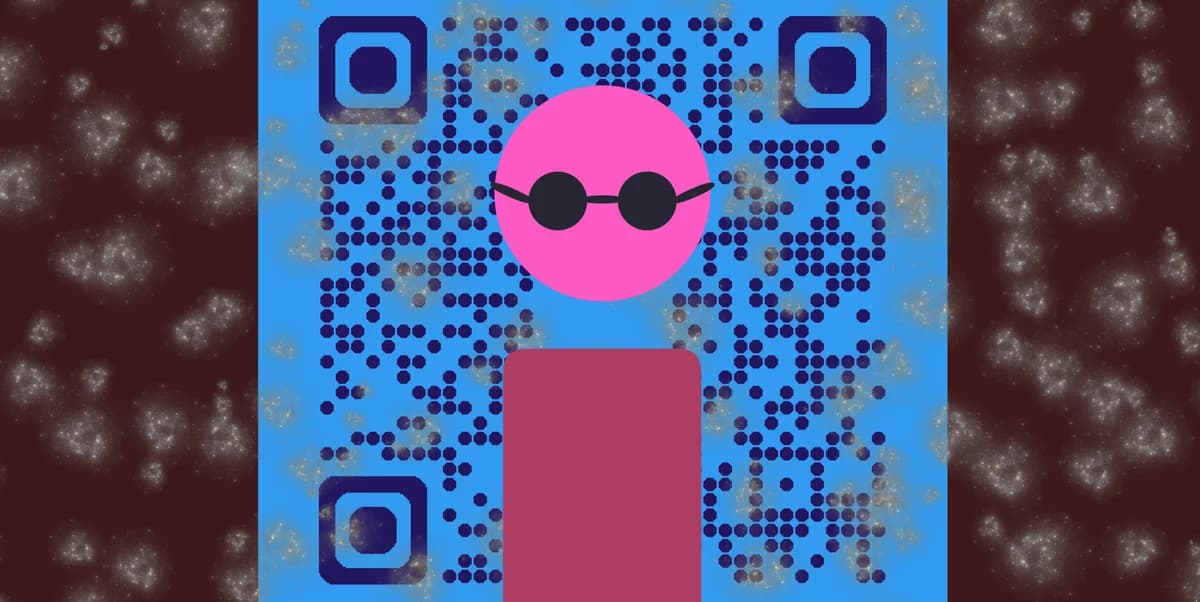
A QR code is a type of encoded image that can be used as an easy way to access a variety of digital content, like URL links, images, videos, certain file types, social media links, and much more.
In the real world, QR codes are nothing but 2D images, so they can be placed just about anywhere you could print a picture, like on a poster, flyer, sticker, and even in on screen media like TV shows, commercials, and video games.
How can Influencers use QR codes?
Influencers and content creators can use QR codes to share all sorts of things with both long time fans and newcomers alike. Codes can be attached to things like social media posts, flyers, and posters that link to your content. Here are just a few examples:
Social media
QR codes can be made for just about every social media service, including Facebook, Twitter/X, Instagram, TikTok, and more. This way you can get more eyes on your content.
Official website/portfolio
If you're a creative content creator, like an artist or actor, you can make a code that links to your official website or portfolio. These can be especially used in networking settings.
Networking and contact information
Jumping off from the previous point, QR codes can be especially useful on business cards in networking settings. This makes it easier to find other creators to collaborate with.
Giveaways
QR codes can be linked to a giveaway site, like Gleam, and then used for sweepstakes that your audience can participate in.
Merchandise
If you are a creator with a merch store, then QR codes can be easily added to tags and cards that link to additional content.
Benefits of QR codes
Ease of use
QR codes are both easy to use and easy to make through something like QR Code Developer. Just about every smart phone on the market has a QR code scanner built right in. All you need to do is point the camera at the code and tap the link when it pops up.
QR codes can also be scanned from almost any angle and even when visible damage has been done to the code.
Widely understood
By now, most people with smart phones are at least familiar with QR codes and know how to use them. In many regions, QR code payment is more popular than cash or cards.
Customizable
QR codes can be heavily customized, with unique colors and appearances to fit your needs or branding.
Hands free communication
The usage of QR codes surged during the COVID 19 pandemic since it allowed for people to communicate with each other, access content, and share resources, all without needing to touch each other or even be in the same space.
Trackable
If you use something like QR Code Developer to make your codes, then it's possible to monitor how your codes are used. This can include information like how many scans your code got, where they were scanned, and even on what device they were scanned.
Monitoring code usage
With the tools available on QRCodeveloper, as well as other code generators, you can monitor the usage of any code you create. This can include how many times a code has been scanned, where it has been scanned, on what device, using what browser, and more. With these tools, you can figure out which codes are reaching the most people and where to focus any advertising efforts.
With QRCodeveloper you can monitor:
• Number of scans
• Number of scans by operating system
• Scans by browser
• Scans by country
• Scans by city
• Scans by language
• Unique scans
General tips
Know your audience: If you're certain that most of your intended audience doesn't know how to use QR codes or just don't like them, then don't use them.
Keep instructions clear: Provide clear instructions on how to use and scan QR codes as well as where the codes will redirect to.
Place codes on a flat surface: To make sure that codes are still scannable, only put them on flat surfaces, like walls, tables, posters, or fliers.
Use high contrast: If using custom colors on a code, make sure that the colors are distinct enough from each other to be read as a QR code.
Make sure codes are visible: Don't place codes where patrons are unlikely to see them.
Only use codes when necessary: If an alternative exists that's easier for all parties involved, use that.
Test on multiple devices: Make sure your codes work whether scanned on an Android device, iPhone, tablet, or other device.
Frequently Asked Questions
Do I need to hire someone to make my QR codes?
No. QR codes can be made by yourself for free through a service like QR Code Developer.
Do I need to download anything to scan QR codes?
While QR scanner apps are available for mobile devices, they are not necessary. Most modern smart devices are perfectly capable of scanning codes right from the built-in camera app.
What devices can scan QR codes?
Most modern smart devices with both a built-in camera and an internet connection can scan QR codes and access the content within. This includes smart phones, tablets, and even some handheld gaming consoles.
Are QR codes safe?
While there are some risks in using QR codes, they are relatively safe.
Where can I place QR codes?
QR codes can be placed just about anywhere you can display a 2D image, like on a poster, flyer, sticker, or even on a digital display.
Ready to create your QR code?
Generate custom QR codes in seconds - free and easy to use.
Create Free QR Code →