QR codes for professional portfolio sharing

Connect with potential clients and employers instantly by sharing your complete portfolio with a single scan.
How QR codes transform portfolio sharing for professionals
Handing out business cards in a networking setting can be a gamble. Most cards ended up forgotten in wallets or thrown away. It's impossible to know what will happen with the cards you spent so much time designing and editing. However, now professionals can simply add a QR code to their portfolio, which can be scanned to view your complete portfolio instantly, while your conversation is still fresh in their mind.
Portfolio QR codes link directly to your online portfolio, website, or professional showcase. When someone scans your code, they can immediately see your work samples, case studies, testimonials, and contact information. This instant access means higher engagement rates and more meaningful professional connections.
Throughout this guide, I'll show you how to create portfolio QR codes that get results. You can also explore our QR code business cards guide for additional networking strategies that complement your portfolio sharing approach. So let's get down to business!
Professional scenarios where portfolio QR codes excel
Portfolio QR codes solve the disconnect between meeting someone and actually viewing their work. They work particularly well when you need to showcase visual work or detailed case studies that can't fit on a business card. Consider checking out QR codes for resumes as another way to share professional information digitally.
Networking events and conferences
Place QR codes on business cards, name tags, or presentation slides so new contacts can immediately view your portfolio while you're still talking.
Client presentations and pitches
Include QR codes in proposal documents or pitch decks that link to relevant case studies and work samples that support your presentation.
Gallery openings and art shows
Display QR codes next to your artwork or on artist statements that connect viewers to your complete portfolio and upcoming exhibitions.
Freelancer marketplace profiles
Add QR codes to your profile descriptions that link to external portfolios with more detailed work samples than platform limitations allow.
Building your portfolio QR code step by step
Creating a portfolio QR code takes just a few minutes, but the setup can make the difference between casual browsing and serious inquiries.
Access the QR code generator
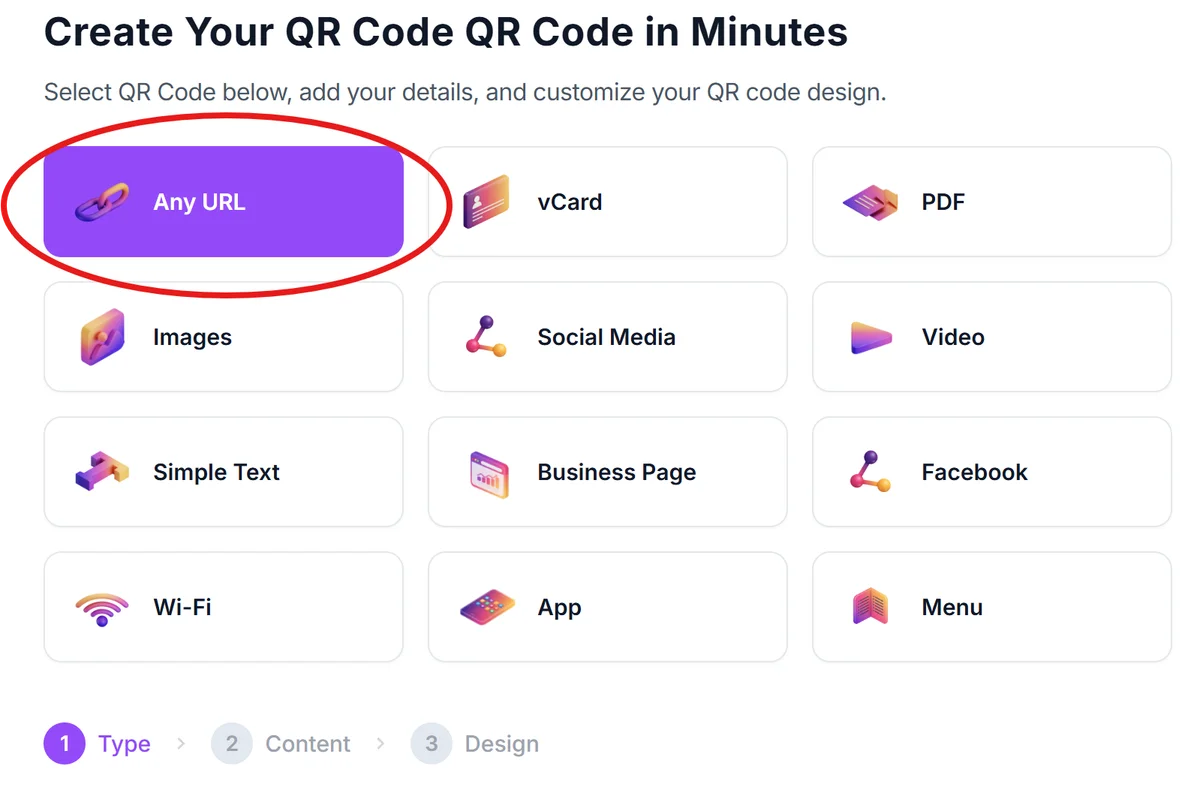
Go to qrcodeveloper.com and select the URL option to create a link-based QR code for your portfolio.
Enter your portfolio URL
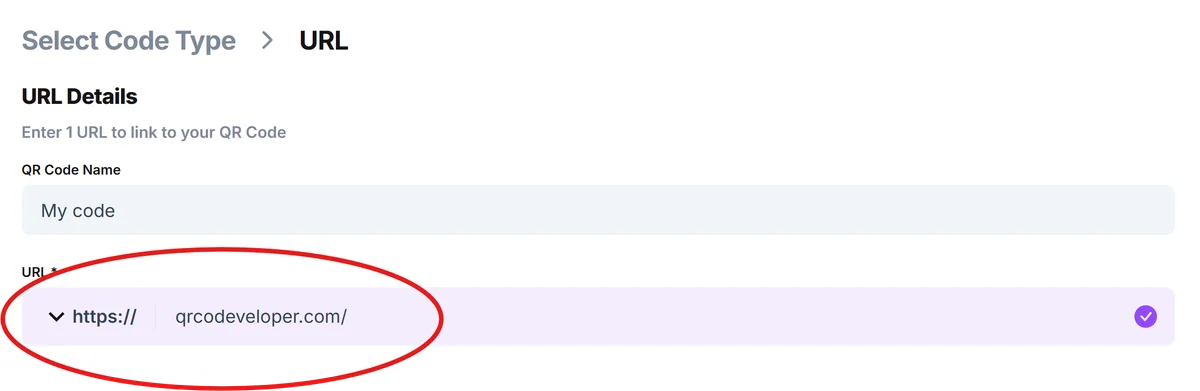
Paste the direct link to your online portfolio, personal website, or professional showcase platform like Behance, Dribbble, or your own domain.
Customize for professional appearance
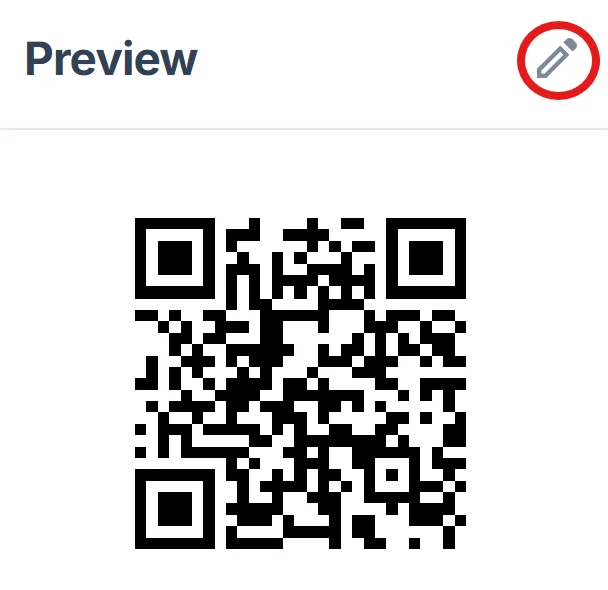
Choose colors that match your brand or portfolio aesthetic. Consider adding your logo or initials to make the QR code more recognizable as yours, following QR code design best practices.
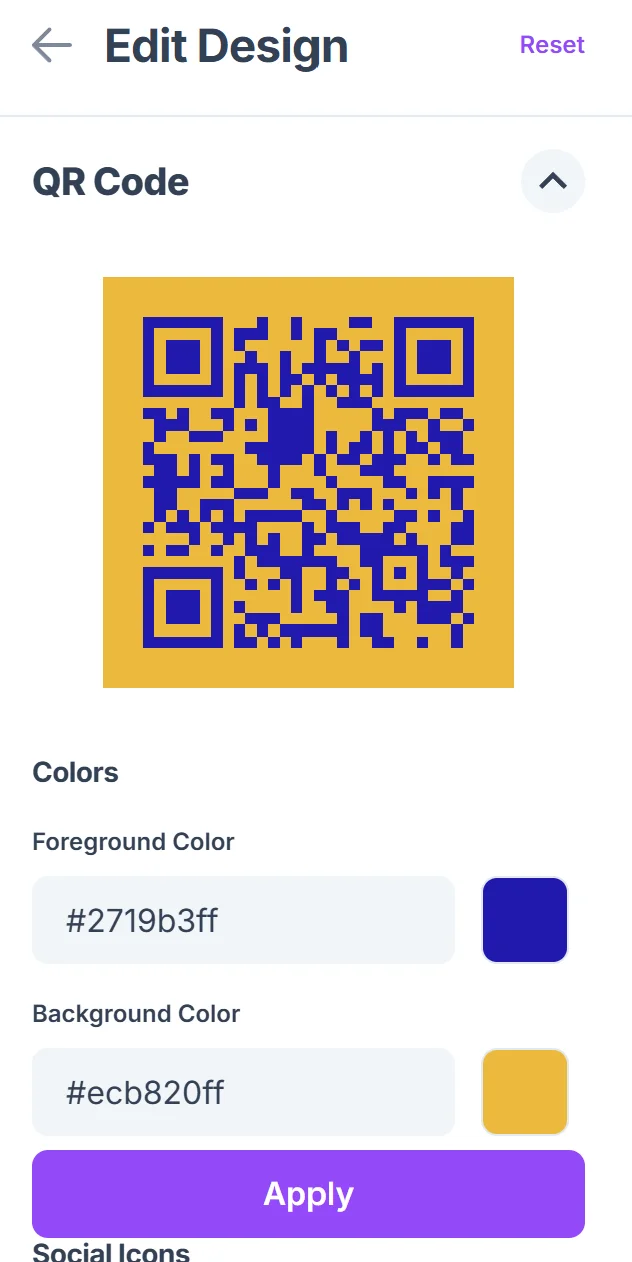
Test across different devices
Scan your QR code with various smartphones to ensure it loads quickly and displays properly on different screen sizes and operating systems.
Prepare for multiple formats
Download high-resolution versions for print materials and lower resolution versions for digital use in email signatures or social media profiles.
Best practices for portfolio QR code success
The most effective portfolio QR codes do more than just link to a website - they create a smooth experience that keeps viewers engaged with your work.
Ensure your portfolio loads quickly on mobile devices since most QR code scans happen on smartphones, and slow loading times lead to immediate abandonment. Learn more about how QR codes work to optimize the scanning experience.
Include a brief call-to-action near your QR code like "Scan to view my complete portfolio" so people understand exactly what they'll see
Keep your portfolio updated with recent work, as outdated portfolios can harm your professional reputation more than help it
Test your QR code regularly to catch any broken links or portfolio platform changes that might prevent access to your work
Frequently Asked Questions
Can I link to multiple portfolio platforms with one QR code?
Yes, create a simple landing page with links to all your portfolio platforms, then use that page's URL for your QR code. This gives viewers options while keeping your QR code simple.
Should I include my QR code on my resume?
Absolutely. Adding a portfolio QR code to your resume allows hiring managers to quickly view your work samples, especially useful for creative and technical positions.
What if my portfolio platform changes its URL structure?
Use a custom domain or URL shortener that you control, then redirect it to your current portfolio. This way you can update the destination without reprinting QR codes.
How small can I make my portfolio QR code while keeping it scannable?
Generally, QR codes should be at least 1 inch (2.5 cm) square for reliable scanning. For business cards, this is usually the practical minimum size.
Do I need to pay for QR code generation for my portfolio?
Basic QR code generation is free and works perfectly for portfolio sharing. You only need paid features if you want detailed analytics or the ability to change the destination URL later.
Related Guides
Ready to create your QR code?
Generate custom QR codes in seconds - free and easy to use.
Create Free QR Code →