QR code generator for TripAdvisor reviews and listings

Bridge the gap between your physical location and TripAdvisor presence with scannable codes that direct customers to your profile, reviews, or booking page.
Connecting your business to TripAdvisor through QR codes
What if you could turn every satisfied customer into a TripAdvisor reviewer with just a quick scan? TripAdvisor hosts over 860 million reviews across 8 million businesses worldwide, making it one of the most influential platforms for travel and hospitality decisions. Yet many businesses struggle to guide their happy customers from the physical experience to leaving an online review, similar to how businesses work to encourage Google Reviews through QR codes.
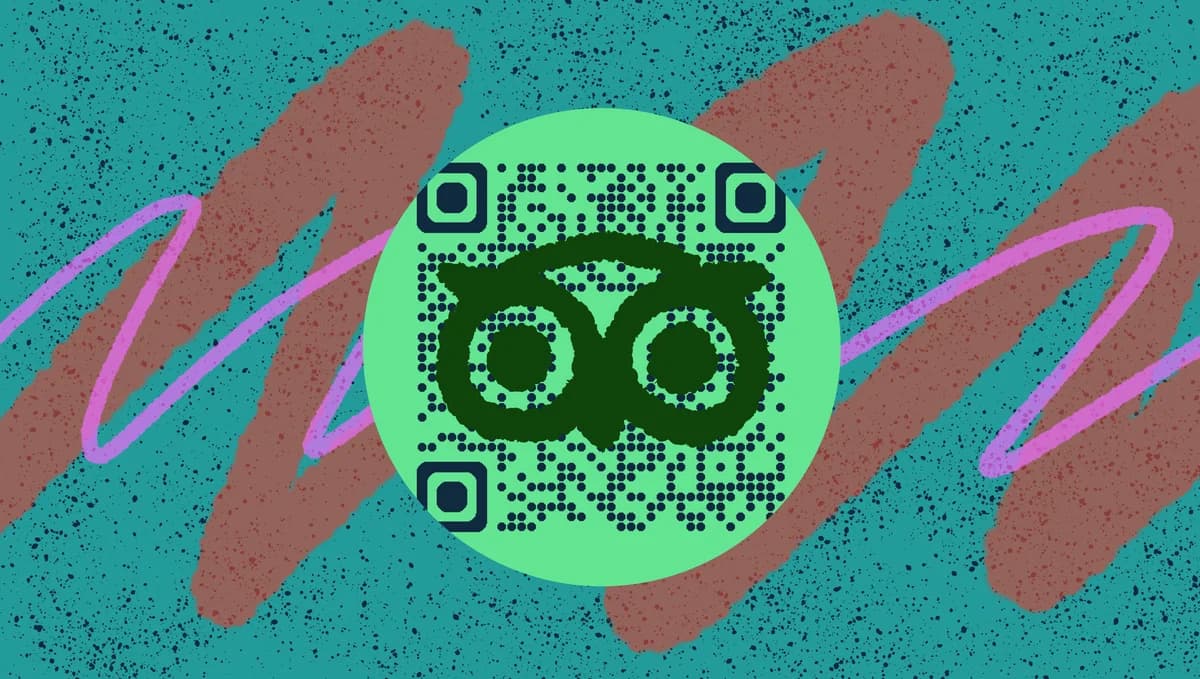
A TripAdvisor QR code creates an instant bridge between your real-world service and your online reputation. These scannable codes can link directly to your TripAdvisor business listing, review page, or specific sections like photos and amenities. Instead of asking customers to search for your business name and hope they find the right listing, you give them a one-scan path to your profile.
In this guide I'll walk you through creating effective TripAdvisor QR codes that actually get scanned and convert browsers into reviewers. Understanding how different types of QR codes work will help you choose the right approach for your TripAdvisor strategy. So let's get this adventure started!
Smart ways to use TripAdvisor QR codes in your business
The most successful businesses integrate TripAdvisor QR codes into natural customer touchpoints where people are already engaged and satisfied. These codes work best when they feel helpful rather than pushy. Restaurant QR codes have shown how effective scannable codes can be in hospitality settings.
Hotel check-out packets
Include QR codes in checkout materials when guests are reflecting on their stay. This timing catches them while the experience is fresh and they're likely to share feedback. Hotels can also implement check-in QR codes to streamline the entire guest experience.
Restaurant table tents and receipts
Place codes where diners can scan while waiting for dessert or after a great meal. The relaxed atmosphere makes them more likely to leave positive reviews.
Tour operator business cards
Give tour guides and activity leaders cards with QR codes to share after exceptional experiences. Personal recommendations from staff carry more weight than generic requests.
Attraction exit areas
Position codes near exits of museums, theme parks, or experiences where visitors are processing what they just enjoyed and naturally want to share their thoughts. Museums have found QR codes particularly effective for enhancing visitor engagement and gathering feedback.
Creating your TripAdvisor QR code in 5 steps
Building a TripAdvisor QR code takes just a few minutes once you have your business URL ready. The key is getting the right link that takes scanners exactly where you want them to go.
Find your TripAdvisor business URL
Go to your TripAdvisor business listing and copy the full URL from your browser. Make sure you're on the main listing page, not a filtered view or search results page. Test the link in an incognito window to confirm it works.
Open the QR code generator
Visit qrcodeveloper.com and select the URL option. This creates a direct link QR code that will take scanners straight to your TripAdvisor listing without any redirects or delays.
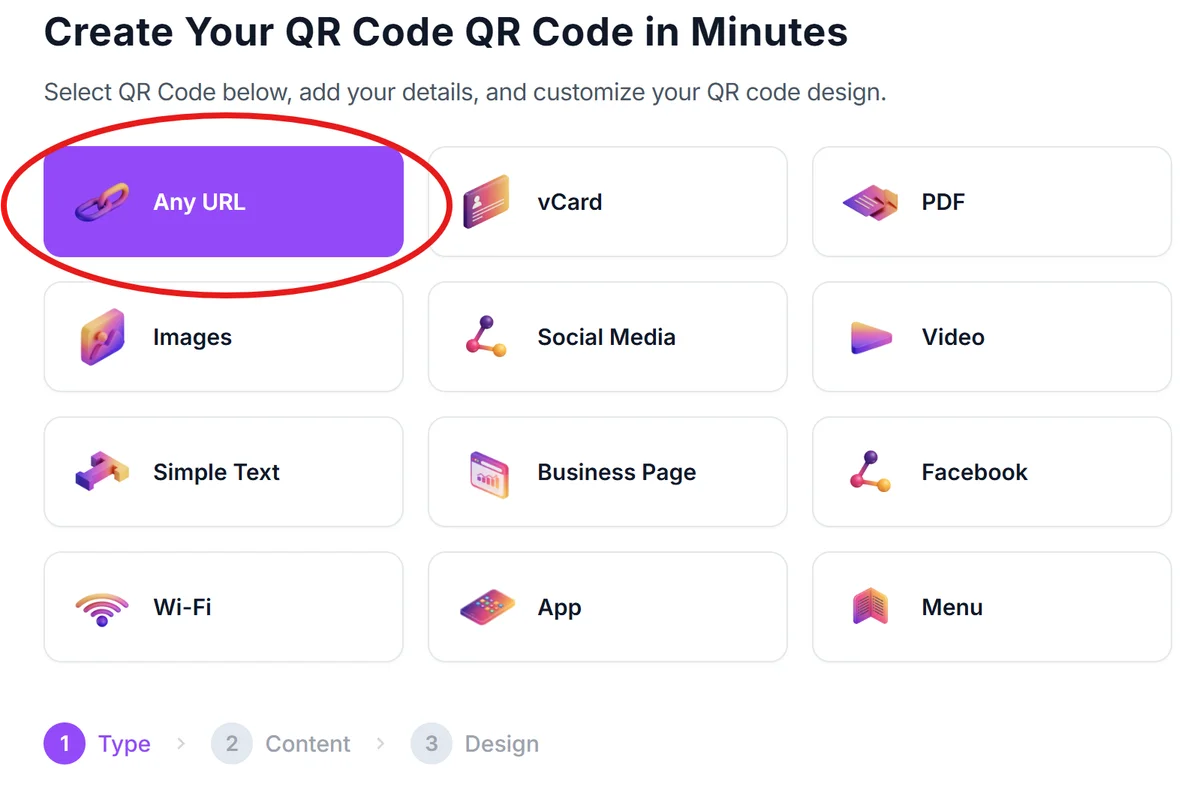
Paste your TripAdvisor link
Enter your complete TripAdvisor URL in the generator field. Double-check that you've included the full address including 'https://' to ensure the code works properly on all devices.
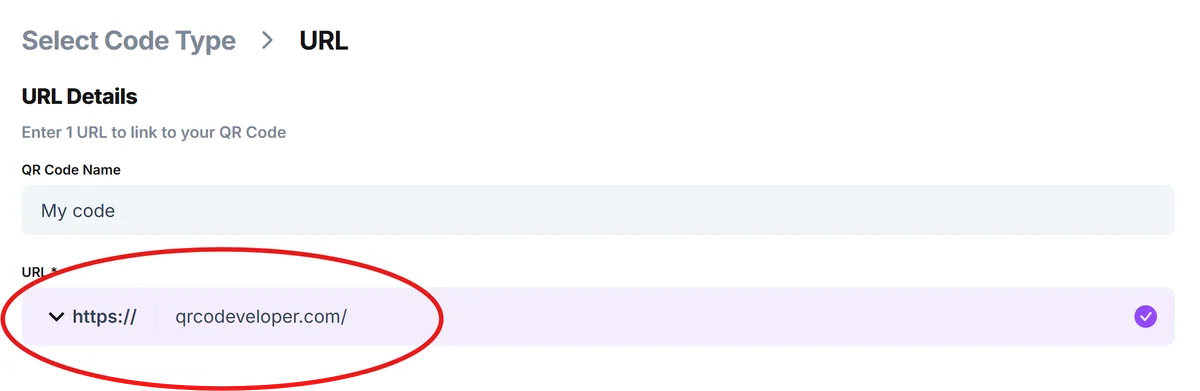
Customize for your brand
Click on the pencil icon in the Preview window to further customize your code. Add your business colors and logo to make the QR code recognizable as yours. Include a clear call-to-action like 'Scan to review us on TripAdvisor' so people know what to expect when they scan. Following QR code design best practices will ensure your codes are both attractive and functional.
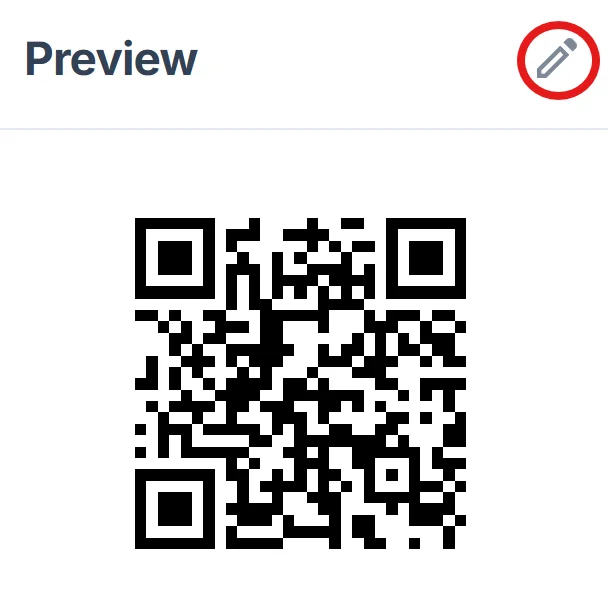
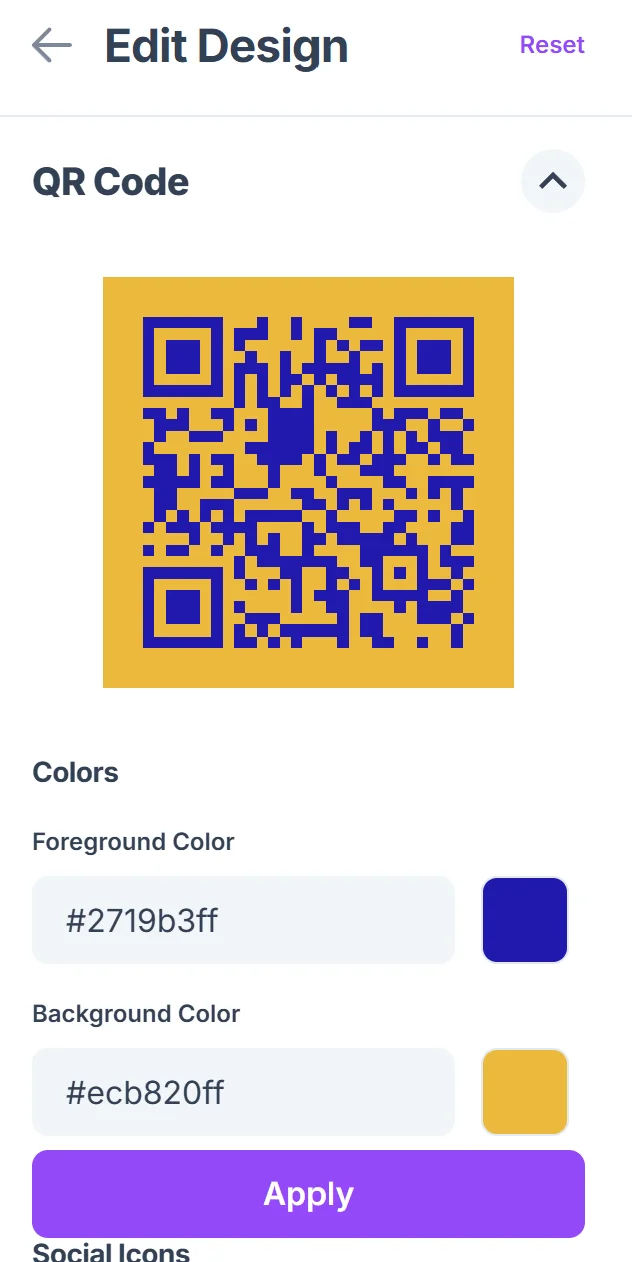
Test before printing
Scan your QR code with multiple devices to confirm it opens your TripAdvisor listing correctly. Test on both iOS and Android phones to catch any compatibility issues before you start distributing the codes.
Best practices for TripAdvisor QR code success
The difference between QR codes that get ignored and ones that drive real reviews comes down to placement, timing, and context. Understanding how QR codes work helps you create more effective campaigns. Here's what I've learned works best for TripAdvisor codes:
Time your ask when customers are most satisfied - right after a great meal, at hotel checkout after a smooth stay, or immediately following a positive interaction with staff
Make the value clear with specific text like 'Help others discover us on TripAdvisor' rather than generic 'Leave a review' messages that don't specify the platform
Size your codes appropriately for the viewing distance - table tent codes can be smaller while lobby displays need to be large enough to scan from several feet away
Track which placements generate the most scans by using dynamic QR codes that let you monitor performance and adjust your strategy based on real data
Frequently Asked Questions
Can I link directly to my TripAdvisor review submission page?
Yes, you can link directly to the review writing page by adding '/UserReviewEdit' to the end of your business listing URL. This saves customers an extra click and makes leaving a review more convenient.
Do QR codes work for TripAdvisor mobile app users?
QR codes will open TripAdvisor listings in the mobile browser first, but users can easily switch to the app if they prefer. The mobile web version works well for reading and writing reviews.
How can I track how many people scan my TripAdvisor QR code?
Use a dynamic QR code that provides scan analytics, or create a custom short URL with tracking before generating your QR code. This helps you measure which code placements drive the most engagement.
What size should I make my TripAdvisor QR codes?
For table displays, 1-2 inches works well. For wall posters or lobby displays, make them at least 3-4 inches so people can scan from a comfortable distance without getting too close.
Can I use the same QR code for multiple locations?
Each location needs its own TripAdvisor listing and therefore its own QR code. However, if you have multiple businesses, you can create codes that link to your company's main TripAdvisor page showing all locations.
Related Guides
Ready to create your QR code?
Generate custom QR codes in seconds - free and easy to use.
Create Free QR Code →