Supermarket QR code generator for digital shopping experiences

Bridge physical grocery shopping with digital convenience through scannable codes that enhance customer experience and store operations.
Transforming grocery shopping with QR code technology
Shoppers used to wait in long checkout lines, fumble with paper coupons, and struggle to find product information. Now supermarkets scan a QR code to access digital receipts, instantly apply discounts, check ingredient lists, and even complete self-checkout transactions from their smartphones.
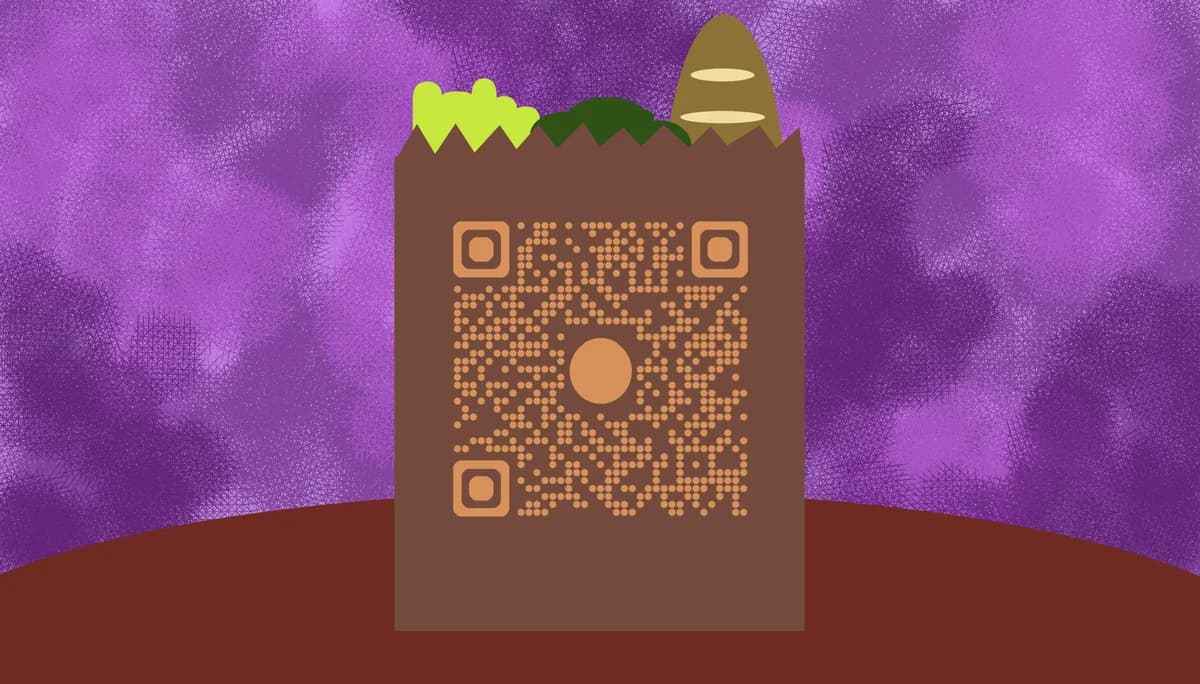
Supermarket QR codes connect the physical shopping experience with digital convenience. Customers scan codes to access product details, nutritional information, recipes, special offers, or complete contactless transactions. These codes appear on shelf tags, product packaging, receipts, and promotional materials throughout the store.
Modern grocery retailers use QR Code Developer to create codes that improve customer satisfaction while gathering valuable shopping data. From enabling quick price checks to facilitating loyalty program sign-ups, these scannable links transform how people interact with supermarket services.
Essential QR code applications for supermarkets
Supermarkets deploy QR codes across multiple touchpoints to solve common shopping frustrations and create more engaging customer experiences. These implementations range from basic product information to sophisticated contact information systems for customer service.
Digital receipts and transaction records
Replace paper receipts with QR codes that link to digital transaction records, making returns easier and reducing paper waste.
Product information and ingredient details
Place codes on shelf tags that provide detailed nutritional information, allergen warnings, sourcing details, and customer reviews.
Contactless checkout and payment
Enable customers to scan items and complete purchases through their mobile devices, reducing wait times and staff workload.
Loyalty program enrollment and rewards
Simplify membership sign-ups and reward redemption by linking QR codes to customer accounts and special promotions.
Building QR codes for your grocery store
Setting up QR codes for supermarket operations requires planning the customer journey and choosing the right destinations for each scanning scenario.
Select your QR code generator platform
Start with qrcodeveloper.com to access tools specifically designed for retail and customer-facing applications.
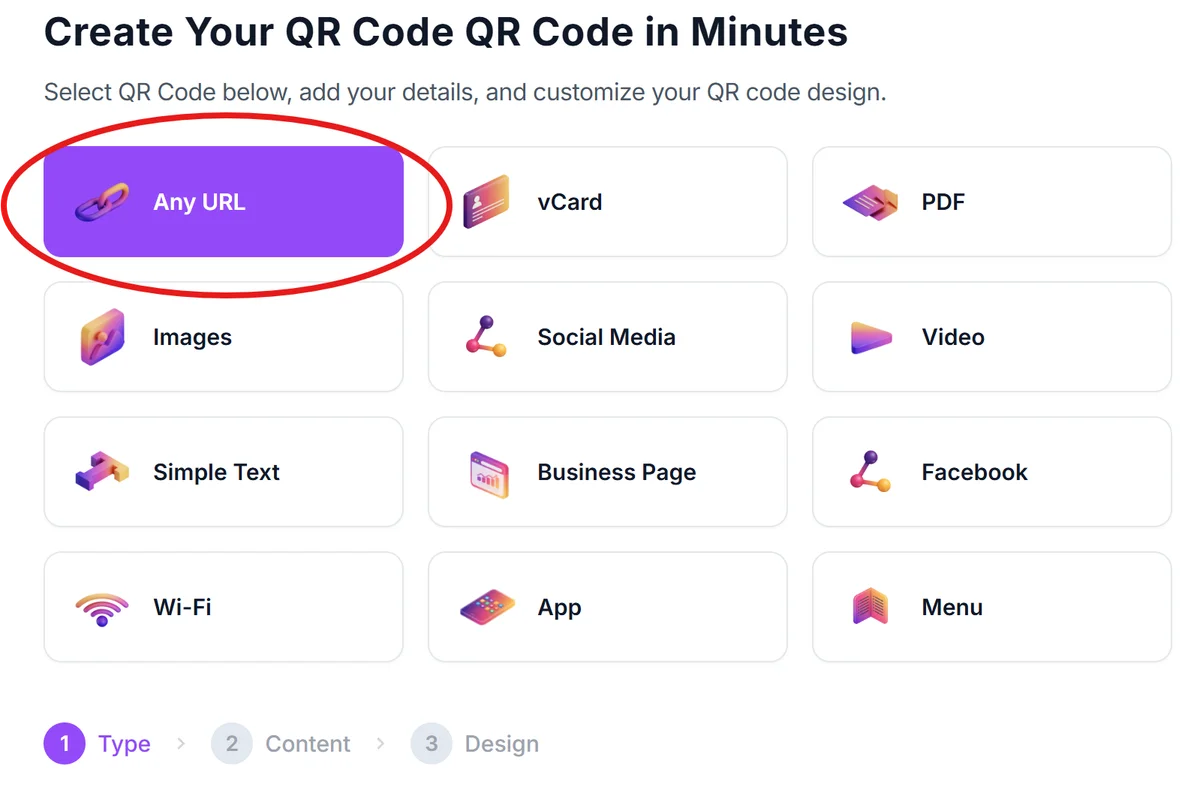
Define your destination content
Determine what customers will access - product databases, payment portals, digital receipts, loyalty programs, or customer service forms.
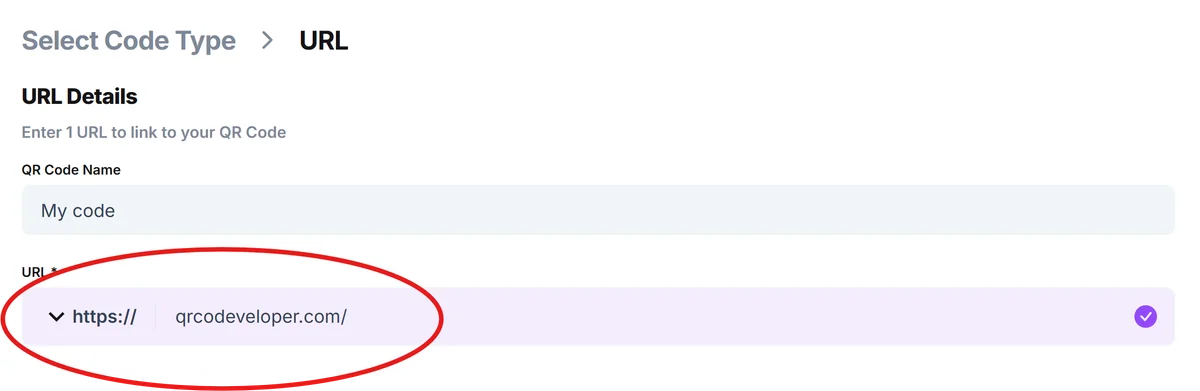
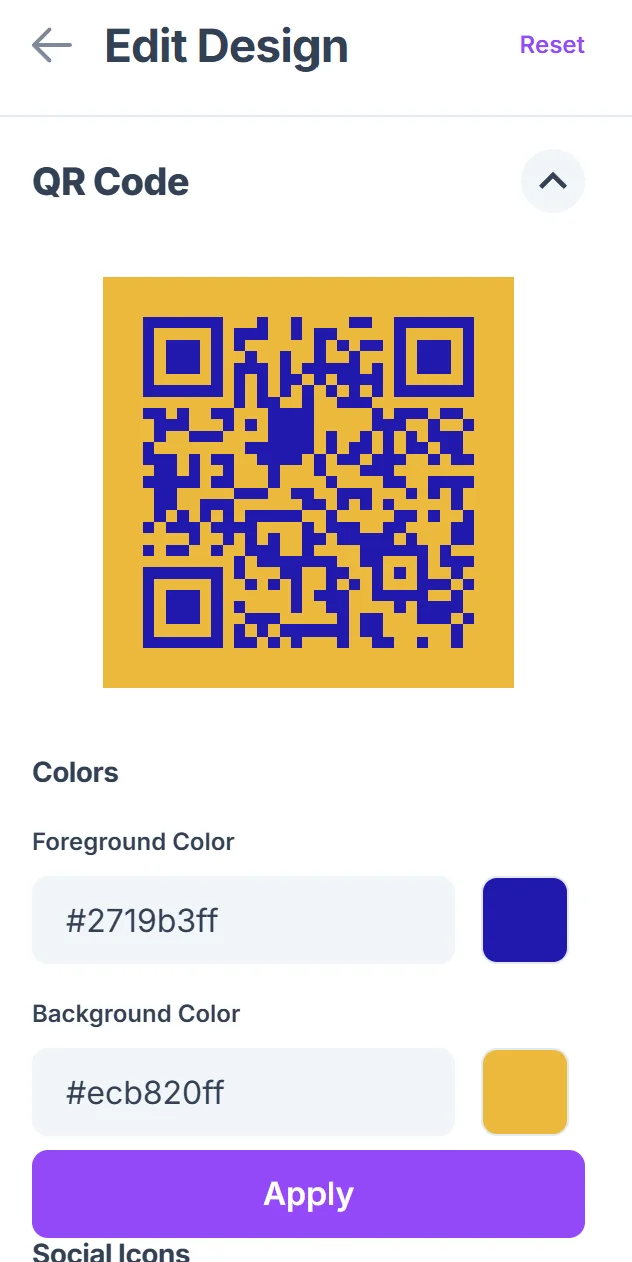
Customize codes for store branding
Click on the pencil icon in the Preview window to further customize your code. Apply your supermarket's colors, logo, and design elements to maintain brand consistency across all customer touchpoints.

Test scanning across store conditions
Verify codes work under fluorescent lighting, on different surfaces, and with various smartphone models commonly used by your customers.
Deploy with clear instructions
Place codes at appropriate heights with simple directions like 'Scan for digital receipt' or 'Get product details' to encourage usage.
Best practices for supermarket QR implementation
Successful supermarket QR codes require strategic placement, clear communication, and regular maintenance to ensure customer adoption and satisfaction.
Position codes at natural decision points like shelf edges, checkout areas, and customer service counters where shoppers naturally pause to read information. Consider using QR code stickers for flexible placement options.
Include clear instructions with action words like 'Scan to compare prices' or 'Get recipe ideas' so customers understand the immediate value they'll receive
Ensure your mobile landing pages load quickly and display properly on smartphones, as slow-loading content will frustrate customers during busy shopping trips
Monitor scan analytics to identify which locations and code types generate the most engagement, then expand successful implementations to similar areas throughout your store
Frequently Asked Questions
Can QR codes handle high-volume scanning during peak shopping hours?
Yes, properly configured QR codes and hosting platforms can handle thousands of simultaneous scans without performance issues, making them ideal for busy supermarket environments.
How do I create QR codes for different products and departments?
Use dynamic QR codes that allow you to update destinations without reprinting. You can create different codes for produce, deli, pharmacy, and other departments while maintaining consistent branding.
What information should supermarket QR codes link to?
Focus on information customers frequently request: nutritional facts, ingredient lists, pricing, availability, recipes, and customer reviews. Avoid overwhelming users with too much data at once.
Do QR codes work well in refrigerated sections and freezer aisles?
QR codes function normally in cold environments, but condensation on smartphone cameras can affect scanning. Place codes at comfortable viewing heights and consider laminated protection for durability.
Are there free options for creating supermarket QR codes?
Many platforms offer free QR code generation with basic customization. Premium features like detailed analytics, bulk creation, and advanced branding typically require paid plans suited for commercial use.
Related Guides
Ready to create your QR code?
Generate custom QR codes in seconds - free and easy to use.
Create Free QR Code →