QR codes for school notices and instant communication

Convert paper announcements into scannable codes that parents and students can access instantly from anywhere.
How schools modernize communication with QR codes
Sending home paper notices can often rely on hoping that students actually deliver them to their parents. However, I'm sure many of us are guilty of forgetting these important documents, misplacing them, or not handing them over willingly. Luckily, schools can place QR codes on everything from bulletin boards to student handbooks, giving parents instant access to current information.
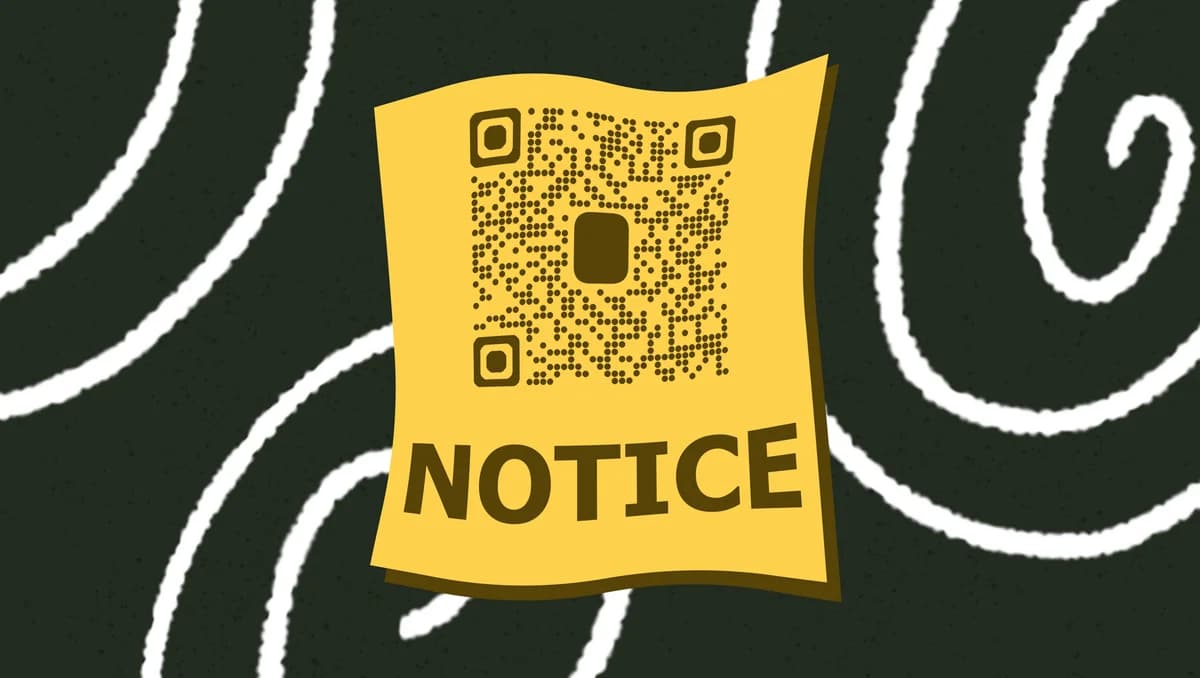
A school notice QR code allows parents and students to instantly have access to digital announcements, permission slips, event details, or emergency updates. Parents scan the code with their smartphone and immediately see the latest version of any document or notice, eliminating the paper chase entirely.
In this guide I will cover everything from creating your first school notice QR code to managing multiple announcements across different grade levels. I'll also go over how to integrate QR codes with existing school communication systems and track which notices get the most engagement from your school community. So let's get this lesson started!
Common applications for school notice QR codes
Schools use QR codes to solve communication breakdowns that happen with traditional paper notices. From urgent weather updates to permission slip reminders, these codes ensure important information reaches families immediately. Many administrators also use event QR codes for school activities and fundraisers.
Emergency notifications and weather alerts
Place QR codes on school entrance doors and in pickup areas for immediate access to closure announcements, early dismissal notices, and safety updates that parents need right away.
Permission slips and field trip forms
Include QR codes in student planners or on classroom bulletin boards that link directly to digital permission forms, eliminating the need to track down lost paperwork before deadlines. Schools can also convert PDF documents into QR codes for easy access to forms and handouts.
PTA meeting agendas and school board updates
Print QR codes on meeting flyers and in school newsletters that connect parents to current agendas, meeting minutes, and voting information for better community engagement.
Cafeteria menus and allergy information
Post QR codes in school dining areas and send them home with students so parents can quickly check daily menus, nutritional information, and allergen alerts for meal planning.
Creating QR codes for your school announcements
Setting up QR codes for school notices takes just a few minutes and immediately improves how families access important information.
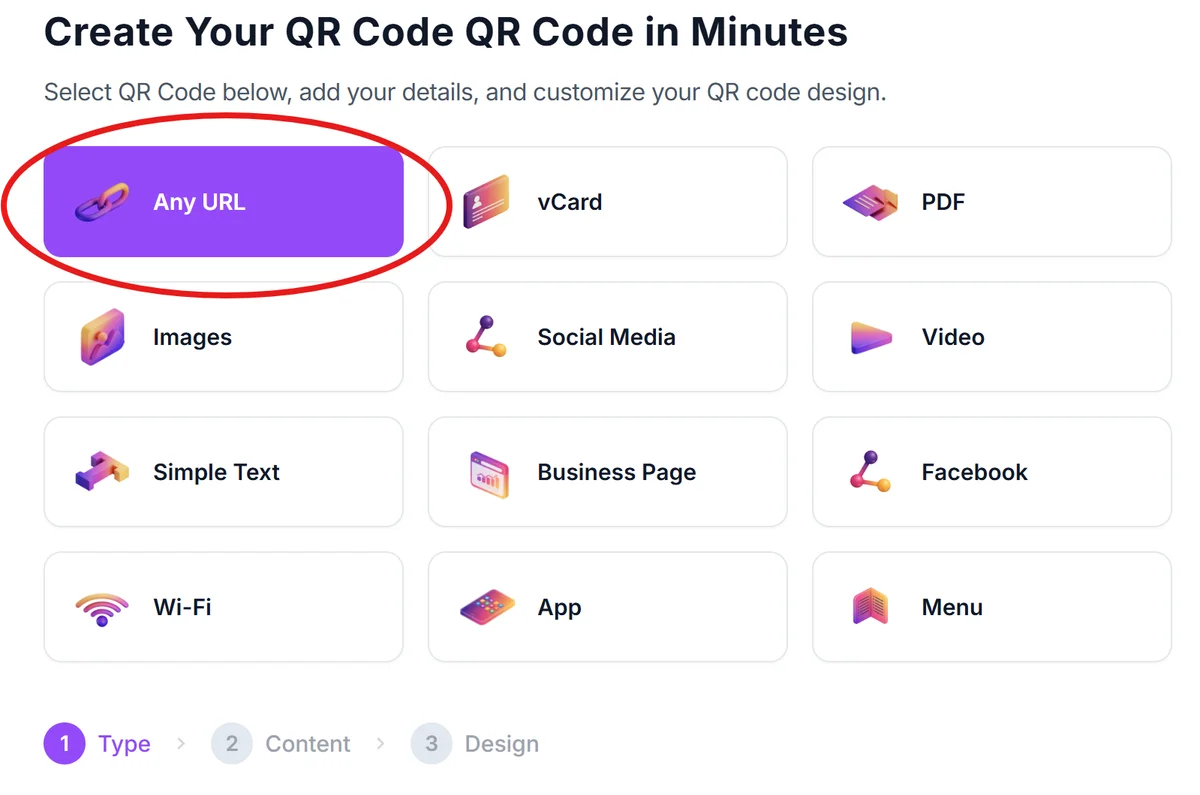
Open your QR code generator
Visit qrcodeveloper.com and select the URL option to link your QR code to any web page, document, or online form that contains your school notice.
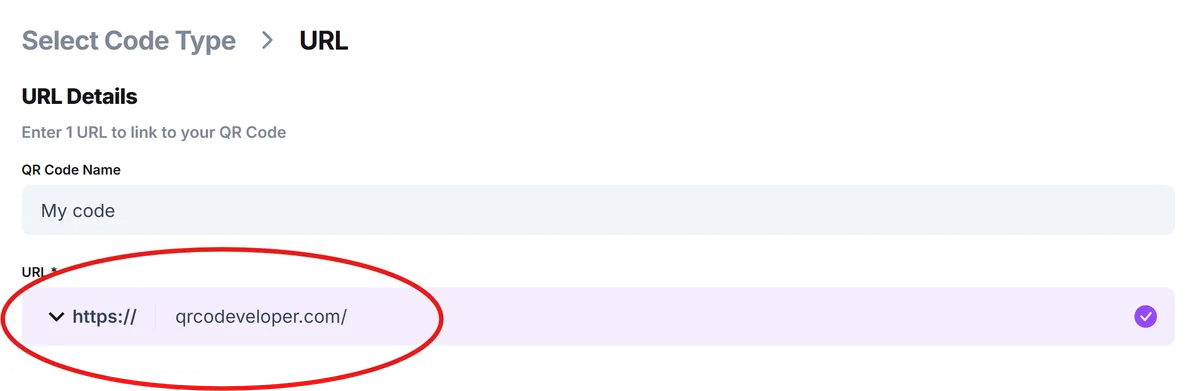
Upload your notice or enter the web link
If you have a PDF notice, upload it to Google Drive or your school's website first, then copy that shareable link. For online forms or announcements already posted on your school website, paste the direct URL. You can also create QR codes for online surveys to gather parent feedback on school policies.
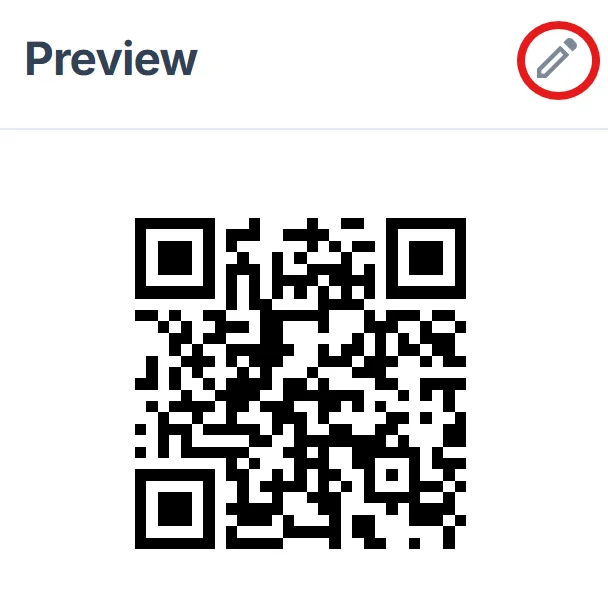
Customize with school branding
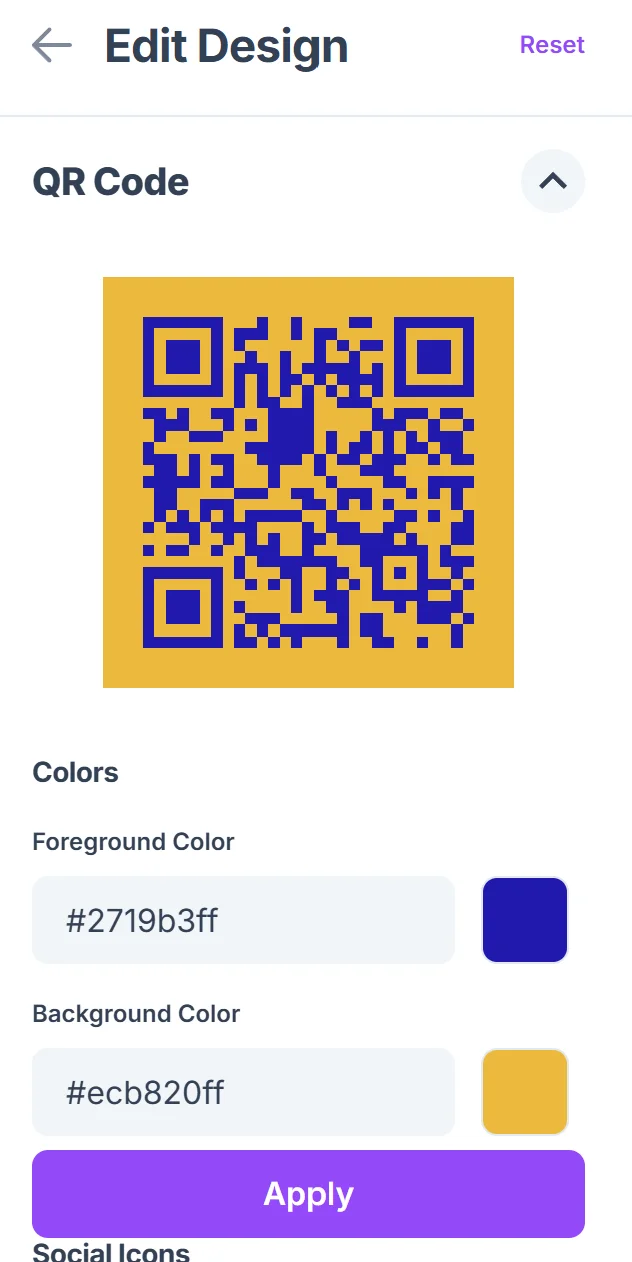
Click on the pencil icon in the Preview window to further customize your code. Add your school colors and logo to make the QR code instantly recognizable to parents and students. Choose colors that contrast well with your typical printing backgrounds for better scanning. Following proper QR code design principles ensures your codes remain scannable while maintaining your school's branding.
Test scanning from different distances
Print a test version and scan it from various distances where parents typically stand - pickup lines, bulletin board viewing distance, and close-up reading distance to ensure it works in all scenarios.
Distribute across multiple touchpoints
Place the QR code on bulletin boards, include it in email signatures, add it to your school app notifications, and print it on any physical handouts to maximize access points for busy families.
Best practices for school communication QR codes
These strategies help ensure your school notice QR codes reach the maximum number of families and actually get scanned when it matters most.
Include brief text instructions like 'Scan for today's lunch menu' or 'Scan for field trip details' so parents know exactly what they'll find before scanning
Use consistent placement across all school materials - always put QR codes in the same corner or section so parents know where to look. Consider creating QR code stickers that can be easily applied to various school materials for consistent branding and placement.
Set up automatic updates for frequently changing information like lunch menus or weekly newsletters so the QR code always leads to current content
Track which notices get the most scans to understand what information parents prioritize, then use that data to improve your communication strategy
Frequently Asked Questions
Can I update the information behind a QR code after printing it?
Yes, as long as you link the QR code to a web page or cloud document that you control. Update the content on that page and the QR code automatically shows the new information when scanned.
What's the best size for QR codes on school notices?
Make QR codes at least 1 inch square for easy scanning. For bulletin boards viewed from a distance, go larger - about 2-3 inches square works well for hallway displays.
How do I handle parents who don't have smartphones?
Always include the full web address below your QR code so parents can manually type it into any internet-connected device. This ensures everyone can access the information regardless of their technology.
Can QR codes work for confidential student information?
Use password-protected documents or your school's secure parent portal for confidential information. The QR code can link to a login page where parents access private student data safely.
Are there costs involved in creating school notice QR codes?
Basic QR code generation is free. You'll only need paid features if you want detailed analytics about how many parents scan each notice or need to create hundreds of codes monthly.
Related Guides
Ready to create your QR code?
Generate custom QR codes in seconds - free and easy to use.
Create Free QR Code →