QR Code Generator for Rentals: Property management made simple

Connect tenants and prospects instantly to property information, contact details, and rental resources with scannable codes.
How rental QR codes transform property management
Have you ever watched potential tenants fumble with their phones trying to type in a long rental listing URL while standing outside your property? It can be pretty awkward, but rental QR codes eliminate this friction entirely, letting prospects scan and access everything they need about your property in seconds!
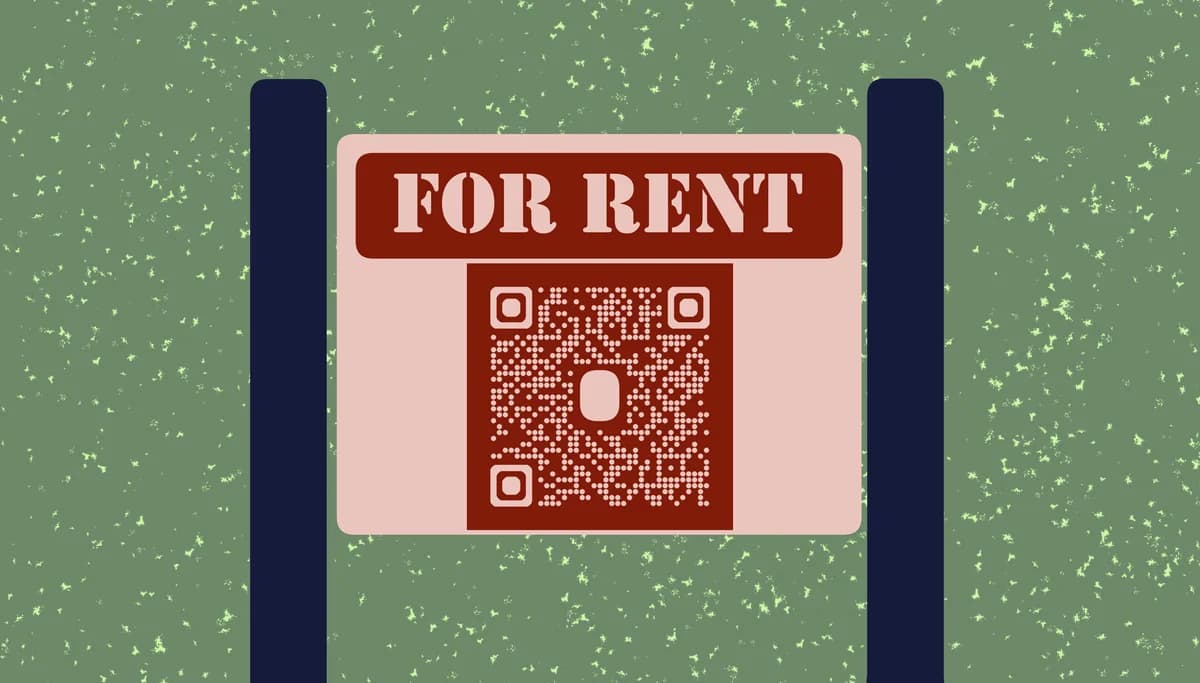
A rental QR code serves as a digital gateway to all your property information. When someone scans the code with their smartphone camera, they can instantly view listing details, photo galleries, virtual tours, application forms, contact information, or tenant portals. These codes work with any smartphone - no special app required!
Property managers and landlords can use these codes in all sorts of ways. You can place them on yard signs, business cards, flyers, or directly on building entrances. The flexibility means you can connect prospects to different information depending on where they encounter your code. QR Code Developer makes creating these property-specific codes straightforward, whether you're managing a single rental or an entire portfolio.
Smart applications for rental property QR codes
Rental property QR codes solve real communication challenges between landlords, tenants, and prospects. From initial property viewing to ongoing tenant support, these codes create direct pathways to the information people need most. Understanding different types of QR codes helps you choose the right approach for each rental scenario.
Property listing access
Place QR codes on yard signs and print ads that link directly to detailed listings with photos, floor plans, rental terms, and virtual tours for immediate prospect engagement.
Tenant portal shortcuts
Create codes that take current tenants straight to their online portals for rent payments, maintenance requests, lease documents, and community announcements.
Maintenance reporting
Post QR codes inside rental units that link to maintenance request forms, allowing tenants to report issues quickly with pre-filled property information.
Contact information sharing
Use QR codes on business cards and property signage to share your complete contact details, office hours, emergency numbers, and preferred communication methods with prospects and tenants.
Building QR codes for your rental properties
Creating rental QR codes takes just a few minutes once you know what information to include. The key is matching the right content to where people will scan your code.
Visit the QR code generator
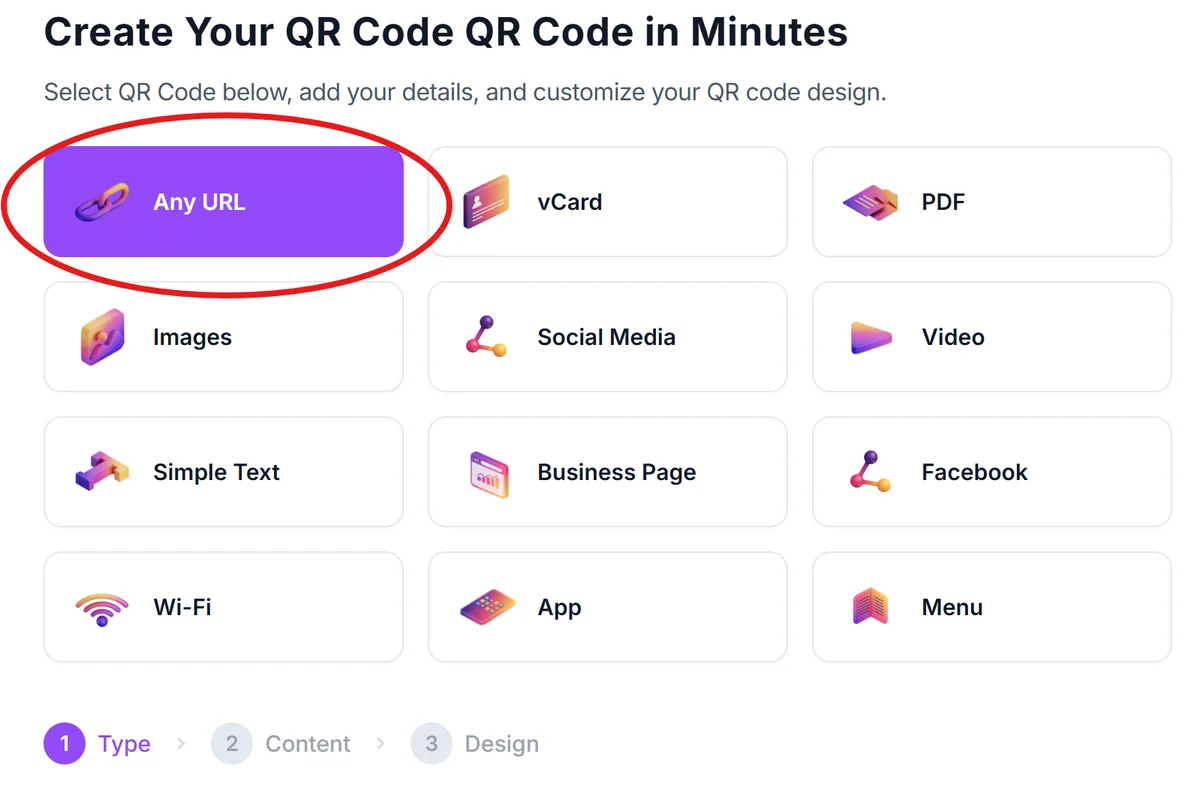
Go to qrcodeveloper.com and select the type of content you want to share - URL for listings, vCard for contact info, or text for simple messages.
Enter your rental information
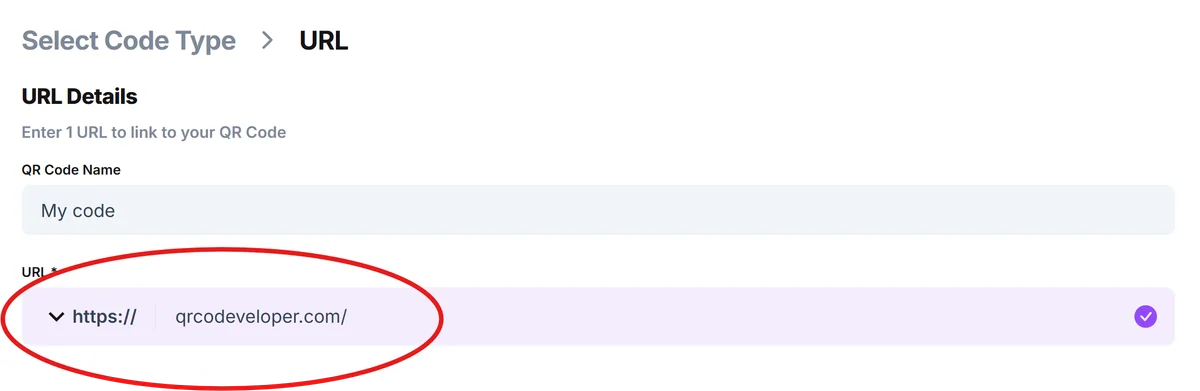
Input your specific content: listing URLs, contact details, maintenance portal links, or tenant resource pages. For multiple properties, create separate codes for each address.
Customize for property branding
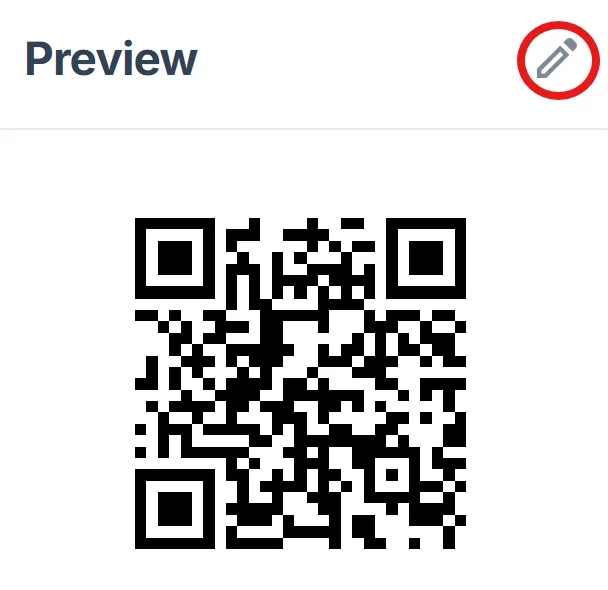
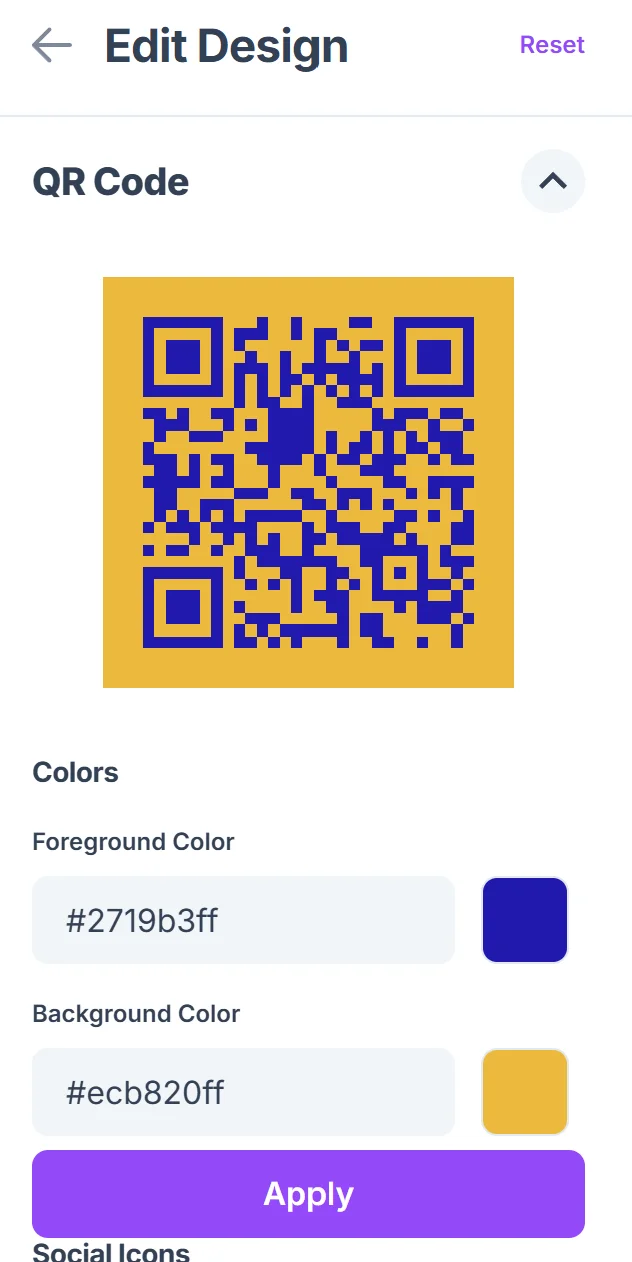
Click on the pencil icon in the Preview window to further customize your code. Add your property management company colors, logo, or property-specific design elements to make codes recognizable and professional-looking.
Test with different devices
Scan your QR code with various smartphones to ensure it works properly and loads quickly. Test both iOS and Android devices since your tenants and prospects use different platforms.
Deploy across property touchpoints
Print codes on yard signs, business cards, lease documents, and property entrances. Size them appropriately for scanning distance - larger for outdoor signs, smaller for business cards.
Best practices for rental property QR codes
Strategic placement and clear instructions help ensure your rental QR codes get scanned and provide value to users.
Include simple instructions like 'Scan for property details' or 'Scan to contact landlord' since not everyone immediately understands QR code functionality, especially older tenants or prospects
Use weather-resistant materials for outdoor QR codes on yard signs and building entrances - laminated prints or vinyl stickers work better than standard paper in rain and sun
Create different QR codes for prospects versus current tenants, linking to appropriate information for each group rather than using one generic code for everything
Track which codes get scanned most frequently to understand where prospects and tenants prefer to access information, then focus your efforts on those high-performing locations
Frequently Asked Questions
Can I use the same QR code for multiple rental properties?
It's better to create separate QR codes for each property so you can track interest and provide property-specific information. However, you can use one code that links to a page listing all your available rentals.
What information should I include when prospects scan my rental QR code?
Focus on what prospects need most: photos, rental price, key features, application process, and your contact information. Avoid overwhelming them with too much detail on the first scan.
How do I make QR codes that work for both current tenants and prospects?
Create separate codes for different audiences. Use one code for prospects that shows listing information, and another for tenants that goes to the resident portal or maintenance requests.
Will QR codes work if someone doesn't have internet on their phone?
No, QR codes that link to websites require an internet connection. However, you can create QR codes that store contact information directly, which works offline once scanned.
Are QR codes free to create for my rental properties?
Yes, basic QR codes are free to generate. You can create as many as you need for your properties without any cost, though some advanced tracking features may require paid plans.
Related Guides
Ready to create your QR code?
Generate custom QR codes in seconds - free and easy to use.
Create Free QR Code →