QR codes in books: Interactive publishing guide

Publishers and authors now bridge print and digital experiences through QR codes, creating interactive reading journeys that engage modern audiences.
Key Takeaways
- QR codes work best when they add genuine value rather than duplicating information already in the book
- Place codes strategically at chapter breaks or natural pause points to avoid interrupting reading flow
- Test every QR code on multiple devices before printing to ensure consistent functionality
- Include brief descriptions next to codes so readers know what to expect before scanning
Over 2.6 billion people worldwide now own smartphones, making QR codes in books a natural bridge between traditional reading and digital engagement. Recent data shows that 89% of smartphone users have successfully scanned a QR code, indicating widespread comfort with this technology.
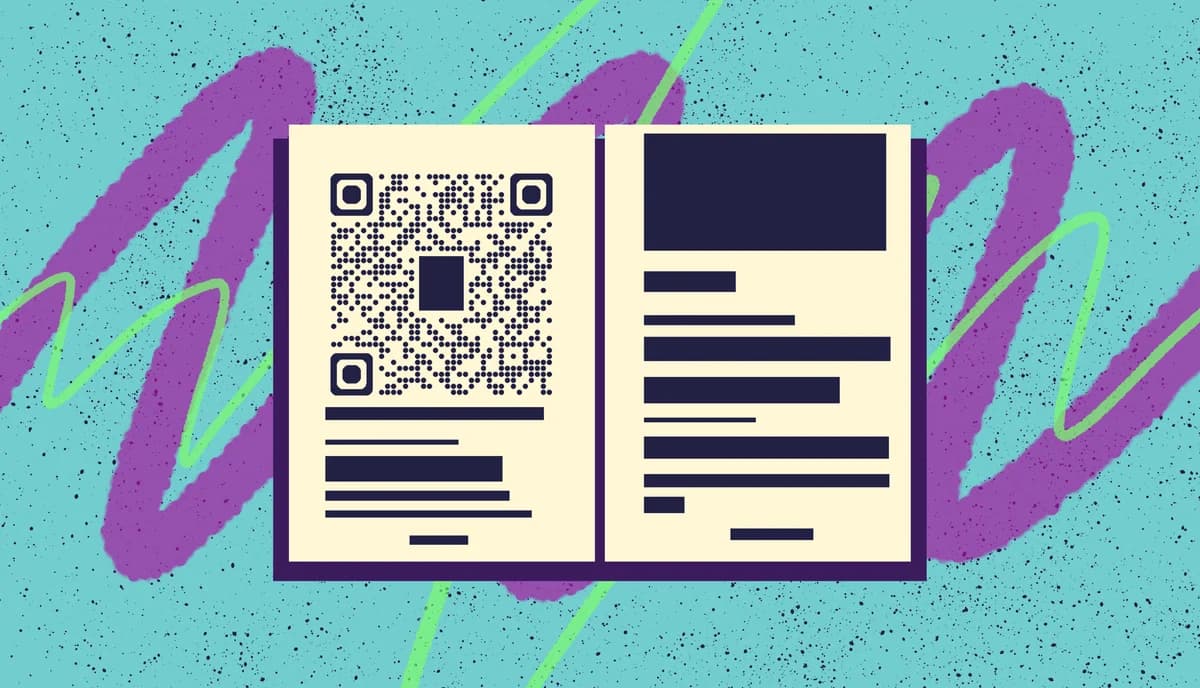
Books enhanced with QR codes can create immersive experiences that traditional print cannot match. Readers access author interviews, hear character voices, view historical photos, or explore interactive maps directly from the page. This technology transforms passive reading into active discovery.
In this guide I will walk you through selecting appropriate content, strategic placement, and technical implementation. I'll also show you how to create meaningful connections between your printed pages and digital resources using tools like QR Code Developer for reliable code generation. So let's dive right in!
Content types that enhance reading
The most successful book QR codes connect readers to content that genuinely enriches their understanding or enjoyment. Video interviews with experts, audio pronunciations of foreign terms, or interactive timelines work better than simple text that could appear on the page.
Consider your book's genre and audience when selecting digital content. Academic texts benefit from supplementary research materials, while fiction might include character backstories or setting photos. Understanding the different types of QR codes available can help you choose the most appropriate format for your content.
Educational enhancements
Textbooks and educational materials excel with QR codes linking to video demonstrations, practice exercises, or updated statistics. Science books can include lab demonstrations, while history texts might feature documentary clips or primary source documents that bring events to life.
Fiction storytelling extensions
Novels gain depth through QR codes linking to character playlists, location photos, or author commentary about specific scenes. Mystery novels might include evidence photos, while fantasy books could feature pronunciation guides for invented languages or detailed maps.
Reference and how-to resources
Cookbooks benefit enormously from QR codes linking to technique videos or ingredient substitution guides. Technical manuals can include troubleshooting videos, while craft books might feature step-by-step video tutorials that complement written instructions. For video content, you might want to explore how QR codes can store video effectively.
Strategic placement for maximum impact
QR code placement significantly affects reader engagement and book aesthetics. Codes should feel integrated into the design rather than slapped onto pages as afterthoughts.
Consider the reading experience when positioning codes. Placing them at natural break points prevents interrupting immersive reading while ensuring readers notice them when ready to explore additional content.
Chapter transitions and breaks
Position QR codes at chapter endings or beginnings where readers naturally pause. This placement allows engaged readers to dive deeper while letting others continue without distraction. Include a small description like 'Scan for author insights on this chapter's historical context.'
Margins and dedicated spaces
Design dedicated spaces for QR codes rather than cramming them into existing layouts. Side margins work well for reference books, while fiction might use chapter divider pages. Ensure adequate white space around codes for easy scanning, following proper QR code design principles for optimal readability.
Back matter integration
Consider placing a comprehensive QR code index in your book's back matter. This approach keeps the main text clean while providing a central hub for all digital content. Readers can bookmark this section for easy reference throughout their reading.
Creating and testing your book QR codes
Technical implementation requires attention to size, contrast, and link reliability. QR codes must remain scannable across different printing qualities and lighting conditions while maintaining your book's visual appeal.
Start with high-quality code generation and thorough testing before committing to print. A broken QR code in a published book creates frustration rather than engagement, potentially damaging reader trust. It's also important to consider QR code safety practices to protect your readers from potential security risks.
Generate high-quality codes
Use professional QR code generators that create vector-based codes suitable for print reproduction. Ensure your codes link to mobile-optimized content since most readers will scan with smartphones. Test links thoroughly and consider using PDF QR codes for document resources.
Size and contrast specifications
Maintain minimum dimensions of 1 inch (2.5 cm) square for reliable scanning across various lighting conditions. Ensure high contrast between the code and background - black codes on white backgrounds work best. Avoid placing codes over images or textured backgrounds.
Pre-print testing protocol
Test every QR code on multiple smartphone models and scanning apps before finalizing your book layout. Print test pages on your intended paper stock to verify scanning reliability. Check that linked content displays properly on various screen sizes and loads quickly on mobile connections.
Publishing best practices for QR integration
These proven strategies help publishers create meaningful QR code experiences that enhance rather than interrupt the reading journey.
Always include a brief description next to each QR code explaining what content readers will find - mystery codes frustrate rather than engage
Host linked content on reliable platforms with fast loading times, as slow or broken links immediately damage reader trust
Design QR codes as integral parts of your page layout rather than obvious additions that disrupt the book's aesthetic flow
Consider creating a dedicated landing page that houses all your book's digital content for readers who prefer browsing to scanning
Test codes in various lighting conditions since readers may encounter your book in dim libraries, bright cafes, or outdoor settings
Frequently Asked Questions
How many QR codes should I include in my book?
Focus on quality over quantity. Three to five well-placed QR codes that add genuine value work better than dozens that feel excessive. Consider your book's length and natural break points when determining the optimal number.
Will QR codes work years after publication?
QR codes themselves don't expire, but the linked content might become unavailable if websites change or hosting services end. Use reliable hosting platforms and consider creating backup links to ensure long-term accessibility.
Do QR codes increase printing costs significantly?
QR codes add minimal printing costs since they're essentially black and white graphics. The main expense comes from creating and hosting the digital content they link to, not the codes themselves.
What if readers don't have smartphones?
Always ensure your book provides complete value without QR codes. Treat digital content as bonus material that enhances but doesn't replace essential information. Include web addresses alongside QR codes for manual entry.
Should I use custom-designed QR codes for better aesthetics?
Standard black and white QR codes scan most reliably across different devices and conditions. While custom designs look appealing, they may reduce scanning success rates. Prioritize functionality over aesthetics for book applications.
Related Guides
Ready to create your QR code?
Generate custom QR codes in seconds - free and easy to use.
Create Free QR Code →