qr code job application

Recruiters skimming a job fair table or hiring flyer get one shot at your resume before moving on. A scannable code puts your full application, portfolio, and contact details one tap away.
Key Takeaways
- A dynamic QR code lets you swap your linked resume or portfolio after printing, so one batch of flyers or cards keeps working through multiple job searches.
- Linking to a PDF resume works, but a landing page with your resume, portfolio samples, and contact info in one scroll converts better with recruiters who are short on time.
- Placement beats novelty — a code on the back of a business card at a career fair gets scanned far more than one buried in a cover letter nobody opens twice.
78% of job seekers use their smartphones to send job applications and resumes, according to ME-QR. This has greatly changed what a strong application looks like now: instead of stuffing every detail onto a single page, more candidates are printing a QR code on their resume, flyer, or business card that links out to a more complete version of their story.
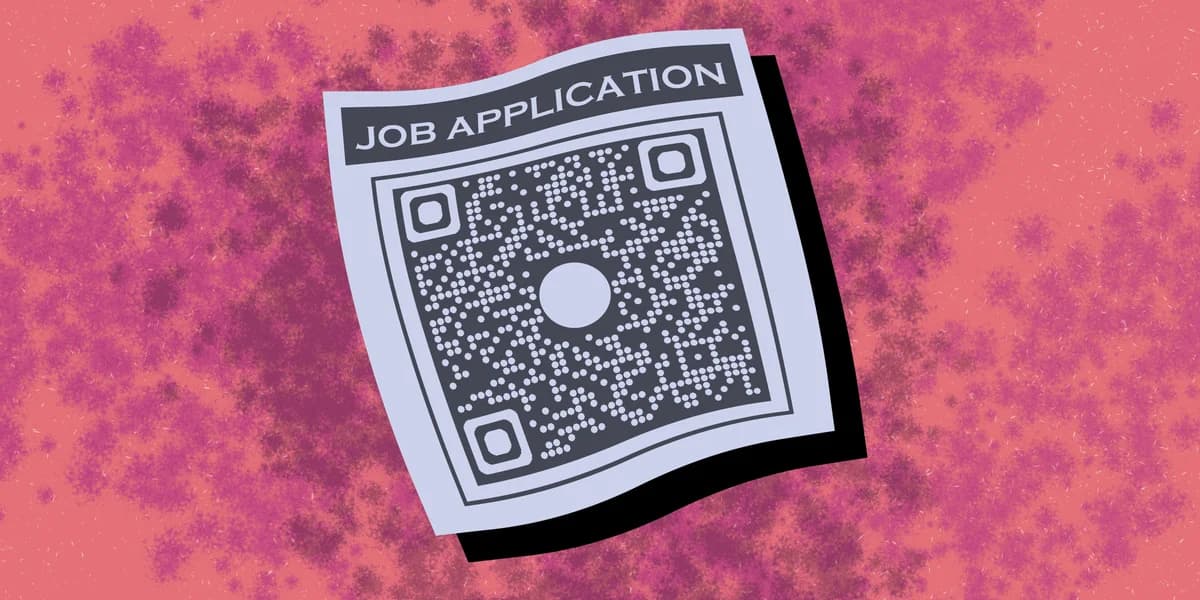
A QR code job application isn't a replacement for your resume. It's a bridge between the physical document a recruiter is holding — at a career fair, on a bulletin board, in a stack on a desk — and the richer digital version of you: a portfolio site, a video introduction, a LinkedIn profile, or a downloadable PDF that's easier to update than reprinting paper every time you change jobs.
The mechanics are simple, but it's the scanning process that really matters. Point the code to the wrong thing, use a static link you can't edit later, or make the design too small to scan, and the whole idea backfires. This guide walks through building one that actually helps you get noticed.
How to build a QR code job application
Building this out takes about fifteen minutes if you already have your resume and portfolio pieces ready. The order below keeps you from having to redo steps once the code is printed.
Step 1: Decide what the code should open
Pick one destination that answers the recruiter's next question. If your goal is speed, link straight to a hosted resume — see our guide on how to turn your PDF into a QR code for the fastest route. If you want to show range, build a simple landing page with your resume, three portfolio samples, and a way to reach you, then link the code there instead, similar to the approach in our guide on QR codes for landing pages.
Step 2: Choose a dynamic code, not a static one
Static codes bake the destination link directly into the code's pattern, which means the link is fixed forever once printed. A dynamic code routes through a short redirect URL you control, so you can change where it points without reprinting anything. Given how often job seekers update resumes between applications, this is the setting that saves you money and hassle. Our related guide on static vs dynamic QR codes breaks down the difference in more detail.
Step 3: Generate and test the code
Paste your resume link, portfolio URL, or contact page into the free QR code generator, download the image, and print a test copy at the size you plan to use — business card, flyer, or resume header. Scan it with two or three different phones before printing in bulk, since lighting and camera quality vary more than most people expect.
Step 4: Place it where recruiters actually look
Top corner of your resume header, back of your business card, bottom of a one-page flyer at a career fair — these spots get scanned because a hand is already holding the paper. Avoid burying the code in a footer nobody reaches, and skip cover letters entirely since most get read on screen where a printed code is useless.
Tips for making your code work harder
A few small choices separate a QR code that gets ignored from one that gets scanned and remembered.
Add a one-line label next to the code, like "Scan for portfolio," since an unlabeled code on a resume often gets skipped by cautious recruiters.
Track scans through your dynamic link's analytics so you know whether the code is actually earning attention at each job fair or posting before you invest in more printed copies.
Keep the linked page mobile-first and short, since most recruiters check codes with one thumb between meetings, not at a desktop later.
If you're also building a networking presence, pair your QR code job application with contact details covered in our contact information QR codes guide so recruiters can save you instantly.
Frequently Asked Questions
Should a QR code replace text on my resume?
No. Keep your resume readable on its own — the code is a shortcut to more, not a substitute for the basics recruiters expect to see on paper.
What should the QR code link to on a resume?
A hosted PDF of your resume or a short personal landing page works best. Avoid linking to a cluttered LinkedIn profile alone, since it's not built to load fast on a recruiter's phone during a quick scan.
Do applicant tracking systems read QR codes?
Most ATS software scans text, not embedded images, so a QR code alone won't get parsed into a database. Use it for in-person or print situations, not for online form uploads.
Is it worth using a QR code for online job applications?
It's less useful there since links can be typed or pasted directly. QR codes shine in print — resumes, flyers, business cards, and career fair handouts where typing a URL isn't practical. As of 2023, around two-thirds of job applications come from mobile devices, according to QR Code Generator, which is exactly the audience a well-placed code is built for.
Related Guides
Ready to create your QR code?
Generate custom QR codes in seconds - free and easy to use.
Create Free QR Code →