QR codes for leather goods authentication and product information

Transform your leather products into interactive experiences with scannable codes that share craftsmanship stories and care instructions.
How QR codes add value to handcrafted leather goods
Customers often wonder about the story behind their leather wallet or handbag, but don't know how to get this information. However, leather artisans and manufacturers can simply attach QR codes that connect buyers to the complete journey of their product—from the tannery source to the craftsperson's workshop, care instructions, and authenticity certificates.
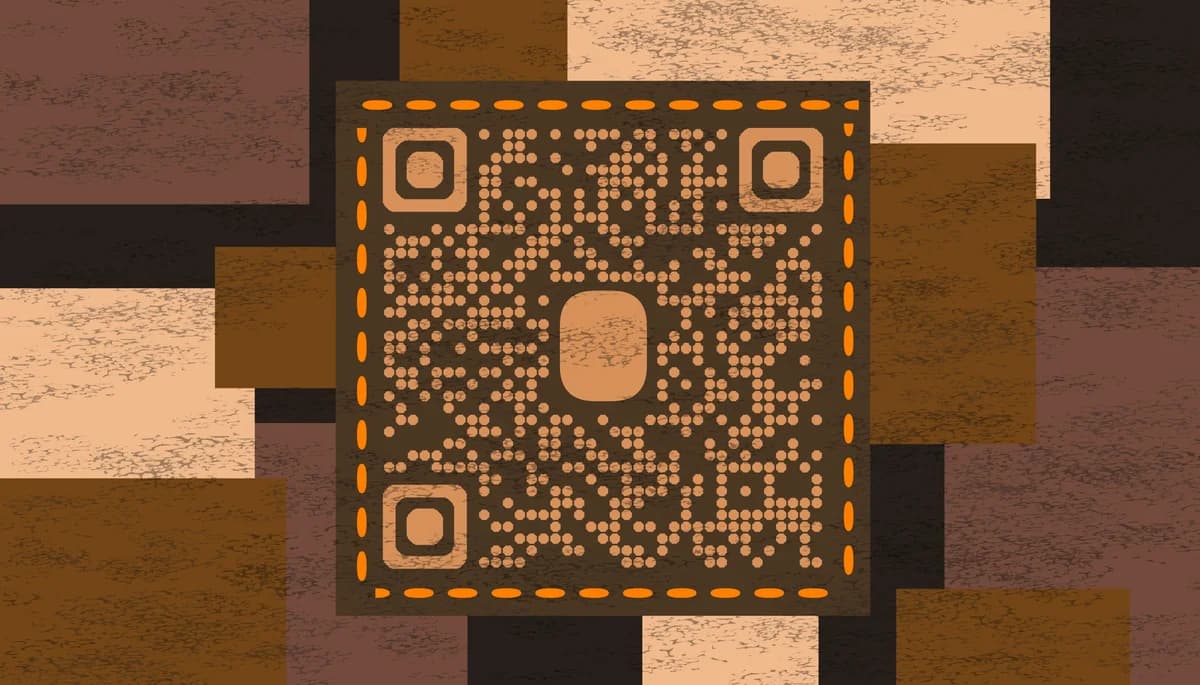
A QR code on leather goods transforms each piece into an interactive experience. When scanned, it can reveal the artisan's story, detailed care instructions, warranty information, or even a video of the crafting process. This technology bridges the gap between traditional craftsmanship and modern customer expectations for transparency and engagement.
Throughout this guide, I'll go over how leather goods makers use QR Code Developer to create codes that enhance their products' value and build stronger customer relationships. From authentication to storytelling, these small codes pack significant impact for both makers and buyers. So let's get started!
Smart applications for leather product QR codes
Leather goods makers across different scales—from solo artisans to established brands—use QR codes to solve common customer questions and create memorable experiences. These applications work particularly well with QR code business cards for networking at craft fairs and markets.
Authenticity verification
High-end leather brands embed QR codes that link to certificates of authenticity, helping customers verify genuine products and combat counterfeiting.
Artisan storytelling
Independent leather workers share their personal stories, workshop photos, and crafting philosophy through QR codes, creating emotional connections with buyers.
Care instruction access
Instead of printed care cards that get lost, QR codes provide permanent access to detailed maintenance guides, conditioning schedules, and repair services.
Product customization records
Custom leather goods makers use QR codes to store personalization details, making reorders and matching repairs simple for returning customers.
Creating QR codes for your leather products
Setting up QR codes for leather goods requires thoughtful planning about what information serves your customers best and where to place the codes for durability.
Visit the QR code generator
Go to qrcodeveloper.com and select the type of information you want to share—whether it's a website, PDF care guide, or contact information.
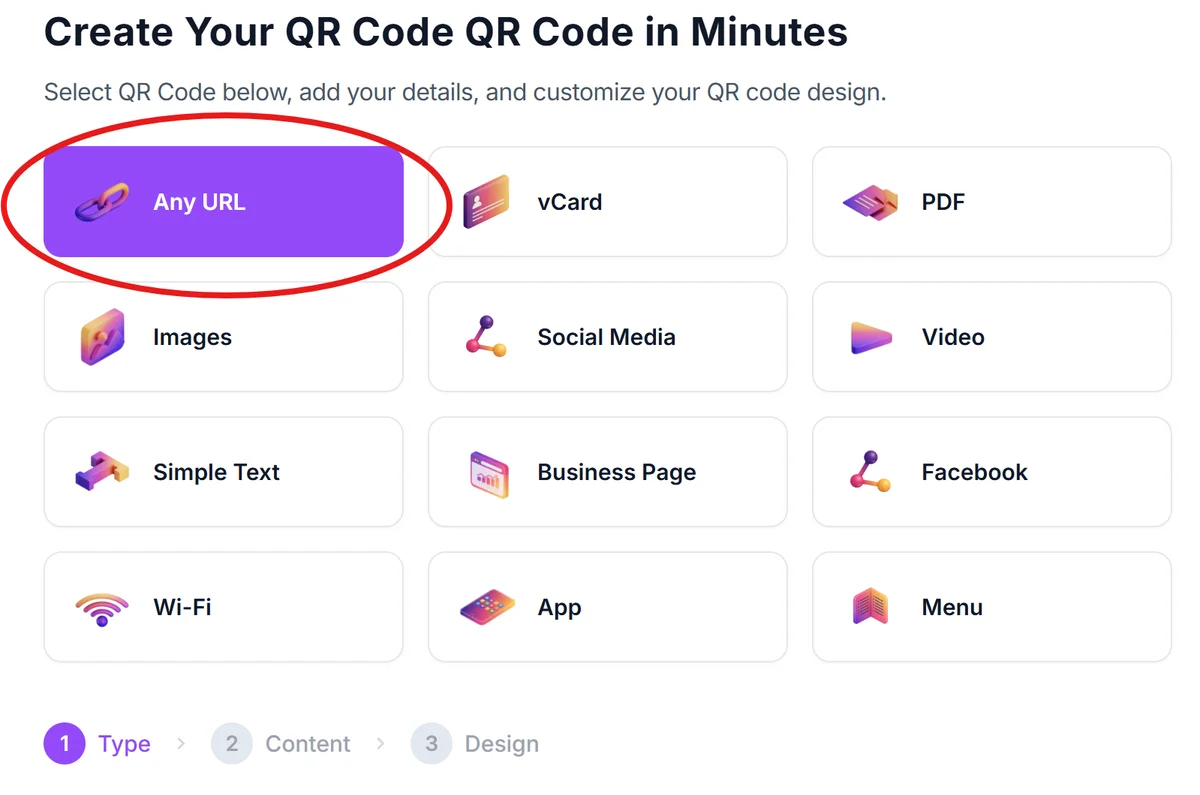
Enter your product information
Input the URL to your product page, care instruction PDF, or artisan story. For authenticity codes, consider creating unique pages for each product batch or individual item.
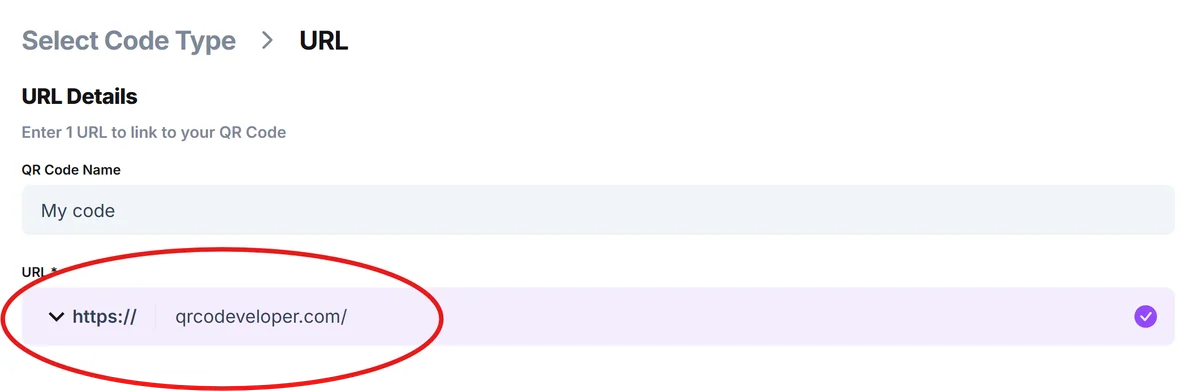
Customize for leather aesthetics
Click on the pencil icon in the Preview window to further customize your code. Choose colors that complement your leather goods—earth tones, browns, or classic black work well. Ensure sufficient contrast for reliable scanning on various leather colors, following QR code design best practices.

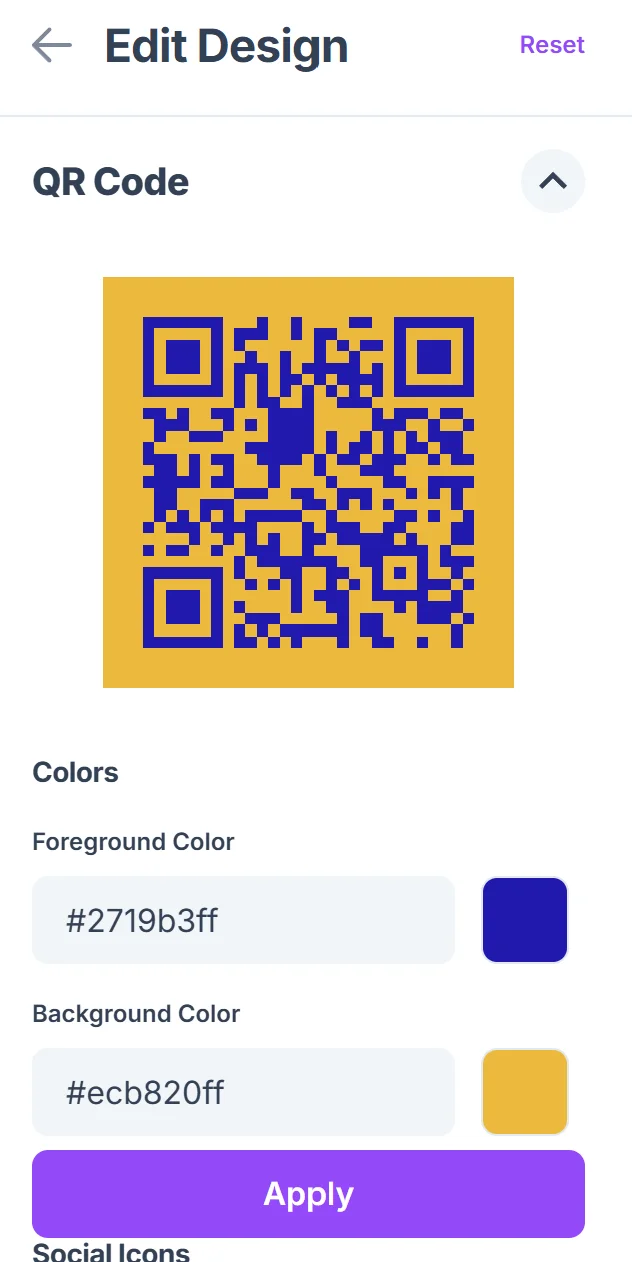
Plan your attachment method
Decide whether to use leather tags, embossed metal plates, or direct laser engraving. Test scanning at your chosen size before committing to production methods, similar to QR code sticker applications.
Create durable placement
Position QR codes where they won't experience excessive wear—inside pockets, on care tags, or protected areas. Consider backup placement for high-use items like wallets.
Best practices for leather goods QR implementation
Successful QR code integration with leather goods requires attention to both technical scanning requirements and the unique challenges of working with leather materials.
Choose placement locations that avoid flex points and high-wear areas to prevent code damage from regular use and leather stretching over time.
Test QR codes on actual leather samples under various lighting conditions, as leather's natural texture and color variations can affect scanning reliability.
Create mobile-friendly landing pages since customers typically scan QR codes with smartphones—ensure fast loading times and easy-to-read content on small screens.
Consider seasonal leather care reminders by updating your QR code content to reflect conditioning schedules and weather-appropriate care tips throughout the year.
Frequently Asked Questions
Will QR codes work when engraved directly into leather?
Direct laser engraving can work but requires careful testing. The contrast between the engraved areas and natural leather color must be sufficient for scanners to read the code reliably.
How do I protect QR codes from leather conditioning oils?
Use protective clear coatings over printed codes or place them on separate tags. Metal plates with engraved codes offer the best protection against oils and conditioning products.
Can I track which products are being scanned?
Yes, by creating unique QR codes for each product or batch, you can monitor scan frequency and customer engagement through analytics tools.
What size should QR codes be on small leather goods?
Minimum 1x1 inch for reliable scanning. On small items like wallets, consider placing codes on interior tags rather than compromising the exterior design.
Are there any free features for small leather businesses?
Basic QR code generation is free, allowing small artisans to start adding value to their products without upfront costs. Premium features like analytics and custom designs are available for growing businesses.
Related Guides
Ready to create your QR code?
Generate custom QR codes in seconds - free and easy to use.
Create Free QR Code →