QR codes for digital trail maps and hiking guides

Transform trail signage with QR codes that instantly connect hikers to detailed digital maps, GPS coordinates, and real-time trail conditions.
Connecting hikers to digital trail information
Paper trail maps used to be the standard at trailheads - weathered, outdated printouts that hikers would squint at before stuffing into their packs. However, now-a-days trail managers have been placing QR codes on signs that instantly connect visitors to detailed digital maps, real-time conditions, and GPS coordinates directly on their phones.
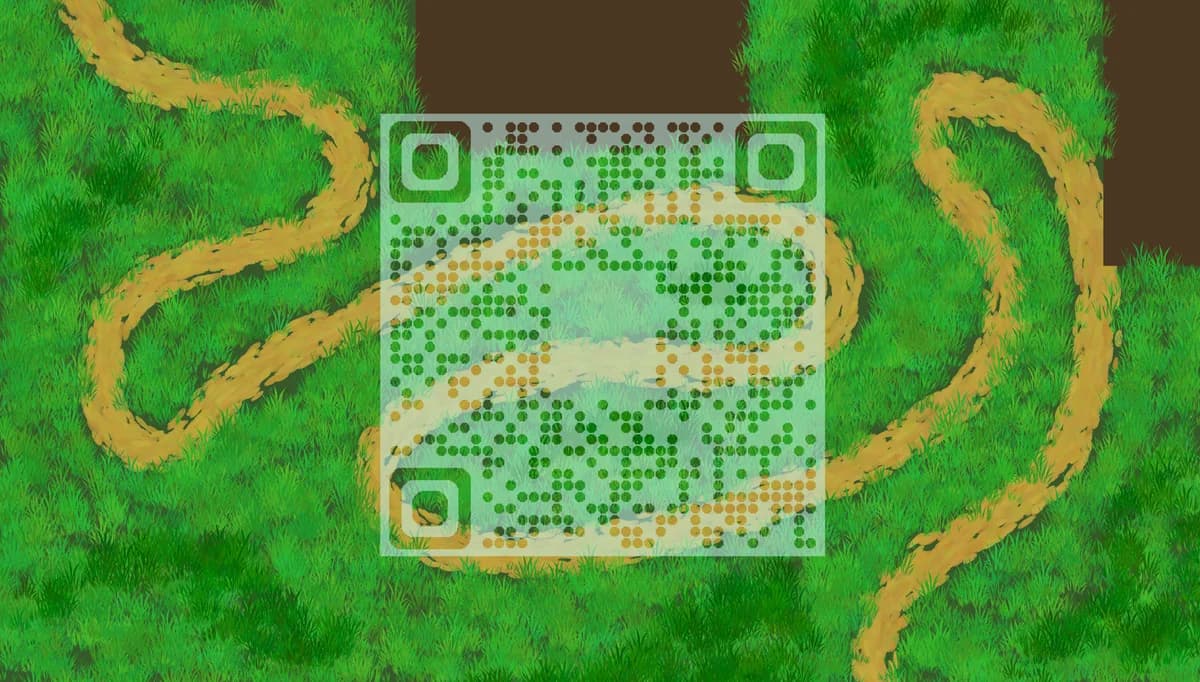
A trail map QR code can link directly to digital resources that enhance the hiking experience. When scanned, they can open interactive maps, PDF guides, safety information, or dedicated trail apps. The information stays current, accessible, and doesn't require hikers to carry additional paper materials.
Trail systems across the country are adopting this technology to improve visitor safety and engagement. Throughout this guide I'll walk you through how to create effective trail map QR codes that work in outdoor environments, from basic setup to weatherproofing considerations. You can also explore our PDF QR code guide for linking to downloadable trail guides. So let's get this journey started!
Practical applications for trail QR codes
Trail organizations use QR codes to solve common problems hikers face: outdated information, difficulty finding trailheads, and lack of real-time conditions. These codes bridge the gap between physical trail markers and digital resources. Consider combining them with Google Maps QR codes for complete navigation solutions.
Trailhead information stations
Link to comprehensive trail maps, difficulty ratings, estimated hiking times, and current conditions. Visitors get detailed information without cluttering physical signage.
Emergency contact and safety resources
Connect hikers to emergency contacts, first aid information, and location coordinates for rescue services. Critical for remote trail areas.
Interactive trail features and points of interest
Link to information about wildlife, geological features, historical sites, or scenic viewpoints along the trail route.
Real-time trail conditions and closures
Direct hikers to websites or apps showing current weather, trail closures, wildlife alerts, or seasonal restrictions that affect trail access.
Creating trail map QR codes
Setting up trail map QR codes requires choosing the right digital resource and ensuring the code works reliably in outdoor conditions.
Access the QR code generator
Visit our free QR code generator and select the URL option to link to your digital trail map or resource.

Enter your trail map URL
Paste the link to your digital trail map, whether it's a PDF guide, interactive web map, or trail app page. Test the link first to ensure it loads quickly on mobile devices.

Design for outdoor visibility
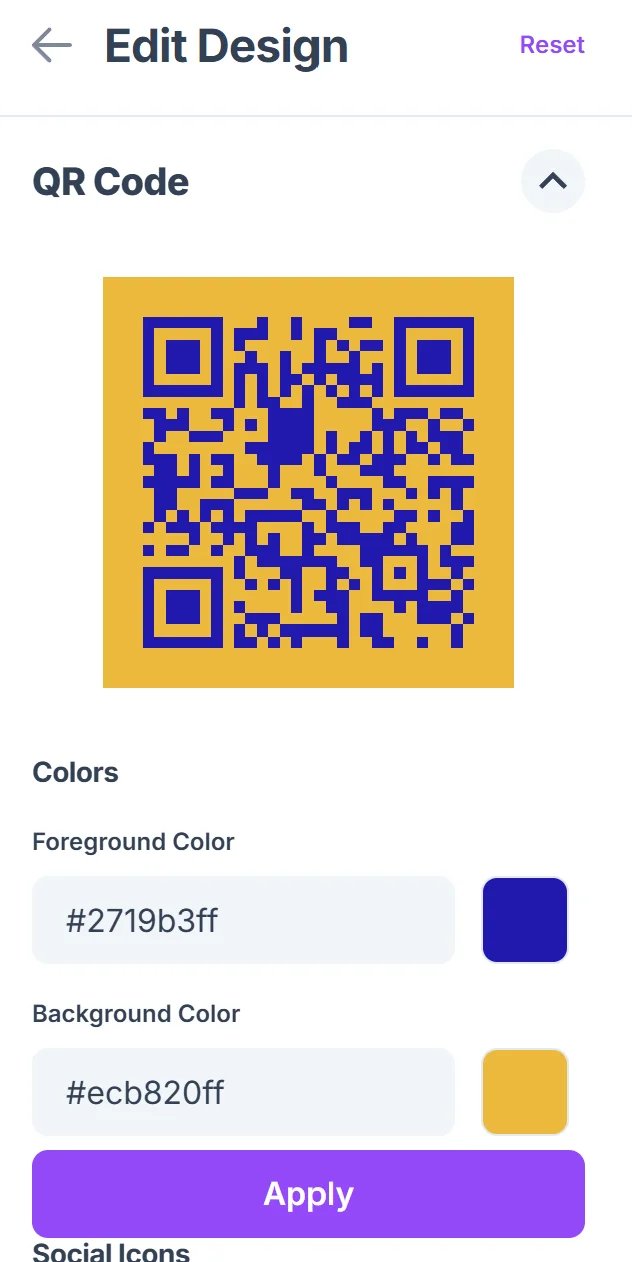
Click on the pencil icon in the Preview window to further customize your code. Choose high contrast colors and increase the size for outdoor viewing. Dark codes on light backgrounds work best in various lighting conditions. For more design guidance, check out our QR code design tips.

Add trail identification
Include the trail name or number in the design or surrounding text so hikers know which trail the QR code references, especially at multi-trail junctions.
Plan for weather protection
Download the QR code in high resolution and consider lamination or weatherproof materials for outdoor installation. For durable outdoor applications, explore weatherproof QR code stickers. Test scanning through protective coverings before installation.
Best practices for outdoor QR code placement
Outdoor QR codes face unique challenges from weather, lighting, and varying smartphone capabilities among hikers.
Place codes at comfortable scanning height (4-5 feet) and angle them slightly downward to reduce glare from direct sunlight
Use weatherproof materials like aluminum or laminated vinyl, and consider UV-resistant inks to prevent fading over time
Include backup information like a short URL or trail name for hikers who can't scan the code or have limited cell service
Test codes with different smartphone models and in various lighting conditions before permanent installation
Frequently Asked Questions
What happens if hikers don't have cell service at the trailhead?
QR codes need internet access to load content. Include offline alternatives like basic trail information on the sign itself, or link to resources that hikers can download before their hike.
How do I keep trail information current?
Use QR codes that link to web pages or cloud-hosted documents you can update remotely. This keeps information current without replacing physical signs.
What size should trail QR codes be for outdoor use?
Make codes at least 2x2 inches for easy scanning from arm's length. Larger codes (3x3 inches) work better for signs viewed from further distances.
Can QR codes withstand outdoor weather conditions?
Yes, when properly protected. Use weatherproof materials, UV-resistant printing, and protective coatings. Metal signs with etched codes offer the best durability.
Are QR code generators free for trail organizations?
Basic QR code generation is free, including codes for trail maps and PDFs. You can create and download codes without cost for non-commercial trail use.
Related Guides
Ready to create your QR code?
Generate custom QR codes in seconds - free and easy to use.
Create Free QR Code →