QR codes for class schedules and student timetables

Share class schedules instantly with QR codes that students scan for up-to-date timetables and room assignments.
How class schedule QR codes simplify student access
Ever wonder why students still struggle to find their classrooms on the first day of school? Despite digital calendars and student portals, many educational institutions still rely on printed schedules that students lose or forget. Class schedule QR codes can solve this problem by giving students instant access to their individual schedules all with a simple phone scan.
A class schedule QR code links directly to digital schedule information - whether that's a PDF timetable, an online calendar, or a mobile-friendly webpage with class times and locations. Students scan the code and immediately see their schedule, room numbers, instructor names, and any recent updates or changes.
This approach works particularly well for schools, universities, training centers, and continuing education programs where schedules change frequently. Rather than reprinting paper schedules or sending multiple emails, educators can update the digital schedule once and know that students always access the most current information through QR Code Developer.
Educational settings that benefit from schedule QR codes
Different educational environments face unique scheduling challenges that QR codes address effectively. From large university campuses to specialized training programs, these codes help students stay organized and informed. Many institutions combine schedule QR codes with event QR codes for comprehensive student communication.
University course schedules
College students scan QR codes on their student ID cards or dorm bulletin boards to access semester schedules with building maps and professor contact information.
High school class timetables
Secondary schools place QR codes on student planners or classroom doors, helping students quickly check their next class location and any schedule changes due to assemblies or events.
Professional training programs
Corporate training centers and certification programs use QR codes to share multi-day workshop schedules with participants, including break times and networking sessions.
Community education classes
Adult learning centers and community colleges provide QR codes for evening and weekend class schedules, making it easy for working students to confirm times and locations.
Creating scannable schedule codes for your institution
Setting up schedule QR codes requires choosing the right format for your schedule information and ensuring students can access it reliably on their mobile devices.
Visit the schedule generator
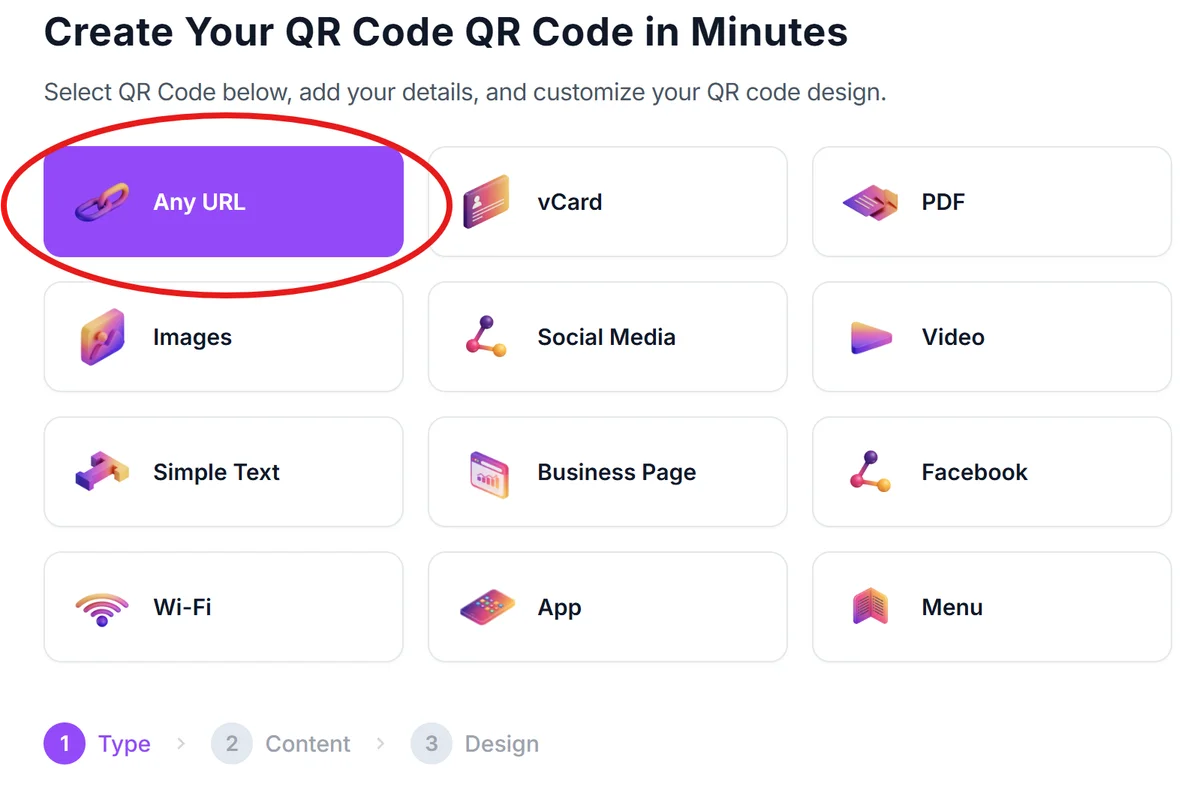
Go to qrcodeveloper.com and select the URL option to create a link to your digital schedule.
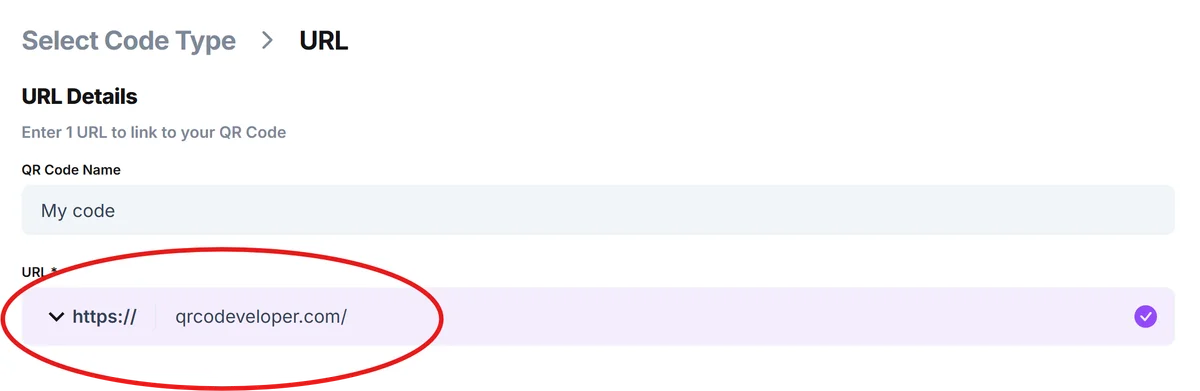
Enter your schedule URL
Input the web address where your class schedule lives - this could be a Google Calendar link, a PDF hosted on your school website, or a dedicated schedule page in your student information system.
Add your school branding
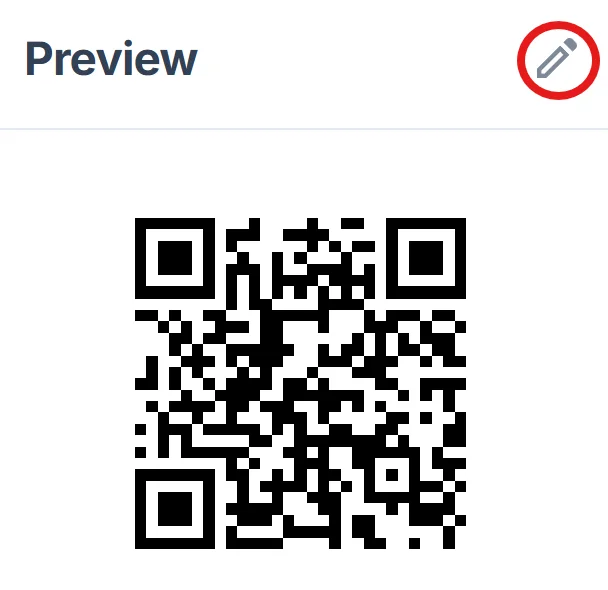
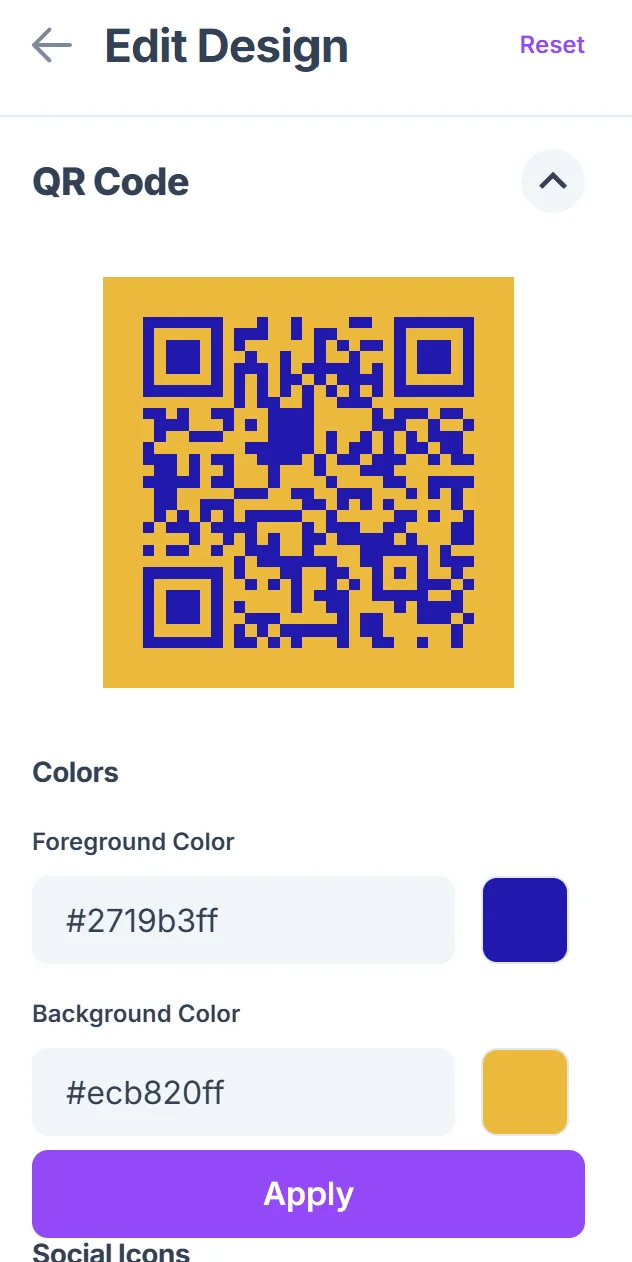
Click on the pencil icon in the Preview window to further customize your code. Customize the QR code with your institution's colors and logo so students recognize it as official school information. Include clear text like 'Scan for Class Schedule' below the code. For design inspiration, check out our QR code design tips.
Test with student devices
Before distributing, test the QR code with different smartphones to ensure the schedule loads quickly and displays properly on small screens, especially if students have limited data plans. Consider using secure QR code scanners for testing to ensure reliability.
Place codes strategically
Position QR codes where students naturally look for schedule information - on ID cards, in student handbooks, on classroom doors, or in common areas like cafeterias and libraries.
Best practices for educational QR code implementation
Successful schedule QR codes require thoughtful planning around student habits and the realities of educational environments.
Design mobile-first schedule pages that load quickly on cellular connections and display clearly on phone screens, since students often check schedules between classes with limited time
Include backup information near QR codes like key class times or the registrar's phone number, since some students may have older phones or prefer not to scan codes
Update schedule links promptly when changes occur and send a quick announcement so students know to rescan for the latest information, especially during add/drop periods
Consider creating separate QR codes for different student groups (freshmen, seniors, evening students) rather than one master schedule that requires students to search for their specific information
Frequently Asked Questions
What's the best format for a class schedule QR code?
Link to a mobile-optimized webpage or Google Calendar rather than a PDF, since web pages load faster and students can easily bookmark them for future reference.
How do I handle schedule changes throughout the semester?
Use the same QR code throughout the term but update the linked schedule page. This way students don't need new codes when room assignments or times change.
Should I include instructor contact information in schedule QR codes?
Yes, include professor email addresses and office hours when possible. Students appreciate having all relevant class information in one easily accessible location.
Can students scan schedule QR codes without internet access?
QR codes require internet to load linked content. Consider including basic schedule information as text near the code for students with connectivity issues.
Are schedule QR codes accessible for students with disabilities?
Ensure your schedule webpage follows accessibility guidelines with proper heading structure and screen reader compatibility. Also provide the schedule URL as text for students who prefer typing links.
Related Guides
Ready to create your QR code?
Generate custom QR codes in seconds - free and easy to use.
Create Free QR Code →