QR codes for breakfast recipe sharing and meal planning

Share pancake stacks, smoothie bowls, and morning favorites with scannable codes that bring recipes directly to any kitchen.
How breakfast recipes connect through QR codes
Did you know that you can learn how to make a delicious breakfast meal all from a QR code? It's true! You can actually learn even more from these small little codes to make your morning meal even more delicious.
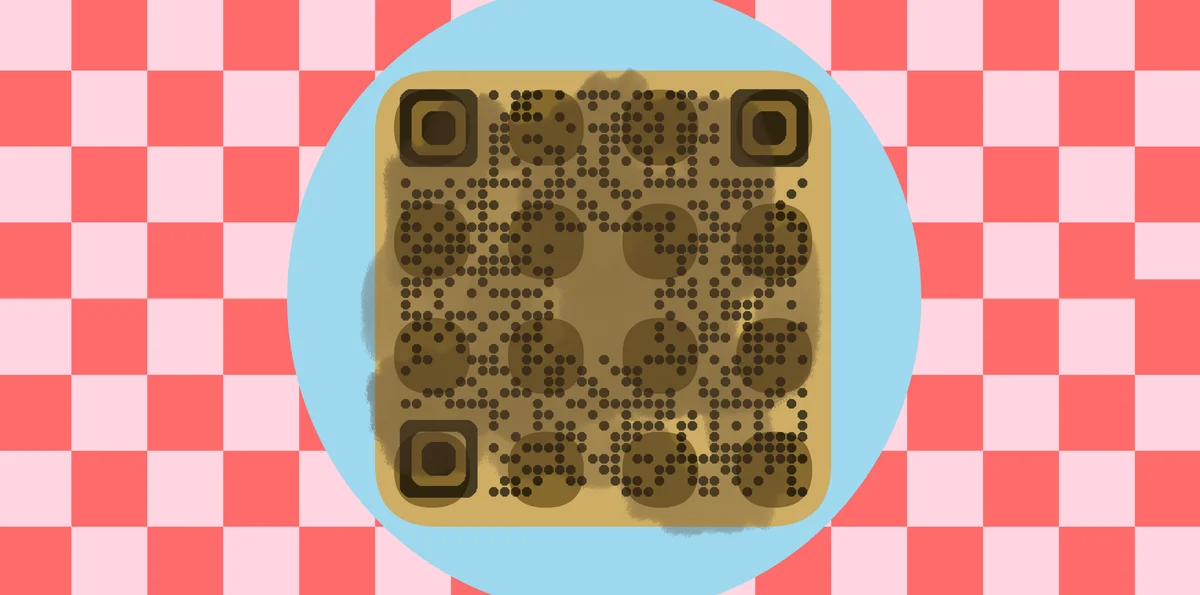
A breakfast recipe QR code links directly to your recipe page, blog post, or document containing ingredients and instructions. When scanned, it takes people straight to your overnight oats formula, weekend pancake recipe, or quick smoothie blend without typing URLs or searching through bookmarks. You can also turn your PDF recipe collection into a QR code for easy sharing.
Food content creators use these codes to instantly connect with their base and share their recipes. Instead of cramming recipe details into Instagram captions, they include a QR code that leads to the full recipe with measurements, timing, and photos. Check out our Instagram QR codes guide for more ways to connect social content with detailed information.
Morning meal sharing scenarios that work
Breakfast recipes benefit from instant access since morning cooking often happens in a rush. These QR codes solve the problem of fumbling with phones while handling ingredients. Learn more about sharing different content types in our types of QR codes guide.
Food blog recipe cards
Food bloggers print QR codes on physical recipe cards or include them in cookbook photos, letting readers access the digital version with ingredient substitutions and reader comments.
Meal prep community sharing
Meal prep groups share successful breakfast combinations through QR codes posted in Facebook groups or Discord channels, making it easy for members to save and try new recipes.
Family recipe preservation
Families digitize grandma's pancake recipe or dad's famous breakfast burrito formula, then create QR codes for easy sharing at family gatherings or through holiday cards.
Café and restaurant promotions
Local cafés print QR codes on table tents or takeout bags, linking to copycat recipes of popular breakfast items that customers can make at home. This approach works similarly to restaurant menu QR codes but focuses on take-home value.
Building your breakfast recipe QR code
Setting up a breakfast recipe QR code takes about five minutes once you have your recipe hosted online.
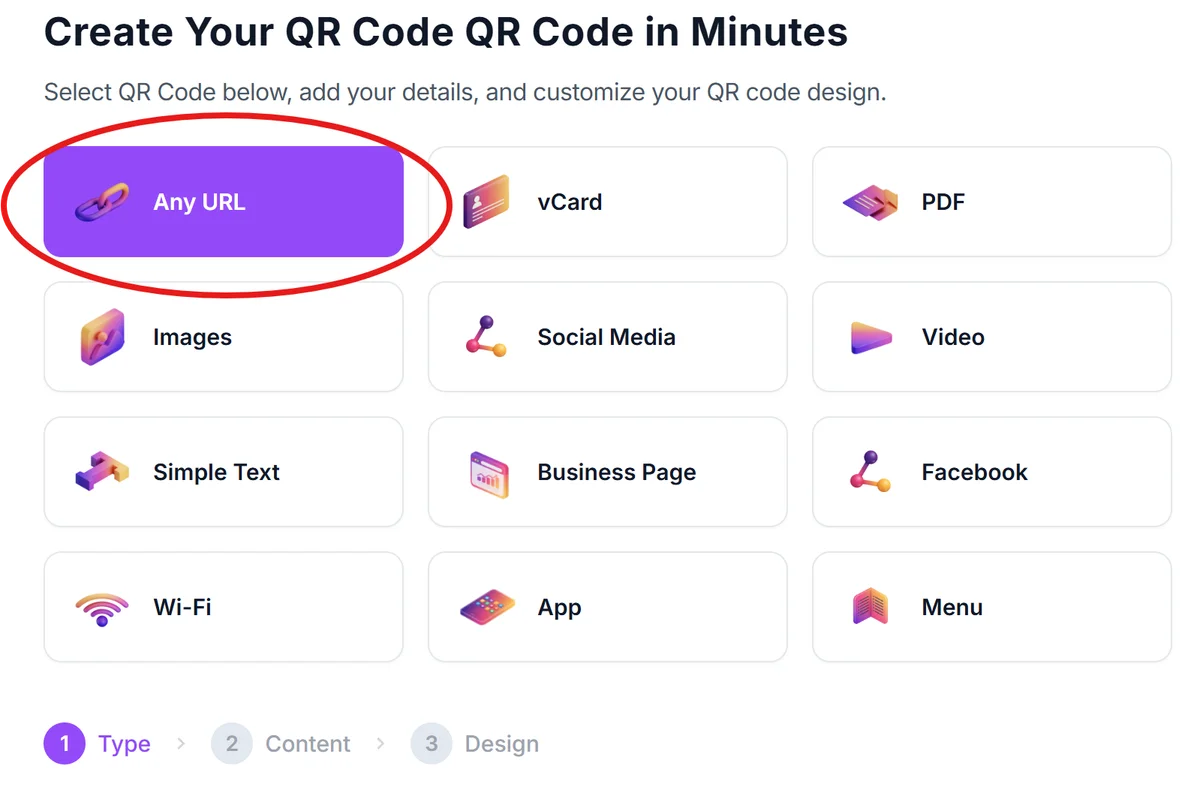
Visit the QR code creation platform
Go to qrcodeveloper.com and select the URL option since you'll be linking to your recipe location online.
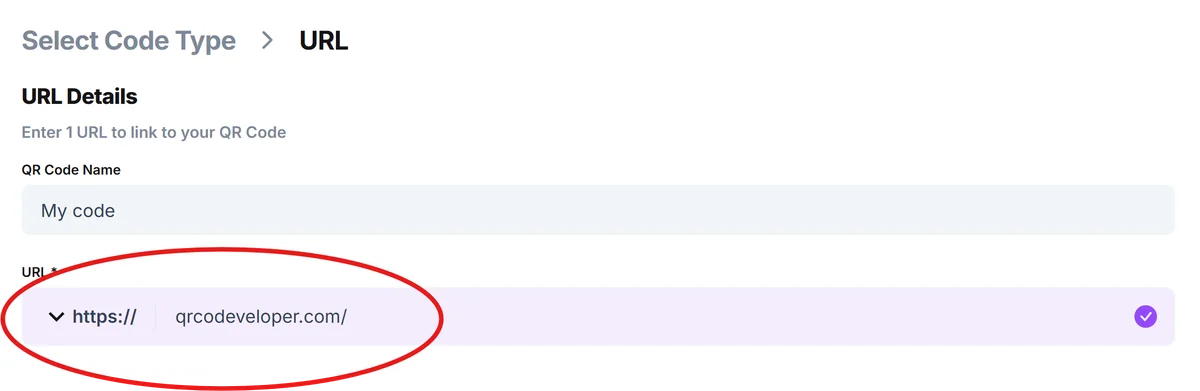
Input your recipe destination
Paste the URL where your breakfast recipe lives - this could be your blog post, a Google Doc, a Pinterest pin, or a recipe app link that others can access.
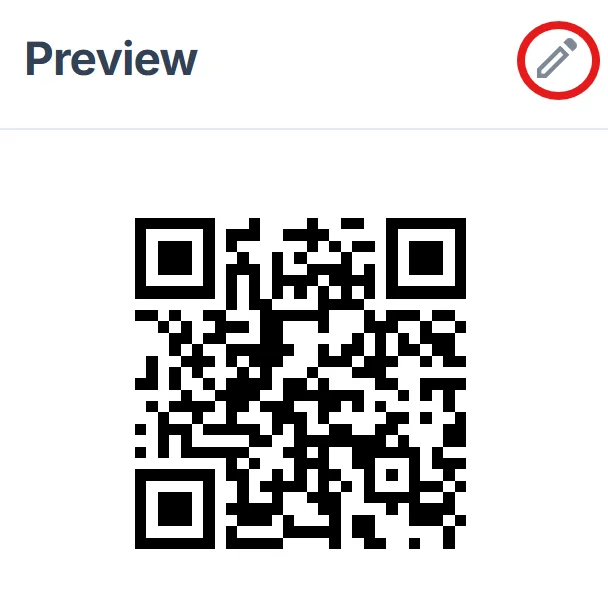
Design for kitchen environments
Choose colors that stand out against typical kitchen backgrounds. Avoid light colors if you'll print on white recipe cards, and consider larger sizes since people might scan while cooking. For more guidance, check our QR code design tips to ensure optimal scanning performance.
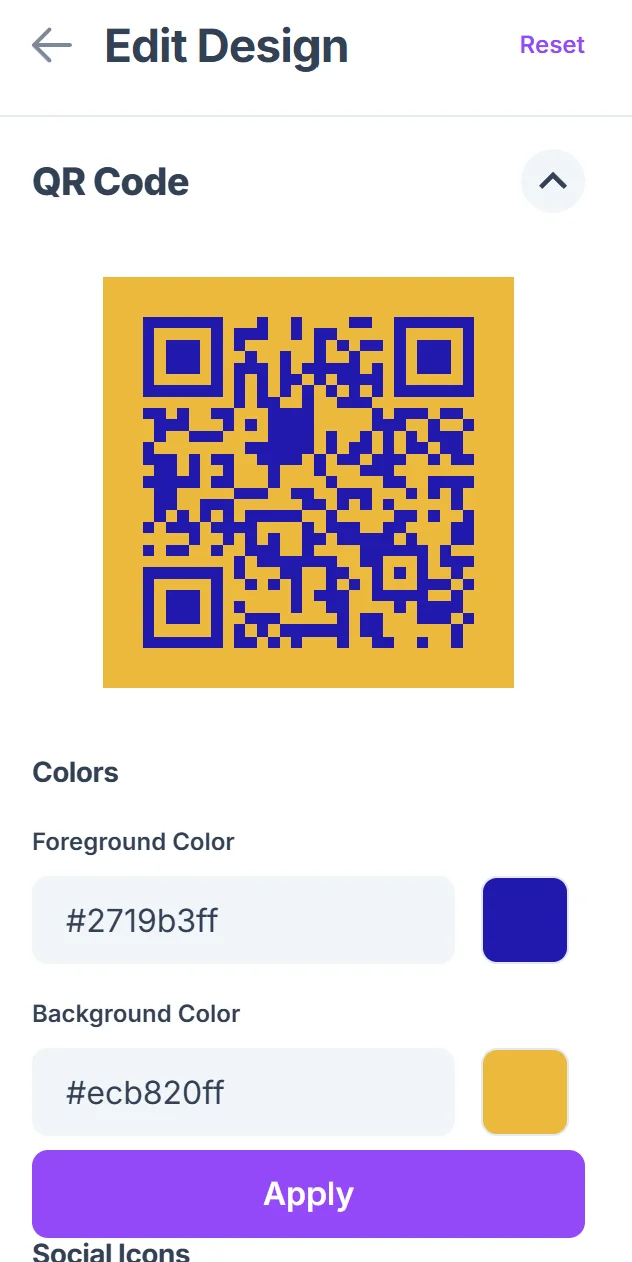
Test scanning from cooking distance
Print a test version and scan it from arm's length while holding a mixing bowl or spatula to simulate real cooking conditions. Adjust size if needed.
Add context for your audience
Include a brief description like 'Scan for full recipe' or 'Get ingredients list' so people understand what they'll find when they scan your code.
Kitchen-tested QR code strategies
These practical tips come from food bloggers and home cooks who've successfully used QR codes for recipe sharing.
Include prep time and difficulty level near your QR code so people know what they're committing to before scanning - especially helpful for quick weekday versus leisurely weekend recipes.
Test your recipe links on mobile devices since most kitchen scanning happens on phones. Ensure your recipe page loads quickly and displays well on smaller screens with ingredient lists that are easy to follow.
Place QR codes away from ingredients that might splash or create steam in the kitchen. Consider laminating printed codes or using digital displays if you're sharing recipes in active cooking environments.
Update seasonal breakfast recipes by using dynamic QR codes that let you change the destination without reprinting. Summer smoothie recipes can become winter oatmeal recipes while keeping the same physical code.
Frequently Asked Questions
Can I use QR codes for recipes stored in cooking apps?
Yes, most cooking apps allow you to share recipe links that work with QR codes. Apps like Paprika, Yummly, and AllRecipes generate shareable URLs that you can convert into QR codes.
What's the best way to include QR codes in printed cookbooks?
Place QR codes in margins or at the end of recipes rather than within the ingredient list. This keeps the code accessible while not interrupting the cooking flow. Include a note explaining what additional content the QR code provides.
How do I handle recipe modifications and dietary restrictions?
Link your QR code to a comprehensive recipe page that includes common substitutions, dietary modifications, and scaling instructions. This gives scanners more value than just the basic recipe.
Will QR codes work if my recipe is on a private blog or document?
QR codes will work with any URL, but make sure your recipe page is publicly accessible. Private Google Docs or password-protected blog posts won't work unless scanners have the necessary permissions.
Are there any costs involved in creating breakfast recipe QR codes?
Basic QR code generation is free, and you can create unlimited codes for your recipes. You only need hosting for your recipe content, which could be a free blog platform, Google Docs, or social media post.
Related Guides
Ready to create your QR code?
Generate custom QR codes in seconds - free and easy to use.
Create Free QR Code →