5 Essential Tips for Printing Your Own QR Code Stickers

Key Takeaways
- QR codes can easily be printed on stickers
- Certain steps and precautions should be taken when using QR codes on stickers
- Test prints are essential to QR code stickers
Stickers are one of the most popular ways QR codes are shared and viewed. It’s easy to see why. Stickers are easy to make, widely understood, and can even be made now on most home printers.
But before you go ahead and hit print on a batch of QR code stickers, there's a few things you should know first. And that’s why I’m here!
In this piece I will share 5 essential tips for printing QR codes on stickers, all to make sure you don’t waste any ink or paper and get the most out of your QR codes. So let’s get right into it!
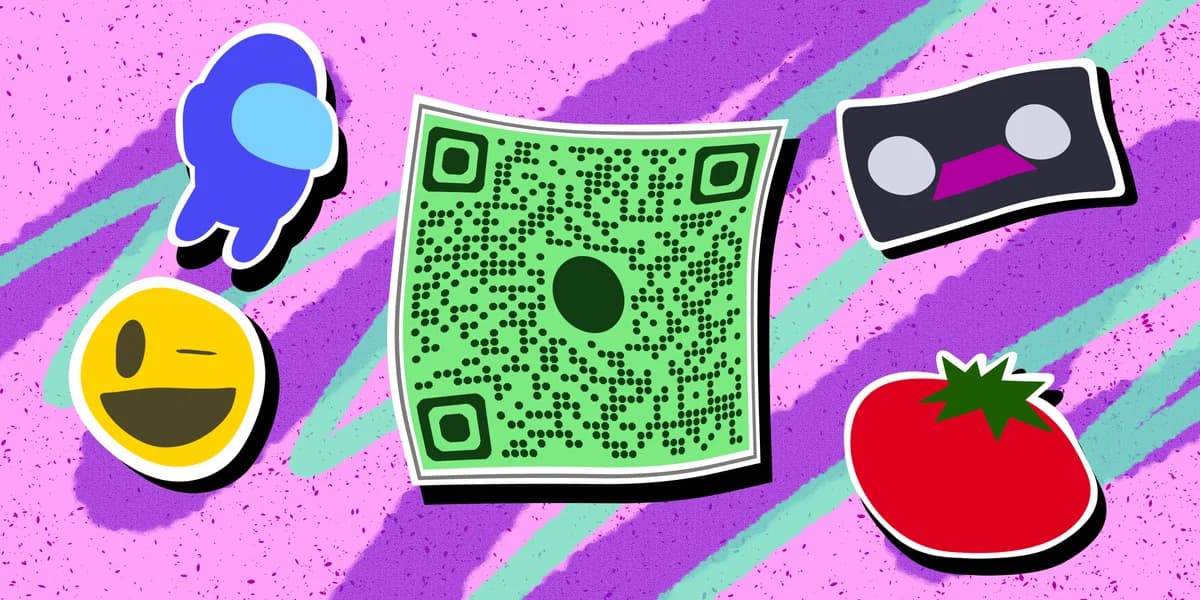
How can QR codes be used on stickers?
QR codes for all sorts of digital and online content can be generated and then printed onto a sticker. These codes can be used as an easy way to share and access things like websites, contact information, social media pages, WiFi logins, shared documents, images, videos, and much more.
QR codes are especially handy in the modern age because they provide a handsfree way to view content, gain information, and even pay for goods. Prevalence of these codes increased dramatically during the COVID 19 pandemic of 2020 for this reason and continues to expand to this day.
Tips for using QR codes on stickers
Use the right paper and printer - This one might sound obvious, but the first thing you should make sure of before printing QR code stickers is that you actually can print stickers.
Most modern printers are perfectly capable of printing stickers if they are given the correct paper and have the capabilities built in.
Alternatively, you can buy a printer specifically designed for stickers that can even cut each one out for you. These have become more readily available and cheaper in recent years.
Make sure codes are the right size - If your code is too small, then it may not be visible to your intended audience, let alone scannable. But if it’s too big, then you run the risk of it not fitting on one sticker sheet or even on the surface you intend on sticking it to.
Use heavy contrast in colors - Color customization is one of the biggest benefits to QR codes, but it’s still something you should be careful of when designing a code for a sticker. If your background and foreground colors are too similar, then it could result in your code being unreadable.
This is why you should make sure that you use heavy contrast when making codes. Either choose two codes that are distinct from each other or make one shade darker or lighter than the other.
Provide additional information - A basic black and white QR code sticker with no other information provided on what it is and where it links too often looks sketchy to passersby, and they won’t be as likely to scan it. This is why you should always provide at least some additional information on what the code is and where it will lead too.
This doesn’t have to be a whole detailed paragraph or anything, just a couple of words like “Scan to learn more about X” or “Check out our website”.
Test codes before printing - Perhaps the most important piece of advice I can give is to test your codes both before and after the printing process.
QR codes are still very much scannable on digital screens, so you can quickly scan them via a mobile device to make sure they work properly.
Even if your code works fine on a computer screen, it would still be wise to do a quick test print to make sure it actually works on the sticker.
Colors and image quality may be different when ink is actually put to paper, and you may want to tweak some values before wasting time, money, and paper on a QR code sticker that doesn’t even function.
Frequently Asked Questions
Can I make a QR code for a sticker?
Yes. It’s very possible to generate a functional QR code and print it out on a sticker.
Can I print QR code stickers on my home printer?
Some home printers are capable of printing on sticker paper, but you should make sure yours can before attempting.
Do I need to hire someone to make my QR codes?
No. QR codes can be made by yourself for free through a service like QR Code Developer.
Do I need to download anything to scan QR codes?
While QR scanner apps are available for mobile devices, they are not necessary. Most modern smart devices are perfectly capable of scanning codes right from the built-in camera app.
What devices can scan QR codes?
Most modern smart devices with both a built-in camera and an internet connection can scan QR codes and access the content within. This includes smart phones, tablets, and even some handheld gaming consoles.
Are QR codes safe?
While there are some risks in using QR codes, they are relatively safe.
Ready to create your QR code?
Generate custom QR codes in seconds - free and easy to use.
Create Free QR Code →