QR code generator for Twitch streamers and channels

Share your Twitch channel instantly with scannable codes that connect viewers to your stream, profile, and community.
Connecting viewers to your Twitch channel with QR codes
Promoting your Twitch stream can be difficult and involve typing out long URLs or hoping people would remember your channel name. However QR codes let viewers instantly connect to your Twitch channel with a simple scan from their phone.
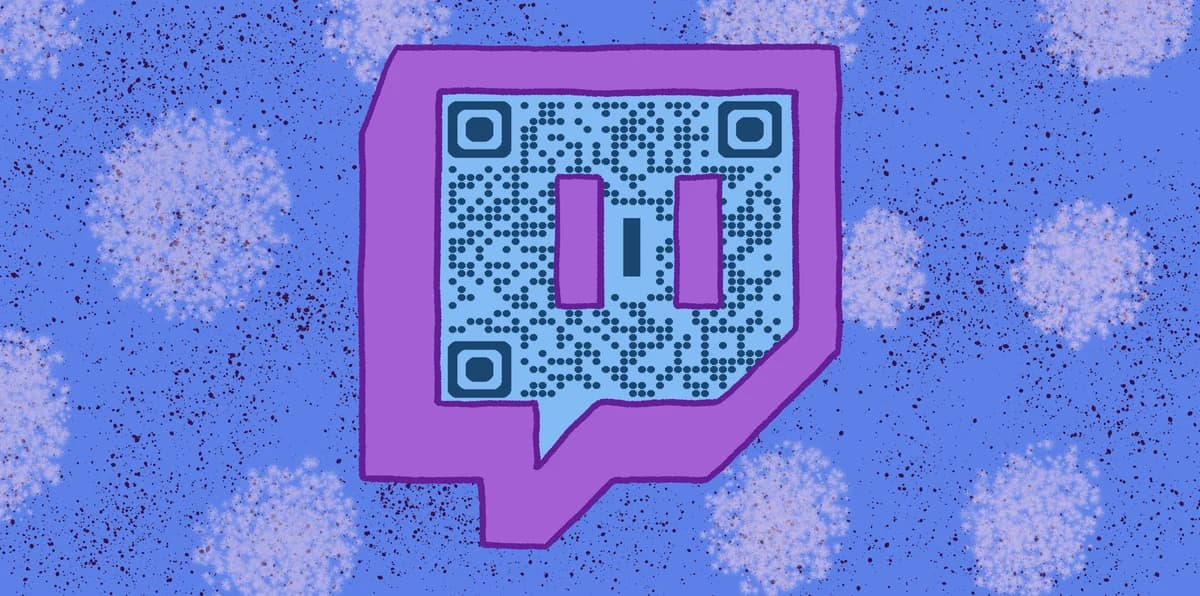
A Twitch QR code is a scannable square that links directly to your channel, specific streams, or community pages. When someone scans your code, they'll be taken straight to your Twitch profile where they can follow, subscribe, or join your current live stream. This removes the friction of manual searches and typos that often lose potential viewers.
In this guide I'll walk you through creating QR codes for different Twitch purposes and show you where streamers are placing them to maximize their reach. You can generate these codes using QR Code Developer and customize them to match your streaming brand. So let's get our game on!
Ways streamers use QR codes to grow their community
Twitch streamers are using QR codes in creative ways to connect with viewers both online and offline. These codes bridge the gap between physical marketing and digital content, similar to how QR code business cards work for professionals.
Stream overlays and alerts
Add QR codes to your stream overlay that link to your Discord server, social media, or donation page. Viewers can scan without interrupting their viewing experience.
Convention and event networking
Print QR codes on business cards, t-shirts, or booth displays at gaming conventions. Attendees can instantly follow your channel instead of trying to remember your username. Consider using QR code stickers for easy distribution.
Social media cross-promotion
Share QR codes in Instagram stories, Twitter posts, or TikTok videos to drive traffic from other platforms directly to your Twitch channel.
Merchandise and giveaways
Include QR codes on merchandise, stickers, or promotional materials that link to exclusive content, subscriber perks, or special streams for your community.
Creating QR codes for your Twitch content
Setting up QR codes for your Twitch channel takes just a few minutes and can significantly boost your discoverability.
Access the QR code generator
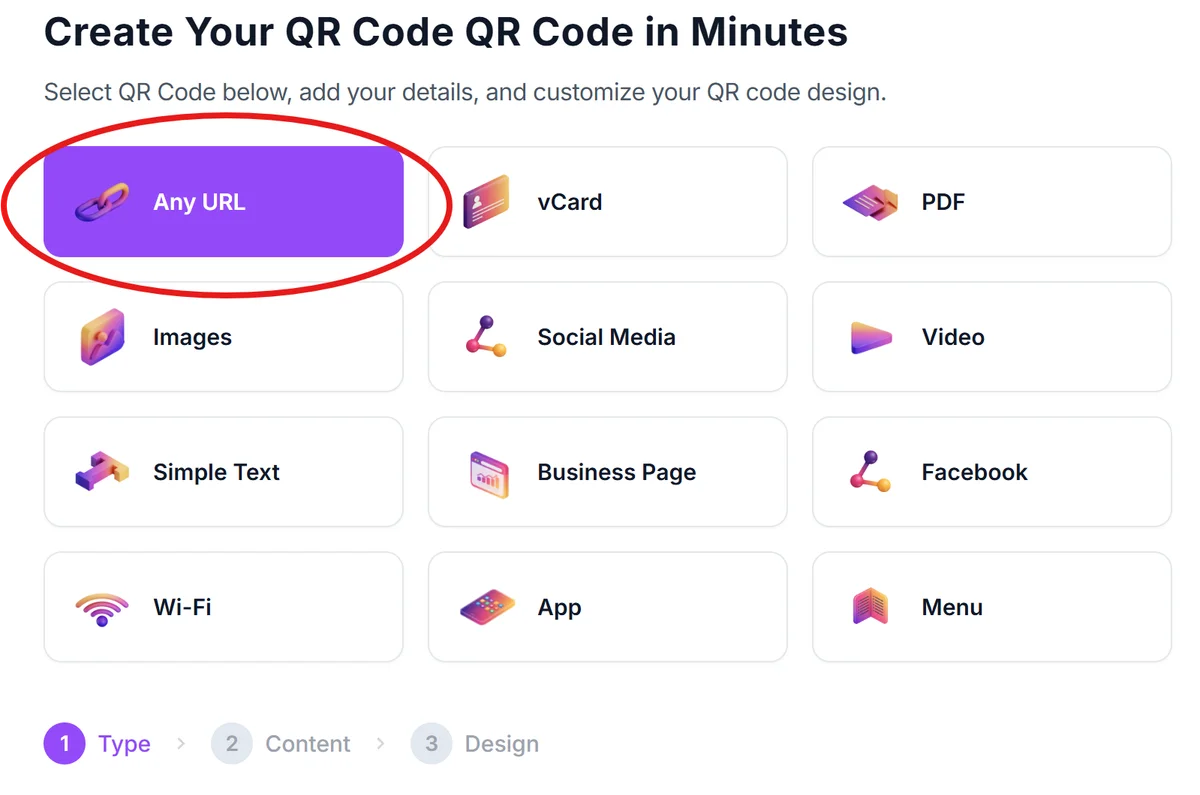
Go to qrcodeveloper.com and select 'URL' as your QR code type since Twitch links are web URLs.
Copy your Twitch channel URL
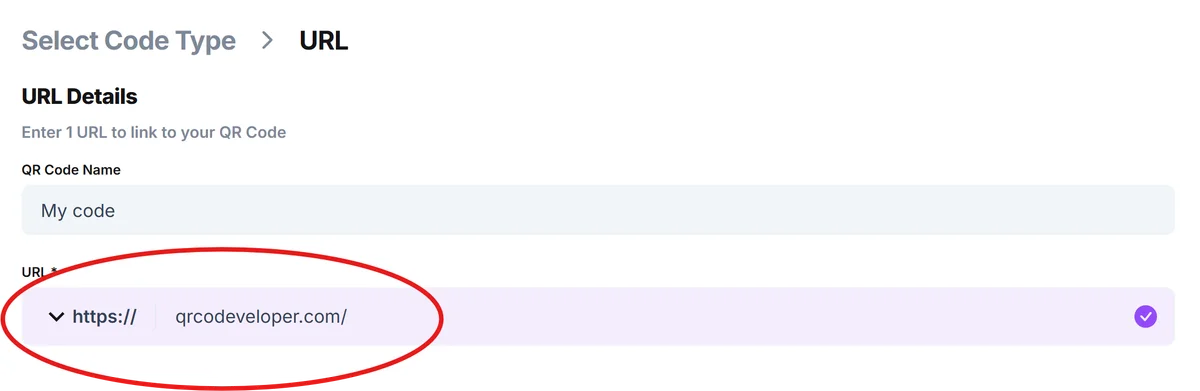
Navigate to your Twitch channel and copy the full URL from your browser (like twitch.tv/yourusername). This ensures viewers land on your main channel page.
Customize with your brand colors
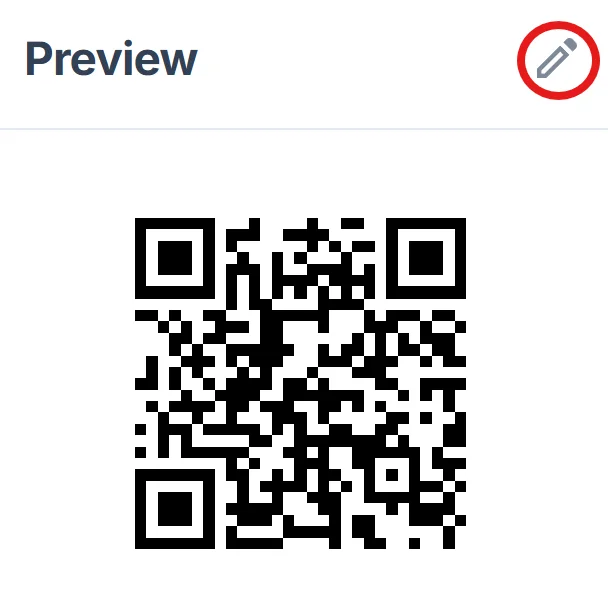
Click on the pencil icon in the Preview window to further customize your code. Match your QR code colors to your stream branding. Use your channel's primary colors for the code itself and consider adding your logo to the center for brand recognition.
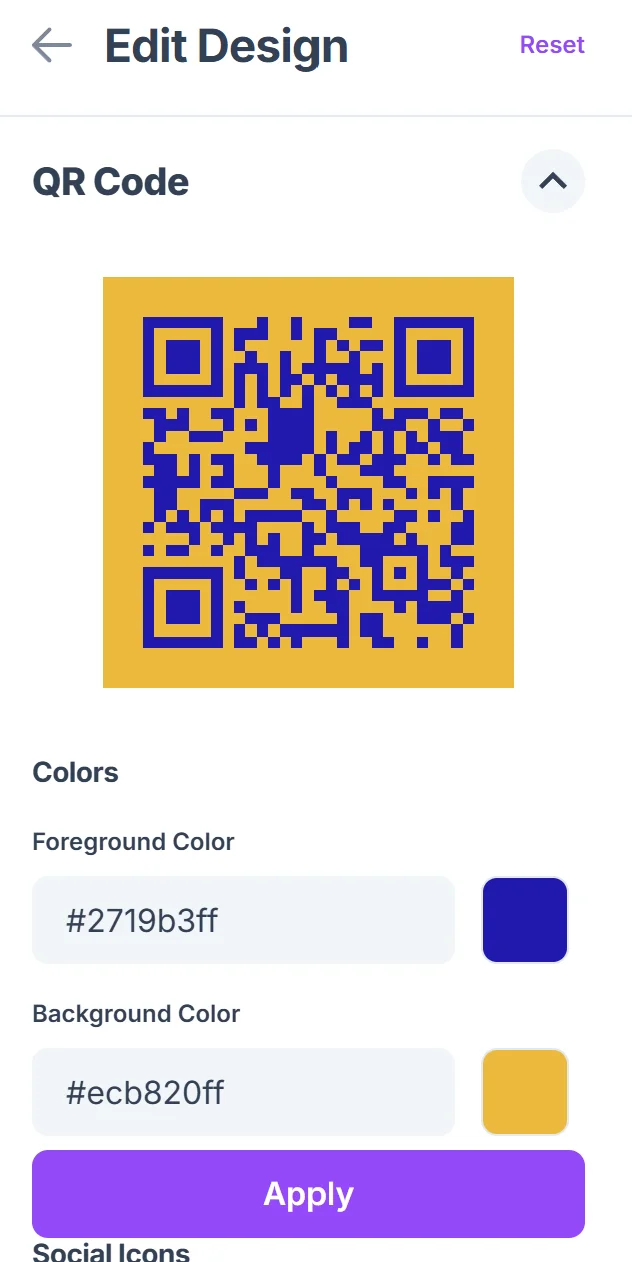
Test across different devices
Scan your QR code with both iOS and Android devices to ensure it opens correctly in the Twitch app or mobile browser. Test from different distances if you plan to display it on screen. Learn more about checking QR code safety before sharing.
Save in multiple formats
Download your QR code as both PNG (for digital use) and SVG (for print materials) so you can use it across different platforms and maintain quality at any size.
Best practices for Twitch QR codes
These strategies will help you get the most engagement from your Twitch QR codes and avoid common mistakes that reduce scan rates.
Size your QR codes appropriately for the context - stream overlays need to be large enough to scan from a phone while watching on a computer screen, while business cards can use smaller codes
Include a clear call-to-action near your QR code like 'Scan to follow my Twitch' or 'QR code for exclusive Discord access' so viewers know what they'll get
Use dynamic QR codes when possible so you can update the destination URL without reprinting materials, and track scan analytics to see which placements work best
Avoid placing QR codes over busy backgrounds or moving elements in your stream overlay - they need sufficient contrast and stability for phones to read them effectively
Frequently Asked Questions
Can I create QR codes for specific Twitch streams or just my main channel?
You can create QR codes for any Twitch URL, including specific past streams, clips, or even scheduled future streams. Just use the specific URL you want viewers to visit.
Will QR codes open the Twitch app or just the browser?
Most modern phones will automatically open Twitch links in the Twitch app if it's installed. If not, they'll open in the mobile browser where viewers can still watch and follow.
How big should I make QR codes for my stream overlay?
For stream overlays, make your QR code at least 150x150 pixels so viewers can scan it from their phones while watching on computers or TVs. Test the size by scanning from your typical viewing distance.
Can I track how many people scan my Twitch QR codes?
Yes, dynamic QR codes provide scan analytics including total scans, scan locations, and device types. This helps you understand which marketing efforts are driving the most traffic to your channel.
Are QR codes free to create for my Twitch channel?
Basic QR code generation is free and includes customization options like colors and logos. Premium features like detailed analytics and the ability to change destinations later may require a subscription.
Related Guides
Ready to create your QR code?
Generate custom QR codes in seconds - free and easy to use.
Create Free QR Code →