Efficient testing with QR codes: your solution for quick and reliable assessments

QR codes eliminate paper-based testing bottlenecks while providing instant access to assessments, automated grading, and real-time results tracking for educators and organizations.
Key Takeaways
- QR code assessments reduce test distribution time from 15 minutes to under 2 minutes per session
- Unique QR codes for each student prevent cheating and ensure personalized test experiences
- Automated grading through QR systems provides instant feedback and eliminates manual scoring errors
- Mobile-friendly QR tests increase accessibility for students with different device preferences
89 million smartphone users scanned a QR code in the United States in 2022 (an increase of 26% compared to 2020), with predictions to reach 100 million by 2025, according to U.S. Census Bureau Working Paper. This highlights the growing importance of QR codes in today's digital landscape.
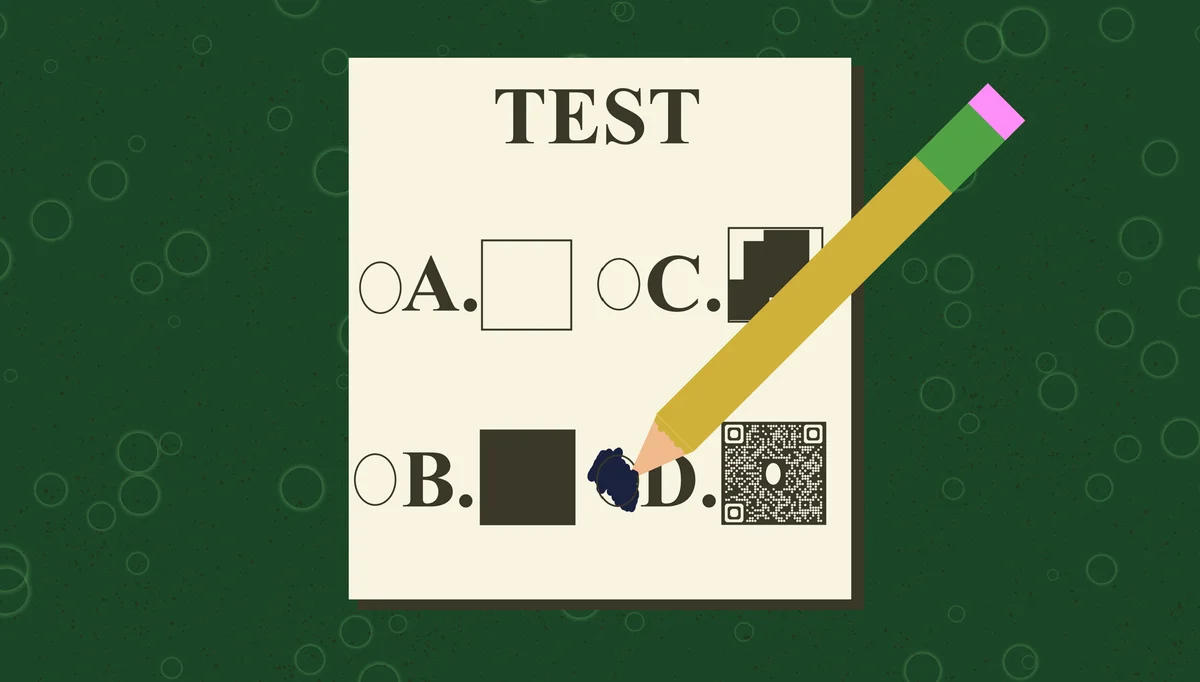
QR codes solve these testing challenges by providing instant access to digital assessments, automated response collection, and immediate result processing. Students scan a single code to access their personalized test, while educators receive real-time analytics and automated scoring.
In this guide I will show you how to implement QR code testing systems that reduce administrative overhead by up to 60% while improving test security and student experience. I'll cover everything from basic setup to advanced features, plus share proven strategies from successful implementations in schools and organizations using QR Code Developer. So let's dive right in!
QR code testing fundamentals
QR code testing transforms traditional assessment methods by connecting physical test sessions with digital platforms. Instead of distributing paper tests or requiring complex login procedures, students simply scan a QR code to access their assessment instantly. Understanding the different types of QR codes available can help you choose the best format for your testing needs.
This approach works particularly well for time-sensitive evaluations where quick access is crucial. The system can integrate with existing learning management platforms while providing additional security features through unique code generation.
How QR code assessments work
Each QR code contains a unique URL that directs students to their specific test. The system generates individual codes for each student or test session, ensuring personalized access while maintaining security. When scanned, the code automatically opens the assessment in the student's default browser, eliminating the need for app downloads or complex setup procedures.
Security and authentication features
Modern QR testing systems include built-in security measures such as time-limited access, device fingerprinting, and session monitoring. Each code can be configured to expire after a specific timeframe or number of uses, preventing unauthorized access to assessments. For additional security considerations, review our guide on QR code safety to ensure your testing environment remains protected.
Implementation strategies
Successful QR code testing requires careful planning around your specific assessment needs and technical infrastructure. The implementation process varies depending on whether you're conducting classroom quizzes, certification exams, or large-scale standardized tests.
I recommend starting with smaller pilot programs to test your QR system before rolling out to larger groups. This approach helps identify potential technical issues and allows you to refine your process based on initial feedback.
Generate individual test codes
Create unique QR codes for each test session using a systematic naming convention. Include the test date, subject, and session identifier in your code generation process. This organization helps with tracking and prevents confusion when managing multiple assessments simultaneously. Consider whether static or dynamic QR codes better suit your testing requirements.
Configure test parameters
Set up time limits, question randomization, and submission requirements before generating your QR codes. These parameters should align with your assessment objectives and technical capabilities. Consider factors like internet connectivity, device compatibility, and student technical skills when configuring these settings.
Distribute codes strategically
Plan your QR code distribution method based on your testing environment. For classroom settings, display codes on projectors or handouts. For remote testing, send codes via email or learning management systems. If you need to include QR codes in printed materials, learn how to add QR codes to flyers for effective distribution. Ensure backup distribution methods are available in case of technical difficulties.
Advanced testing features
Advanced QR testing systems offer sophisticated features that go beyond basic question-and-answer formats. These capabilities include multimedia integration, adaptive questioning, and comprehensive analytics that provide deeper insights into student performance.
Organizations using these advanced features report improved engagement rates and more accurate assessment of student knowledge. The key is selecting features that align with your educational objectives rather than implementing every available option. For specific testing scenarios, explore how to create QR codes for online surveys to enhance your assessment capabilities.
Real-time monitoring and analytics
Monitor test progress in real-time through administrative dashboards that show completion rates, average scores, and common problem areas. This data helps identify students who may need additional support and reveals questions that might require clarification or revision.
Multimedia question integration
Include images, audio clips, and video content in your QR-based assessments to create more engaging and comprehensive evaluations. This multimedia approach is particularly effective for language assessments, visual arts evaluation, and technical skill testing where traditional text-based questions fall short.
Automated feedback systems
Configure immediate feedback delivery that provides explanations for correct and incorrect answers. This instant feedback helps reinforce learning while the assessment content is still fresh in students' minds. You can customize feedback based on response patterns and individual student needs.
Best practices for testing success
These proven strategies help ensure smooth QR code testing implementation while maximizing the benefits for both educators and students.
Test your QR codes on multiple devices and browsers before the actual assessment to identify compatibility issues
Create backup access methods like direct URLs or printed codes in case students have scanning difficulties
Set clear time limits and communicate them prominently within the QR-linked assessment interface
Use QR code design best practices to ensure codes are easily scannable in your testing environment
Implement progressive saving features so student responses aren't lost due to technical interruptions
Frequently Asked Questions
What happens if a student's device can't scan QR codes?
Always provide alternative access methods such as direct URLs or manual entry codes. Most modern smartphones have built-in QR scanners, but having backup options ensures no student is excluded from the assessment.
How do I prevent students from sharing QR codes with others?
Use unique, time-limited QR codes for each student and implement device fingerprinting or login requirements. You can also set codes to expire after a single use or specific time period to maintain test security.
Can QR code tests work without internet connectivity?
QR codes require internet access to load the assessment platform. For offline environments, consider using downloadable apps that can sync results when connectivity is restored, or traditional paper-based methods as alternatives.
How do I handle technical difficulties during a QR code test?
Prepare contingency plans including backup QR codes, alternative access URLs, and technical support contacts. Train proctors to troubleshoot common scanning issues and have devices available for students experiencing problems.
What's the best QR code size for test materials?
Use QR codes that are at least 1 inch (2.5 cm) square for printed materials. Larger codes work better in classroom settings where students scan from a distance. Test readability from the farthest expected scanning distance before finalizing your materials.
Related Guides
Ready to create your QR code?
Generate custom QR codes in seconds - free and easy to use.
Create Free QR Code →