Sleep tracking synchronization QR codes for health apps

Instantly sync sleep data between devices and apps, enabling seamless health monitoring across multiple platforms.
How QR codes connect sleep tracking systems
Sleep tracking has become a major industry, often supporting a multi-device ecosystem. Smartwatches can record movement patterns, phone apps analyzes sleep stages, Even a smart mattress can collect data on your habits. It's all fascinating, but it can be difficult to have all these devices communicate with eacother.
Sleep tracking synchronization QR codes can solve this issue by connecting multiple devices, apps, and platforms together. When someone scans your QR code, they can automatically connect to your sleep data sharing network, sync their device with your health monitoring system, or join a sleep study group where participants compare sleep patterns. Understanding the different types of QR codes can help you choose the best format for your sleep tracking needs.
These QR codes are particularly useful for couples tracking sleep together, researchers conducting sleep studies, and healthcare providers monitoring patient sleep patterns. Throughout this guide, I'll show you how to create effective sleep sync codes using QR Code Developer and share practical applications I've seen work well in real sleep tracking scenarios. Solet's dive right in!
Real-world applications for sleep data sharing
Sleep tracking QR codes bridge the gap between isolated data points and meaningful health insights. These codes work particularly well when multiple people or devices need to coordinate sleep monitoring efforts. Learn more about connecting health systems in our contact information QR codes guide.
Couples sleep optimization
Partners can sync their sleep tracking apps to compare sleep cycles, identify disturbance patterns, and coordinate bedtime routines for better mutual sleep quality.
Sleep study participation
Research participants scan QR codes to automatically configure their devices for data collection, ensuring consistent monitoring protocols across all study subjects.
Family sleep health monitoring
Parents track children's sleep patterns alongside their own, creating comprehensive household sleep profiles that help identify family-wide sleep issues or improvements. This approach works similarly to how QR codes in gaming connect multiple players for shared experiences.
Healthcare provider coordination
Patients share sleep data directly with doctors, sleep specialists, and therapists through secure QR code links that automatically update medical records with current sleep metrics.
Building your sleep sync QR code
Creating a sleep tracking synchronization QR code requires connecting your sleep data source to a shareable format that other devices or people can access.
Access your sleep data sharing options
Open your primary sleep tracking app and navigate to sharing or export settings. Most apps like Sleep Cycle, Fitbit, or Apple Health provide sharing URLs or connection codes. Visit qrcodeveloper.com to begin creating your QR code.
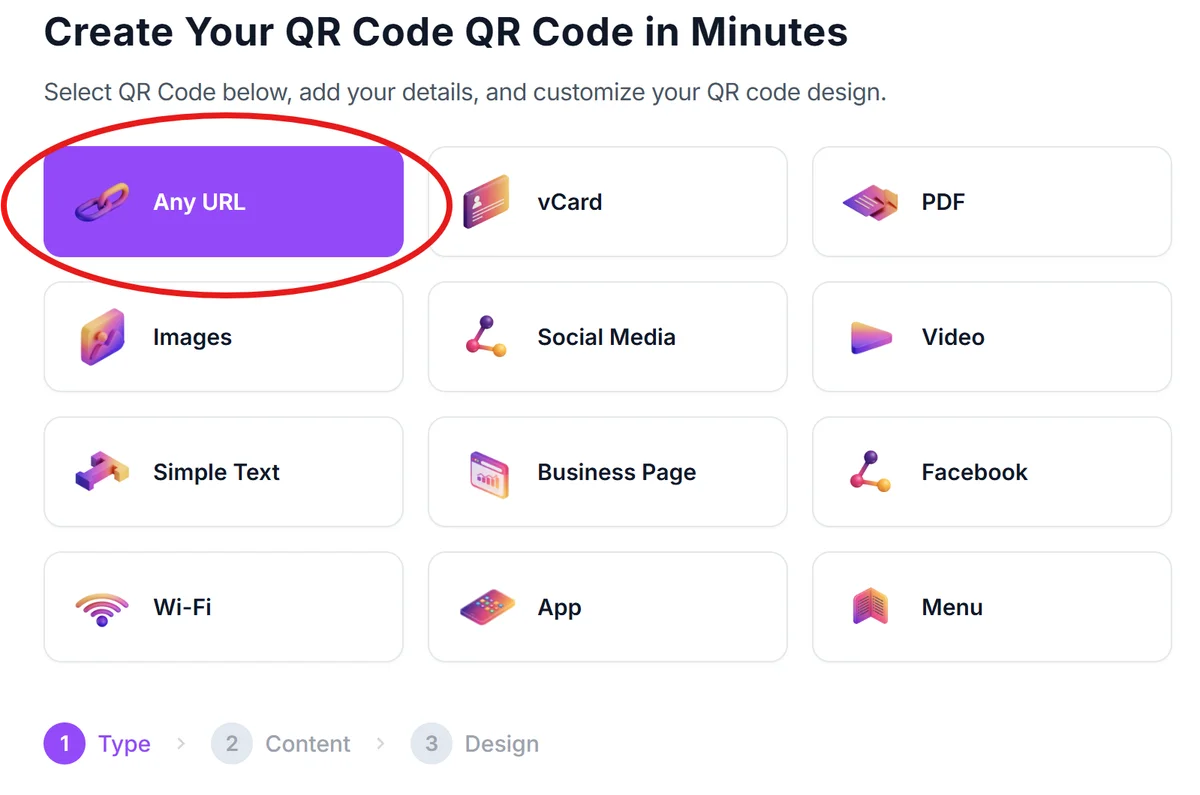
Generate your sleep data connection link
Copy the sharing URL from your sleep app, or create a link to your sleep data dashboard if using a web-based platform. Some apps provide temporary sharing codes that you'll need to refresh periodically.
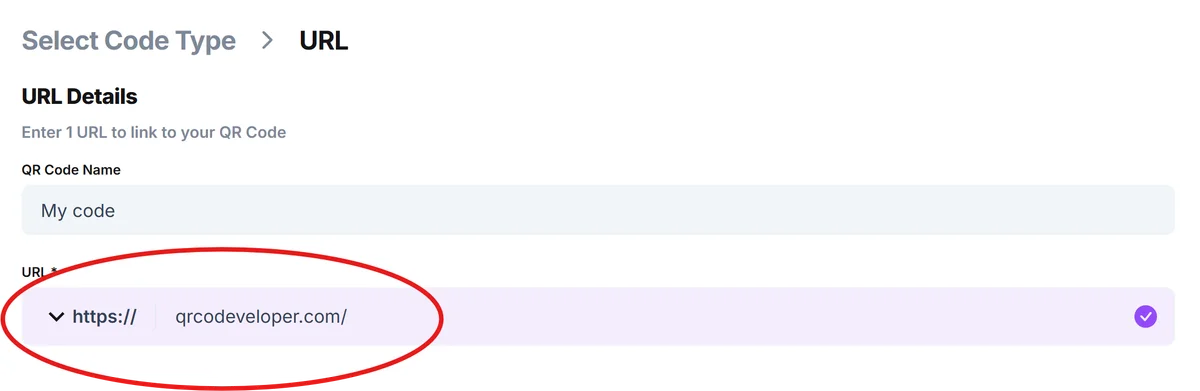
Customize for sleep tracking context
Add a clear title like 'Join Sleep Study Group' or 'Sync Sleep Data' and choose calming colors that reflect the sleep theme. Consider adding your name or study identifier to help scanners understand what they're connecting to. For design inspiration, check out our QR code design tips to create visually appealing codes.
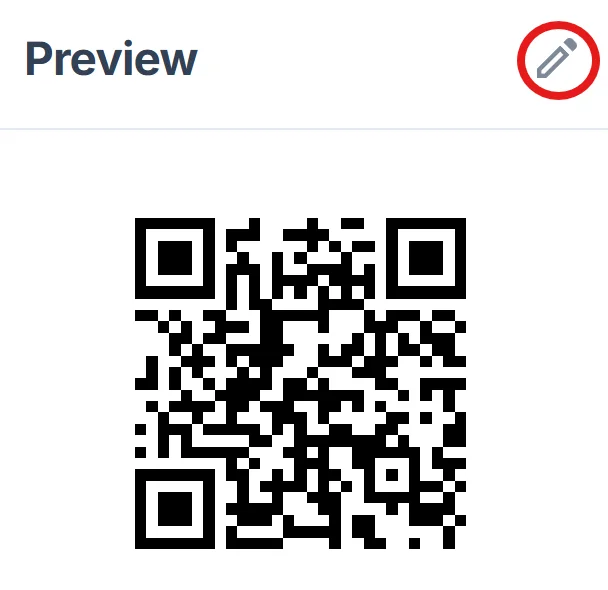
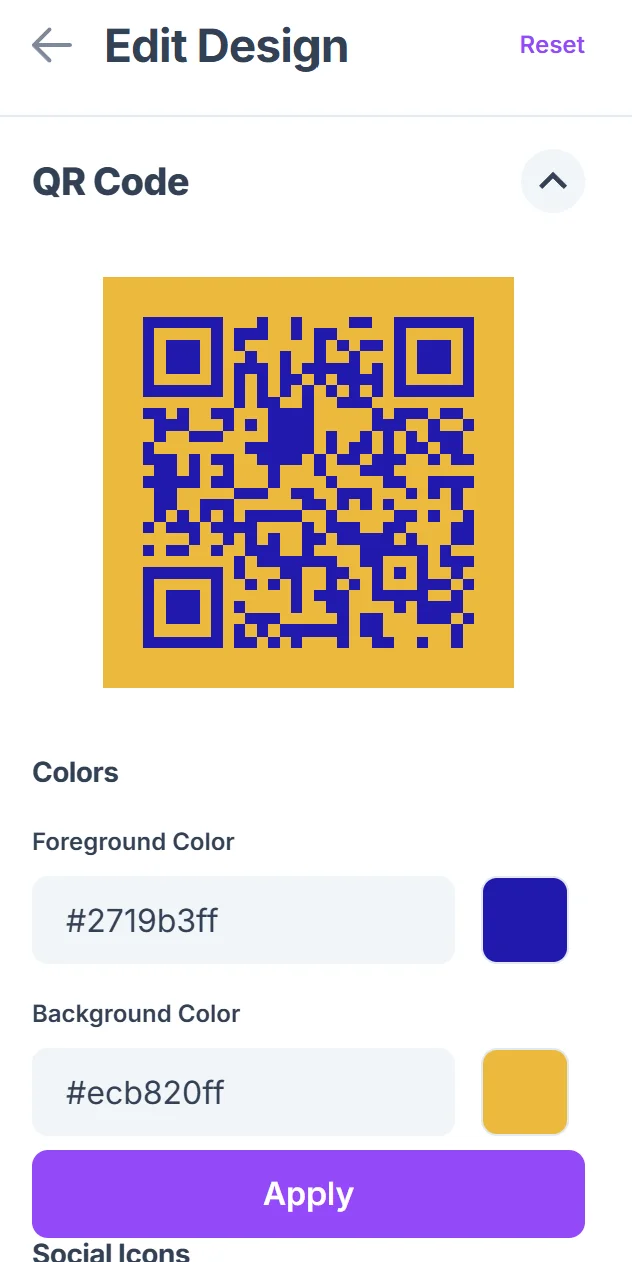
Test synchronization process
Scan your QR code with a secondary device to verify that the connection process works smoothly. Test with different devices and operating systems to ensure compatibility across your intended user group.
Distribute to sleep tracking partners
Share your QR code with family members, study participants, or healthcare providers. Consider printing it for bedside placement or saving it to your phone's home screen for quick access during sleep consultations.
Maximizing sleep data synchronization
Effective sleep tracking synchronization goes beyond just connecting devices - it's about creating meaningful data relationships that improve sleep insights for everyone involved.
Set clear privacy boundaries by specifying exactly what sleep data gets shared and what remains private on each person's device. Learn more about protecting user data in our GDPR compliance for QR codes guide.
Update your QR codes regularly since many sleep apps refresh sharing tokens or change privacy settings that could break existing connections. Consider using dynamic QR codes which allow you to update the destination without changing the code itself.
Include instructions with your QR code explaining what happens after scanning, especially for sleep study participants who may be unfamiliar with the synchronization process
Test your sleep sync QR codes across different platforms since iOS and Android handle health data sharing differently, and some connections may not work cross-platform
Frequently Asked Questions
What sleep data can be shared through QR codes?
Most sleep tracking apps allow sharing of sleep duration, wake times, sleep efficiency, and general sleep quality scores. Detailed biometric data like heart rate variability or oxygen levels typically require specific permissions and may not be shareable through simple QR codes.
How do I ensure my sleep data stays private when using QR codes?
Always review your sleep app's sharing settings before creating QR codes. Most apps let you choose specific data points to share while keeping sensitive information private. Consider using temporary sharing links that expire after a set period.
Can QR codes sync sleep data between different brands of devices?
Cross-brand synchronization depends on the apps and platforms involved. Apple Health and Google Fit often serve as intermediaries that can connect different device brands, but direct device-to-device syncing between different manufacturers usually isn't possible through QR codes alone.
Do sleep tracking QR codes work offline?
No, sleep data synchronization requires an internet connection since the data needs to be transferred between devices or uploaded to shared platforms. The QR code itself can be scanned offline, but the actual data sync process needs connectivity.
How often should I update my sleep tracking QR codes?
Check your QR codes monthly or whenever you change sleep tracking apps or privacy settings. Many health apps update their sharing protocols regularly, and expired sharing links are one of the most common reasons sleep sync QR codes stop working.
Related Guides
Ready to create your QR code?
Generate custom QR codes in seconds - free and easy to use.
Create Free QR Code →