QR codes for skincare brands and product information

Bridge the gap between product packaging and digital experiences with scannable codes that deliver instant access to ingredients, tutorials, and personalized skincare guidance.
How skincare brands connect with customers through QR codes
Did you know that you can find out everything you need to know about a particular skincare product just from scanning a tiny QR code? It's true! And since the websites QR codes link to aren't limited by the size of a product label, you can put all sorts of information in there,
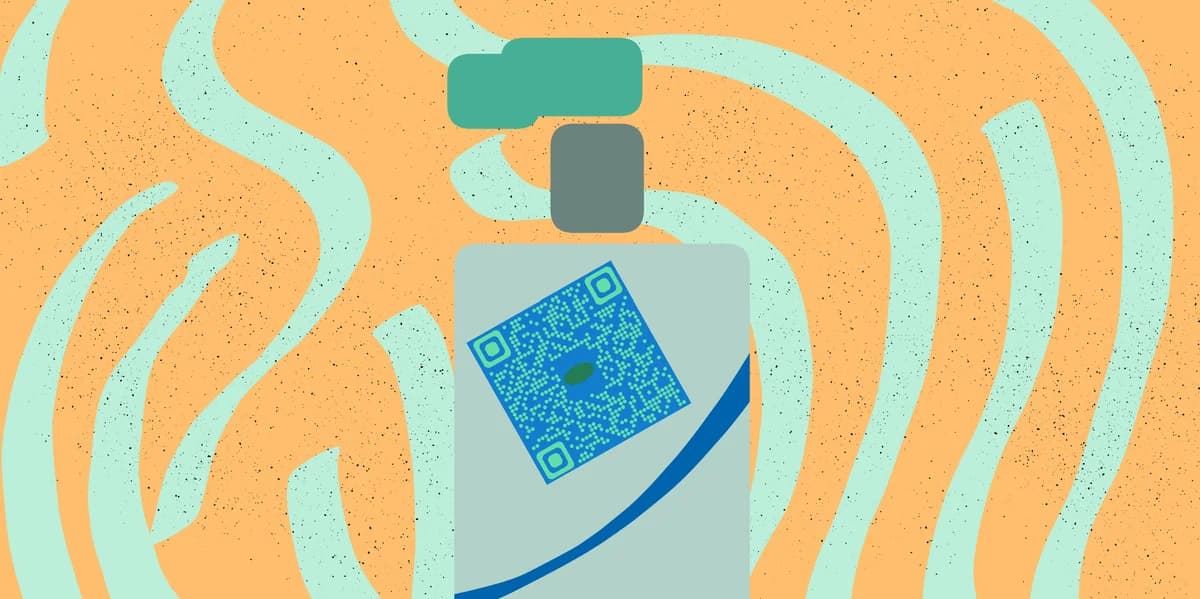
Skincare QR codes can transform product packaging into interactive experiences that build trust and educate customers. When someone scans the code on your product, they can access everything from ingredient sourcing stories to step-by-step application videos, creating a deeper connection between your brand and their daily skincare routine. Similar to QR codes on food packaging, these codes provide transparency and detailed information that customers increasingly expect.
In this guide I will walk you through creating effective skincare QR codes that enhance customer experience and build brand loyalty. You can link to detailed product information, tutorial videos, or even Google Reviews pages to showcase customer testimonials about specific products.
Smart ways skincare companies use QR technology
Skincare brands face unique challenges in communicating complex product information within limited packaging space. QR codes solve this by connecting physical products to rich digital content that educates and engages customers. Check out our QR code business cards guide for additional brand connection strategies.
Complete ingredient transparency
Link to detailed ingredient lists with explanations of what each component does for the skin, plus sourcing information and clinical study results.
Personalized skincare routines
Direct customers to questionnaires that generate customized routines based on their skin type, concerns, and the products they've purchased.
Application tutorials and tips
Provide video demonstrations showing proper application techniques, layering order with other products, and timing recommendations for best results. You can host these tutorials on platforms like YouTube and create YouTube QR codes for direct access to your skincare education content.
Customer reviews and testimonials
Connect potential buyers to authentic reviews, before-and-after photos, and detailed testimonials from customers with similar skin concerns.
Building your skincare product QR code
Creating QR codes for your skincare products takes just a few minutes and can significantly improve customer experience and brand engagement.
Visit the QR code generator
Head to qrcodeveloper.com and select the URL option to link to your skincare content destination.
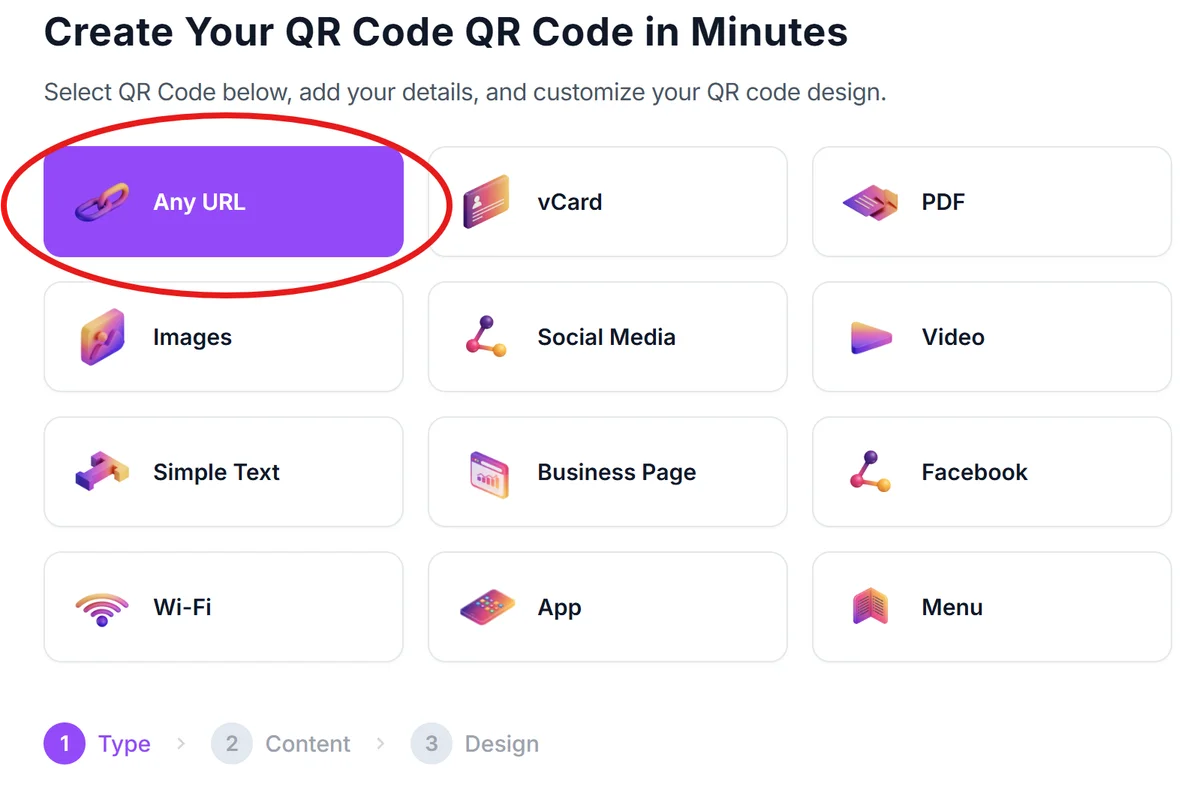
Add your skincare content URL
Paste the link to your product page, ingredient database, tutorial video, or custom landing page with all your skincare information.
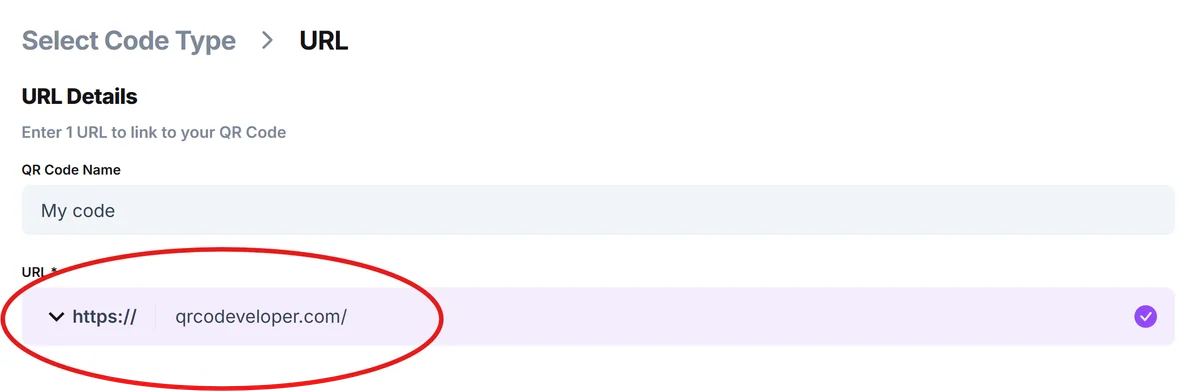
Match your brand aesthetics
Click on the pencil icon in the preview window to customize the QR code with colors that complement your packaging design. Use your brand colors while ensuring the code remains scannable with good contrast. For more guidance on creating visually appealing codes, check out our QR code design tips.

Test across different devices
Scan your QR code with various smartphones to ensure it works reliably and that your destination content displays properly on mobile screens.
Integrate into packaging design
Place the QR code prominently on your product packaging with clear context like 'Scan for ingredients & tutorials' to encourage customer engagement.
Best practices for skincare QR code success
Effective skincare QR codes require thoughtful planning to deliver value while maintaining your brand's professional image and customer trust.
Create mobile-first content since customers will primarily scan QR codes with their phones. Ensure ingredient lists, tutorials, and product information display clearly on smaller screens. Understanding how QR codes work can help you optimize the scanning experience for your customers.
Include clear context near your QR code explaining what customers will find when they scan, such as 'Complete ingredient list & application tips' or 'Personalized routine builder.'
Update linked content regularly with new tutorials, seasonal skincare tips, or product updates to keep customers engaged and encourage repeat scanning.
Consider skin sensitivity by providing comprehensive allergen information and patch test recommendations through your QR code destination to build customer trust and safety.
Frequently Asked Questions
What skincare information should I include behind my QR code?
Focus on what customers need most: complete ingredient lists with explanations, application instructions, compatibility with other products, and any relevant safety information or allergen warnings.
Can I use QR codes for different products in my skincare line?
Yes, create unique QR codes for each product linking to specific information, or use one code that directs to a landing page where customers can select their specific product for customized information.
How do I make my skincare QR code stand out on packaging?
Use contrasting colors that match your brand while ensuring scannability, add clear call-to-action text, and position the code where it's easily visible but doesn't interfere with other important packaging elements.
Will customers actually scan QR codes on skincare products?
Yes, especially for skincare where ingredient transparency and proper usage are crucial concerns. Customers increasingly expect detailed product information and appreciate brands that provide easy access to it.
Is it free to create QR codes for my skincare products?
Yes, you can create basic QR codes for free. This includes linking to product pages, ingredient lists, or tutorial videos without any cost for the QR code generation itself.
Related Guides
Ready to create your QR code?
Generate custom QR codes in seconds - free and easy to use.
Create Free QR Code →