qr codes in switzerland

Swiss businesses use QR codes to move customers from print or packaging straight to payments, menus, and reviews, cutting friction at checkout, tables, and shop counters alike.
Key Takeaways
- The Swiss QR-bill replaced older payment slips entirely, meaning any invoice you send in Switzerland now needs a compliant QR payment code, not the old orange or red slip.
- eBill and QR-bill together cover a majority of Swiss invoicing, so customers already expect to point a banking app camera at a printed or digital bill.
- Retail, transit, and hospitality QR codes in Switzerland tend to be small, discreet, and functional rather than flashy, matching local design preferences for understatement.
More than half the country of Switzerland already scans at least one QR code daily: 57.7% of the Swiss population uses QR codes at least monthly, and a huge chunk of that habit traces back to a single, very Swiss reason — the QR-bill.
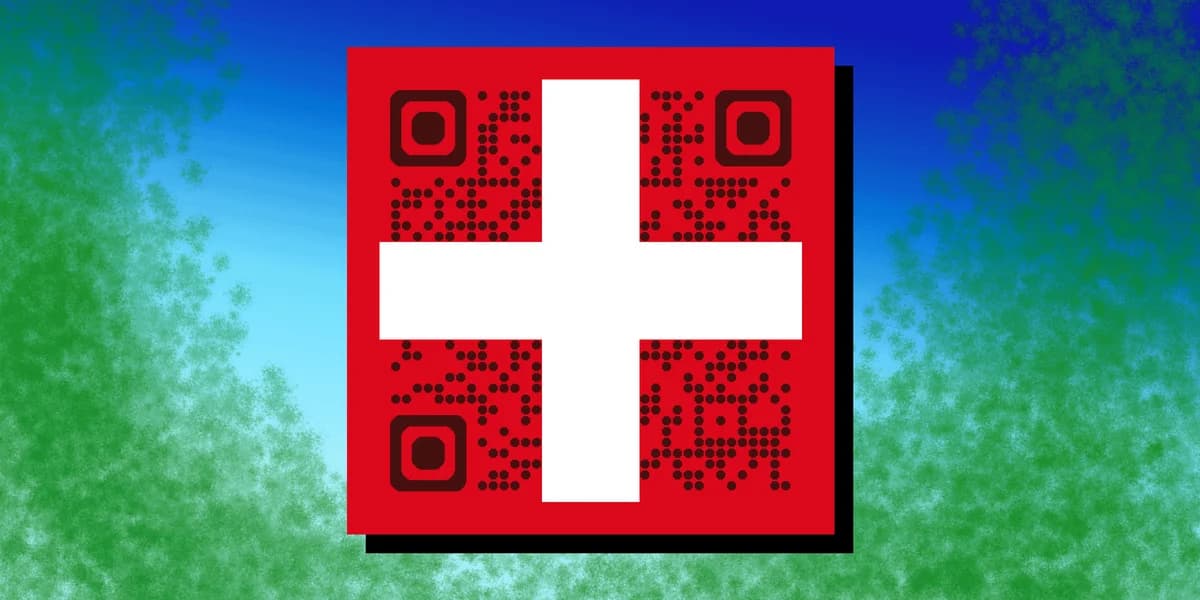
Switzerland didn't just adopt QR codes as a marketing gimmick. It built them into national financial infrastructure, retail checkout flows, public transit, and hospitality menus. That combination of official mandate and everyday convenience means Swiss consumers scan without hesitation, which makes the country an unusually forgiving market for any business testing QR codes for the first time.
Whether you're running a café in Zurich, a guesthouse in the Alps, or an online shop shipping across regions, understanding how QR codes are actually used here will help you design ones that people trust and act on. Start with a free QR code generator once you know what you're building toward.
How Switzerland uses QR codes
Switzerland's QR code culture didn't grow organically the way it did in markets like China. Instead, it was largely driven by a regulatory shift in the banking sector, followed by everyday businesses adapting the same trust to their own uses.
The QR-bill replaced paper payment slips
Since September 30, 2022, the QR-bill has been the only accepted payment slip format in Switzerland, fully retiring the old red and orange BVR/ESR slips. Every invoice, from a dentist bill to a utility statement, now carries a QR code that encodes the amount, reference number, and creditor details, so the payer's banking app fills everything in with one scan. If you invoice Swiss clients from abroad, this is not optional — your billing software needs to generate a compliant QR-bill or your invoices may bounce back for correction.
eBill runs alongside the QR-bill
Swiss banks also push customers toward eBill, a paperless system that skips printed slips entirely. In 2023 alone, the eBill platform processed around 70 million transactions with more than 3 million registered users, covering over half of Swiss households. The two systems coexist: QR-bill for anyone who still wants a paper or PDF invoice, eBill for those who've gone fully digital. Businesses serving Swiss customers should expect to support both.
Retail, hospitality, and transit lean on QR codes too
Beyond banking, Swiss retailers use QR codes on receipts for warranty registration and loyalty programs, restaurants link diners to digital menus the same way covered in our QR code menu guide, and public transport apps use QR tickets for validation on trains and buses. Museums and cultural sites also use them for multilingual audio guides, a pattern we break down further in our piece on QR codes and museums.
Step 1: Decide what the code needs to do
Before you generate anything, separate payment use cases from marketing ones. A QR-bill needs specialized invoicing software that follows the Swiss ISO 20022 standard — a generic QR generator won't produce a valid payment code. Marketing, menu, or link-sharing codes are different and can be built with any standard tool.
Step 2: Choose static or dynamic based on how often content changes
A printed transit map or a permanent shop sign is a good fit for a static code. A seasonal menu, a promotion, or anything you'll want to update without reprinting materials should be dynamic. Our static vs dynamic QR codes comparison walks through the tradeoffs in more detail.
Step 3: Generate and test the code
Use the free QR code generator to create your code, then test it on at least two different phone camera apps before printing, following the same checks outlined in our guide to checking if a QR code is safe. Swiss consumers are used to fast, reliable scans, and a code that fails or loads slowly will get abandoned quickly given how routine scanning already is for this audience.
Step 4: Place it where the scan makes sense
Put payment codes directly on the invoice near the amount due, menu codes at eye level on the table, and transit or event codes where a phone can be held steady without blocking foot traffic. Placement matters more than design flourish in a market this scan-literate.
Step 5: Track scans and refine
If you're using a dynamic code for marketing, check scan data weekly for the first month to see which locations or materials perform best, then reprint or reposition based on what the numbers show rather than guessing.
Tips for building QR codes for a Swiss audience
A few adjustments make QR codes land better with Swiss customers specifically, rather than just following generic best practices.
Match the QR-bill's strict formatting if you're billing Swiss clients — third-party invoicing tools built for other countries often don't meet the Swiss ISO 20022 reference number rules.
Keep marketing codes visually minimal; overly decorated codes stand out as foreign or gimmicky in a market where the most common QR code people see is a plain black-and-white payment code.
Offer German, French, and Italian landing pages behind a single code when serving a national audience, since Switzerland has four official languages and regional expectations differ by canton.
Avoid relying on QR codes alone for older demographics in rural cantons, where eBill and app-based scanning adoption trails urban centers like Zurich and Geneva.
Frequently Asked Questions
Do I need a special QR code to send invoices in Switzerland?
Yes. Since the QR-bill became the only accepted payment slip format in September 2022, invoices sent to Swiss recipients need a compliant QR-bill code generated by accounting or invoicing software that supports the Swiss standard, not a generic marketing QR code.
Can I use a standard QR code generator for a Swiss restaurant menu or business card?
Yes. Payment-related codes require specialized formatting, but menus, links, WiFi access, and contact details can be built with any standard tool, including the free QR code generator.
What's the difference between QR-bill and eBill?
QR-bill is a printed or PDF invoice with an embedded payment QR code that any banking app can scan. eBill is a fully paperless system where the invoice appears directly inside the recipient's e-banking portal. Many Swiss banks support both, and businesses typically need to accommodate customers using either.
Are QR codes widely trusted by Swiss consumers?
Generally yes. With over half the population scanning monthly, largely due to routine bill payments, Swiss consumers are comfortable with QR codes in everyday contexts, though they still expect codes to be functional and clearly labeled rather than decorative.
Related Guides
Ready to create your QR code?
Generate custom QR codes in seconds - free and easy to use.
Create Free QR Code →