QR codes for prescription reordering and healthcare appointments

Connect patients directly to prescription refills and appointment booking with a simple scan.
How healthcare providers use QR codes for patient services
Calling the pharmacy to refill prescriptions can often mean waiting on hold, then spelling out medication names and dosage information. This can be especially frustrating, but now patients scan a QR code on their prescription bottle and instantly access their pharmacy's online ordering system with all their information pre-loaded.
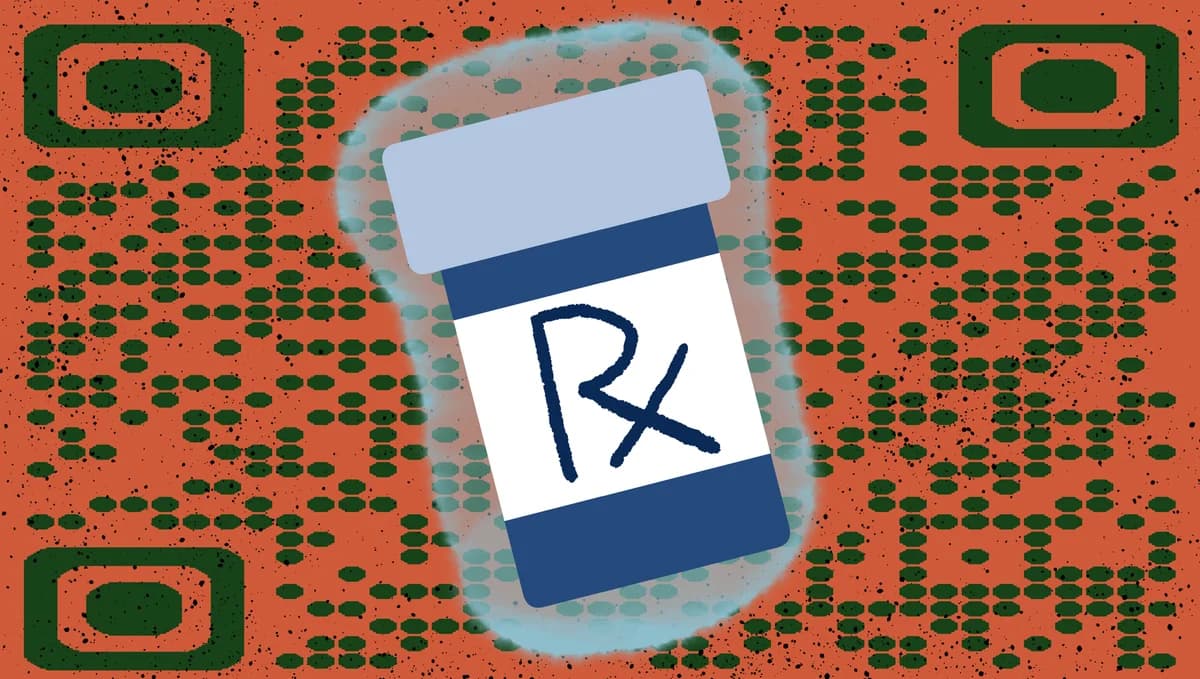
Healthcare QR codes can allow customers to reach prescription refill portals, appointment scheduling systems, telehealth platforms, or patient portals without typing complex URLs or searching through websites. Understanding the different types of QR codes helps healthcare providers choose the right solution for their needs.
In this guide I will cover how to create QR codes that connect patients to essential healthcare services. We'll explore practical applications and show you how to generate codes using QR Code Developer that work across different medical scenarios. So let's get started!
Common applications in medical practices and pharmacies
Healthcare QR codes solve real access problems for patients while reducing administrative burden on medical staff. Similar to how check-in QR codes work for hotels, these codes provide instant access to healthcare services.
Prescription bottle refill codes
Pharmacies add QR codes to prescription labels that link directly to online refill forms with patient and medication information pre-populated.
Appointment scheduling at clinics
Medical offices place QR codes on appointment cards, waiting room materials, or discharge papers that connect to their online booking system.
Patient portal access
Healthcare providers use QR codes on intake forms or business cards to help patients quickly access test results, medical records, and billing information.
Telehealth session links
Medical practices include QR codes in appointment confirmations that take patients directly to video consultation platforms without login complications.
Setting up QR codes for healthcare services
Creating healthcare QR codes requires linking to secure, HIPAA-compliant systems that protect patient information while providing convenient access. Healthcare providers should prioritize QR code security to maintain patient trust and regulatory compliance.
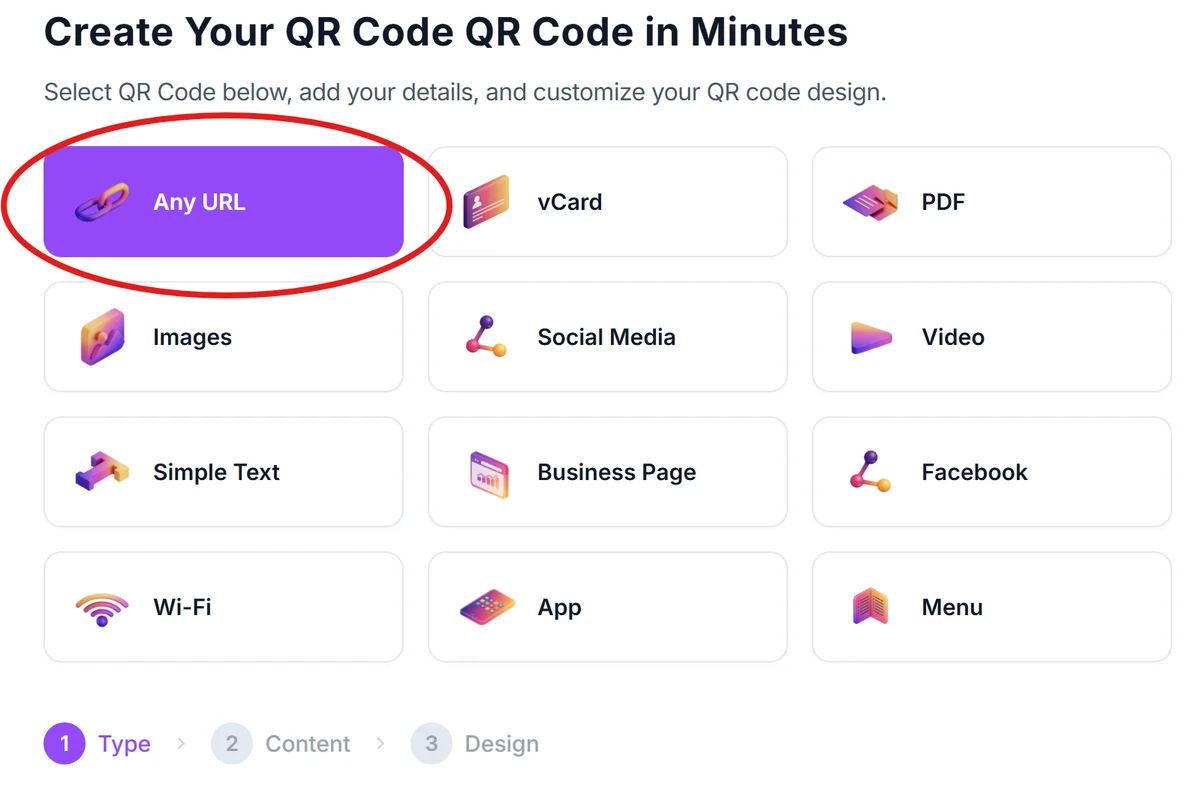
Access the QR code generator
Visit qrcodeveloper.com and select the URL option to create codes that link to your healthcare platform.
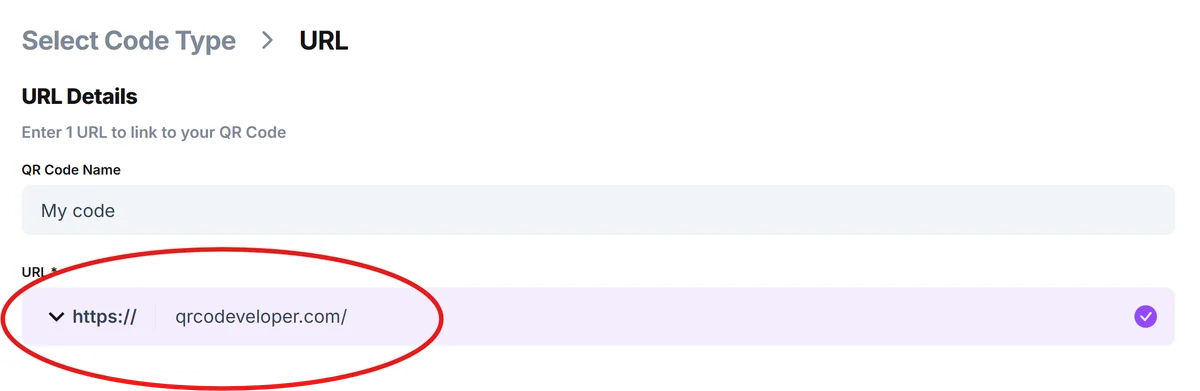
Enter your healthcare system URL
Paste the link to your prescription refill portal, appointment booking system, patient portal, or telehealth platform. Ensure the URL is secure (https://) and HIPAA-compliant.
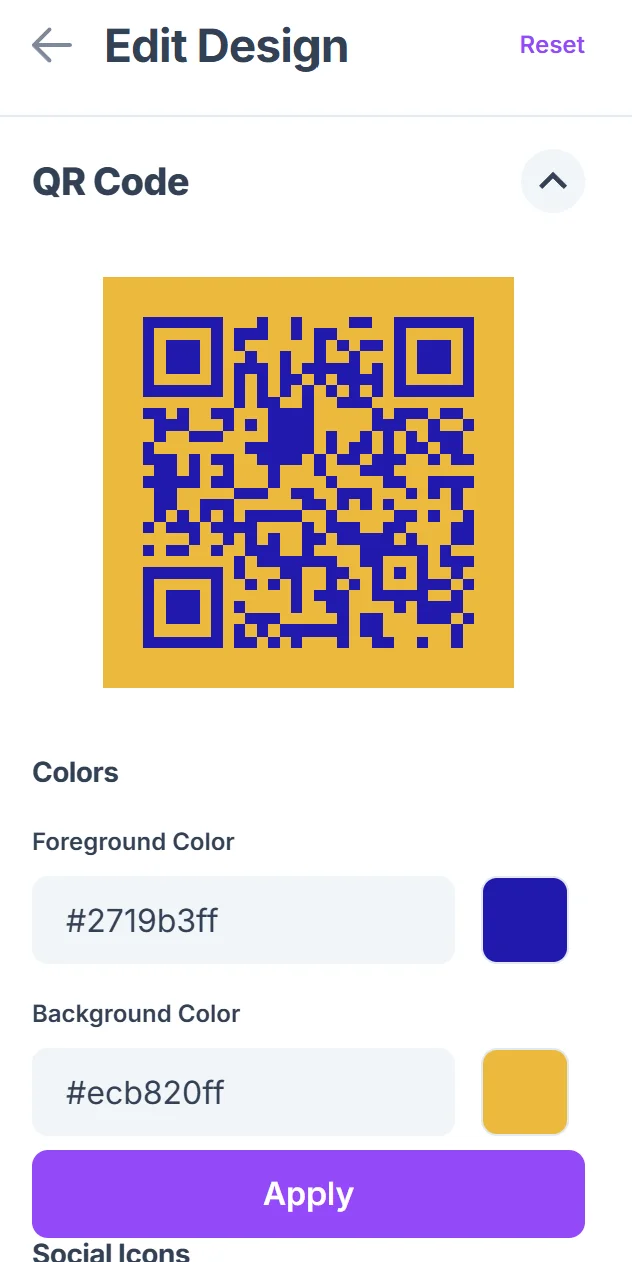
Customize for medical use
Click on the pencil icon in the Preview window to further customize your code. Choose professional colors that match your practice branding. Add your clinic logo or pharmacy name to help patients identify the source of the QR code. Follow QR code design best practices to ensure your codes remain scannable while looking professional.

Test with patient devices
Scan your QR code using different smartphones and tablets to ensure it works across various devices that your patients might use.
Implement with clear instructions
Place codes on prescription bottles, appointment cards, or clinic materials with simple text explaining what patients will access when they scan.
Best practices for medical QR code implementation
Healthcare QR codes require special attention to privacy, accessibility, and patient trust to be effective in medical settings.
Always use secure, HIPAA-compliant websites when linking QR codes to protect patient health information and maintain regulatory compliance
Include clear context near your QR codes - 'Scan to refill prescriptions' or 'Access appointment scheduling' helps patients understand what they'll find
Consider patients who may not be comfortable with technology by offering alternative access methods alongside QR codes
Place QR codes at readable distances and sizes - elderly patients or those with vision issues need codes large enough to scan easily
Frequently Asked Questions
Are QR codes secure enough for healthcare applications?
QR codes themselves don't store sensitive data - they simply link to websites. The security depends on your healthcare platform being HIPAA-compliant and using proper encryption.
Can I create different QR codes for different services?
Yes, create separate QR codes for prescription refills, appointment booking, and patient portals. This allows you to track usage and provide specific access to each service.
What if patients don't have smartphones?
Always provide alternative access methods like phone numbers or website URLs alongside QR codes to ensure all patients can access your services.
How do I track QR code usage in my practice?
Most healthcare platforms provide analytics on how patients access their systems. You can also use QR code generators that offer basic scanning statistics.
Can I use QR codes for patient check-in?
Yes, QR codes work well for patient check-in systems, allowing patients to complete forms or confirm appointments before entering your office.
Related Guides
Ready to create your QR code?
Generate custom QR codes in seconds - free and easy to use.
Create Free QR Code →