QR codes for digital sheet music sharing

Share digital sheet music instantly with scannable codes that connect musicians to scores in seconds.
How QR codes transform sheet music distribution
Music teachers can spend countless hours photocopying scores, students struggle with lost or forgotten music, and performers deal with page-turning difficulties during rehearsals. What if you could eliminate the hassle of printing, distributing, and organizing physical sheet music forever? We,, with QR codes, you can! QR codes can connect musicians directly to digital sheet music files with a simple scan.
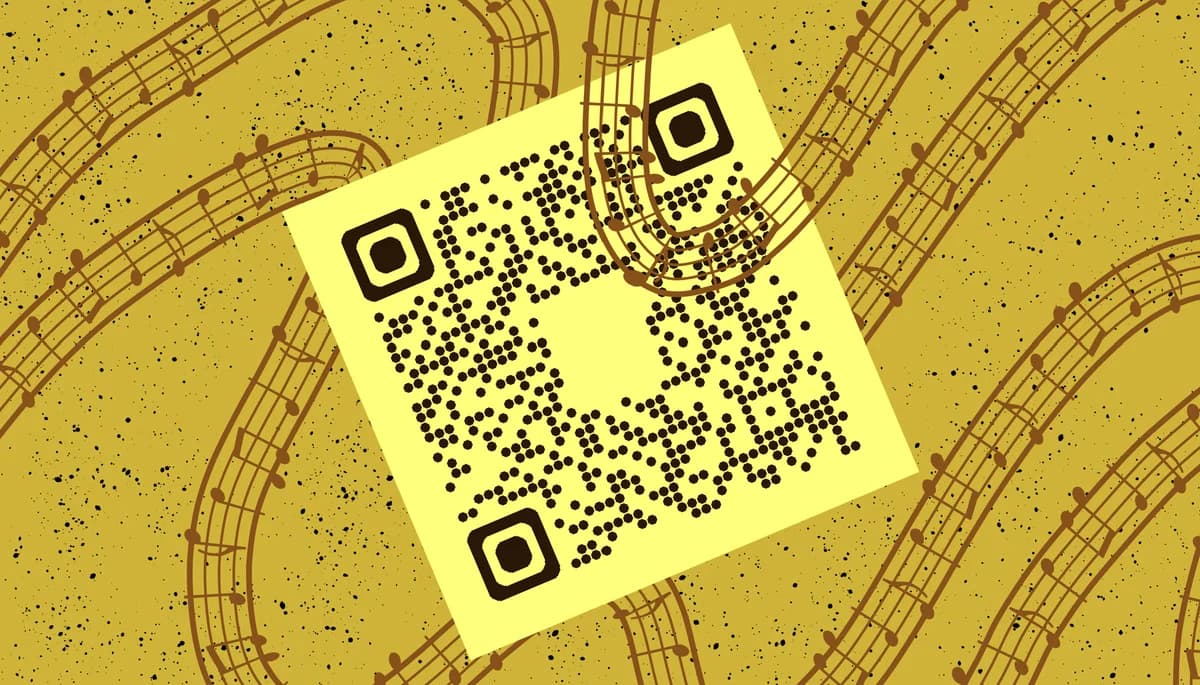
A music sheet QR code links to digital music files stored online - whether that's a PDF score, a cloud storage folder, or a music sharing platform. When scanned, the code instantly opens the sheet music on any smartphone or tablet, giving musicians immediate access to their repertoire without carrying stacks of paper or worrying about forgotten music.
Musicians across all levels are discovering how QR Code Developer makes sharing sheet music effortless. From conservatory professors distributing weekly assignments to community choir directors sharing seasonal repertoire, these codes are changing how we access and organize musical scores.
Practical applications for music educators and performers
Music sheet QR codes solve real challenges that musicians face daily. Whether you're managing a classroom full of students or preparing for a professional performance, these codes make music distribution more efficient. Learn more about organizing digital content with our PDF QR code guide.
Music lesson assignments
Teachers can share weekly practice pieces with students instantly, eliminating the need for physical handouts and ensuring everyone has access to the correct version.
Ensemble rehearsal preparation
Choir directors and band leaders distribute parts to section members before rehearsals, allowing musicians to practice at home with the exact arrangements they'll perform.
Competition and audition materials
Music programs share required pieces for competitions or auditions, ensuring students can access official versions and practice with proper formatting.
Concert program enhancement
Performers include QR codes in concert programs so audience members can follow along with scores or access recordings of the pieces being performed. This approach works similarly to adding QR codes to flyers for enhanced audience engagement.
Creating QR codes for your digital sheet music
Setting up QR codes for your sheet music takes just a few minutes and works with any digital music file format.
Upload your sheet music file
Start by visiting qrcodeveloper.com and uploading your PDF sheet music to a cloud storage service like Google Drive, Dropbox, or OneDrive. Make sure the sharing permissions allow anyone with the link to view the file.
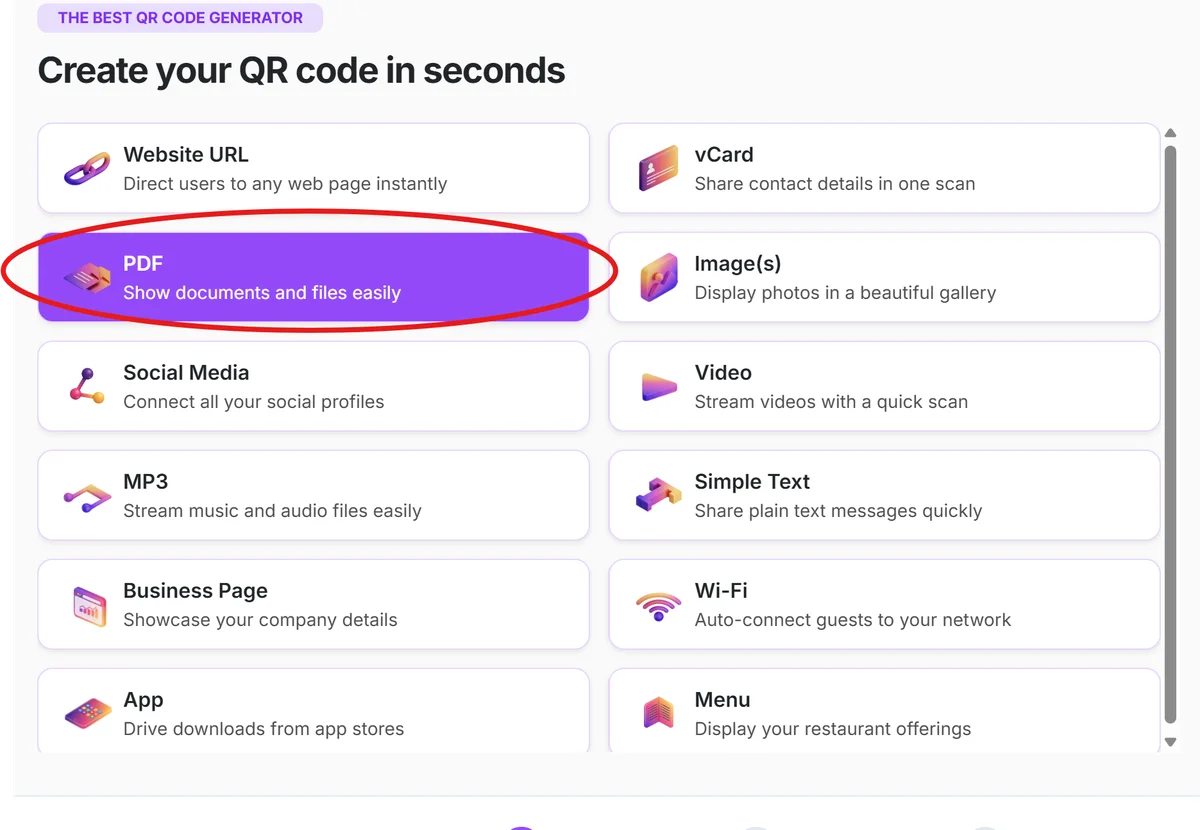
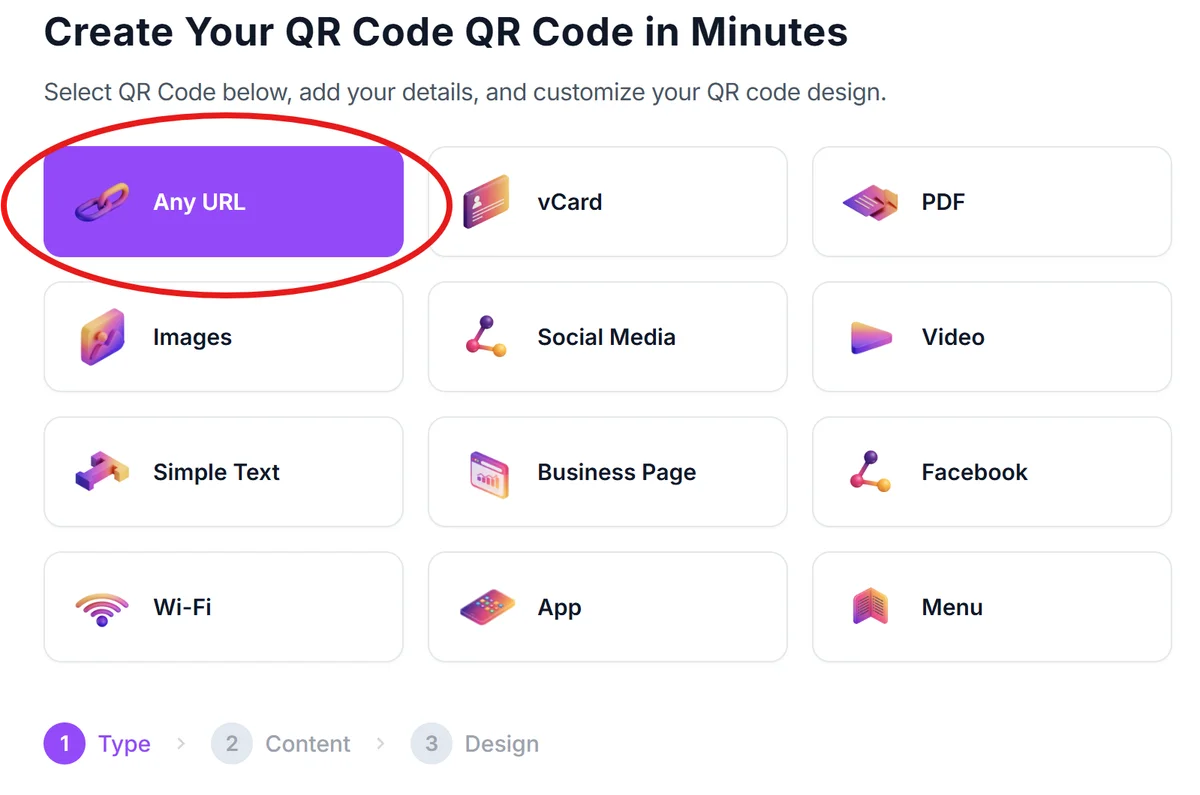
Copy the shareable link
Get the shareable link from your cloud storage platform. This link should open the sheet music directly in a browser or PDF viewer when clicked, without requiring login credentials.
Generate your music QR code
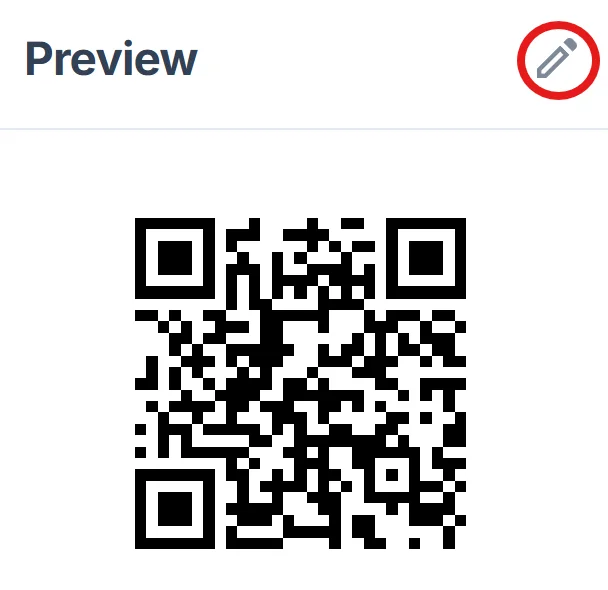
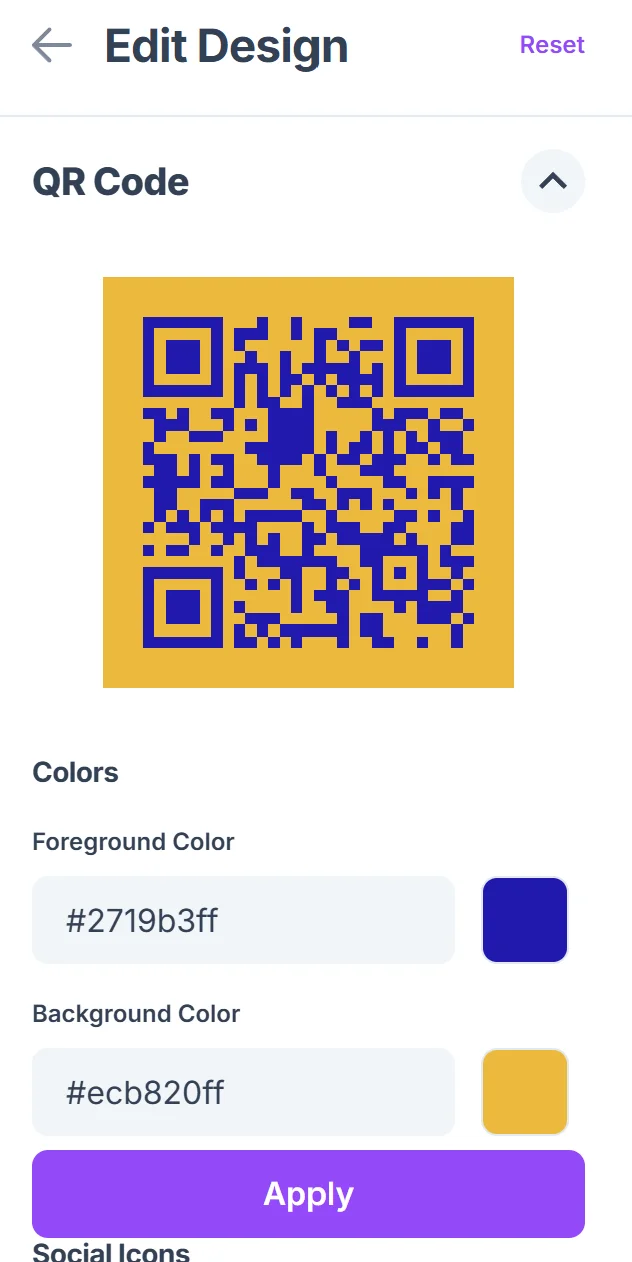
Paste the shareable link into the QR code generator and customize the appearance to match your music program's branding. Click on the pencil icon in the Preview window to further customize your code. Consider using colors that complement your sheet music covers or program materials, following QR code design best practices.
Test with different devices
Scan the code with various smartphones and tablets to ensure the sheet music displays properly across different screen sizes and PDF viewers. Check that the music is readable on both phones and tablets.
Distribute to your musicians
Add the QR code to your lesson materials, rehearsal schedules, or practice room bulletin boards. Include brief instructions for scanning if your students aren't familiar with QR codes.
Best practices for music QR code implementation
These strategies help ensure your music sheet QR codes work smoothly for all your students and performers.
Organize files with clear naming conventions like 'Bach_Invention_No1_C_Major.pdf' so musicians can easily identify pieces when the files download to their devices
Size your QR codes appropriately for the viewing distance - codes on practice room walls should be larger than those printed on individual sheet music copies. You might also consider creating QR code stickers for music stands and instrument cases.
Include backup access methods alongside QR codes, such as shortened URLs or file names, in case someone has scanning difficulties during rehearsal
Test your links regularly to ensure cloud storage files remain accessible and haven't been moved or had their permissions changed
Frequently Asked Questions
Can I use QR codes for copyrighted sheet music?
Only share copyrighted music if you have proper licensing or permissions. Many educational institutions have agreements that cover classroom use, but always verify your rights before distributing copyrighted materials digitally.
What file formats work best for sheet music QR codes?
PDF files work best because they maintain formatting across all devices and can be viewed without special software. Most musicians are already familiar with viewing PDFs on their phones and tablets.
How do I organize multiple pieces for an entire semester?
Create a shared folder with all semester materials and generate one QR code that links to the folder. Students can bookmark this link and access new pieces as you add them throughout the term.
Will students be able to scan codes during rehearsals?
Most modern smartphones can scan QR codes directly through their camera apps without additional software. For older devices, free QR scanner apps are widely available and work reliably.
Is there a cost to create music sheet QR codes?
Basic QR code generation is free, and you can create unlimited codes for your sheet music. Cloud storage for your music files may have storage limits on free plans, but most music teachers find free tiers sufficient for their needs.
Related Guides
Ready to create your QR code?
Generate custom QR codes in seconds - free and easy to use.
Create Free QR Code →