QR codes for merchandise and product marketing

Bridge the gap between physical products and digital experiences with scannable codes that connect customers to your brand story, support resources, and exclusive content.
How merchandise QR codes connect products to digital experiences
Buying a shirt or a bag of your favorite property can be fun! But it can be troubling a few weeks down the road when you need to clean, repair, or even return the item. How should I wash this? Do I have a warranty? Where can I return this? It would be great if all that info could just be printed on the item. Well actually, it can! With QR codes.
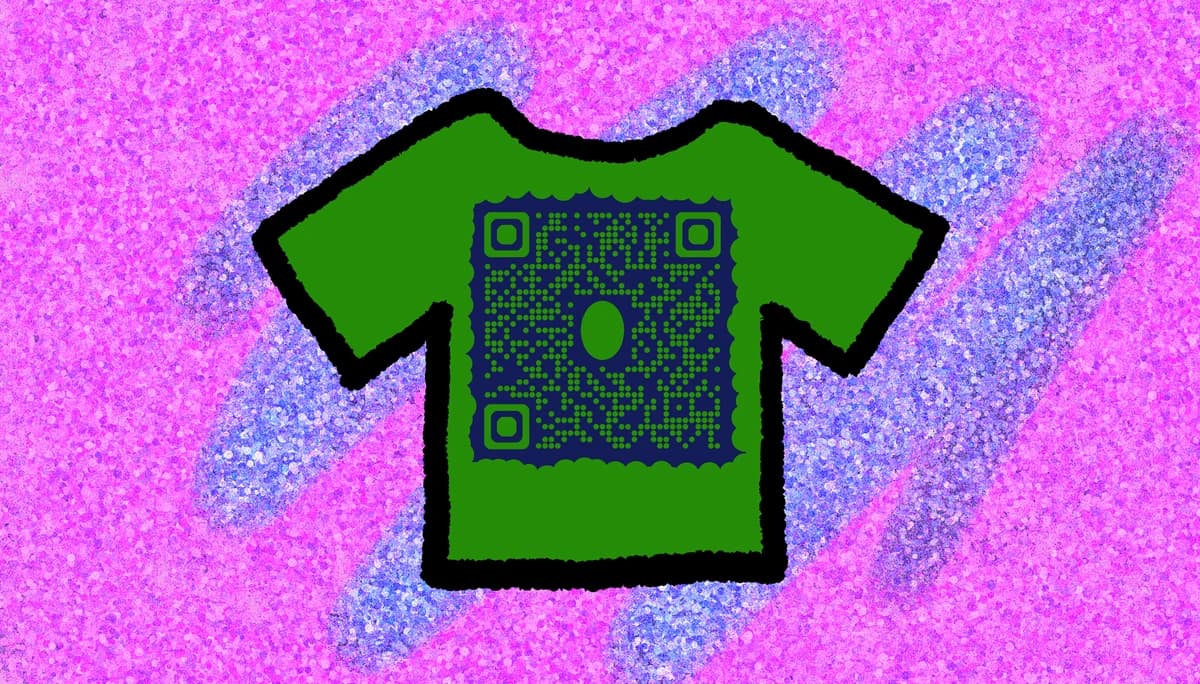
Merchandise QR codes transform static products into interactive touchpoints. When placed on clothing tags, packaging, or product surfaces, these codes can direct customers to care instructions, brand stories, loyalty programs, or customer support portals. They work particularly well for brands wanting to build ongoing relationships beyond the initial purchase, similar to how QR code stickers create lasting brand connections.
Adding QR codes to merchandise creates multiple engagement opportunities throughout the product lifecycle. Whether you're linking to warranty registration, exclusive content, or Google Reviews QR codes for feedback collection, these scannable connections help brands stay connected with customers long after they leave the store.
Smart ways brands use QR codes on merchandise
Merchandise QR codes solve the common problem of lost connection between brands and customers after purchase. From apparel companies to electronics manufacturers, businesses use these codes to maintain engagement and provide ongoing value. Consider how QR code business cards work for networking - merchandise QR codes create similar lasting connections with customers.
Product care and maintenance guides
Clothing brands link to washing instructions, leather care guides, or seasonal storage tips that customers can access whenever needed.
Warranty registration and support
Electronics and appliance manufacturers connect customers directly to warranty registration forms, troubleshooting guides, and customer service portals. Many also link to PDF QR codes containing detailed user manuals and setup instructions.
Brand storytelling and authenticity
Luxury brands and artisan products use QR codes to share origin stories, craftsmanship videos, or authenticity certificates that build brand value.
Exclusive content and loyalty programs
Fashion and lifestyle brands offer access to styling tips, exclusive sales, or loyalty program enrollment through merchandise QR codes.
Setting up QR codes for your merchandise
Creating merchandise QR codes requires thinking about what information customers need most after purchase and where they'll encounter your product.
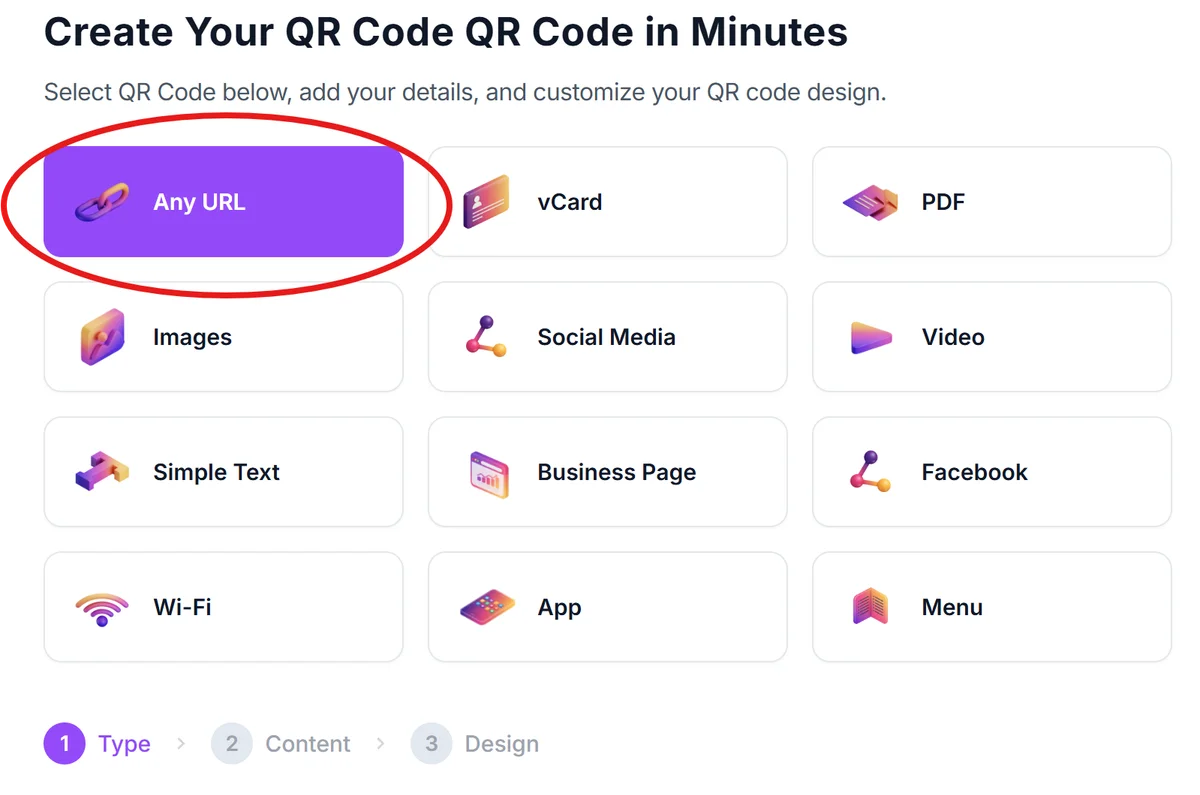
Visit the merchandise QR generator
Go to qrcodeveloper.com and select the URL option to create codes that link to your product information pages.
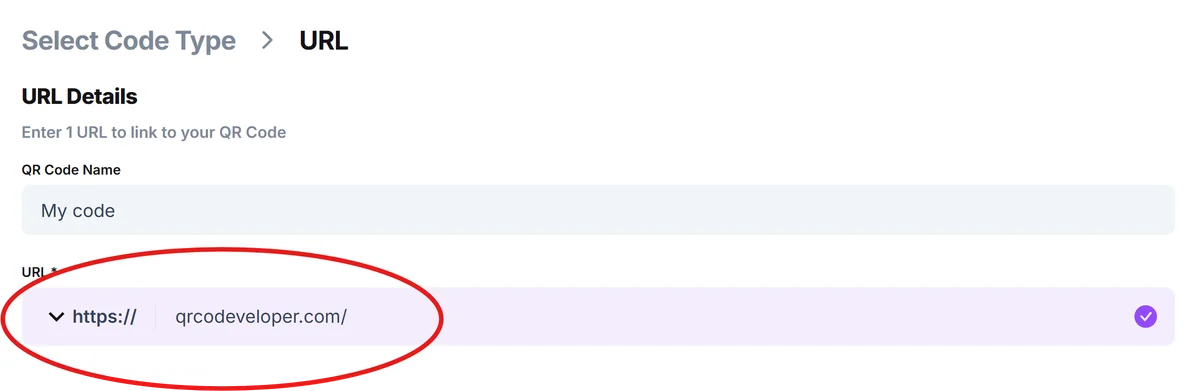
Enter your product destination URL
Input the link to your product support page, care instructions, warranty registration, or brand story page that customers should access.
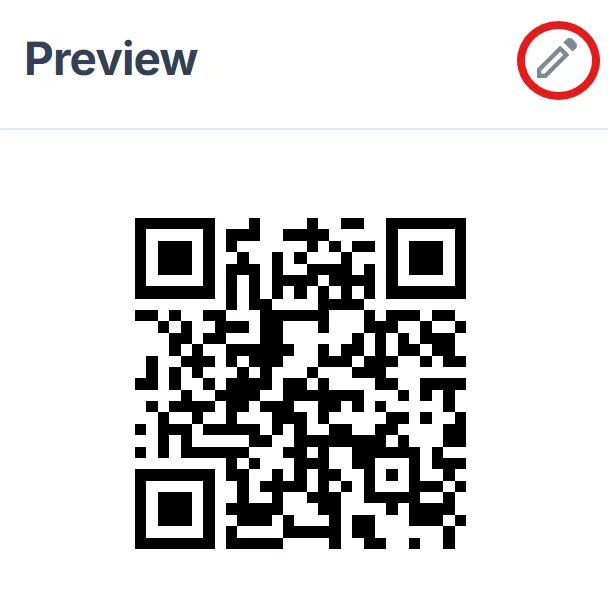
Customize for merchandise placement
Click on the pencil icon in the Preview window to further customize your code. Choose colors that complement your product design and ensure sufficient contrast for scanning. Consider how the QR code will look on different product surfaces or packaging materials. For guidance on creating visually appealing codes, check out our QR code design tips.
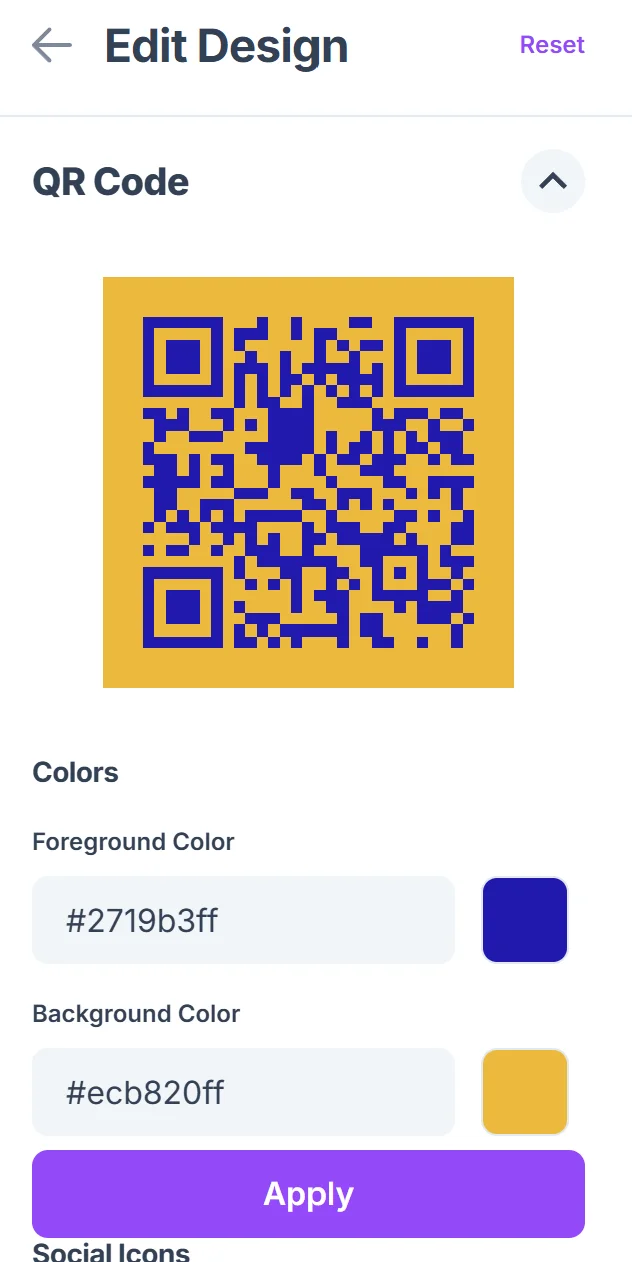
Test across product lifecycle stages
Scan your QR code to verify it works correctly, then consider when customers might scan it - at purchase, during first use, or months later when they need support.
Plan for durable placement
Choose placement locations on your merchandise that will remain scannable throughout the product's life - avoid areas that wear off quickly or get covered during normal use.
Best practices for merchandise QR code placement
Successful merchandise QR codes balance visibility with durability, ensuring customers can find and scan them when needed most.
Place codes on permanent product elements like care labels, packaging inserts, or product bases rather than removable tags that customers might discard immediately
Include brief text near the QR code explaining what customers will find when they scan, such as 'Scan for care instructions' or 'Scan for warranty registration'. This transparency helps build trust and follows QR code safety best practices that customers appreciate.
Consider the product's usage environment - codes on outdoor gear need weather-resistant printing, while electronics might benefit from codes on both packaging and device surfaces
Test scanning from typical customer distances and angles, especially for products displayed on shelves or worn as clothing where scanning angles vary significantly
Frequently Asked Questions
What type of information should merchandise QR codes link to?
Link to information customers need after purchase: care instructions, warranty registration, troubleshooting guides, brand stories, or exclusive content that adds ongoing value to their purchase.
Where should I place QR codes on different types of merchandise?
Place codes where they'll remain accessible but not interfere with product use. Try care labels for clothing, product bases for electronics, or packaging inserts for items where surface space is limited.
Can I track how many customers scan my merchandise QR codes?
Yes, you can track scans by linking to pages with analytics or using URL shorteners that provide scan data. This helps you understand which products generate the most engagement.
How do I make sure QR codes remain scannable on different merchandise materials?
Ensure high contrast between the QR code and background, use appropriate printing methods for the material, and test scanning under various lighting conditions your customers might encounter.
Are merchandise QR codes free to create and use?
Yes, basic QR codes are free to create. You only need hosting for the destination page where customers land after scanning, which can be your existing website or product support pages.
Related Guides
Ready to create your QR code?
Generate custom QR codes in seconds - free and easy to use.
Create Free QR Code →