Logo transform QR codes for branded marketing campaigns

Generate QR codes that reveal your logo after scanning, creating memorable brand moments that stick with customers.
How logo transform QR codes work for branding
Marketing teams used to rely on static branding elements that customers would glance at and forget. Now companies create QR codes that transform into their logo after scanning, turning a simple scan into a branded experience that customers remember. This interactive element catches people off guard in the best way possible, similar to how QR code business cards create memorable networking moments.
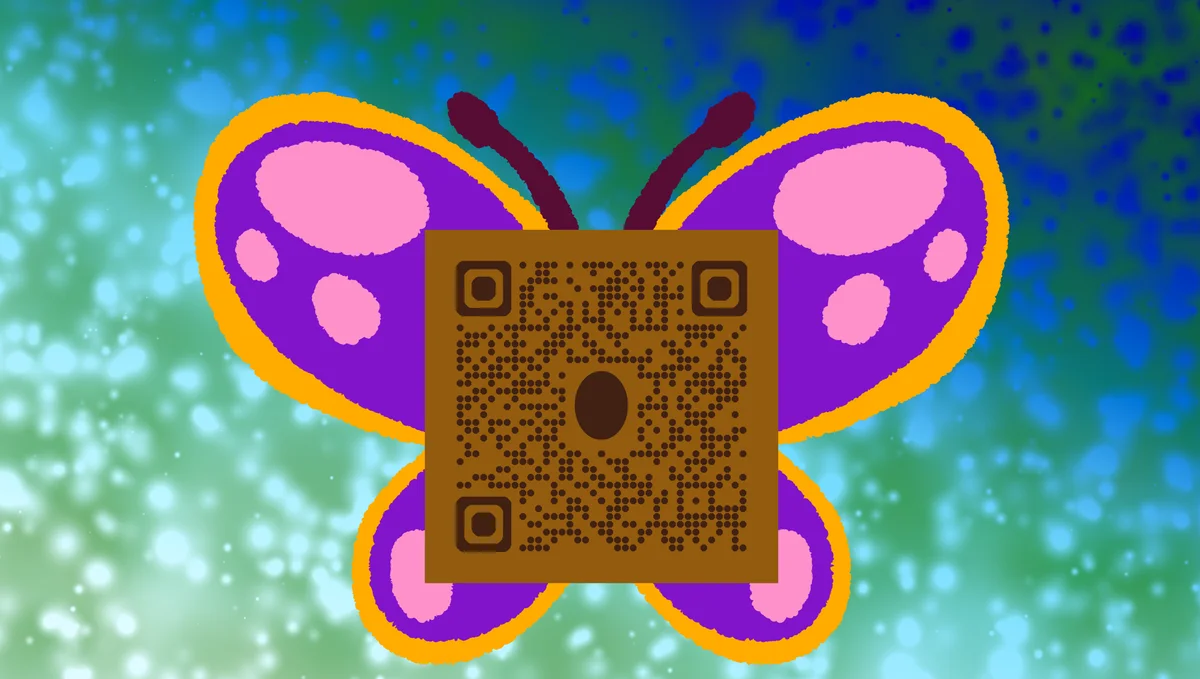
Logo transform QR codes work by displaying your company logo as part of the scanning result or redirect page. When someone scans your code, they don't just get taken to your website - they see your logo prominently displayed, reinforcing your brand identity at the exact moment they're engaging with your content.
These branded codes bridge the gap between physical and digital marketing. Instead of hoping customers remember your logo from a quick glance, you guarantee they see it during their active engagement. Check out our QR code design guide for more ways to make your codes memorable.
Marketing applications for logo reveal QR codes
Logo transform QR codes work particularly well for businesses that want to create memorable brand touchpoints. They're especially effective when you need to make a lasting impression during brief customer interactions. Learn more about QR code business cards for networking applications.
Trade show booth engagement
Visitors scan your code for product information and see your logo prominently displayed, reinforcing brand recognition long after they leave your booth.
Product packaging reveals
Customers scan for product details or warranty information and encounter your logo as part of the experience, building brand loyalty through positive interactions.
Business card networking
Contacts scan your card for your information and see your logo displayed alongside your details, making you more memorable in their contact list.
Restaurant menu branding
Diners scan for your menu and see your restaurant logo prominently featured, reinforcing your brand identity while they browse your offerings. This works especially well when combined with QR code menus that showcase your brand throughout the dining experience.
Building your logo transform QR code
Creating a logo transform QR code requires planning both your destination content and how you want your logo to appear. The key is making sure your branding feels natural, not forced.
Access the logo transform generator
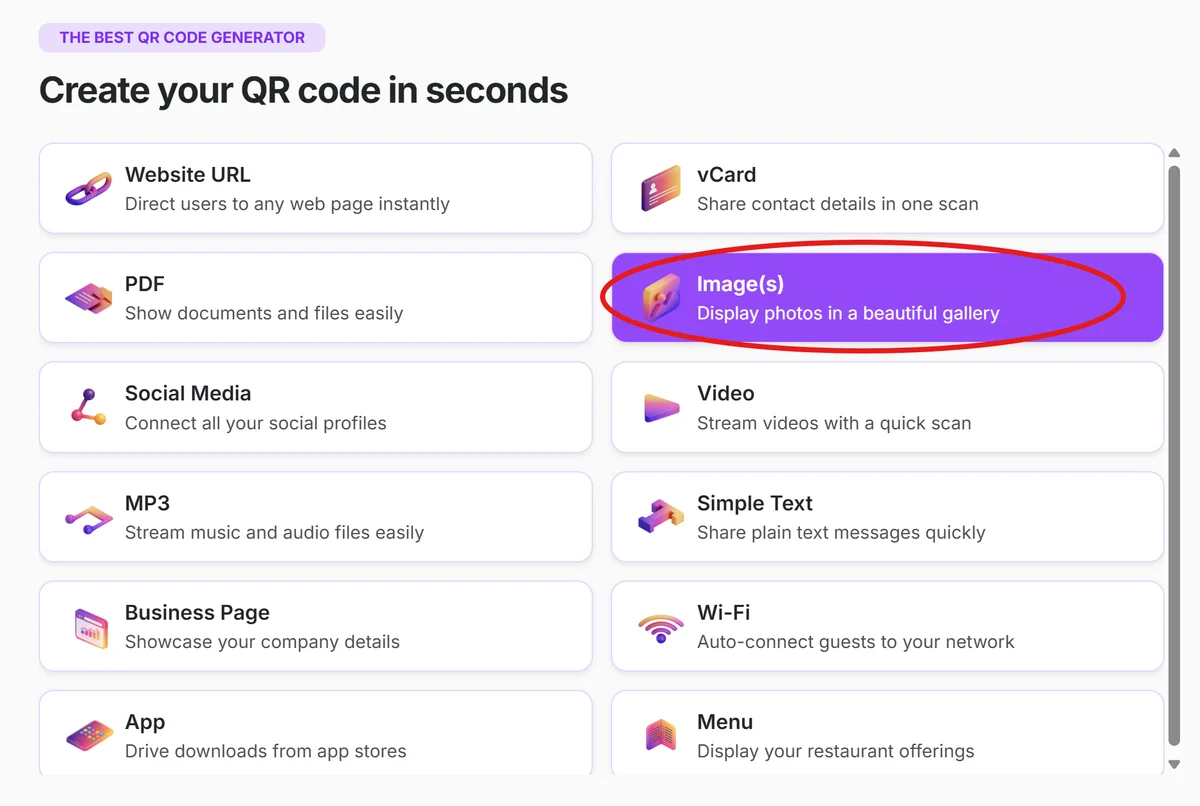
Visit qrcodeveloper.com and select the image QR code option from the available formats.
Upload your brand logo file
Upload a high-quality PNG or SVG file of your logo. Make sure it's clean and readable at small sizes since it will be integrated into the QR code design.
Set your destination URL
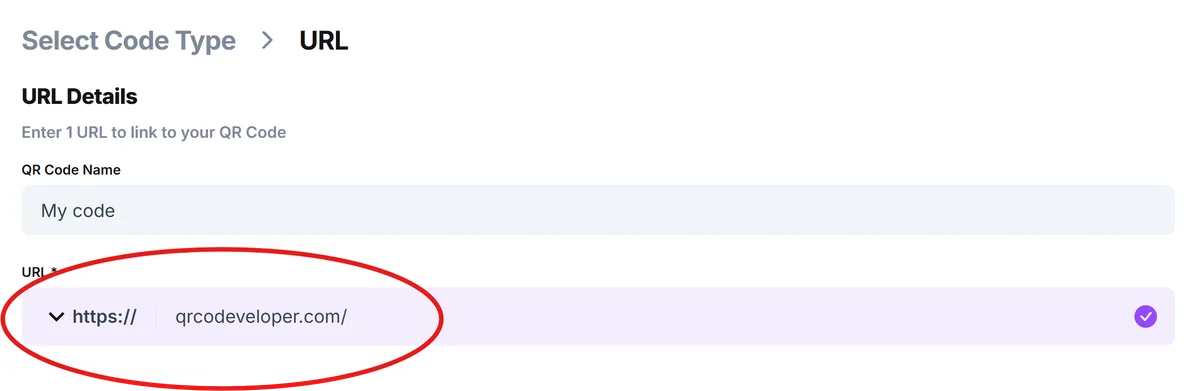
Enter the website, landing page, or content you want people to reach after scanning. This could be your homepage, a specific product page, or a branded landing page designed specifically for QR code traffic.
Configure the logo display settings
Choose how your logo appears - as an overlay on the QR code itself, on the destination page, or as part of a branded loading screen during the redirect.
Test the transformation effect
Scan your code with multiple devices to ensure the logo displays correctly and the overall experience feels smooth and professional.
Best practices for logo reveal campaigns
Logo transform QR codes work best when the branding feels like a natural part of the user experience rather than an interruption. Focus on timing and context, and consider exploring different types of QR codes to find the best fit for your brand goals.
Keep your logo file under 1MB and use vector formats when possible to ensure crisp display across all devices and screen sizes
Test your logo visibility against different backgrounds since QR codes appear on various surfaces and lighting conditions
Time the logo reveal appropriately - show it immediately upon scan completion rather than making users wait through loading screens
Track engagement metrics to see if logo transform codes generate more brand recall than standard QR codes in your campaigns
Frequently Asked Questions
Do logo transform QR codes scan slower than regular codes?
No, the scanning speed remains the same. The logo transformation happens after the scan is complete, so it doesn't affect the QR code's readability or scanning performance.
Can I use any logo file format for the transformation?
Most generators accept PNG, JPG, and SVG formats. PNG and SVG work best because they support transparent backgrounds and maintain quality at different sizes.
Will my logo appear on every device that scans the code?
Logo display depends on how you implement the transformation. If it's part of your destination webpage, it will appear consistently. If it's an overlay feature, compatibility may vary by scanner app.
Can I change my logo after creating the QR code?
This depends on whether you're using static or dynamic QR codes. Dynamic codes allow you to update the logo and destination content, while static codes cannot be modified after creation.
Are logo transform QR codes free to create?
Basic logo transform features are often included in free QR code generators, but advanced branding options and dynamic updating typically require a paid plan.
Related Guides
Ready to create your QR code?
Generate custom QR codes in seconds - free and easy to use.
Create Free QR Code →