QR codes for greeting cards and personalized messages

Transform paper greeting cards into interactive experiences with QR codes that connect recipients to videos, photos, and personalized digital content.
Making greeting cards interactive with QR technology
Have you ever wanted to include a video message in a birthday card or share an entire photo album with your graduation congratulations? Traditional greeting cards limit you to printed words and maybe a single photo, but QR codes change that completely. These small squares can connect your physical card to unlimited digital content, all with one simple scan!
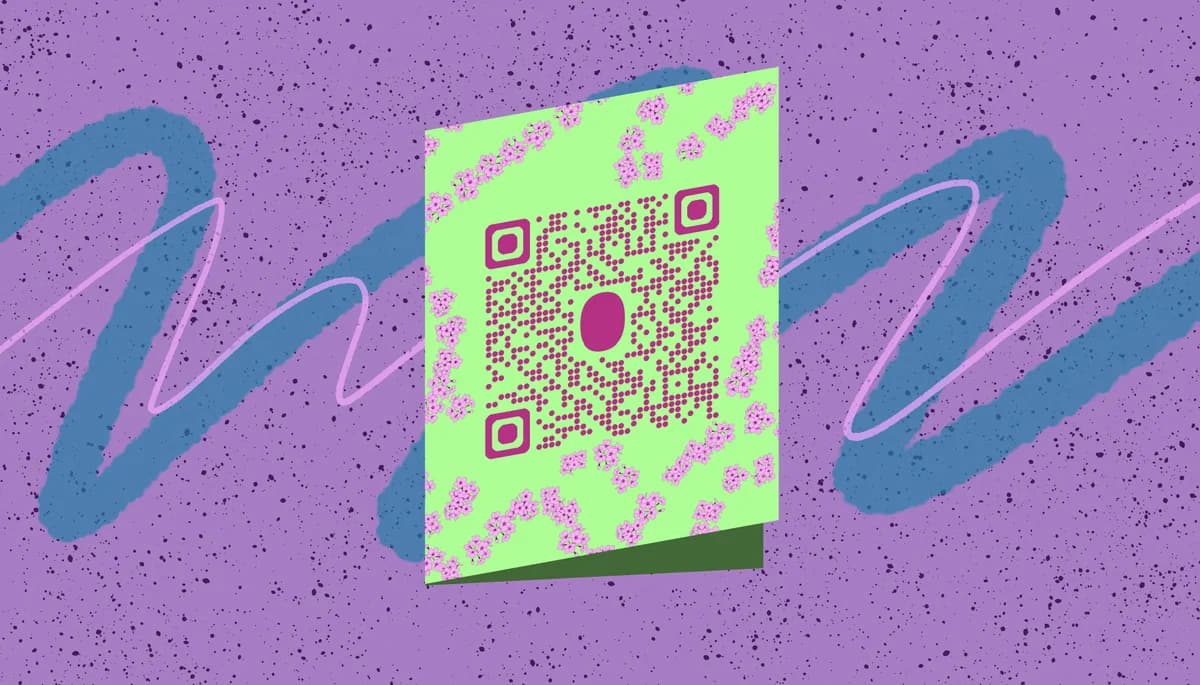
A greeting card QR code links the recipient to any online content you choose - video messages, photo galleries, music playlists, or even interactive websites. When someone scans the code with their smartphone, they instantly access your personalized digital content while still holding your physical card.
From birthday surprises to wedding thank-you cards, QR codes add a modern twist to traditional greetings. In this guide I'll show you exactly how to create these interactive cards and share ideas that will make your next card unforgettable. You can use QR Code Developer to generate codes for any type of digital content you want to share. So let's dive right in!
Creative ways to personalize cards with QR codes
QR codes solve the biggest limitation of traditional greeting cards - space. Instead of cramming everything onto paper, you can create rich digital experiences. Here are the most popular ways people use QR codes to enhance their greeting cards, similar to how wedding invitations use QR codes for additional information.
Video birthday messages
Record a personal video message and link it through a QR code. Perfect for long-distance relationships or when you want to include the whole family in the greeting.
Wedding photo galleries
Share your entire wedding album or engagement photos with thank-you cards. Guests can relive the special moments by scanning the code, similar to how QR codes for wedding photos work.
Holiday memory collections
Create Christmas cards that link to a year's worth of family photos, vacation videos, or milestone moments. Much more personal than a single printed photo, and you can even turn your PDF photo album into a QR code for easy sharing.
Business appreciation cards
Companies use QR codes in thank-you cards to link to special offers, behind-the-scenes content, or personalized video messages from the team.
Adding QR codes to your greeting cards
Creating QR codes for greeting cards takes just a few minutes, and you can add them to both handmade and printed cards.
Upload your content online
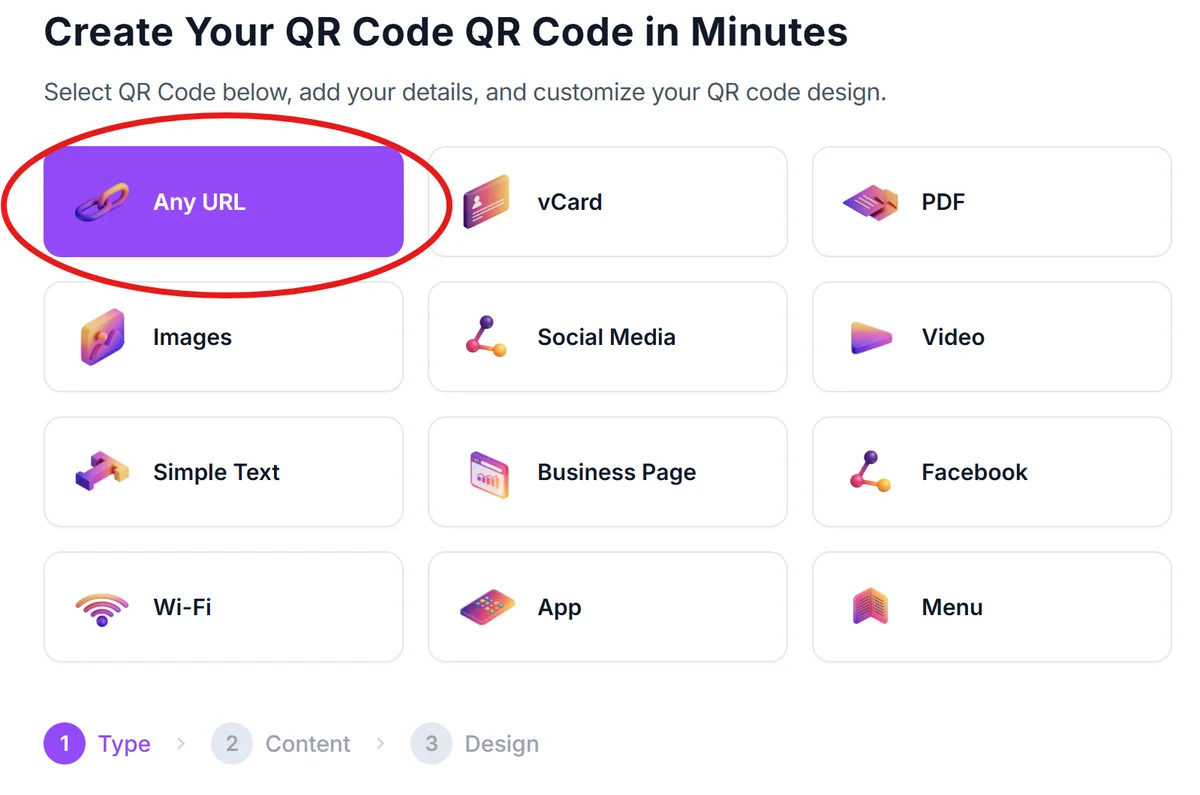
First, upload your video, photos, or content to a platform like YouTube, Google Photos, or your website. Copy the shareable link - this is what your QR code will connect to.
Generate your QR code
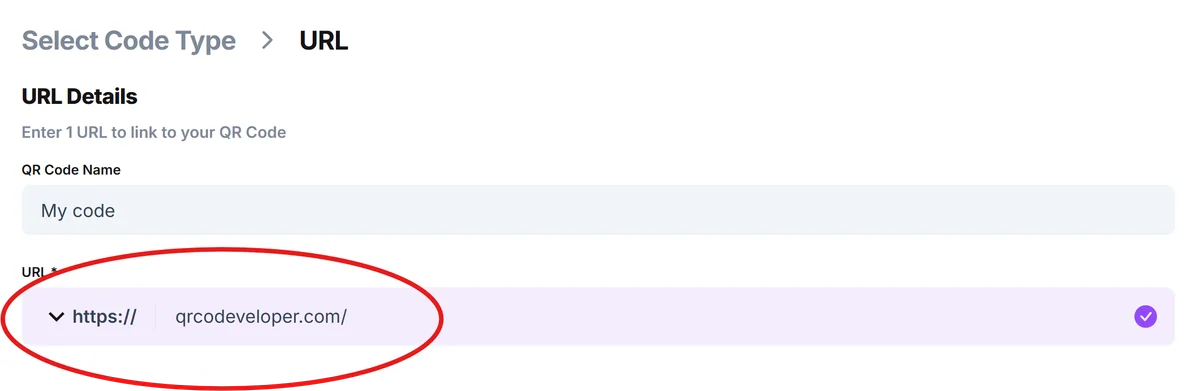
Visit qrcodeveloper.com and paste your content link. The generator creates a QR code that will direct scanners to your digital content.
Customize the design
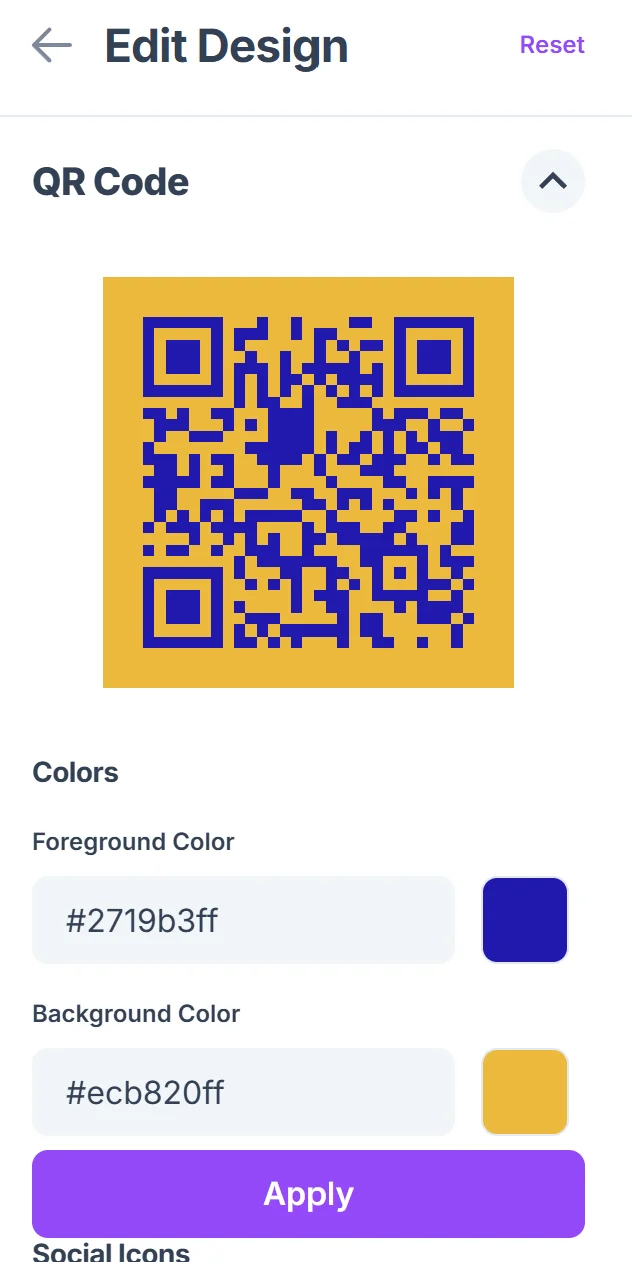
Click on the pencil icon in the Preview window to further customize your code. Match your QR code to your card's design by adjusting colors, adding your logo, or choosing a style that complements your greeting card's theme. Learn more about effective QR code design tips to make your codes both functional and attractive.

Download and print
Download your QR code as a high-resolution image. Print it as a sticker, include it in your card design, or have it professionally printed with your cards.
Add instructions for recipients
Include a brief note like 'Scan for a special message!' so recipients know to use their phone's camera or QR scanner app to access your content.
Best practices for greeting card QR codes
A few simple guidelines ensure your QR code greeting cards work perfectly and create the best experience for recipients.
Test your QR code before printing by scanning it with different phones to make sure it works properly and leads to the right content
Keep your digital content accessible long-term - avoid using temporary links or platforms that might delete your content after a few months
Size your QR code appropriately for the card - it should be at least 1 inch square for reliable scanning, but not so large it overwhelms your design
Include a backup option like a short URL written on the card in case someone has trouble scanning the QR code
Frequently Asked Questions
What types of content work best for greeting card QR codes?
Video messages, photo galleries, and music playlists are the most popular choices. YouTube videos, Google Photos albums, and Spotify playlists all work perfectly with QR codes.
Do recipients need a special app to scan greeting card QR codes?
Most modern smartphones can scan QR codes directly with the built-in camera app. Recipients just point their camera at the code and tap the notification that appears.
Can I change what my QR code links to after printing the cards?
Only if you use a dynamic QR code service. Static QR codes are permanent and cannot be changed after creation, so make sure your content link is final before printing.
How long will my greeting card QR code continue working?
The QR code itself works forever, but the content it links to needs to stay online. Use reliable platforms like YouTube or Google Photos for long-term accessibility.
Are QR code greeting cards expensive to create?
Creating QR codes is free with most generators. The only costs are printing (same as regular cards) and hosting your content, which is usually free on platforms like YouTube or Google Photos.
Related Guides
Ready to create your QR code?
Generate custom QR codes in seconds - free and easy to use.
Create Free QR Code →