GoToMeeting QR Code generator for instant meeting access

Transform your GoToMeeting invitations into scannable codes that eliminate typing errors and get participants connected instantly.
How GoToMeeting QR codes simplify meeting access
Have you ever watched participants struggle to manually type a long GoToMeeting URL or meeting ID during those crucial first minutes of a presentation? The fumbling with keyboards, the inevitable typos, the frustrated faces as people try to join while you're already starting your content - it's a scenario that plays out in conference rooms and virtual meetings everywhere. Luckily, a simple QR code can solve much of these issues.
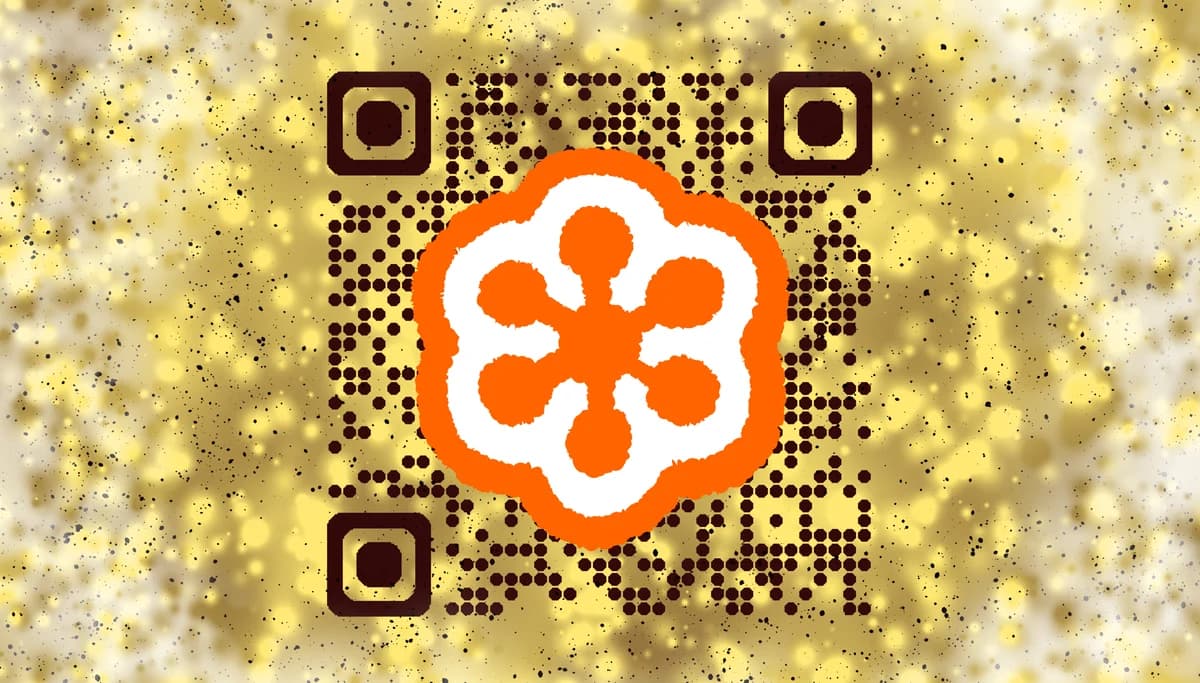
A GoToMeeting QR code eliminates can simplify the process by encoding your meeting invitation link into a scannable code. Participants simply point their smartphone camera at the code and tap to join instantly. No more dictating meeting IDs, no more sending links through multiple channels, and no more delayed starts while everyone figures out how to connect.
In this guide I will go over everything you need to know about creating effective GoToMeeting QR codes. I'll also go over practical applications across different business scenarios and show you how to generate codes using QR Code Developer that work reliably every time. So let's get started!
Smart ways to use GoToMeeting QR codes
GoToMeeting QR codes solve real connection challenges across various professional settings. From boardroom presentations to client consultations, these codes eliminate the technical barriers that can derail important conversations. Learn more about different applications in our event QR codes guide.
Conference room presentations
Display QR codes on screens or printed materials so attendees can join from their personal devices, ensuring everyone has access to screen sharing and interactive features.
Client consultation invitations
Include QR codes in email signatures or business cards, allowing clients to quickly access scheduled meetings without hunting through email threads.
Training session coordination
Print QR codes on training materials or workbooks, giving participants immediate access to supplementary online sessions or breakout rooms. Consider adding them to flyers for training events as well.
Hybrid meeting management
Place QR codes at physical meeting locations so remote participants can easily join the same session, bridging the gap between in-person and virtual attendees.
Building your GoToMeeting QR code
Creating a GoToMeeting QR code takes just a few minutes and ensures your meeting links are always accessible.
Open your QR code generator
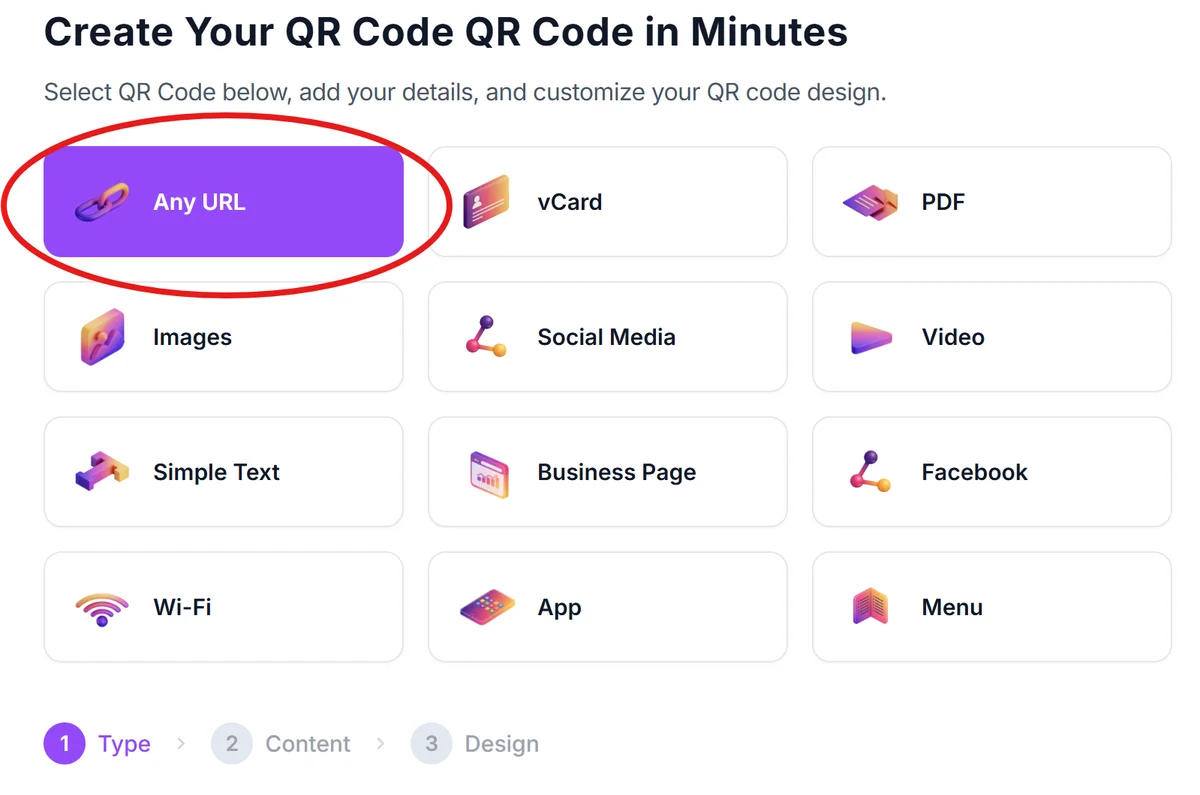
Navigate to qrcodeveloper.com and select the URL option from the QR code type menu.
Copy your GoToMeeting link
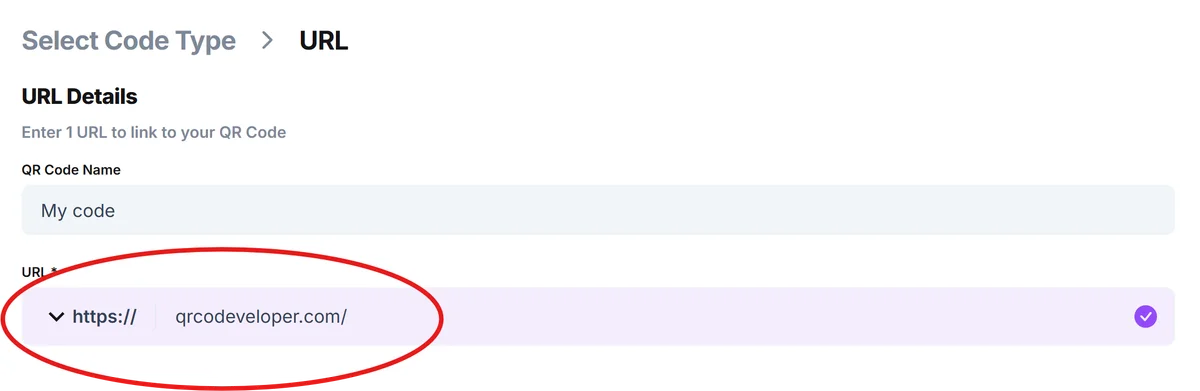
From your GoToMeeting dashboard or email invitation, copy the complete meeting URL. This typically includes the meeting room number and access parameters.
Customize for professional use
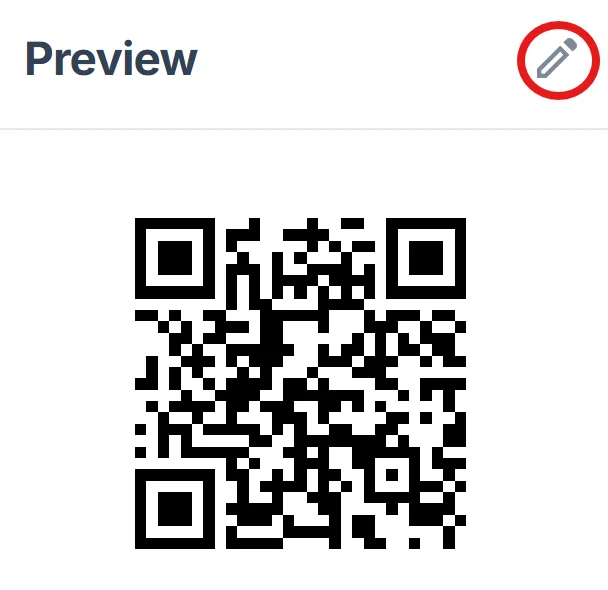
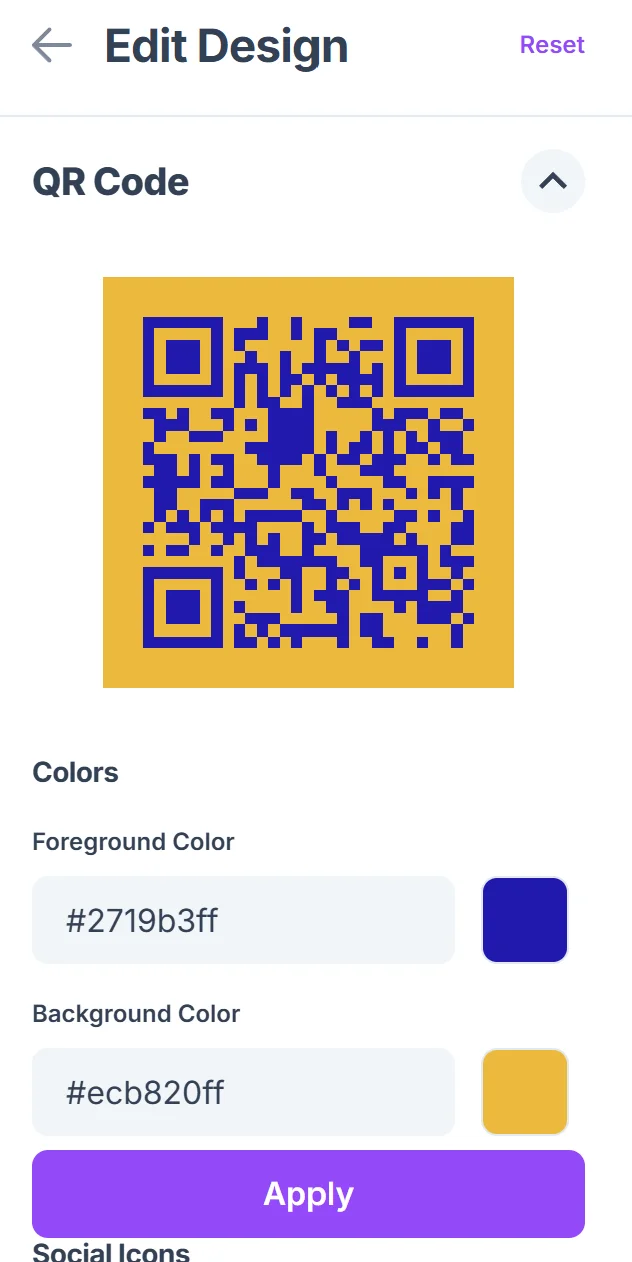
Click on the pencil icon in the Preview window to further customize your code. Add your company colors or logo to match your brand identity. Choose high contrast colors to ensure reliable scanning in various lighting conditions. For more guidance, check our QR code design tips.
Test across devices
Scan your QR code with different smartphones and tablets to verify it opens GoToMeeting correctly on various platforms and browsers.
Distribute strategically
Save your QR code in multiple formats - high resolution for printing, standard size for digital sharing, and vector format for scaling across different materials.
Best practices for meeting QR codes
Effective GoToMeeting QR codes require thoughtful planning beyond just generating the code itself.
Test your meeting link before creating the QR code - expired or incorrect URLs lead to frustrated participants and meeting delays
Size your codes appropriately for the viewing distance: business card codes should be at least 1 inch square, while presentation slides need 2-3 inches for reliable scanning from audience seating. You might also consider creating QR code stickers for temporary meeting room signage.
Include clear instructions like 'Scan to Join Meeting' or 'Point Camera Here to Connect' - people need to know exactly what happens when they scan
Consider backup options by including both QR codes and traditional meeting IDs, especially for participants who might not be comfortable with smartphone scanning
Frequently Asked Questions
Do GoToMeeting QR codes work with all smartphone cameras?
Yes, modern smartphones automatically detect QR codes through their built-in camera apps. iPhones (iOS 11+) and Android devices (Android 8+) can scan QR codes without additional apps.
Can I create QR codes for recurring GoToMeeting sessions?
Absolutely. Use your recurring meeting room URL when generating the QR code, and participants can use the same code to join future sessions in that room.
What happens if someone scans the QR code before the meeting starts?
They'll be directed to a GoToMeeting waiting room or receive a message that the meeting hasn't started yet, depending on your meeting settings.
Should I create new QR codes for each meeting?
For one-time meetings, yes. For recurring meetings with the same participants, you can reuse the same QR code if you're using a persistent meeting room.
Are there any costs associated with creating GoToMeeting QR codes?
QR code generation is free with basic customization options. You only pay for your existing GoToMeeting subscription - the QR codes don't add any additional charges.
Related Guides
Ready to create your QR code?
Generate custom QR codes in seconds - free and easy to use.
Create Free QR Code →