Error Correction: How Much of My Code can be Damaged or Altered?

Edited by Spencer Pines
Updated August 21, 2026·5 min read
Introduction
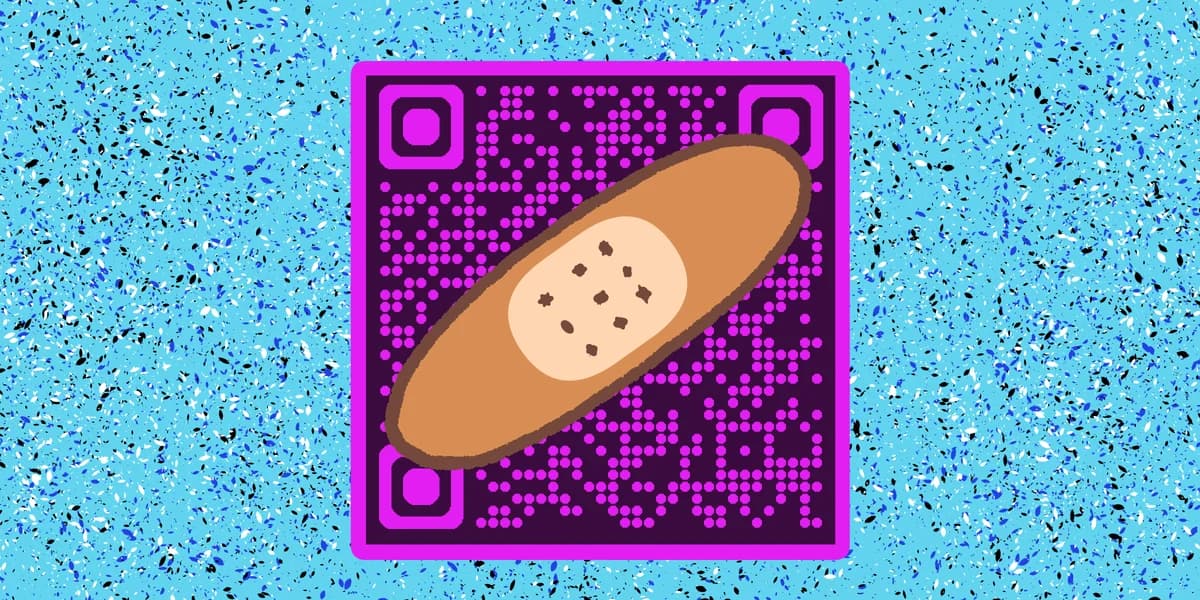
Did you know that a QR code can have significant damage to it and still be readable? Or that you can add logos and other forms of imagery to your code? It’s true!
Much more technology is baked into these little squares than you might think, and the same complex algorithms that keep your Blu-Rays and DVDS working does the same for QR codes.
In this piece I will go over how this works as well as answer some frequently asked questions about QR codes and their error correcting capabilities. So let’s dive right in!
Loading QR code widget
What is a QR code?
A QR code is a type of encoded image containing data that can be scanned by a smart device, like a phone or a tablet. Scanning allows you to access a variety of online and digital content, like websites, social media pages, and WiFi logins, all from the convenience of your own devices.
QR codes are easy to make through a generator like QR Code Developer, can be customized to fit your personal needs, and be attached to just about anything that can display a 2D image. They can be found on flyers, stickers, posters, and even in digital media like commercials and TV shows.
Error Correction Levels
QR codes can also be made with four levels of error correction capability, these being levels L, M, Q, and H.
Level L is the most basic and found on digital displays, like in banner advertisements or Youtube videos.
Level M can be found on paper printed materials, like business cards and flyers. This level allows a small amount of dirt to smudge up a code while still maintaining functionality.
Level Q is used on studier printed materials, like signs, and can be found in more heavy duty environments, like factories or warehouses.
Level H can also be used in factories and warehouses, but also allow for more visual embellishments to be made to the code, like unique shapes or logos.
Each level has their own benefits, but higher level codes can take longer to make and eat up more data. Level M is the most commonly used and the one you’ll find the most in day-to-day life.
You may be able to identify the level of each code based on how many monochrome pixels it has, though the visual difference is very subtle.
Reed Solomon error correction
As stated above, QR codes can actually remain scannable with a fair amount of damage to the visual code itself. This works through something called the Reed-Solomon Code Correction. Put very simply, this is a complex algorithm that allows for certain data to be recovered despite damage being done.
The Reed Solomon algorithm typically allows around 50%, or half, of the code to be damaged or unreadable, but still be recognized by the scanner. The same technology is used on CDs and other forms of physical media to do the same thing.
This technology can also be used to allow artistic embellishments to codes, letting them stand out among the typical monochrome squares.
Frequently Asked Questions
Q: Does a higher error correction make a QR code harder to scan?
A: No. Codes made at a higher level will scan just as quickly as ones made at lower levels.
Q: Which error correction level should I use for a logo in the center?
A: Level H would be best for something with a logo in the center, as it allows for the most of a code to be damaged or altered while not affecting scanability.
Q: Do I need to hire someone to make my QR codes?
A: No. QR codes can be made by yourself for free through a service like QR Code Developer.
Q: Do I need to download anything to scan QR codes?
A: While QR scanner apps are available for mobile devices, they are not necessary. Most modern smart devices are perfectly capable of scanning codes right from the built-in camera app.
Q: What devices can scan QR codes?
A: Most modern smart devices with both a built-in camera and an internet connection can scan QR codes and access the content within. This includes smart phones, tablets, and even some handheld gaming consoles.
Q: Are QR codes safe?
A: While there are some risks in using QR codes, they are relatively safe.
Ready to create your QR code?
Generate custom QR codes in seconds - free and easy to use.
Create Free QR Code →Sign up for a FREE account to download, customize, and track your QR code