QR codes for Bracelets Connect wearable devices

Bridge physical wearables with digital identity through scannable codes that instantly connect to profiles, emergency information, and health data.
Connecting wearable bracelets to digital profiles with QR codes
What if you could carry your entire digital identity on your wrist? As it turns out, you can! A simple QR code can turn an ordinary bracelet into a smart device that instantly share your information with anyone who scans them. These QR-enabled bracelets eliminate the need for business cards, contact exchanges, or lengthy introductions.
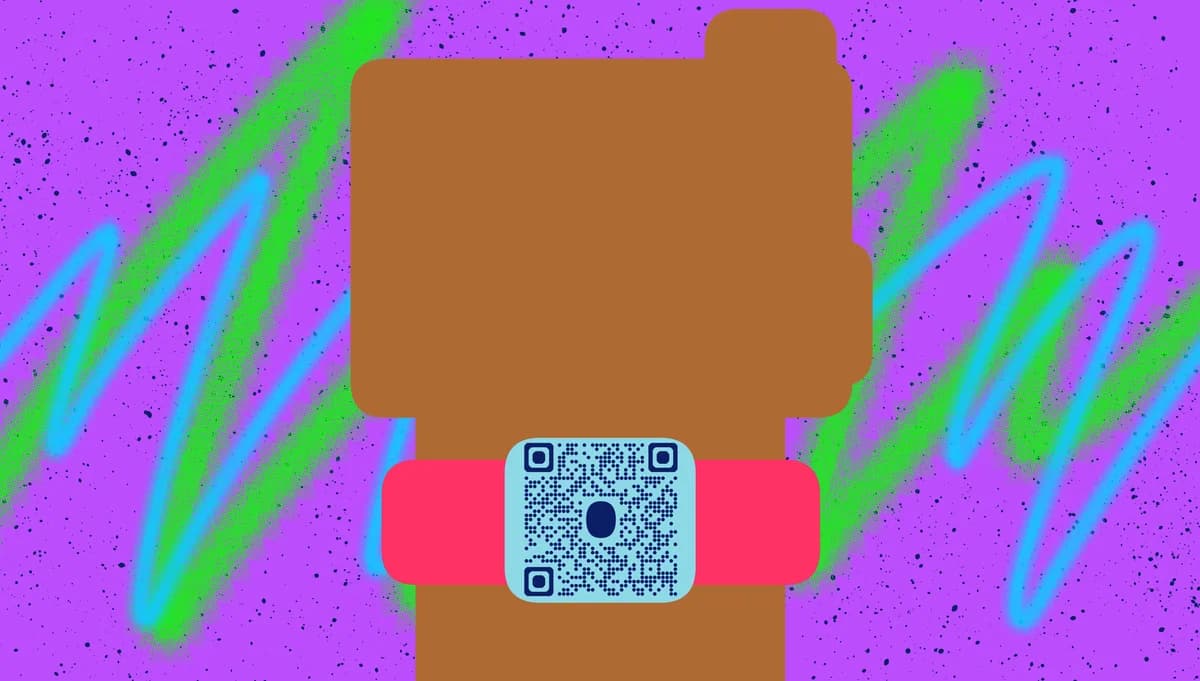
A bracelet code links your physical bracelet to a comprehensive digital profile containing contact information, social media links, professional details, emergency contacts, or health information. When someone scans the code on your bracelet, they instantly access whatever information you've chosen to share, creating seamless connections in both personal and professional settings. This technology works similarly to QR code business cards, but in a more convenient wearable format.
In This guide I will go over everything you need to know about creating and managing QR codes for your device. I'll also show you how QR Code Developer makes it simple to generate and customize these codes for maximum effectiveness. So let's get started!
Smart bracelet applications across different scenarios
Bracelet QR codes solve the problem of sharing information quickly in situations where traditional methods fall short. Whether you're networking at events, ensuring safety during activities, or managing health information, these wearable codes provide instant access to critical data. Learn more about creating comprehensive contact information QR codes for your bracelet.
Professional networking events
Share your LinkedIn profile, portfolio, and contact details instantly at conferences, trade shows, or business meetings without fumbling for business cards. This approach is particularly effective when combined with event QR codes for comprehensive networking solutions.
Fitness and sports activities
Provide emergency contact information and medical details for coaches, trainers, or first responders during athletic events or outdoor activities.
Medical identification bracelets
Store critical health information, allergies, medications, and emergency contacts for healthcare providers in urgent situations.
Children's safety bracelets
Help parents share contact information with schools, camp counselors, or other caregivers while keeping children's personal details secure.
Setting up QR codes for your Bracelets Connect device
Creating a QR code for your bracelet takes just a few minutes and requires deciding what information you want to share.
Access the QR code generator
Visit qrcodeveloper.com and select the URL or vCard option depending on whether you want to link to a profile page or share direct contact information.
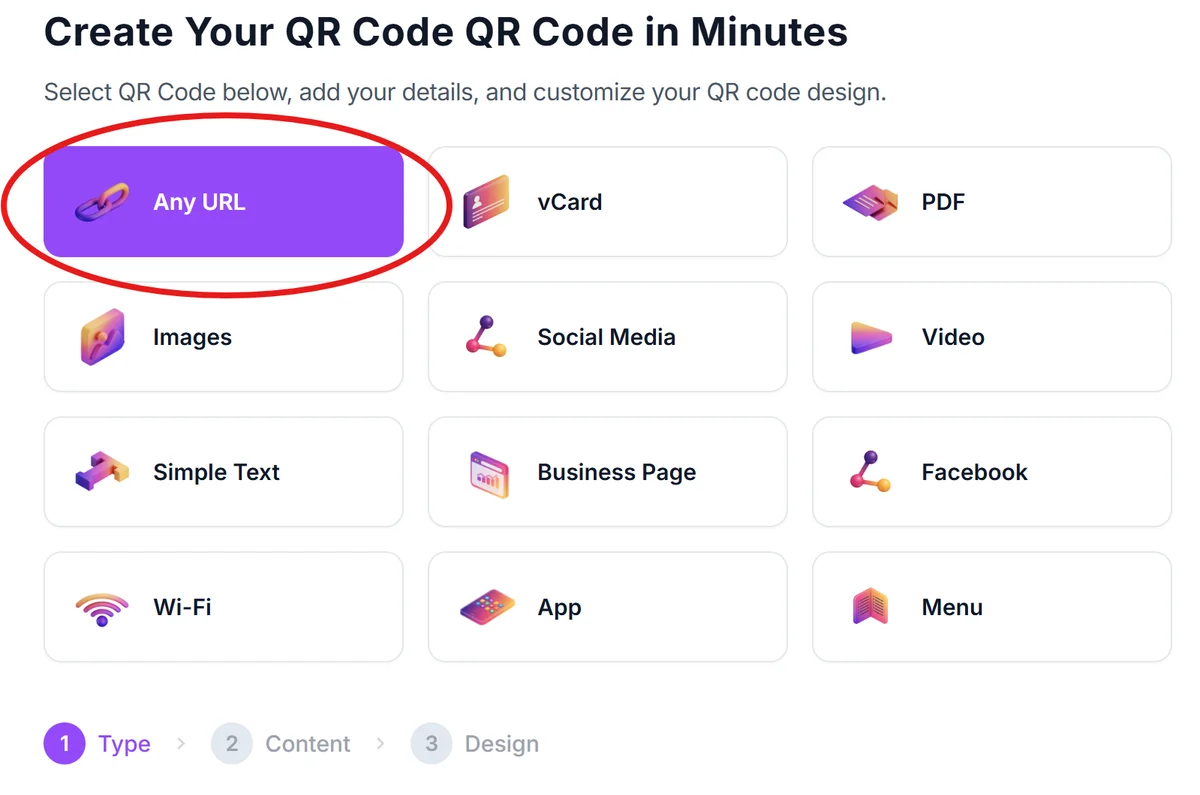
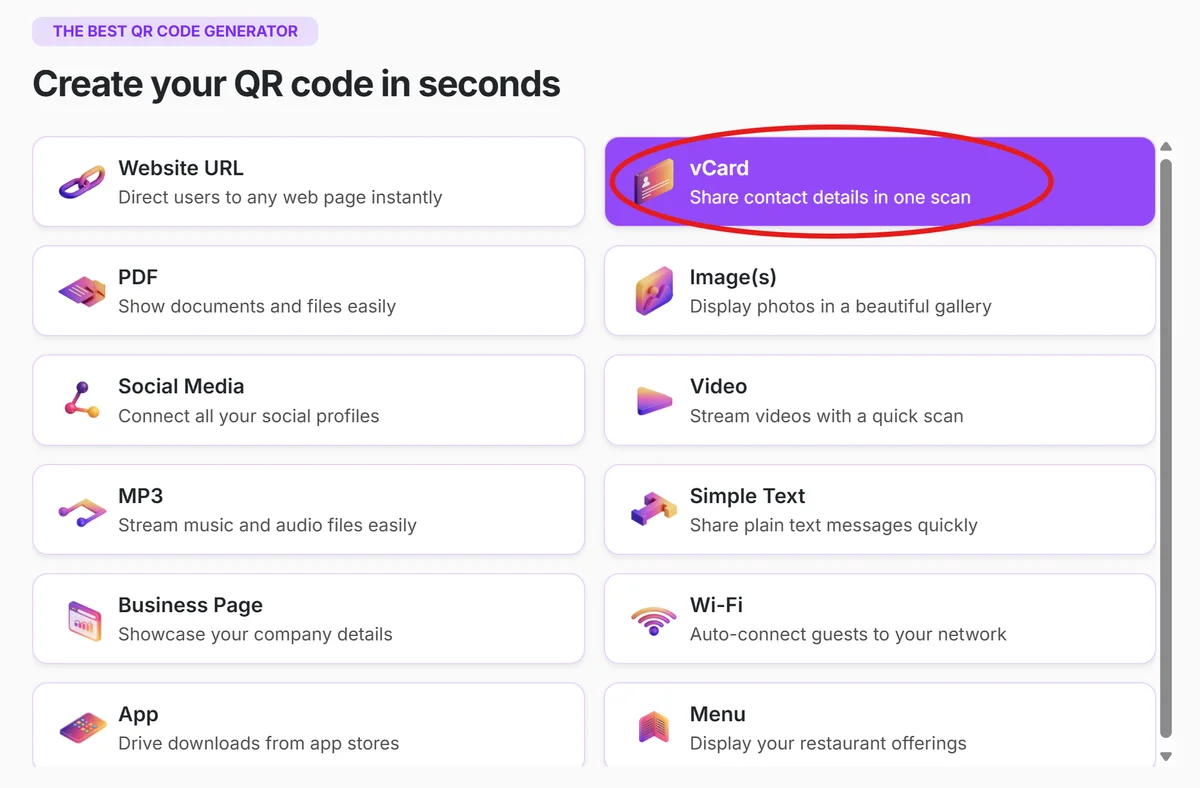
Prepare your bracelets profile
Set up your digital profile with the specific information you want to share - this could be your personal website, LinkedIn profile, emergency contact details, or a dedicated landing page designed specifically for your bracelet interactions. Then, paste the link into the URL bar.
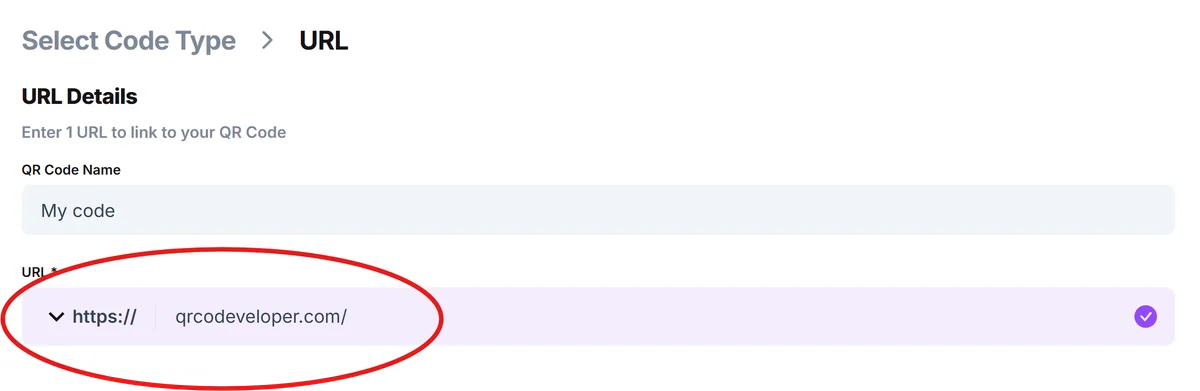
Customize for bracelet display
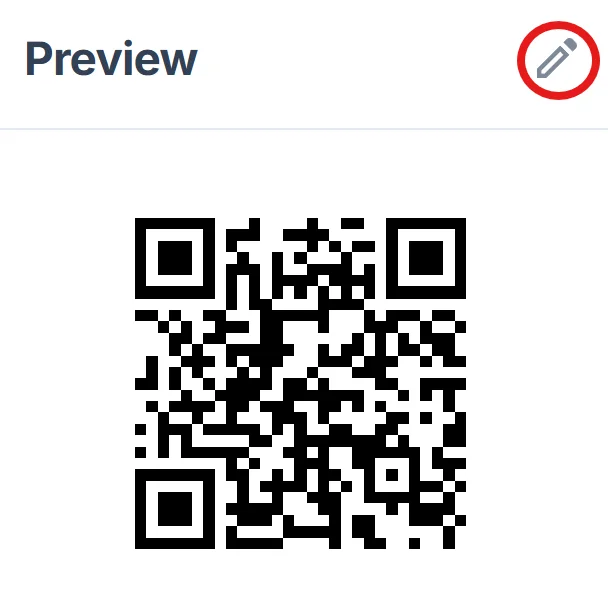
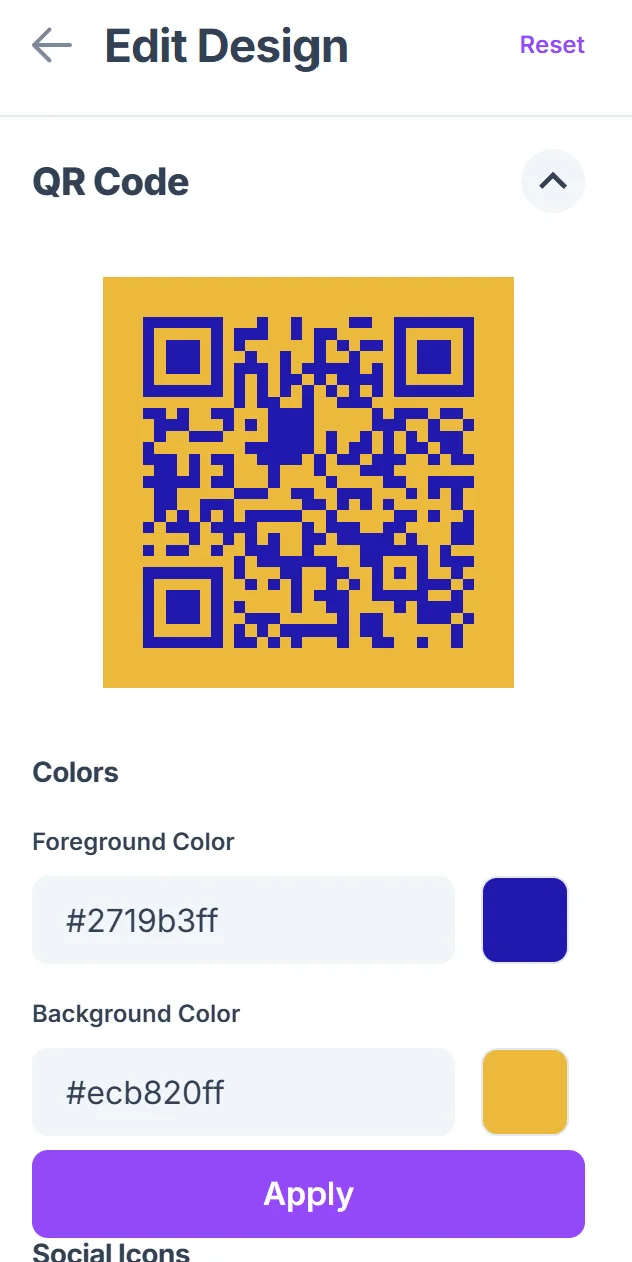
Click on the pencil icon in the Preview window to further customize your code. Choose high contrast colors and ensure the QR code will be readable on your bracelet's surface. Consider the bracelet material and size when selecting design elements, following proven QR code design tips for optimal scanning performance.
Test scanning functionality
Print a test version and scan it from various angles and distances to ensure it works reliably before applying it to your actual bracelet.
Apply protective coating
Use a waterproof, scratch-resistant coating or lamination to protect the QR code from daily wear, sweat, and environmental damage on your bracelet.
Best practices for wearable QR code implementation
Successful Bracelets Connect QR codes require careful consideration of both technical and practical factors to ensure reliable scanning and user privacy.
Size the QR code appropriately for your bracelet - too small and it won't scan reliably, too large and it becomes unwieldy for daily wear
Use dynamic QR codes so you can update your shared information without needing to replace the physical code on your bracelet
Consider privacy levels carefully - create different profiles for different contexts (professional vs personal) and use separate bracelets if needed
Test durability with your specific bracelet material and daily activities to ensure the code remains scannable over time
Frequently Asked Questions
Can I change the information linked to my Bracelets Connect QR code?
Yes, if you use a dynamic QR code, you can update the linked information anytime without changing the physical code on your bracelet.
How durable are QR codes on bracelets during daily activities?
With proper protection like waterproof coating or lamination, QR codes can withstand daily wear, exercise, and normal exposure to water and sweat.
What's the minimum size for a scannable QR code on a bracelet?
Generally, QR codes should be at least 0.4 inches (1 cm) square for reliable scanning, though this depends on your bracelet width and the amount of information encoded.
Can I use different QR codes for different situations?
Absolutely. Many users have multiple bracelets with different QR codes - one for professional networking, another for fitness activities, and another for medical information.
Is it free to create QR codes for my Bracelets Connect device?
Yes, you can create basic QR codes for free. Premium features like analytics, custom designs, and dynamic updating may require a subscription depending on your needs.
Related Guides
Ready to create your QR code?
Generate custom QR codes in seconds - free and easy to use.
Create Free QR Code →