QR code generator for billboards and outdoor advertising

Transform static billboard advertising into interactive experiences that connect outdoor viewers directly to your digital content and campaigns.
Bridging outdoor advertising with digital engagement
Have you ever seen a billboard and wished you could instantly access more information about the product or service being advertised? Well, if there's a QR code on the sign, you can! QR codes on billboardscan allow viewers to connect directly with your brand using their smartphones. This transforms static outdoor advertising into an interactive experience that drives immediate engagement and measurable results, similar to how QR codes enhance flyers but on a much larger scale.
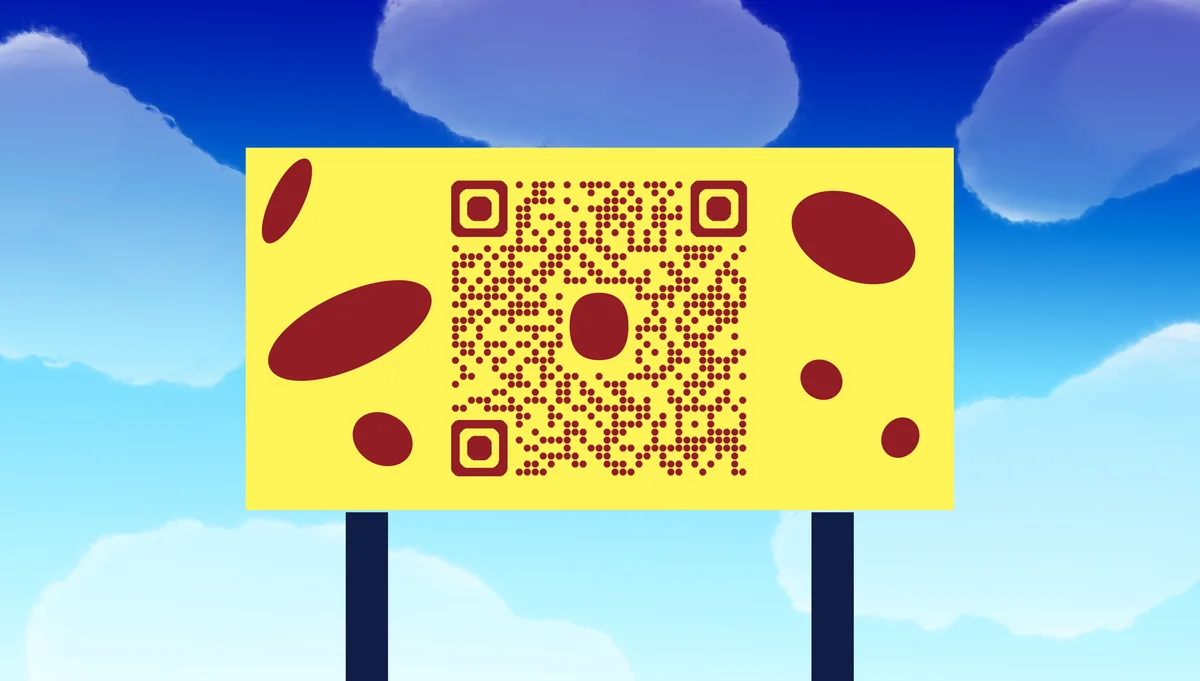
A billboard QR code transforms your static outdoor advertisement into an interactive gateway. When drivers, pedestrians, or transit users scan your code, they instantly access your website, special offers, app downloads, or exclusive content - turning a brief outdoor impression into meaningful digital engagement.
The key to successful billboard QR codes lies in understanding the unique viewing conditions of outdoor advertising. Unlike QR codes on business cards or flyers, billboard codes must be scannable from distances of 20-100 feet while accounting for vehicle speeds and lighting conditions. I'll walk you through creating QR codes specifically designed for outdoor advertising success, including insights from QR code design principles that work at scale.
Billboard QR code applications across industries
Billboard QR codes work best when they offer immediate value that justifies stopping to scan. The most successful campaigns provide exclusive content, instant savings, or convenient access that viewers can't get elsewhere. Consider how QR codes for landing pages can create targeted experiences for different billboard locations.
Real estate property showcases
Direct potential buyers to virtual tours, floor plans, and listing details without requiring them to remember complex URLs or search online.
Restaurant menu previews and ordering
Allow hungry drivers to browse menus, check daily specials, or place orders for pickup before they arrive at your location. This works similarly to restaurant menu QR codes but reaches customers before they even enter your establishment.
Event ticket sales and information
Connect concert-goers, festival attendees, or sports fans directly to ticket purchasing pages with exclusive billboard-viewer discounts. For comprehensive event promotion, consider how event QR codes can enhance your entire marketing campaign.
Retail store promotions and coupons
Offer time-sensitive discounts or new product previews that create urgency and drive immediate store visits or online purchases.
Creating billboard-ready QR codes
Billboard QR codes require specific considerations for size, contrast, and content that differ from standard QR code creation.
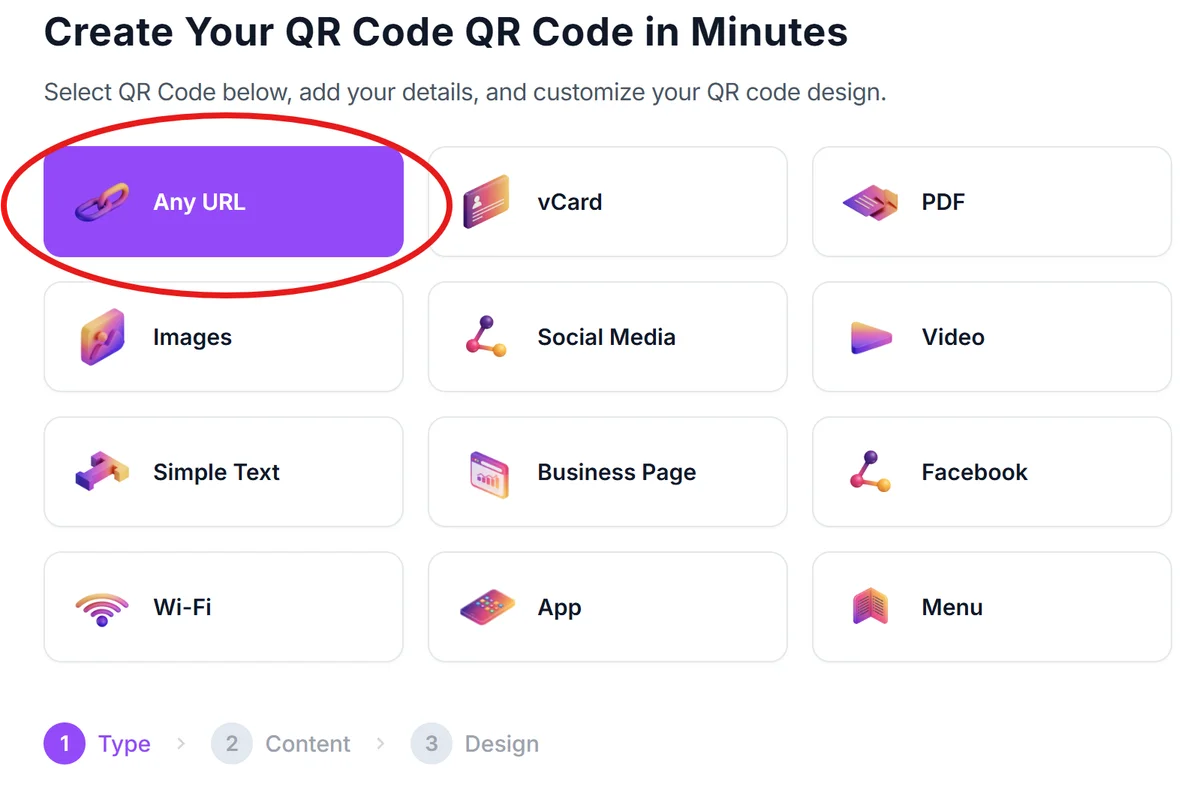
Start with your billboard generator
Visit qrcodeveloper.com and select the URL option for most billboard campaigns, as you'll typically want to direct viewers to a specific landing page.
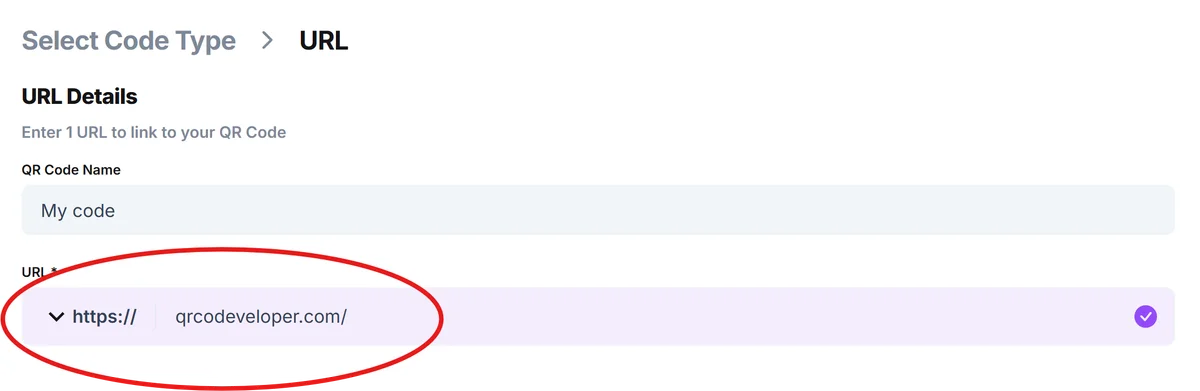
Enter your destination URL
Input the specific webpage, promotion, or mobile-friendly landing page you want billboard viewers to reach. Ensure this page loads quickly on mobile devices.
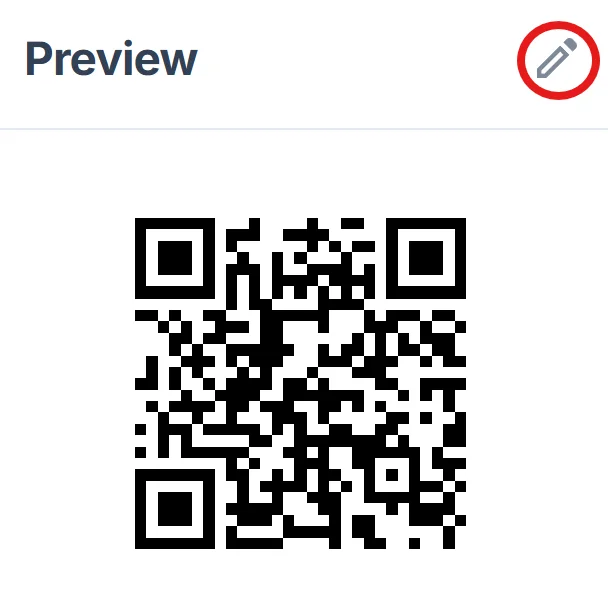
Configure for outdoor visibility
Click on the pencil icon in the Preview window to further customize your code. Choose high contrast colors - black codes on white backgrounds work best for billboards. Avoid gradients, complex logos, or light colors that reduce scannability from distance. For more detailed guidance, review our QR code design tips for optimal visibility.
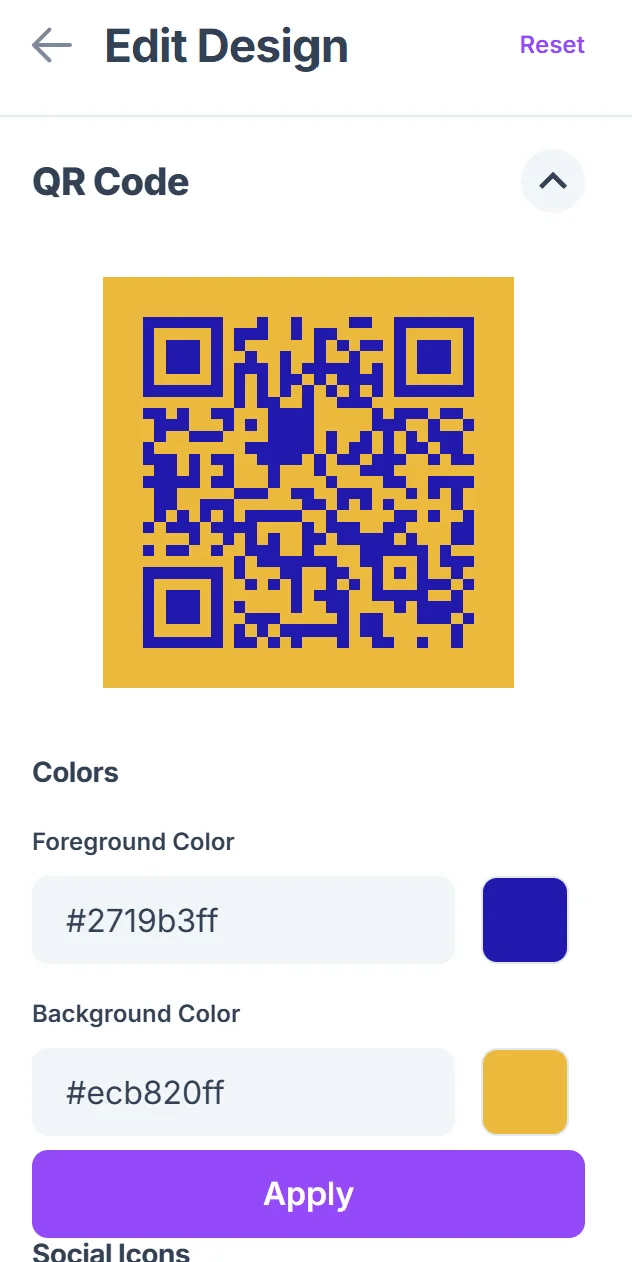
Size for billboard dimensions
Download your QR code at the highest resolution available. For billboards, your QR code should be at least 3 feet square for highway visibility, or 18 inches minimum for pedestrian areas.
Test at target distances
Print a scaled version and test scanning from the actual distances your audience will view the billboard. This ensures your code works in real-world conditions before printing.
Billboard QR code design and placement strategies
Successful billboard QR codes follow specific design principles that account for viewing distance, scanning angles, and the brief attention span of outdoor audiences.
Place QR codes in the bottom right corner of your billboard where they're easily visible but don't interfere with your main message or branding. Understanding how QR codes work helps you optimize placement for maximum scanning success.
Include clear instructions like "Scan for exclusive offer" or "Scan to learn more" with large, readable fonts that are visible from your target scanning distance
Keep your destination content mobile-optimized and fast-loading, as billboard scanners are typically on mobile data connections that may be slower than WiFi
Consider the scanning angle - codes placed too high on tall billboards become difficult to scan from ground level, while codes on low billboards work better for pedestrian traffic
Frequently Asked Questions
How large should a QR code be on a billboard?
For highway billboards viewed from 100+ feet, QR codes should be at least 3 feet square. For pedestrian areas or bus stops, 18-24 inches square is typically sufficient for comfortable scanning.
Do people actually scan QR codes on billboards?
Yes, especially when they offer clear value like exclusive discounts, event information, or convenient access to services. Success rates improve significantly with compelling call-to-action text and mobile-optimized destinations.
What colors work best for billboard QR codes?
High contrast combinations work best - black codes on white backgrounds provide maximum scannability. Avoid light colors, gradients, or low-contrast combinations that become difficult to scan from distance.
Can QR codes work on digital billboards?
Yes, but they need to display long enough for scanning (at least 8-10 seconds) and should appear during the static portions of rotating content rather than during transitions or animations.
Are billboard QR codes free to create?
Yes, you can create billboard QR codes for free using basic URL linking. The main costs come from billboard space rental and professional printing at the large sizes required for outdoor visibility.
Related Guides
Ready to create your QR code?
Generate custom QR codes in seconds - free and easy to use.
Create Free QR Code →