QR code generator for easy appointment booking

Bridge the gap between customer interest and scheduled appointments with instant access to your booking system through scannable codes.
How appointment booking QR codes connect customers to your calendar
Everyday, more and more appointment booking operations are being conducted online, as opposed to old fashioned pen and paper methods. Online reservation systems are expected to reach 360 million USD market value by 2024, according to QR Code Tiger. This highlights the growing importance of QR codes in today's digital landscape.
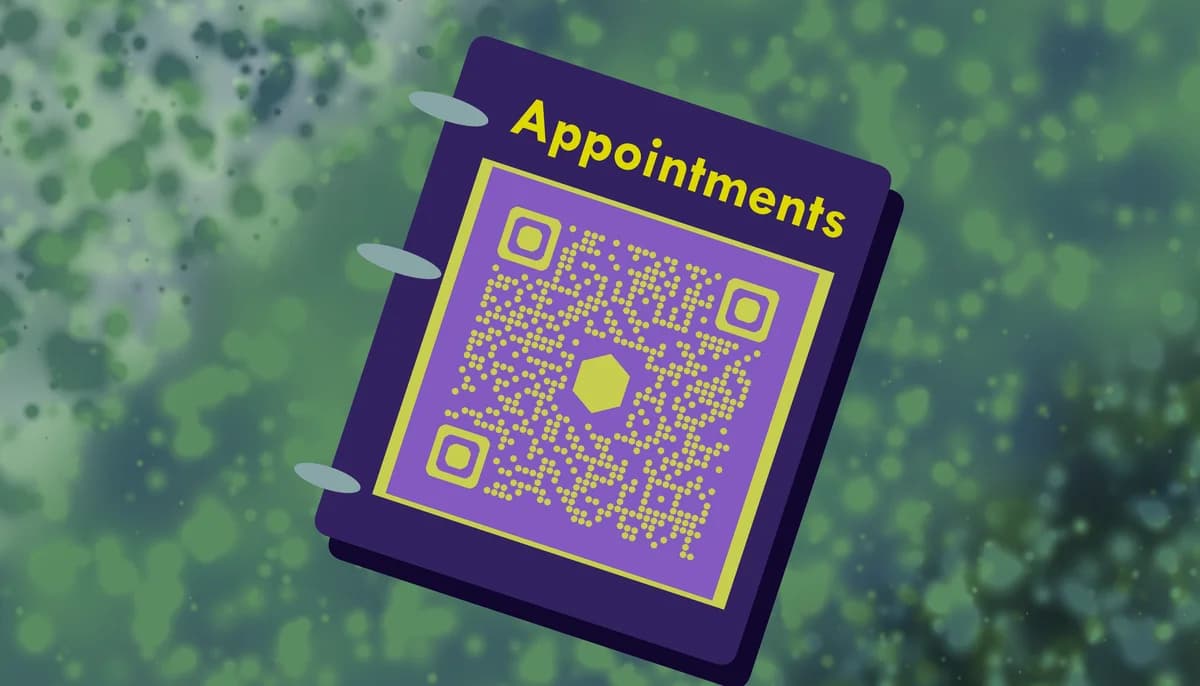
An appointment booking QR code can link directly to your scheduling system and make the whole process far easier. When customers scan the code with their phone's camera, they can instantly access your booking calendar without typing URLs, downloading apps, or remembering to follow up later. These codes work with any online booking platform you already use - from Calendly to Acuity to your custom scheduling system, similar to how contact information QR codes streamline sharing business details.
In this guide I'll walk you through creating booking QR codes that turn interest into scheduled appointments. I'll also go over placement strategies and see how different businesses use these codes to capture bookings at the exact moment customers are ready to schedule. For more advanced scheduling features, check out our guide on event QR codes. So let's get started!
Real-world applications for booking QR codes
Booking QR codes work wherever customers discover your services and feel ready to schedule. The key is placing them at decision-making moments when interest is highest. Here's how different businesses capture appointments with scannable booking access, similar to how restaurants use QR code menus for instant ordering.
Healthcare and wellness practices
Doctors, dentists, therapists, and wellness practitioners place booking QR codes on business cards, in waiting rooms, and on appointment reminder cards. Patients can immediately schedule follow-ups or refer family members.
Beauty and personal care services
Hair salons, nail studios, and spas add booking codes to service menus, mirrors, and checkout areas. Clients book their next appointment while the current service is fresh in their mind.
Professional services and consultations
Lawyers, accountants, coaches, and consultants include booking QR codes in email signatures, on flyers, and at networking events. Prospects schedule initial consultations without back-and-forth email coordination.
Home and repair services
Contractors, handymen, and service technicians leave booking codes on completed work invoices and business materials. Customers can easily schedule maintenance or refer neighbors for similar services.
Creating your appointment booking QR code
Setting up a booking QR code takes just a few minutes once you have your scheduling system URL ready. The process works with any online booking platform you currently use.
Get your booking system URL
Copy the direct link to your online booking calendar from your scheduling platform (Calendly, Acuity, Square Appointments, etc.). This should be the URL that takes customers directly to your available time slots.
Generate your QR code
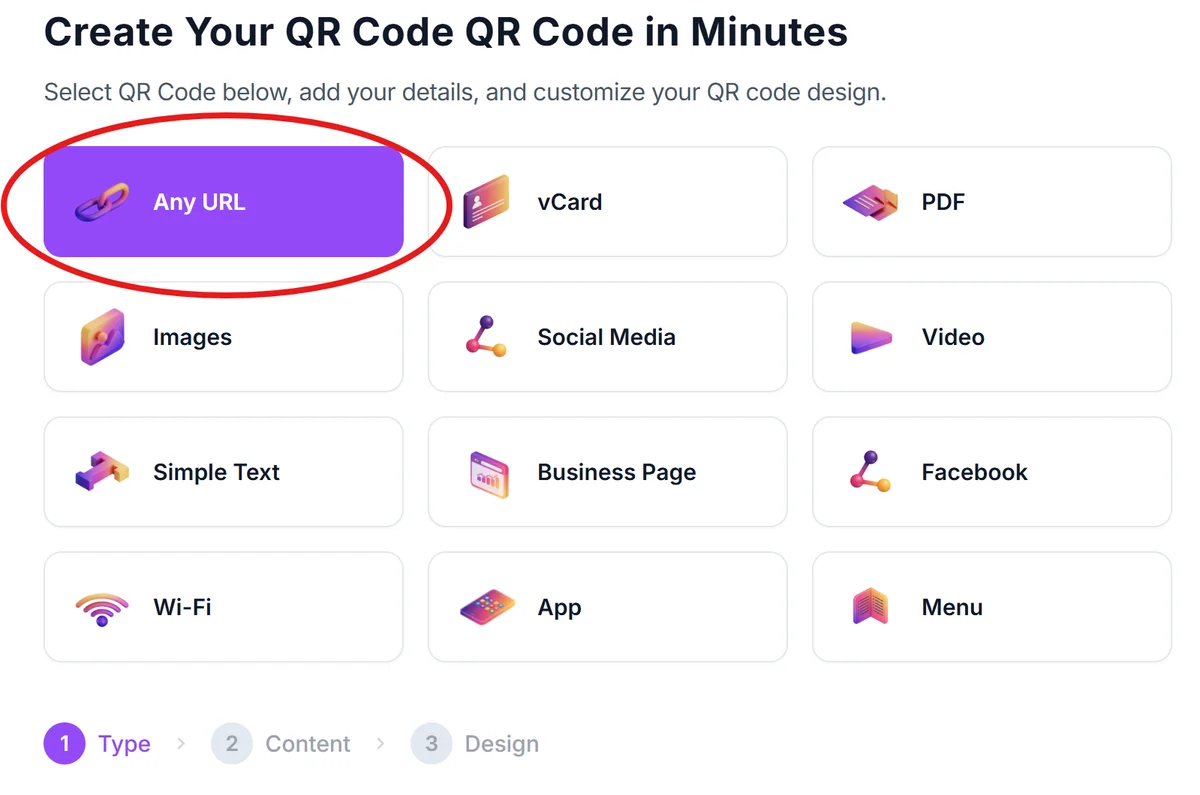
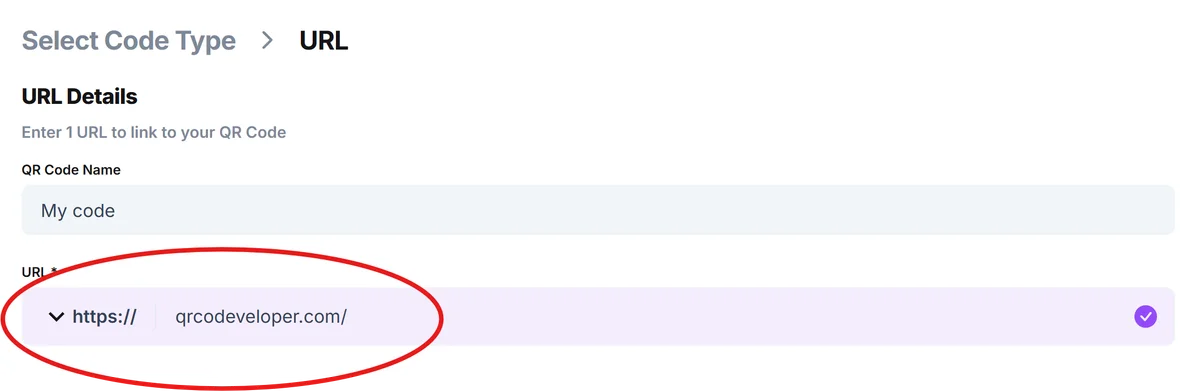
Visit qrcodeveloper.com and select the URL option. Paste your booking system link into the URL field to create your scannable booking code.
Customize for your brand
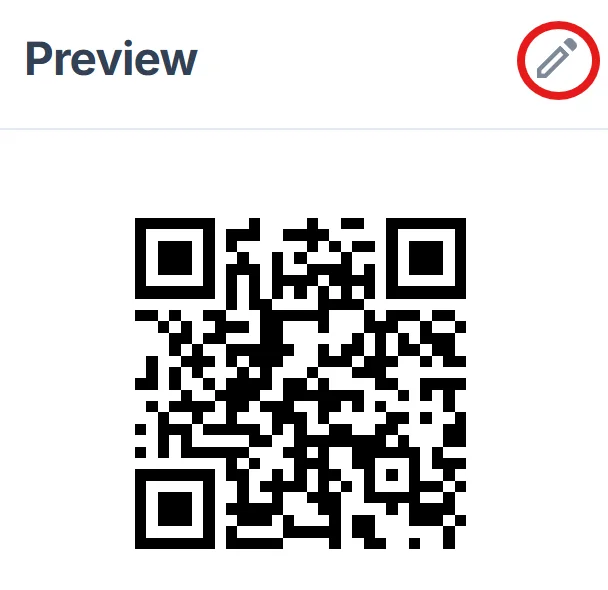
Choose colors that match your business branding and add your logo if desired. Keep the design clean and professional since this represents your booking process, following best practices outlined in our QR code design guide.
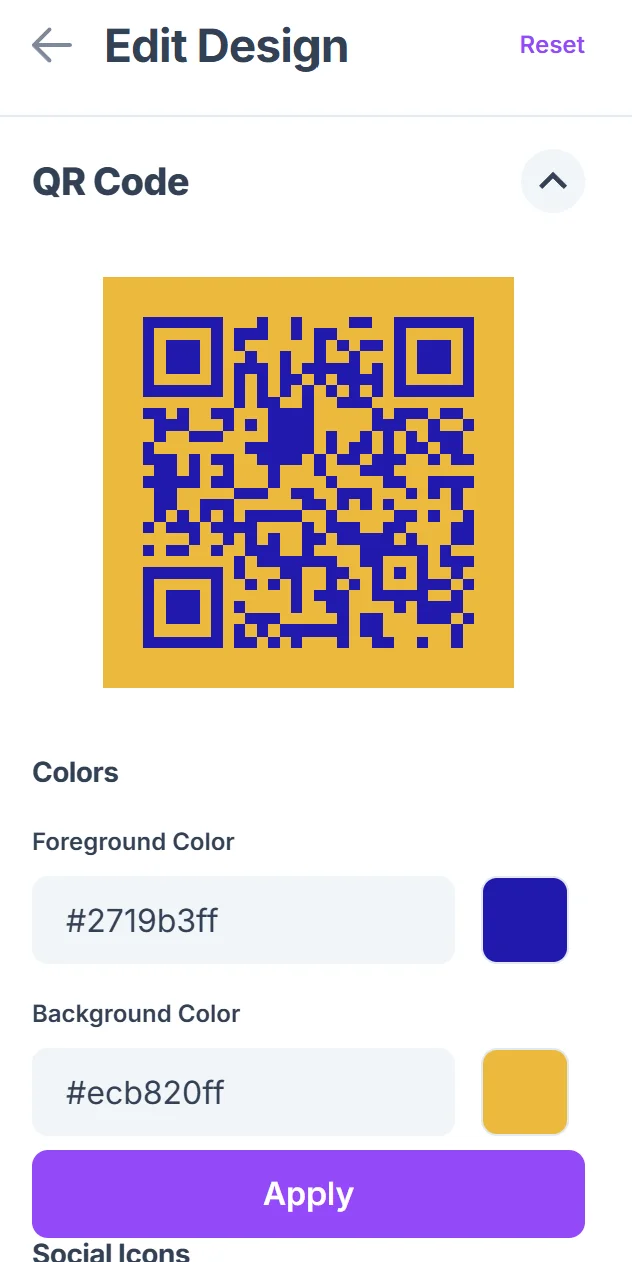
Test the booking flow
Scan your QR code with different devices to ensure it opens your booking system correctly and the scheduling process works smoothly on mobile phones.
Add clear instructions
Include text like "Scan to Schedule" or "Book Your Appointment" near the code so customers understand what happens when they scan it.
Best practices for booking QR code success
The right placement and presentation can significantly impact how many customers actually use your booking QR code to schedule appointments.
Place codes where customers are already thinking about scheduling - on service completion receipts, in waiting areas, or immediately after positive interactions with your business. Consider adding them to business cards for networking opportunities.
Make the QR code large enough to scan easily (at least 1 inch square) and ensure good contrast between the code and background for reliable scanning.
Include a brief description of what customers will find when they scan, such as "View available times and book online" to set proper expectations.
Test your booking flow regularly to catch any broken links or scheduling system changes that might prevent customers from completing their appointments.
Frequently Asked Questions
Do customers need to download an app to book appointments through QR codes?
No, customers can scan QR codes using their phone's built-in camera app. The code opens your existing online booking system in their web browser, so they use whatever scheduling platform you already have set up.
Can I use booking QR codes with any scheduling software?
Yes, as long as your scheduling system has a web-based booking page with a URL, you can create a QR code for it. This works with popular platforms like Calendly, Acuity Scheduling, Square Appointments, and custom booking systems.
How do I track how many people book through my QR code?
Most scheduling platforms provide analytics showing how customers found your booking page. You can also create unique booking URLs for different QR code locations to track which placements generate the most appointments.
What happens if I change my booking system or URL?
You'll need to generate a new QR code with your updated booking URL. This is why it's important to keep your scheduling system stable, or use a redirect service that lets you update the destination without changing the QR code.
Are booking QR codes free to create and use?
Yes, you can create basic booking QR codes for free. The QR code itself doesn't cost anything - you're just linking to your existing booking system. Any costs would come from your scheduling platform, not the QR code.
Related Guides
Ready to create your QR code?
Generate custom QR codes in seconds - free and easy to use.
Create Free QR Code →