Upwork QR code generator for freelancers and client connections

Bridge offline networking with your Upwork profile through scannable codes that instantly connect potential clients to your services.
How freelancers use QR codes to share Upwork profiles
Handing out business cards at networking events usually means hoping people would actually remember to visit your website later. Now freelancers can simply scan a QR code and instantly land on your Upwork profile, complete portfolio, or specific service offerings - no typing required.
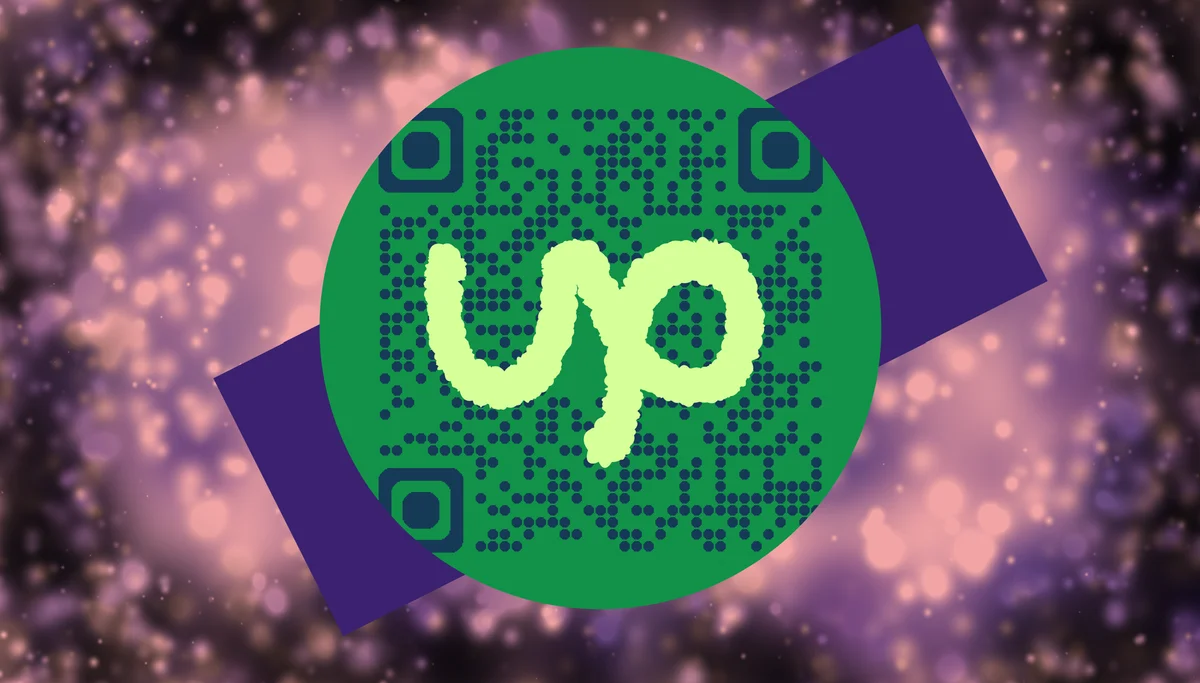
A QR code for Upwork connects your physical presence to your digital freelance business. Whether you're linking to your main profile, a specific portfolio piece, or a targeted service page, these codes eliminate the friction between meeting someone and them actually exploring your work.
Creating these connections is straightforward with QR Code Developer, and the applications extend far beyond simple profile sharing. You can also explore how other professionals use QR codes on business cards for similar networking advantages.
Smart ways to promote your Upwork services offline
The gap between offline networking and online freelance platforms creates missed opportunities. QR codes bridge this divide by making it effortless for potential clients to discover your work. Learn more about professional applications in our QR codes and resumes guide.
Business card integration
Add QR codes to business cards that link directly to your Upwork profile or a specific portfolio showcase, making it easy for networking contacts to see your work quality and client reviews.
Conference and meetup networking
Display QR codes on name tags, presentation slides, or booth materials at professional events, allowing attendees to quickly access your services without interrupting conversations.
Local business outreach
Include QR codes in printed proposals or leave-behind materials when meeting potential local clients, giving them instant access to your Upwork credibility and past project examples.
Portfolio presentation enhancement
Add QR codes to printed portfolio pieces or presentation materials that link to live project examples, client testimonials, or your full Upwork service catalog.
Building your Upwork QR code in minutes
The process takes just a few clicks and gives you multiple options for what to showcase from your Upwork presence.
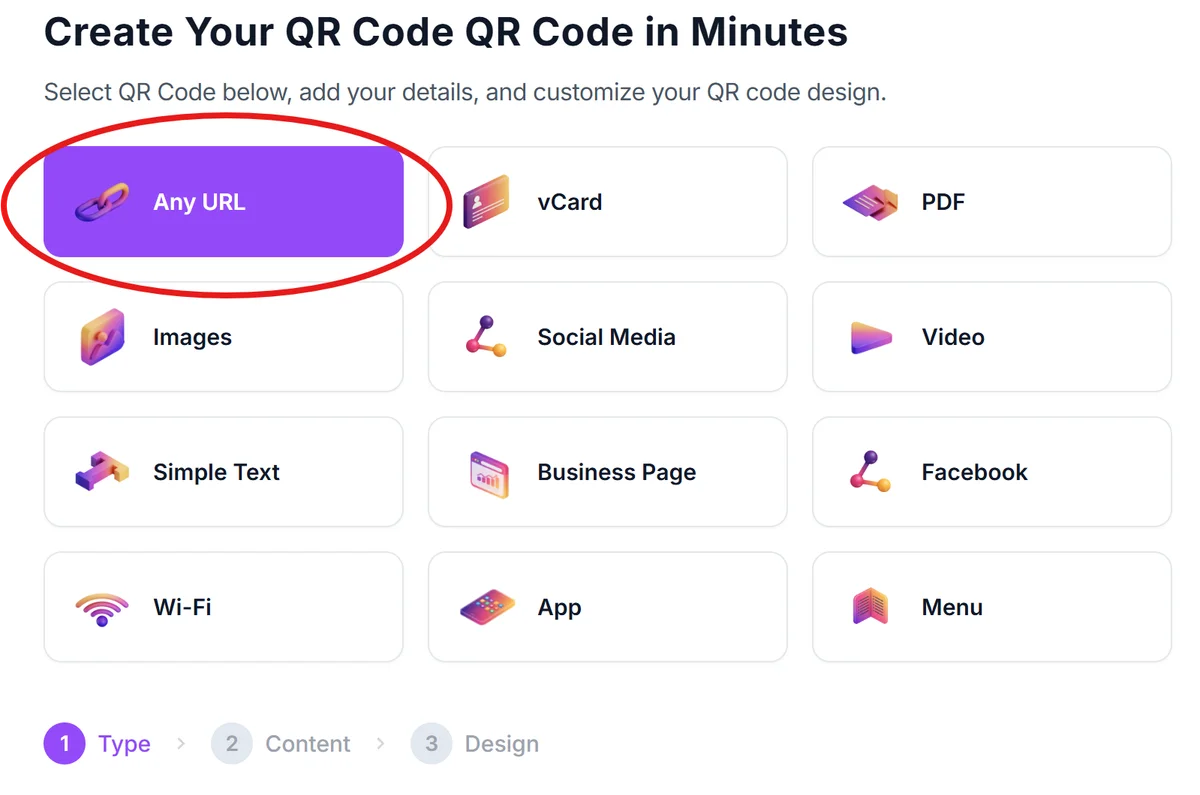
Navigate to the QR generator
Go to our free QR code generator and select the URL QR code option to link to any Upwork page or profile section.
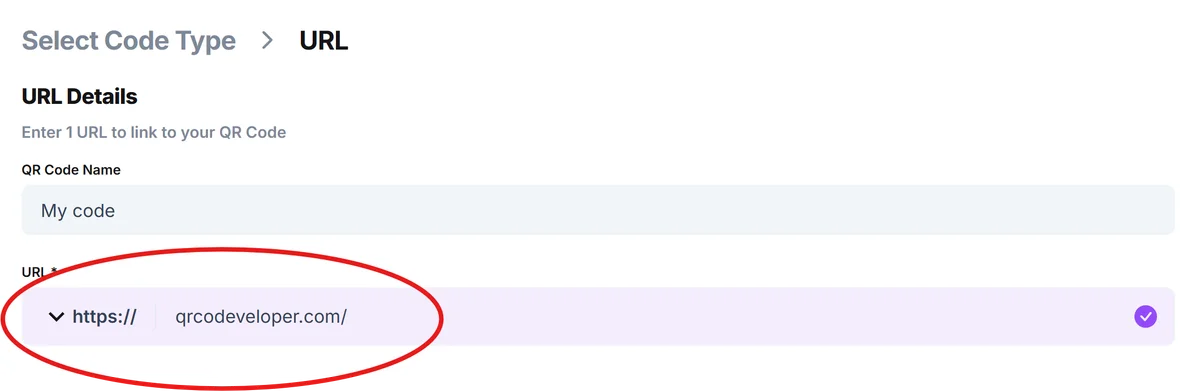
Copy your Upwork profile URL
Grab the link to your main Upwork profile, a specific portfolio item, or a targeted service page - whatever makes the strongest impression for your networking goals.
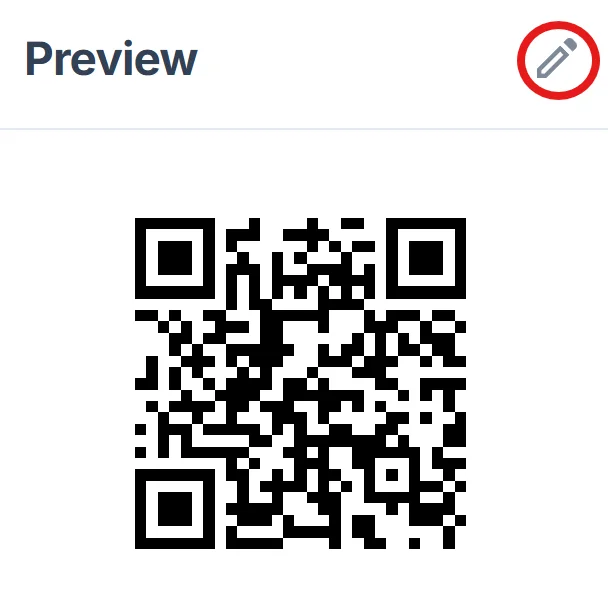
Customize for professional appeal
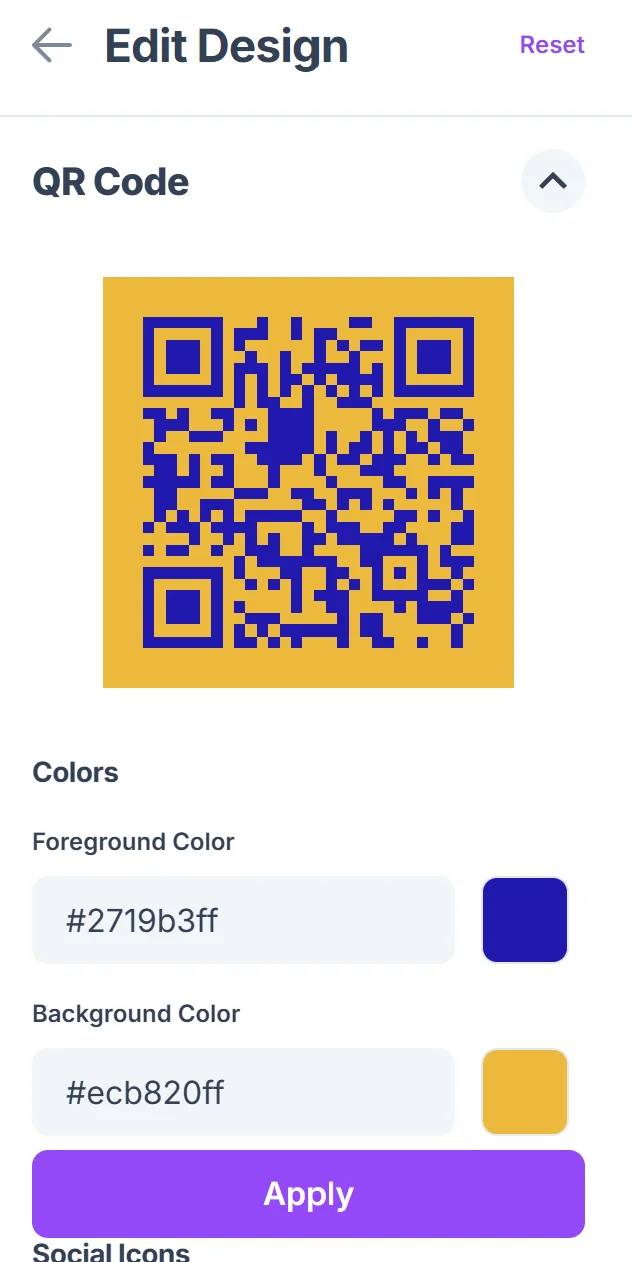
Click on the pencil icon in the Preview window to further customize your code. Choose colors that match your brand or business cards, and ensure the QR code will be large enough to scan easily in networking environments.
Test across different devices
Scan your QR code with various smartphones to confirm it loads quickly and displays your Upwork content properly on mobile devices.
Integrate into your marketing materials
Add the QR code to business cards, flyers, presentation slides, or any printed materials you use for client outreach and networking.
Maximizing QR code effectiveness for freelance marketing
Strategic placement and smart linking choices can significantly improve how potential clients discover and engage with your Upwork services. Consider exploring our QR code design tips to make your codes more visually appealing and effective.
Link to your strongest portfolio pieces rather than just your main profile - showcase your best work first to make a powerful impression on potential clients
Include a brief call-to-action next to your QR code like 'See my 5-star client reviews' or 'View recent project examples' to give people a reason to scan
Test your QR codes in different lighting conditions since networking events often have challenging lighting that can affect scanning reliability
Consider creating different QR codes for different types of networking - one for your writing portfolio, another for design work, etc. - to target your audience more effectively
Frequently Asked Questions
Can I link to specific sections of my Upwork profile?
Yes, you can link to your portfolio tab, specific project examples, or service categories. Just copy the URL of the specific page you want people to see first.
Will the QR code work if someone isn't logged into Upwork?
Absolutely. Your public Upwork profile, portfolio, and basic information are visible to anyone, whether they have an Upwork account or not.
How large should I make the QR code for business cards?
Aim for at least 0.8 inches (2cm) square on business cards. This ensures the code remains scannable even with standard business card printing quality.
Can I track how many people scan my Upwork QR code?
While basic QR codes don't include tracking, you can use URL shorteners with analytics before creating your QR code to monitor scan activity and engagement.
Is it free to create QR codes for my Upwork profile?
Yes, creating QR codes for your Upwork links is completely free. You can generate, customize, and download them without any cost or account requirements.
Related Guides
Ready to create your QR code?
Generate custom QR codes in seconds - free and easy to use.
Create Free QR Code →